



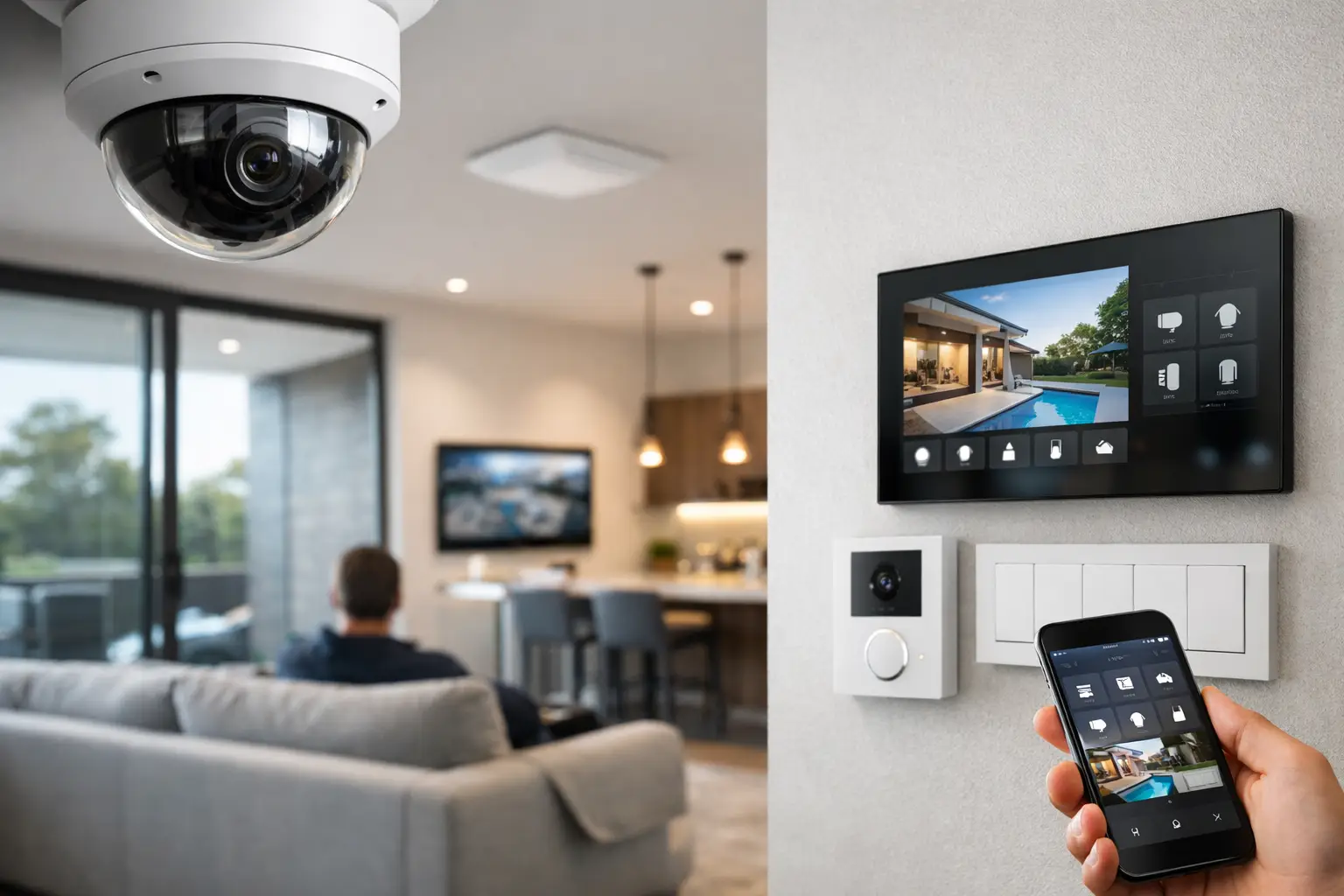
A camera that records motion is useful. A camera that also turns on pathway lighting, tags the event in your phone, locks a side gate after hours, and gives you one clear view of what happened is a different category of system. That is where CCTV integration smart home automation starts to make sense – not as a novelty, but as a practical way to make security, lighting, networking, and control work together.
For property owners, builders, and business operators, the real question is not whether cameras can be connected. Most can. The question is whether the broader system has been designed so those connections are reliable, secure, and worth using every day. That depends on infrastructure, platform compatibility, and how the site actually operates.
What CCTV integration smart home automation should actually do
Good integration reduces friction. Instead of opening one app for cameras, another for alarms, and another for lighting, the user gets a coordinated system with clear triggers, sensible notifications, and predictable behavior.
In a residential setting, that might mean a driveway camera triggering exterior lights after sunset, a gate intercom opening a live camera view, or a night mode routine that arms the alarm, confirms the garage door status, and adjusts selected lighting scenes. In a commercial setting, integration is often more operational. A camera event can be tied to access control, an intercom call can surface the correct video stream, and after-hours movement can trigger a more meaningful response than a simple push alert.
The value is not in connecting everything for the sake of it. It is in making systems designed to work as one, so the property is easier to manage and incidents are easier to verify.
Why standalone devices usually fall short
Many properties already have some combination of cameras, smart lighting, Wi-Fi devices, and app-based control. The weakness is usually not the hardware itself. It is the fact that each part was added separately, often by different trades, with little thought given to power, network design, cable paths, user permissions, or future expansion.
That leads to familiar problems. Camera streams drop when the Wi-Fi is under load. Notifications are excessive and quickly ignored. Smart locks and gates live in separate apps. Lighting automations conflict with security schedules. When a fault appears, nobody owns the whole system.
Integrated design solves that by treating CCTV as one part of a wider platform. Cameras need stable power, suitable switching, secure remote access, and enough network capacity to handle recording and mobile viewing without affecting the rest of the property. Once that foundation is in place, automations become more dependable and far more useful.
The infrastructure behind reliable CCTV integration smart home automation
The most effective automation is usually built on unglamorous decisions made early. Structured cabling, PoE switching, rack layout, VLAN planning, and Wi-Fi design matter just as much as the camera brand or app interface.
For many projects, wired IP cameras remain the best choice because they offer predictable performance and consistent recording. Platforms such as Dahua, Hikvision, Bosch, and UniFi Protect each have strengths, but none can perform well on a weak network. If the goal is to integrate CCTV with Home Assistant, Apple Home, intercoms, access control, or lighting systems, the network has to be planned as shared infrastructure rather than an afterthought.
This is also where professional electrical and low-voltage coordination matters. Power supplies, cabinet locations, UPS protection, and cable routes influence reliability. A polished app experience usually depends on very practical work behind walls and in comms cabinets.
Cameras are only one sensor in a larger system
When CCTV is integrated properly, cameras become part of a larger event model. A camera can confirm a door event, validate movement on a site perimeter, or support a gate entry workflow. It should not carry all the logic on its own.
For example, a person detection alert at a side path may be useful at 2:00 a.m. but meaningless during school pickup or deliveries. If the system also knows alarm state, lighting condition, time schedule, and access events, the automation becomes more selective. That reduces alert fatigue and makes the notifications that do reach the user more credible.
Residential use cases that are worth implementing
In higher-end homes and renovations, the best integrated outcomes are usually the quietest ones. They help daily routines without demanding constant attention.
A front door sequence is a good example. When someone presses an Akuvox intercom, the homeowner can receive the call, view the associated CCTV feed, unlock the gate or door if appropriate, and have the entry path illuminated for a fixed period. That is cleaner than juggling separate systems.
Perimeter awareness is another strong use case. Exterior cameras can work with DALI-2 or other smart lighting controls so selected zones come on when movement is detected after dark, while avoiding full-property floodlighting. With Home Assistant or Apple Home, homeowners can also build occupancy-aware routines that behave differently when the property is armed, when people are home, or when the house is in travel mode.
There is a trade-off here. More automation is not always better. If every camera event triggers lights, announcements, and push notifications, the system becomes disruptive. Good programming keeps the behavior restrained and tied to genuine intent.
Commercial and strata applications need a different logic
For offices, warehouses, healthcare, education, and strata properties, CCTV integration smart home automation is less about novelty and more about process. The system needs to support staff workflows, tenant expectations, reporting, and incident review.
A commercial entry point might combine access control credentials, intercom calling, and camera verification so staff can respond quickly to visitors or after-hours access requests. In a warehouse, camera events can help validate movement around loading areas, while lighting and after-hours schedules reduce unnecessary site activity. In strata, integrating CCTV with intercoms and controlled common-area access can make visitor management more straightforward without overcomplicating resident use.
Commercial projects also demand clearer role separation. Site managers, reception teams, residents, and service providers often need different levels of visibility. That affects platform selection, mobile access, audit trails, and how footage and control functions are segmented.
Platform choice depends on the outcome, not the brochure
There is no universal best stack. The right choice depends on whether the project prioritizes advanced automation, Apple-first control, enterprise-grade access management, AI detection, or simplified operation for non-technical users.
Home Assistant is powerful when a property needs custom logic across cameras, lighting, sensors, HVAC, and occupancy. Apple Home can be excellent for day-to-day control if the ecosystem is planned carefully and the client values a refined user experience. UniFi networking often makes sense where consistent network visibility and managed infrastructure are part of the brief. Bosch, Dahua, Hikvision, and Akuvox each fit different security and intercom requirements.
The mistake is choosing platforms in isolation. A camera line may be excellent on its own but awkward to integrate with the preferred automation and access workflow. Likewise, an attractive app means little if the recording retention, analytics, or network support are not suitable for the site.
Retrofit vs new build: the planning changes
New builds offer the cleanest path because cable routes, equipment locations, door hardware, and lighting control can be coordinated from the start. That allows for better camera placement, neater racks, and fewer compromises around coverage or power.
Retrofits can still achieve excellent results, but the design needs to be more selective. Existing wiring, finished surfaces, and legacy systems all shape what is realistic. Sometimes the smartest move is staged integration – stabilizing the network first, replacing critical camera positions, then tying in intercoms, access, and lighting control in phases.
This is where experienced integration work matters most. A good design does not force a full rip-and-replace if parts of the existing system are still viable. It looks at where the current setup is holding the property back and upgrades with a clear end state in mind.
What to ask before you integrate cameras with automation
Before any equipment is specified, it helps to clarify how the property should behave. Who needs access to live video and who does not? Which events deserve a notification? Should lighting respond to motion, alarm state, schedules, or all three? Is remote access essential, and if so, what level of security is expected?
It is also worth asking how the system will be maintained. Firmware management, camera health checks, storage monitoring, and network support are not side issues. They are part of keeping the installation dependable over time. For projects across Sydney and other complex NSW sites, that service layer often matters just as much as the initial hardware selection.
A well-integrated system should feel boring in the best way. It works consistently, presents the right information at the right time, and does not need constant workaround behavior from the people using it. That is the standard worth aiming for when CCTV becomes part of a broader automation environment.
If you are planning cameras, lighting, access, networking, or a full property technology upgrade, start with the interactions, not the devices. The clearer the operating logic, the better the final system will fit the way the site is actually used.


