



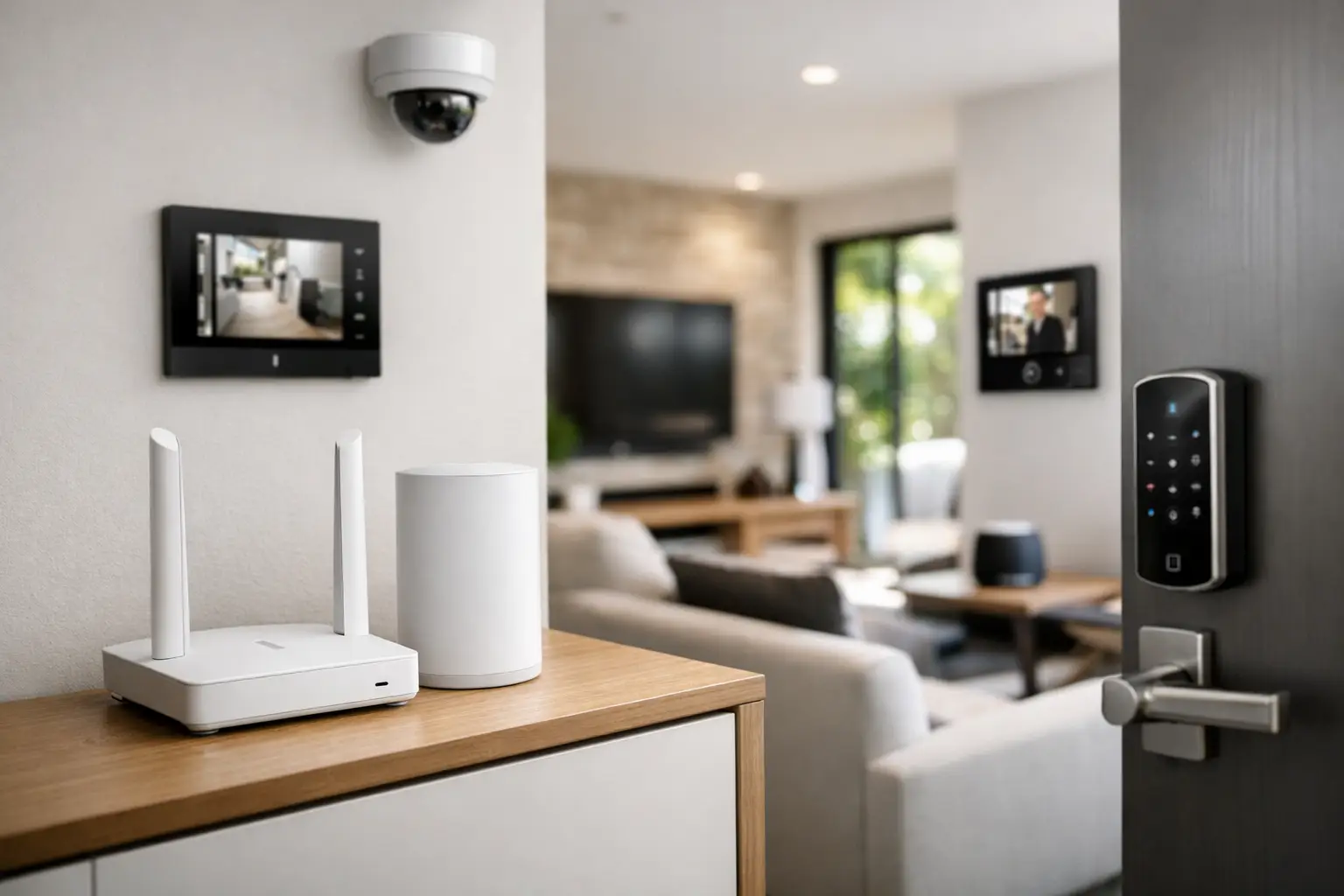
A smart home usually starts with convenience – app control, better lighting scenes, remote access, whole-home audio, cameras, and automation that saves time. But none of that works properly without secure networking for smart homes. If the network is weak, poorly segmented, or treated as an afterthought, every connected system above it becomes harder to trust.
That matters more in a professionally integrated home than in a basic gadget setup. A modern property may have UniFi Wi-Fi, PoE cameras, intercoms, alarm integration, Apple Home or Home Assistant control, smart lighting, AV distribution, remote access, and structured cabling all relying on the same underlying network. The job is not just getting devices online. The job is making sure they stay stable, protected, and manageable over time.
Why secure networking for smart homes is different
A residential smart home network has a very different risk profile from a standard home internet setup. It is no longer just phones, laptops, and a streaming box. It may include security cameras recording 24/7, door stations with remote unlock capability, alarm communications, voice assistants, lighting processors, smart TVs, amplifiers, access points, touch panels, and control hubs.
Some of these devices are security-critical. Some are bandwidth-heavy. Some need low latency. Some are perfectly safe when isolated but become a problem when placed on the same flat network as personal devices and business laptops. Treating them all the same creates avoidable issues.
This is why network design matters at the planning stage. A well-built system separates traffic types, reduces unnecessary exposure, and gives each service the environment it needs. In practice, that often means business-grade switching and routing, structured cabling instead of overreliance on wireless links, and clearly defined wireless networks for different uses.
The network is the foundation, not an accessory
One of the most common mistakes in smart-home projects is selecting cameras, lighting, access control, and automation platforms first, then trying to make them fit a basic network later. That approach usually leads to patchwork fixes – added extenders, unmanaged switches, overloaded wireless bands, and inconsistent remote access methods.
A stronger approach is to design the network as core infrastructure. That includes the router, firewall policies, switching, Wi-Fi coverage, rack layout, power protection, and cable pathways. Once that foundation is right, systems like Bosch alarms, Dahua or Hikvision CCTV, Akuvox intercoms, Apple HomeKit, Home Assistant, and DALI-2 lighting integration can operate more predictably.
The benefit is not just cybersecurity. It is reliability. Cameras stop dropping out. Mobile control responds faster. Firmware management becomes more structured. Fault finding gets easier because devices are documented and placed where they belong.
Segmentation is where security becomes practical
When people hear network security, they often think only about passwords or antivirus. In smart-property environments, segmentation is just as important. The principle is simple: not every device should be able to talk freely to every other device.
For example, surveillance cameras do not need direct access to personal laptops. Guest phones should not be on the same network as access control equipment. Smart TVs and media devices should not sit in the same unrestricted space as automation controllers or intercom infrastructure. By separating these into VLANs or dedicated network segments, you limit the blast radius if one device is compromised or misbehaves.
There is a trade-off here. Segmentation improves control, but it must be planned carefully so legitimate integrations still work. Apple Home, Home Assistant, mobile intercom answering, and third-party control platforms sometimes require specific routing, mDNS handling, or firewall exceptions. This is where experienced design matters. Over-segmenting without understanding service discovery can break the user experience. Under-segmenting makes the whole environment harder to secure.
Wi-Fi is only part of the story
Many smart-home problems are blamed on Wi-Fi when the real issue is the broader network architecture. Good wireless coverage matters, but secure networking for smart homes depends just as much on what is wired.
Permanent devices such as access points, cameras, intercoms, desktop workstations, TV locations, AV racks, and control processors should usually be hardwired wherever possible. Structured cabling reduces wireless congestion and gives critical systems more consistent performance. It also supports cleaner PoE deployment for cameras, wireless access points, and some intercom or access devices.
Wi-Fi should then serve mobile and flexible endpoints rather than carrying the entire property. With a platform such as UniFi, that may mean separate SSIDs for trusted devices, guests, and IoT equipment, mapped to the right network segments and policies. The result is not just stronger security. It is a network that behaves more predictably under load.
Remote access needs more thought than an app login
Remote access is one of the biggest reasons clients invest in connected systems. They want to view cameras while traveling, answer an intercom call from their phone, arm or disarm an alarm remotely, or adjust scenes before arriving home. Those features are valuable, but they should be enabled with care.
The safest method depends on the platform and the use case. Some systems support secure cloud-managed access with strong account protection. Others benefit from VPN-based access or tightly controlled remote management pathways. What should be avoided is exposing services to the internet with weak credentials, unnecessary port forwarding, or undocumented quick fixes added during commissioning.
This is especially relevant when multiple trades have touched the project. If the camera installer, AV contractor, electrician, and automation programmer all add their own remote access methods without a single network plan, the final result can be difficult to secure and harder to support.
Device choice affects network security
Not all smart devices are equal from a security standpoint. Some vendors maintain firmware properly, document their features clearly, and support professional deployment. Others are built for quick retail adoption and receive limited long-term attention.
That does not mean every device needs to come from one manufacturer. In fact, integrated projects often combine best-of-breed platforms. But each device added to the network should be evaluated in context. How is it managed? Does it receive updates? Can unnecessary services be disabled? Does it support local control where needed? How much trust should it have on the network?
This is one reason professionally selected platforms tend to outperform mixed consumer setups over time. They make it easier to standardize updates, define access rules, document IP addressing, and maintain the system after handover.
Secure networking for smart homes also means maintainable networking
Security is not a one-time event at installation. Homes and commercial sites change. Devices are added. Mobile apps evolve. Internet providers replace hardware. New family members, tenants, or staff need access. Firmware updates introduce both fixes and compatibility changes.
A maintainable network is one where these changes can be handled without guesswork. That usually means documented device inventories, labeled cabling, proper rack organization, known VLAN structure, reserved addressing, and clear ownership of credentials. It may sound operational rather than glamorous, but this is what keeps a smart property manageable years later.
For new builds and major renovations, this planning should happen before walls are closed and before system selections are locked in. For retrofits, the process is different but still worthwhile. Existing cabling, Wi-Fi dead zones, and legacy devices need to be assessed honestly. Sometimes the right answer is staged improvement rather than trying to modernize everything at once.
Homes, strata, and mixed-use sites need different approaches
The right level of network security depends on the property type. A detached home with integrated lighting, CCTV, and Apple Home control has different needs from a strata building with shared internet, common-area surveillance, and intercom access. A residence with a home office may also need separation between business devices and home automation systems.
This is where a one-size-fits-all approach falls short. Some projects need advanced firewall rules and multiple WAN options. Others benefit more from stronger wireless design, better cabling, and simpler user access controls. The goal is not to make every home feel like a data center. The goal is to apply the right level of structure so the technology works as one dependable system.
Alpha Security Corp approaches this from an integration perspective because networking, security, automation, and electrical infrastructure affect each other. A camera system is only as dependable as the switching and cabling behind it. Smart lighting control is more useful when remote access and local network performance are properly planned. Intercoms, access control, and mobile notifications all rely on that same base layer.
What property owners should ask before installation
If you are planning a smart-home or security project, the better questions are not just about device brands or app features. Ask how the network will be segmented. Ask which systems will be wired and which will rely on Wi-Fi. Ask how remote access will be managed, who owns administrator credentials, and how future upgrades will be handled.
Also ask what happens when something changes. If you switch internet providers, add an outbuilding, install more cameras, or bring in a new automation layer, can the network accommodate it without being rebuilt? That is the difference between a connected home that looks impressive at handover and one that remains dependable in real use.
A smart property should feel simple to live with, even when the engineering behind it is sophisticated. The best results usually come from treating the network as permanent infrastructure rather than a background utility. Get that layer right, and everything above it has a better chance of being secure, stable, and worth using every day.


