



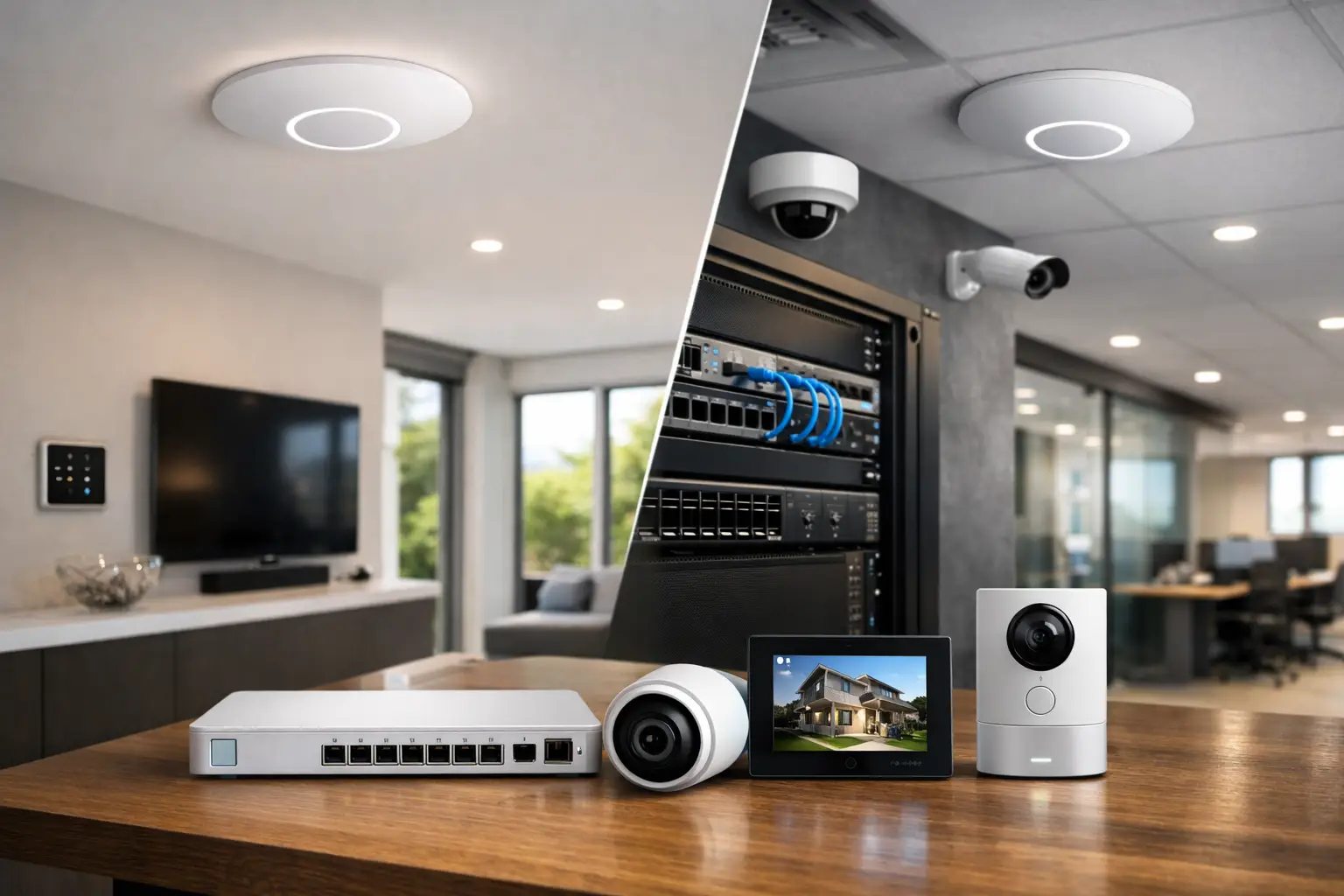
A Wi-Fi system can look excellent on paper and still underperform once it is asked to support cameras, streaming, video calls, smart lighting, access control, and dozens of always-on devices. That is where a proper unifi wifi system review becomes useful. UniFi is not just another mesh product for casual browsing. It is a broader networking platform that can be designed as part of a larger property system, and that changes how it should be judged.
For homeowners building a connected home and for businesses that rely on stable coverage across offices, retail, or mixed-use spaces, UniFi sits in a different category from entry-level consumer gear. The value is not only in raw wireless speed. It is in management, scalability, visibility, and how well the network supports everything else attached to it.
UniFi WiFi system review: what makes it different
UniFi, part of the Ubiquiti ecosystem, is built around access points, switching, routing, and centralized management. In practical terms, that means the Wi-Fi is only one part of the design. A strong UniFi deployment usually includes properly selected access points, Power over Ethernet switching, structured cabling, and a controller running on a Cloud Gateway, Dream Machine, or hosted setup.
That matters because Wi-Fi problems are rarely just Wi-Fi problems. Poor roaming can come from bad access point placement. Dropouts can come from overloaded consumer routers. Smart home issues can come from weak DHCP handling or poor VLAN design. UniFi addresses these broader infrastructure issues better than most retail systems because it is designed as a platform, not a single boxed product.
The trade-off is straightforward. UniFi gives you more control and better long-term flexibility, but it also benefits from proper planning. If someone wants the fastest possible plug-and-play setup with minimal thought, UniFi can feel more involved than a basic consumer mesh kit.
Performance in real properties
In day-to-day use, UniFi performs best when it is installed like a professional system rather than treated like a quick retail upgrade. Hardwired access points mounted in the right locations will almost always outperform wireless mesh nodes sitting on shelves. That difference becomes obvious in larger homes, concrete-heavy construction, multi-level properties, and commercial sites with high device density.
When designed well, UniFi delivers strong roaming between access points, stable video conferencing, low-latency connections for voice and automation traffic, and enough consistency for bandwidth-heavy environments. This is especially relevant in homes running Apple Home, Home Assistant, CCTV, intercoms, and multiroom AV. Those systems do not just need speed. They need predictable network behavior.
For commercial environments, UniFi handles higher client counts better than typical consumer equipment. Offices, clinics, retail spaces, and warehouses often need coverage that remains stable through business hours, not just a high speed test result at 10 feet from the router. UniFi generally does well here, particularly when access point density and channel planning are handled properly.
That said, model selection matters. A compact access point suited to an apartment will not deliver the same result in a large custom home or open-plan office. One of the common mistakes in UniFi projects is under-specifying hardware because the brand is strong. The platform is capable, but the design still has to match the site.
Setup and management
This is where UniFi separates itself from simpler Wi-Fi systems. The management interface gives much more visibility into clients, signal strength, traffic, interference, and network topology than most consumer products. For a property owner or business manager, that can be valuable because issues are easier to identify and resolve. For an integrator, it is one of the platform’s main advantages.
The controller experience is generally polished, but not every advanced setting needs to be changed. In fact, one reason some UniFi installations become unstable is over-configuration. There is a temptation to tune every option, create multiple SSIDs, adjust minimum RSSI settings, and apply features that are not necessary. A restrained, well-planned setup is usually the better result.
For larger homes and businesses, centralized management is a major benefit. Firmware updates, access point health, guest control, VLAN segmentation, and user policies can all be managed from one place. If the network also supports security cameras, intercoms, automation hubs, or access control, that visibility becomes even more important.
Where UniFi works especially well
UniFi is a strong fit for custom homes, renovations, new builds, and business environments where networking needs to support more than laptops and phones. If a property includes CCTV, VoIP, smart locks, intercoms, music streaming zones, lighting control, and remote access services, the network should be treated as core infrastructure. UniFi suits that approach well.
It also works well in phased projects. A homeowner might start with switching, routing, and Wi-Fi, then later add cameras, door access, or automation. A business might begin with wireless coverage and guest access, then expand into surveillance or segmented networks for staff and operations. UniFi allows that type of staged growth without forcing a full platform replacement.
This is one reason it is often chosen in integrated projects rather than one-off gadget upgrades. When systems are designed to work as one, the network cannot be an afterthought.
The main drawbacks in this UniFi WiFi system review
UniFi is not perfect, and a credible review should be clear about that.
First, the learning curve is real. While the interface is better than many enterprise platforms, it still assumes a level of networking awareness beyond what most consumer systems require. Terms like VLANs, PoE budgets, channel width, and roaming optimization are not difficult for professionals, but they are not casual-user concepts either.
Second, not every feature should be trusted just because it exists. Some advanced settings can improve a deployment, while others can create unnecessary instability if applied without a reason. UniFi rewards experience. It can punish guesswork.
Third, stock availability and product lifecycle changes can sometimes complicate planning. Ubiquiti moves quickly, and while that often means access to newer hardware, it can also mean installers and clients need to pay attention to model revisions and suitability.
Finally, UniFi is best when supported by proper cabling and switching. If the goal is to avoid any infrastructure work and rely entirely on wireless backhaul, the outcome may still be decent, but it will not represent the platform at its best. In many properties, the right answer is not just better access points. It is better cabling, better placement, and cleaner network design.
Is UniFi better than consumer mesh?
Often, yes, but the answer depends on what the property actually needs.
For a small apartment with modest device counts, a premium consumer mesh system may be easier and perfectly adequate. UniFi becomes easier to justify as the environment grows more demanding. Larger homes, multi-story layouts, dense wall construction, detached structures, and commercial spaces all push past the point where simple mesh solutions remain ideal.
UniFi also has a clear advantage when network segmentation matters. A home may need separate networks for family devices, guests, IoT devices, and surveillance. A business may need isolation between staff systems, point-of-sale devices, tenant services, and guest Wi-Fi. UniFi handles that much more gracefully than most all-in-one consumer platforms.
That does not mean every site needs enterprise-style complexity. It means the network should match the operational risk. If a Wi-Fi issue only interrupts casual browsing, the stakes are low. If it affects cameras, access control, alarms, or business workflows, reliability matters differently.
Who should choose UniFi
UniFi is a strong choice for people who want a network that can be designed properly, managed clearly, and expanded over time. That includes homeowners planning premium smart homes, builders delivering connected new builds, strata environments needing cleaner shared infrastructure, and businesses that cannot afford inconsistent wireless performance.
It is especially well suited to projects where Wi-Fi is tied to broader systems rather than treated as a standalone product. In those cases, the network becomes part of the security, automation, and operational framework of the property.
For clients across residential and commercial projects, Alpha Security Corp typically sees the best UniFi results where the design starts with the full system in mind – access point locations, rack space, structured cabling, switching, security segmentation, and future expansion. That is a very different mindset from buying a router after problems appear.
Final verdict
If this unifi wifi system review is judged on speed alone, it misses the point. UniFi stands out because it gives you a more capable network foundation for real properties with real demands. It performs well, scales well, and integrates well, provided the design is sound.
The best reason to choose UniFi is not that it feels more advanced. It is that a dependable network makes every connected system on the property work better. When Wi-Fi is treated as infrastructure instead of an accessory, the whole building benefits.


