A fast internet plan does not fix a poorly designed network. In most homes and commercial sites, the real issue is layout, cabling, access point placement, switching capacity, and how the network supports everything else on site. That is why a proper ubiquiti network setup sydney property owners invest in should start with design, not hardware boxes.
Ubiquiti, through the UniFi platform, is a strong fit for projects that need stable Wi-Fi, clean management, VLAN support, remote visibility, and room to grow. But the difference between a network that simply turns on and one that actually supports CCTV, intercoms, access control, AV, and smart automation every day comes down to planning.
What a proper Ubiquiti network setup in Sydney should actually solve
A network should do more than provide internet access. In a modern property, it becomes the transport layer for security cameras, VoIP, intercoms, smart lighting gateways, Apple Home integration, Home Assistant, audio streaming, office devices, and guest access. If the network is unstable, every connected system starts to feel unreliable.
That matters even more in larger homes, multi-story renovations, offices, warehouses, retail sites, and strata environments where coverage has to be consistent across walls, floors, outdoor areas, and service spaces. A UniFi deployment can handle that well, but only when the design reflects the building and the way the site is used.
For example, a family home may need strong roaming between indoor and outdoor access points, clean segmentation for staff or guest devices, and enough switching for cameras, door stations, and media racks. A commercial site may need separate networks for operations, guests, access control, and surveillance, plus rack-mounted switching and structured patching that can be maintained over time. Same platform, different design logic.
Why UniFi works well for integrated properties
UniFi is often chosen because it sits in a useful middle ground. It offers centralized management, commercial-grade features, and a cleaner user experience than many enterprise platforms, without forcing every project into an overly complex support model. That makes it well suited to high-performance homes and many business environments.
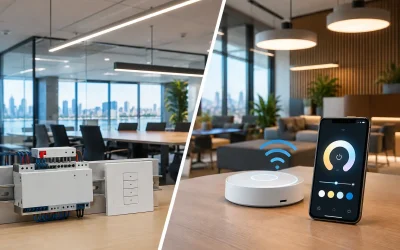
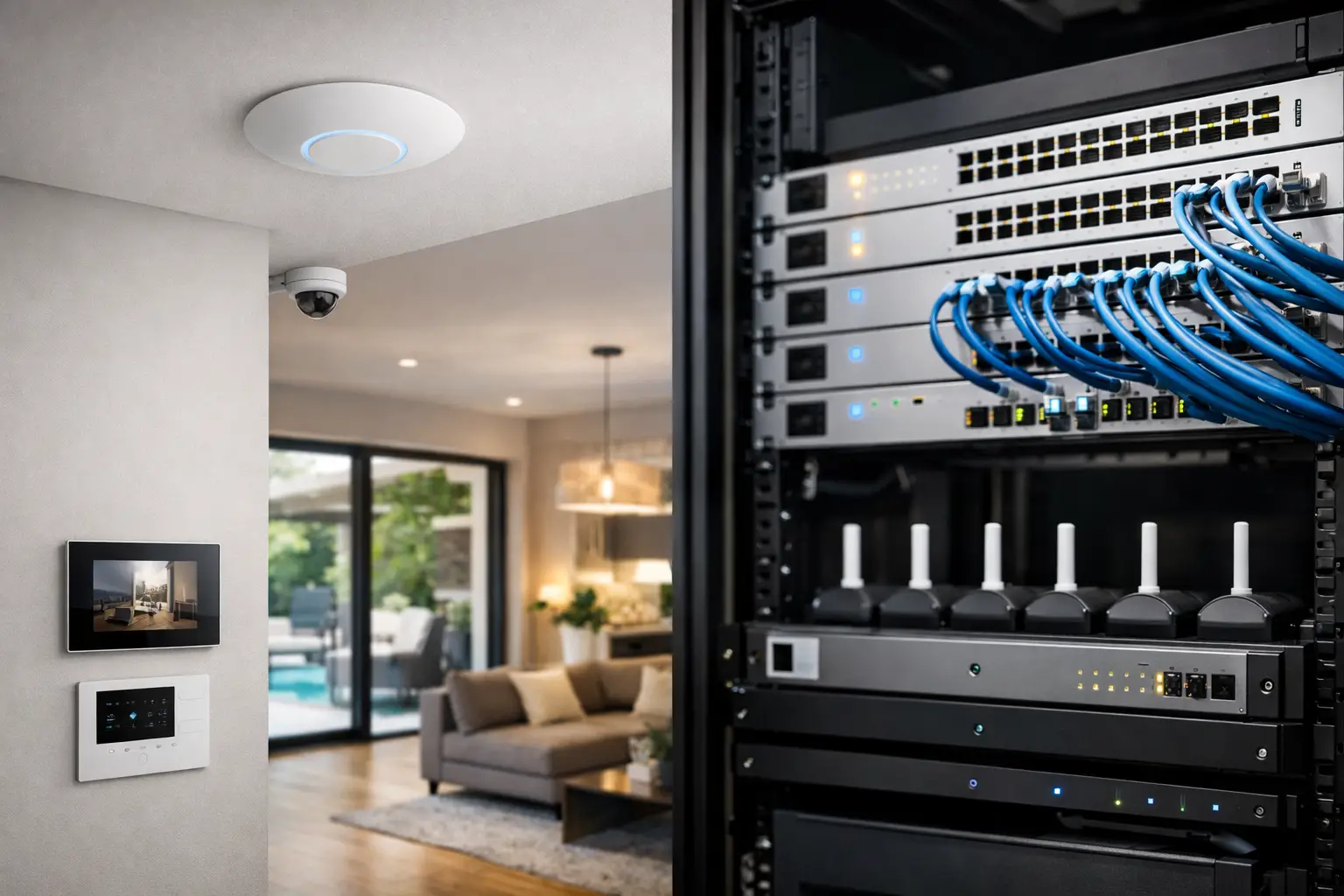
The value is not just in the access points. A well-built UniFi system can include gateways, managed PoE switches, wireless access points, controller management, cameras, door access, and structured network visibility in one ecosystem. That does not mean every property should use every Ubiquiti product. It means there is a practical advantage when the core network is designed as part of a wider connected system.
This is where many installations go wrong. Someone adds a few access points, leaves the switching undersized, mixes in unmanaged devices, ignores cable runs, and treats surveillance traffic the same as guest Wi-Fi. The system may appear acceptable at handover, but under real use it becomes inconsistent. Video drops, roaming is poor, wireless congestion builds up, and fault finding becomes slower than it should be.
The design phase matters more than the hardware list
When planning a ubiquiti network setup sydney homes or businesses can rely on, the first question is not which access point model to buy. The first question is what the network needs to carry now and in the future.
That includes internet service type, floorplan, wall materials, rack location, patching routes, PoE requirements, camera count, intercoms, AV endpoints, smart home controllers, office devices, printers, and outdoor coverage. It also includes less obvious details such as whether a detached garage needs a hardwired uplink, whether a gate intercom will share network infrastructure, and whether remote support is expected after handover.
Wi-Fi design is especially sensitive to the physical building. Concrete, foil-backed insulation, stone finishes, mirror wardrobes, and long narrow floorplans can all affect signal behavior. More access points are not always the answer. Bad placement can cause overlap, sticky clients, and unnecessary interference. Good design aims for coverage, capacity, and predictable roaming rather than headline signal strength alone.
Switching also deserves careful attention. If cameras, wireless access points, intercoms, and touch panels all depend on PoE, the switch budget and power headroom have to be correct. It is a common mistake to focus on port count without checking total PoE draw, uplink requirements, or future expansion.
Cabling is where network performance becomes real
Even the best UniFi hardware cannot compensate for weak infrastructure. Structured cabling should be planned with the same discipline as the active equipment. That means sensible rack layout, labeled patch panels, tested cable runs, correct termination, and enough outlets in the right places.
For residential projects, that may include dedicated runs to TVs, desk locations, wireless access point positions, camera points, intercoms, alarm interfaces, and automation hubs. For commercial sites, it often extends to workstations, printers, AP grids, security devices, POS areas, boardrooms, and failover equipment.
A network with proper cabling is easier to troubleshoot, easier to expand, and far less likely to become a patchwork of injectors, temporary switches, and ad hoc extensions. It also supports cleaner integration with systems such as Dahua or Hikvision CCTV, Akuvox intercoms, Bosch alarm communications, and smart control platforms that depend on stable IP infrastructure.
Security, segmentation, and reliability are part of setup
A professional UniFi deployment is not just about getting devices online. It should include sensible segmentation and policy decisions. Guest devices should not sit on the same network as cameras or automation controllers. Office users may need different access than warehouse devices. A smart home may need separate treatment for family devices, IoT hardware, and service access.
VLANs, firewall rules, remote management settings, VPN requirements, and alerting all need to be considered in context. The right setup depends on who uses the site, what systems are installed, and how much remote support or visibility is required.
There are always trade-offs. A highly segmented network can improve control and reduce risk, but it also needs to be implemented carefully so that intercom apps, media systems, printer discovery, or automation integrations still work as expected. Good configuration is not about making the setup more complicated. It is about making it reliable without creating friction in daily use.
Residential and commercial installs are not the same job
It is easy to talk about networking as one category, but project goals vary a lot.
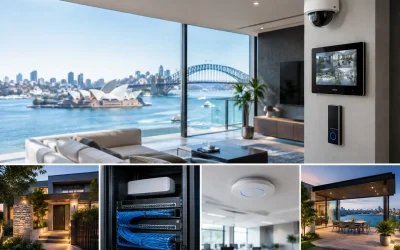
In a custom home or renovation, the network often has to support more than laptops and phones. It may underpin Apple Home, Home Assistant, DALI-2 lighting gateways, smart TVs, distributed audio, CCTV, alarm notifications, and remote access for service technicians. The client usually wants strong coverage, clean rack presentation, and systems that feel simple from the user side.
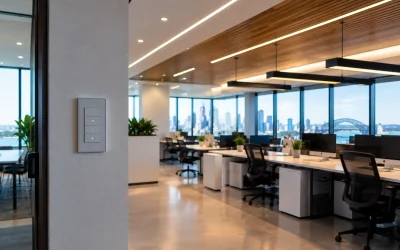
In commercial environments, uptime, documentation, and operational separation become more important. Guest Wi-Fi policies, device density, reporting, redundancy options, and serviceability all matter more. A retail tenancy, medical clinic, school, warehouse, or strata common area each has different priorities, even when UniFi remains the core platform.
That is why a one-size-fits-all package rarely ages well. The best results come from matching the network design to the building, occupancy, and connected systems from day one.
When Ubiquiti is the right choice, and when it depends
UniFi is a very strong choice for many integrated projects, but it is not a religion. There are sites where enterprise requirements, compliance frameworks, or very specialized wireless demands point toward another platform. There are also smaller properties where the right UniFi setup is quite straightforward and does not need overengineering.
What matters is fit. If the property needs stable Wi-Fi, managed switching, PoE distribution, remote visibility, and support for connected security and automation systems, UniFi often makes excellent sense. If the project calls for broader system integration and clear long-term support, the design and installation partner matters just as much as the brand on the box.
That is where Alpha Security Corp approaches networking differently. The network is not treated as a standalone utility. It is designed as the foundation for CCTV, access control, intercoms, electrical infrastructure, AV, and automation so the whole environment works as one practical system.
A good network should disappear into the background. You should notice that cameras stay online, calls come through, roaming feels natural, and the control systems respond when you need them. If your property depends on connected technology, that quiet reliability is usually the clearest sign the setup was done properly.