



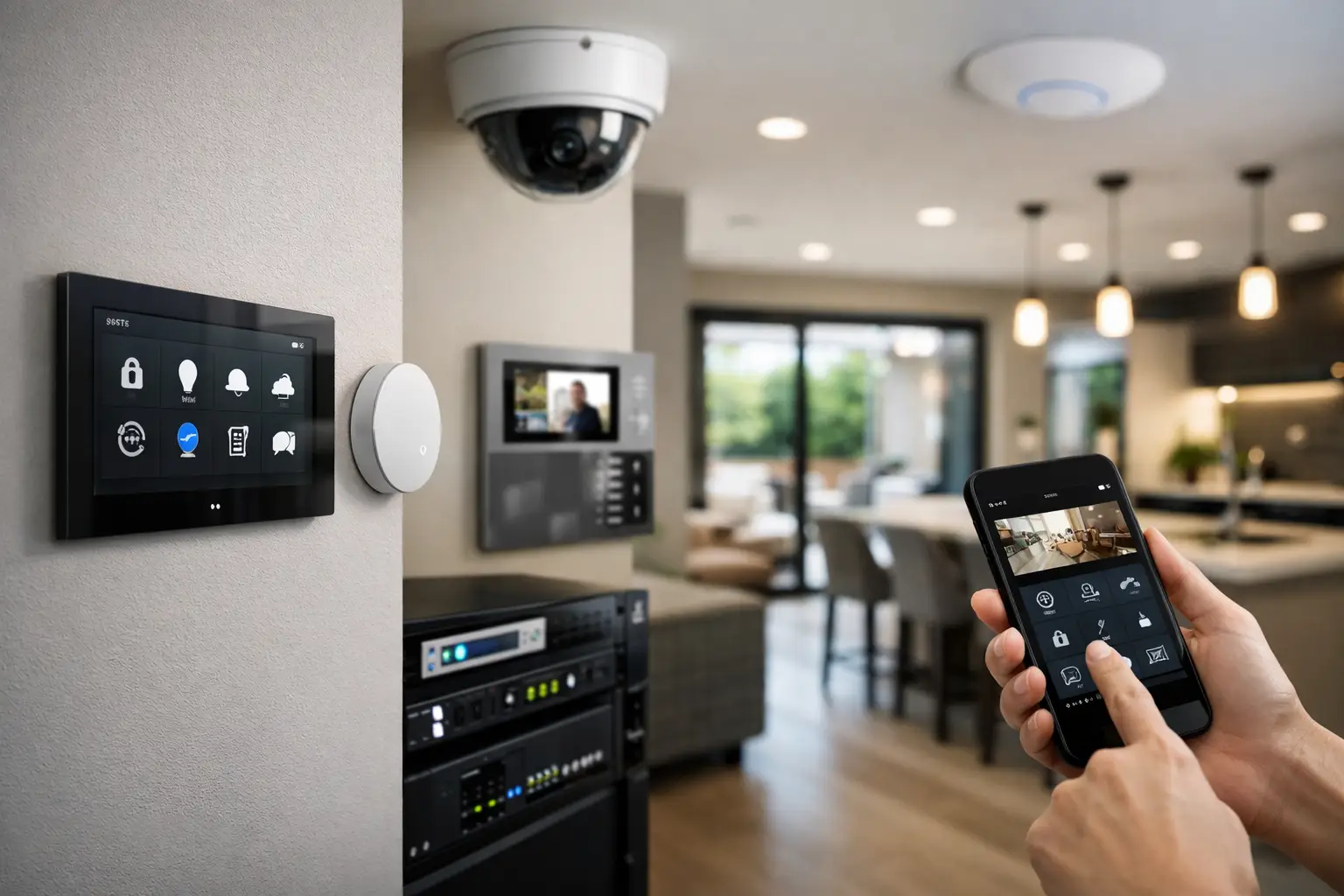
A well-planned retrofit smart home project example does not begin with a wall full of touchscreens or a collection of disconnected devices. It begins with the reality of an existing home: finished walls, limited cable pathways, uneven Wi-Fi coverage, legacy electrical circuits, and owners who want better control without turning a renovation into a technology experiment.
Consider a two-story family home undergoing a staged renovation. The owners wanted stronger security, dependable Wi-Fi for work and streaming, smarter lighting in key spaces, and simple control through Apple Home and Home Assistant. They also wanted the system to remain useful if they renovated the kitchen or added a pool area later. The brief was not to make every device “smart.” It was to make the home easier to live in and easier to manage.
The property brief: improve the home without starting over
The home already had an alarm panel, a few aging cameras, standard switched lighting, and a consumer-grade wireless network. None of these systems were failing completely, but they were isolated. Camera footage was inconvenient to review, Wi-Fi dropped out at the far end of the house, and exterior lights were often left on overnight because there was no practical way to automate them.
The owners had three priorities. First, they wanted security that could be checked quickly from a phone without relying on multiple apps. Second, they wanted lighting scenes that suited daily routines rather than novelty voice commands. Third, they needed network infrastructure capable of supporting cameras, smart devices, remote work, and future AV equipment.
A retrofit is different from a new build because access is constrained. There is rarely a perfect route for every cable, and replacing every light circuit may be unnecessary. The design therefore focused on high-value improvements, using existing pathways where practical and reserving more invasive electrical work for areas already being renovated.
Retrofit smart home project example: start with infrastructure
The most valuable work happened before automation rules were programmed. A reliable smart property needs a stable foundation, especially when security cameras, access devices, lighting controls, and mobile apps all depend on the same network.
A structured network instead of stronger Wi-Fi alone
The existing router was replaced with a UniFi network designed around wired backhaul, centrally managed switching, and correctly positioned wireless access points. Ethernet cabling was run to the home office, television location, equipment cabinet, and camera positions. Where walls were already open for renovation, additional conduit was installed for future cable runs.
This approach mattered more than selecting the latest wireless device. Cameras and access points perform best when they have stable wired connections and Power over Ethernet. It also reduces the number of plug-in power supplies around the home and makes future maintenance more straightforward.
Network segmentation was included in the design. Security devices, automation controllers, and general household devices were separated logically while retaining the communication paths required for Apple Home and Home Assistant. That balance is important. Excessive isolation can prevent devices from working together, while an unplanned flat network can make troubleshooting and security management harder.
Security designed as part of the system
The project retained the alarm concept but modernized the perimeter strategy. Dahua or Hikvision AI-enabled cameras were positioned to cover the driveway, entry path, side access, and rear yard, with views selected for identification rather than simply broad coverage. Camera analytics were configured to distinguish people and vehicles from routine motion such as trees, pets, or passing headlights.
At the front entry, an Akuvox intercom provided video calling and controlled access capability. The owners could see a visitor, speak with them, and release the gate where appropriate. The intercom was not treated as a stand-alone doorbell. It became part of the security and network design, with dependable power, a managed connection, and a defined pathway for notifications.
The key operational choice was to use events selectively. A person detected at the front gate after dark could trigger a notification, record a marked event, and raise the entry lighting level. A vehicle passing on the street would not. Useful security automation reduces unnecessary alerts. It does not ask occupants to respond to their home all day.
Lighting that responds to routines, not gimmicks
The owners did not need every lamp or decorative fitting connected to an app. They needed dependable control in the areas that shaped how the home operated: entry, hallway, kitchen, living room, exterior paths, and master bedroom.
In renovated zones, the electrical design allowed for smart lighting control with DALI-2 and Zen Control where it made sense. This provided scene-based lighting with conventional wall controls that still worked if the automation platform was unavailable. That is an essential retrofit principle: smart control should add convenience, not remove basic usability.
For example, the “Arrive Home” scene was designed around a real sequence. When the gate was opened in the evening, path lighting and the entry light came on at a comfortable level. If the home was unoccupied, selected interior lights could also activate briefly to create a safer arrival. After a set period, exterior lights returned to their normal schedule rather than remaining at full brightness all night.
The kitchen and living area used scenes for cooking, entertaining, evening relaxation, and cleaning. These were available from physical keypads, Apple Home, and a simple Home Assistant dashboard. Voice control was available, but it was never the only control method. A wall switch remains faster when carrying groceries, and it remains familiar to every guest in the house.
Bringing Apple Home and Home Assistant together
Apple Home was chosen as the primary everyday interface because the household already used iPhones and preferred a familiar, low-friction experience. Home Assistant was added as the integration layer for more advanced logic, selected device support, monitoring, and future expansion.
This combination gave the owners a practical division of roles. Apple Home handled straightforward room control, scenes, and household access. Home Assistant coordinated deeper automations, such as checking whether the alarm was armed before enabling an away mode, responding to camera events, and monitoring network-connected equipment.
Not every automation was activated on day one. The system was commissioned in stages, beginning with lighting scenes, security notifications, and network performance. After the family lived with those functions, additional rules were added based on actual behavior. For instance, a late-night hallway scene was adjusted to use low-level lighting only, after the original setting proved too bright for sleeping children.
That commissioning period is where professional integration differs from installing devices and leaving. The best automation settings are rarely guessed perfectly from a floor plan. They are refined around the people using the property.
What changed in daily use
The result was not a home that constantly announced its intelligence. It was a home with fewer small friction points.
The family had reliable coverage for video calls and streaming throughout the house. They could review a meaningful camera event without searching through hours of footage. Visitors could be verified at the gate, and exterior lighting responded appropriately to arrival and time of day. At night, a single bedside control could turn off common-area lights, confirm the security status, and set the home to its preferred evening mode.
Just as importantly, the system remained understandable. If a family member wanted a light on, they used a wall control. If an internet service interruption occurred, core local controls continued to work. If a device needed attention, the network and automation platforms provided a clearer path to diagnosis than a collection of isolated consumer apps.
The trade-offs in a real retrofit
A retrofit does require decisions. Wireless devices can reduce wall disruption, but they are not always the right choice for cameras, access points, intercoms, or critical fixed controls. Wired infrastructure costs more upfront when access is difficult, yet it can prevent recurring reliability issues and provide a clearer upgrade path.
Similarly, full smart lighting control across every room may not be justified. In this project, the budget was directed toward circulation areas, key living spaces, security lighting, and zones under renovation. Bedrooms with simple use patterns retained conventional switching where that suited the owners. Integration should follow how a property is used, not a checklist of available features.
Platform choice also depends on the household. Apple Home is highly intuitive for Apple-focused families, while Home Assistant offers substantial flexibility for tailored automation. A professionally designed system can use both, but only when the support, security, and long-term ownership model are clear.
Planning a retrofit that can grow with the property
For homeowners renovating in stages, the most useful question is not, “Which smart device should we add first?” It is, “What infrastructure and control approach will still make sense in five years?”
At Alpha Security Corp, that means assessing electrical access, structured cabling opportunities, Wi-Fi coverage, security requirements, and the preferred control platform as one connected design. A thoughtful retrofit can begin with the rooms causing the most daily frustration, while leaving the right pathways for future lighting, AV, access control, and automation expansion. The home does not need to become a showroom. It needs to become more dependable every time someone walks through the door.


