



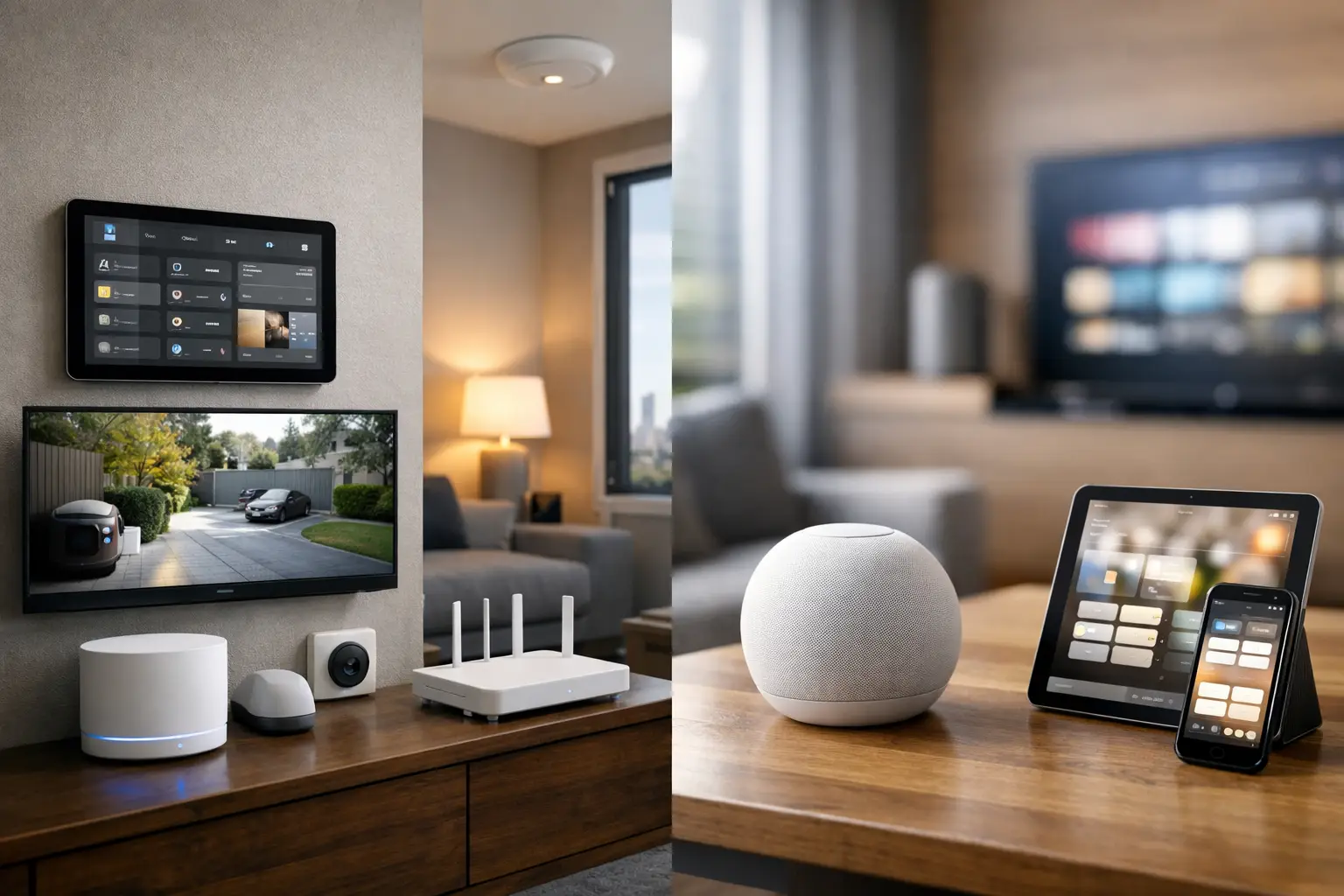
If you are weighing home assistant vs apple home, the real question is not which platform has more features on paper. It is which one fits the way your property is built, how much control you want, and how important long-term integration is across lighting, security, AV, networking, and daily routines.
For some homes, Apple Home is exactly the right answer. It is polished, familiar, and easy for the household to use. For others, Home Assistant is the better fit because it can bring together systems that Apple Home simply cannot handle at the same depth. The difference matters most when you stop thinking about individual devices and start thinking about the property as one connected environment.
Home Assistant vs Apple Home: the core difference
Apple Home is designed around simplicity. If your household already uses iPhones, Apple TVs, HomePods, and HomeKit-compatible accessories, the experience is clean and accessible. Adding devices is generally straightforward, voice control through Siri is built in, and remote access is simple once the Apple ecosystem is in place.
Home Assistant is designed around control and flexibility. It can integrate with a far broader range of systems, from lighting control and energy monitoring to alarm panels, cameras, intercoms, access control, and network-aware automation. That broader capability comes with more complexity, but it also creates possibilities that are difficult or impossible to achieve inside Apple Home alone.
That is why this comparison is less about which app looks better and more about the type of property you are trying to run. A compact apartment with a handful of smart accessories has very different requirements from a custom home, a renovation, or a commercial site with layered systems.
Where Apple Home makes sense
Apple Home works best when the priority is a smooth user experience for the people living in the space. The interface is familiar, the device control is easy to understand, and scenes are simple to trigger from an iPhone, iPad, Apple Watch, HomePod, or Siri.
For many households, that matters more than advanced logic. If all you need is reliable control of lighting, climate, door locks, garage access, and a few sensors, Apple Home can feel refreshingly straightforward. It also appeals to clients who value privacy and want a platform that is tightly managed rather than endlessly customized.
Another advantage is household adoption. A smart home only works well if everyone actually uses it. Apple Home tends to reduce friction because the controls are approachable and consistent across devices. In family homes, that simplicity can be more valuable than having dozens of advanced automation options that nobody wants to manage.
The trade-off is that Apple Home is selective. It works best with products that support HomeKit or Matter properly, and even then, the exposed features are not always as deep as the underlying hardware can support. A device may appear in Apple Home, but only with basic controls rather than the full range of settings, conditions, or event triggers available elsewhere.
Where Home Assistant stands out
Home Assistant is the stronger platform when the property needs more than consumer-level convenience. It is particularly effective when you want different systems to work together across brands and protocols without being limited by one vendor’s ecosystem.
This is where integrated design starts to matter. A professionally planned system might include CCTV, alarm integration, intercom, smart lighting, motorized shades, HVAC control, occupancy logic, energy data, and a properly engineered network. Home Assistant can act as the orchestration layer between these elements, allowing events in one system to trigger actions in another.
For example, you can build rules where an access event changes lighting states, where a gate or intercom action triggers camera views, or where occupancy and time-of-day logic drive different behaviors in different zones. These are not novelty automations. In the right property, they improve usability, security awareness, and operational consistency.
Home Assistant also gives more visibility into what the system is doing. Dashboards can be tailored, automation logic can be granular, and integrations can reach into platforms that were never intended to sit neatly inside a consumer app. For technically involved homeowners, builders, and property decision-makers, that level of control is often the main attraction.
The obvious trade-off is that flexibility increases design responsibility. Home Assistant can be exceptionally capable, but it performs best when the automation, networking, electrical infrastructure, and device selection are planned properly from the start.
Reliability is not just about the app
One mistake people make in the home assistant vs apple home discussion is treating the platform as if it alone determines reliability. In practice, reliability comes from the whole stack.
The network matters. Structured cabling matters. Wi-Fi design matters. Device selection matters. The way lighting circuits are wired matters. The quality of the hub hardware matters. Even the logic behind automations matters, because a badly designed rule set can make any system feel unstable.
Apple Home often feels reliable because it is narrow in scope and tightly controlled. That is a valid strength. Home Assistant can be equally dependable, but only when it is built on solid infrastructure and configured with discipline. In larger properties, the platform should not be treated as a gadget layer placed on top of a weak foundation.
This is especially true in projects where security, access, lighting, and AV need to work together. A polished app cannot compensate for poor system design.
Home Assistant vs Apple Home for security and integrated systems
This is where the gap becomes more obvious. Apple Home is good for residential smart-home control, but it is not a full integration platform for complex security and building systems. It can represent selected devices neatly, yet it is not intended to become the control brain for a site with multiple specialist subsystems.
Home Assistant is better suited when you want broader awareness across the property. That could include linking cameras with occupancy logic, bringing intercom events into automation flows, coordinating smart lighting with alarm states, or exposing useful system status on a wall-mounted dashboard.
For clients investing in Bosch alarms, Dahua or Hikvision CCTV, Akuvox intercoms, UniFi networking, DALI-2 lighting, or other serious infrastructure, the question is often not whether Apple Home is good. It is whether it is enough. In many integrated projects, it is best used as one user-facing layer rather than the only automation platform.
That hybrid approach is often the most practical. Home Assistant can handle deeper logic and wider integration in the background, while Apple Home provides clean control for the household on iPhones and Siri-enabled devices. When designed properly, you do not always have to choose one and exclude the other.
Which platform is better for new builds and renovations?
In new builds and major renovations, Home Assistant usually becomes more compelling because the property can be planned around a broader automation strategy. Lighting control, cabling, rack layout, wireless coverage, and subsystem compatibility can all be aligned early. That creates room for a more capable system that still remains usable day to day.
In retrofit settings, Apple Home may be the more practical option if the goal is limited disruption and a cleaner path to user-friendly control. But even in retrofits, Home Assistant can be the stronger choice where the existing property already has multiple systems that need to be brought together.
The deciding factor is less about age of the building and more about the integration brief. If the project is really about unifying the property, Home Assistant tends to offer more headroom.
Who should choose Apple Home
Apple Home is a strong fit for homeowners who want simplicity, privacy, and a familiar interface, especially if the household already lives in the Apple ecosystem. It works well when the system scope is moderate and the priority is easy daily use rather than highly customized automation logic.
It is also a good front-end layer for clients who want premium smart-home control without exposing the complexity underneath.
Who should choose Home Assistant
Home Assistant is a better fit for clients who want broader integration, deeper automation, and long-term flexibility across lighting, security, energy, AV, and networking. It suits larger homes, complex renovations, and projects where different subsystems need to operate as one coordinated environment.
It is also better for people who care about what happens behind the interface, not just what appears on the screen.
The right answer is often not either-or
For many professionally designed projects, the best result is not a platform debate at all. It is a layered system where Home Assistant handles deeper integration and Apple Home delivers a familiar user experience for the household.
That approach respects the strengths of both platforms. Apple Home gives you approachable control. Home Assistant gives you integration depth. Together, they can support a property that feels simple to use without being simple underneath.
If you are planning a smart home, security upgrade, or renovation, choose the platform the way you would choose wiring, lighting control, or network hardware – based on the whole property, not just the app icon. The smartest system is the one that fits the building, supports the people using it, and stays dependable long after the novelty wears off.


