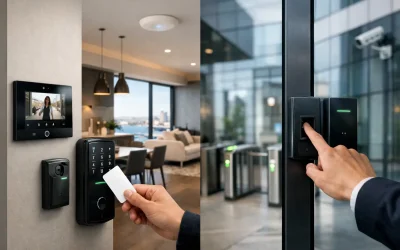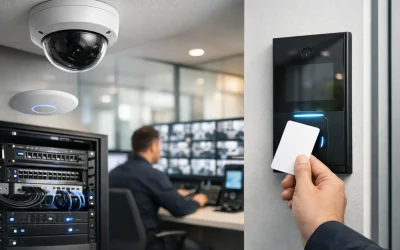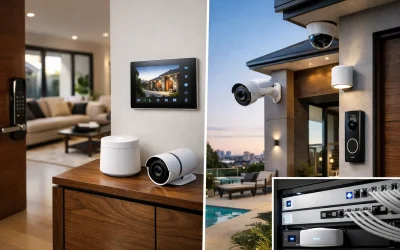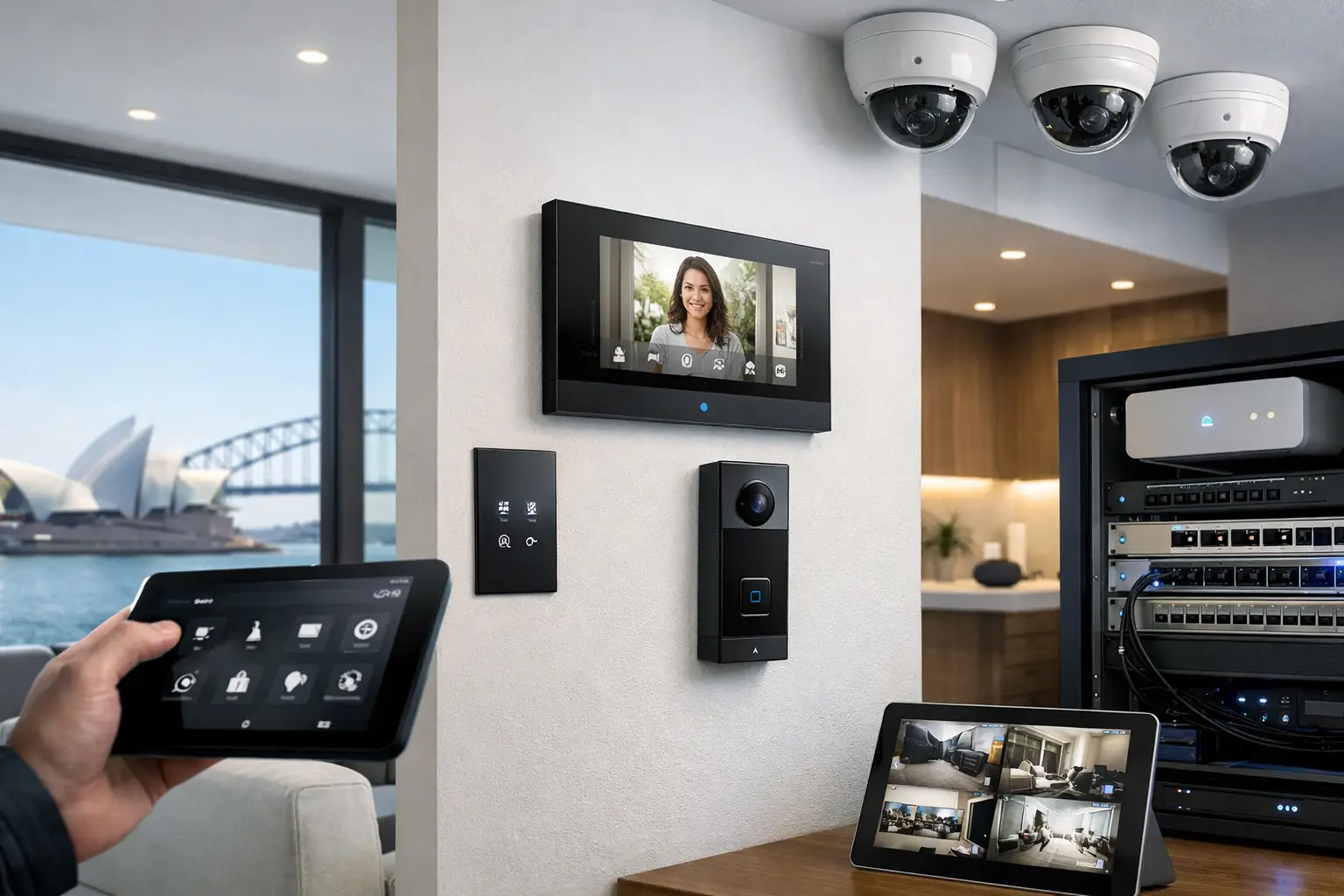
A smart home usually starts to go wrong in the plant room, the rack, or the ceiling cavity – not on the phone app. If you are looking for a home assistant installer sydney property owners can rely on, the real question is not which dashboard looks best. It is whether the lighting, security, network, intercom, AV, and electrical infrastructure have been designed to work together from the start.
Home Assistant is a powerful platform because it can unify systems that normally live in separate silos. That flexibility is exactly why installation quality matters. A well-built Home Assistant system feels predictable, fast, and useful in daily life. A poorly planned one feels like a collection of clever triggers waiting to break after the next router change, firmware update, or renovation stage.
What a Home Assistant installer in Sydney should actually design
A professional Home Assistant deployment is not just software setup. It is system architecture. In practical terms, that means identifying which functions should be automated, which devices should be locally controlled, which services depend on the network, and which subsystems need to keep working even if one layer goes offline.
For a residence, that often includes lighting scenes, occupancy logic, security arm and disarm states, gate and garage events, climate control, audiovisual handoff, and notifications that are useful rather than noisy. In a commercial or mixed-use setting, it may extend to access control events, after-hours alerts, energy scheduling, and operational reporting.
The difference between a hobby install and a professional one is that the professional version accounts for infrastructure first. UniFi switching and Wi-Fi design, structured cabling, electrical segregation, relay selection, enclosure layout, backup power, and device compatibility all shape long-term reliability. Home Assistant sits on top of that foundation. It does not replace it.
Why integrated design beats stand-alone smart devices
Many properties already have a patchwork of systems. The alarm is one brand, CCTV is another, the front door station is separate, and lighting has its own app. Home Assistant can bring those together, but integration only works well when someone understands the behavior of each subsystem, not just the automation layer.
That matters because not everything should be treated equally. Security functions need clear rules, auditability, and fail-safe behavior. Lighting can be more adaptive and scene-driven. Networking needs capacity and stability. Intercom and access control require low-latency response and dependable handoff to mobile devices or indoor stations.
A good installer knows where to automate aggressively and where to stay conservative. For example, presence-based convenience is useful for hallway or landscape lighting. It may be less appropriate for perimeter security states or critical access rules unless the logic has been carefully tested. Practical automation is about reducing friction, not introducing uncertainty.
Home Assistant works best when the network is treated as infrastructure
This is one of the most common points missed during planning. Home Assistant can integrate with Bosch, Dahua, Hikvision, Akuvox, Apple Home, and UniFi environments, but those integrations only perform well when the network is designed properly. Coverage, VLAN structure, PoE capacity, rack organization, IP planning, and remote service access all have direct impact on automation reliability.
If a property has dead Wi-Fi zones, overloaded consumer-grade switching, or no structured cabling strategy, the software layer gets blamed for issues caused elsewhere. That is why experienced installers approach automation as part of the wider electrical and low-voltage design, especially on larger homes, new builds, and substantial renovations.
In retrofit projects, this does not always mean opening every wall. It means being realistic about what is wired, what should remain wireless, and where backbone upgrades will produce the biggest reliability gains. Sometimes the smartest move is to stage the project: network first, then security and intercom, then lighting logic and advanced automations.
Where Home Assistant delivers the most value
The strongest Home Assistant projects are not built around novelty. They are built around properties with multiple systems that should operate as one.
Lighting is a clear example. When paired with proper control hardware and systems such as DALI-2 or relay-based lighting, Home Assistant can coordinate scenes, schedules, occupancy behavior, and conditional responses tied to alarm states, time of day, or environmental sensors. The result is not just remote control. It is consistent behavior across the whole property.
Security is another high-value area. A camera event can trigger pathway lighting, an intercom press can pause media and show a door station feed, and an armed-away state can tighten notification rules while adjusting climate and AV status. These are useful because they connect real property behavior, not because they create more app screens.
Apple households often benefit as well. Home Assistant can complement Apple Home by providing deeper logic, broader device support, and more advanced conditional automation, while still preserving a clean user experience for daily control. For many clients, that balance matters more than choosing a single ecosystem for everything.
Choosing a home assistant installer sydney projects need
If you are comparing providers, ask how they handle design responsibility across automation, security, networking, and electrical scope. A specialist who only configures software may not identify upstream issues that affect performance. A general electrician may wire the site correctly but miss integration detail across CCTV, intercom, access control, and platform logic.
The better approach is end-to-end design. That includes device selection, rack and cabling layout, network planning, subsystem commissioning, user interface decisions, remote support strategy, and documentation. It should also include clear thinking about what remains locally functional if internet access is interrupted.
There is also a difference between broad compatibility and meaningful integration. Anyone can say Home Assistant supports many brands. What matters is whether the installer understands how those brands behave in the field. For example, camera motion data, NVR event handling, intercom SIP behavior, door release timing, smart lighting group control, and HomeKit bridging all have practical considerations that affect how smooth the final system feels.
New builds, retrofits, and commercial spaces all need a different approach
New builds are usually the best case for Home Assistant because cable pathways, panel space, lighting control methods, rack locations, and network topology can all be decided early. That gives the installer room to create a cleaner, more scalable system with fewer compromises.
Retrofits require more judgment. You may want advanced automation without replacing every subsystem at once. In those cases, a staged design often makes the most sense. Keep reliable existing components where practical, upgrade the backbone where needed, and build integrations that improve usability immediately without forcing unnecessary change.
Commercial spaces and strata environments have another layer of complexity. Reliability, access permissions, serviceability, and reporting often matter more than visual novelty. Home Assistant can still play a valuable role, but the design has to reflect operational requirements, site policies, and maintenance expectations. What works in a private home may not be appropriate in a managed building or active workplace.
The trade-offs worth discussing before installation
No serious installer should pretend every integration is equally stable or every feature is worth implementing. Some automations save time every day. Others create edge cases, user confusion, or future support overhead.
Cloud-dependent devices can expand options, but local control is often preferable for core property functions. Highly customized dashboards can look impressive, but they also need to remain usable for family members, staff, or future property managers. Deep integrations can be powerful, but they should still be documented so the system remains maintainable over time.
This is where an experienced, integration-focused company earns its place. The goal is not to add complexity because the platform allows it. The goal is to make the property easier to live in, easier to manage, and more reliable under normal conditions and fault conditions alike.
Alpha Security Corp approaches Home Assistant this way – as part of a wider ecosystem that includes structured cabling, UniFi networking, security, intercoms, lighting control, and licensed electrical work. That broader view is often what separates a system that demos well from one that performs properly for years.
What good looks like after handover
A successful Home Assistant installation is usually a quiet one. Lights respond when expected. Door stations and cameras behave consistently. Security states trigger the right actions without false alarms or cluttered notifications. The network has enough headroom. The user interface makes sense. Service access is possible without turning the site into a troubleshooting exercise.
That should be the benchmark. Not the number of automations, not the number of brands integrated, and not how clever the dashboard appears on day one. A well-designed system supports the way the property actually operates.
If you are planning a smart home or upgrading an existing one, choose the installer who starts with infrastructure, integration logic, and long-term serviceability. That is where Home Assistant becomes less of a tech project and more of a dependable part of the building.