



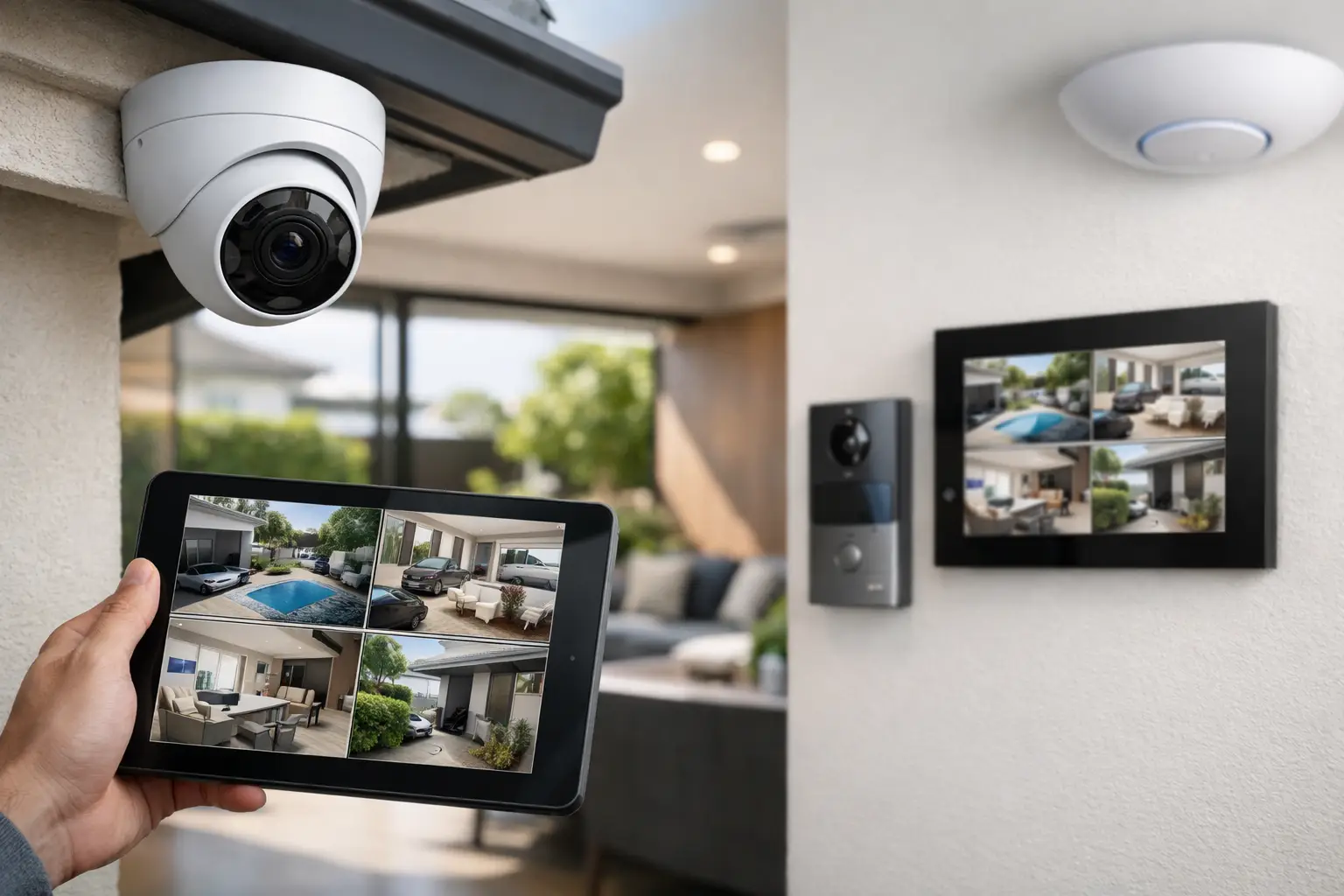
Most home CCTV problems start long before a camera goes on the wall. The usual failure points are blind spots at the driveway, poor night images at the front door, weak Wi-Fi to an outdoor camera, or a recorder tucked into a closet with no thought given to storage, ventilation, or future expansion. If you are working out how to plan home CCTV, the real job is not choosing cameras first. It is designing a system that suits the property, the way you live, and the rest of the technology in the home.
For higher-end homes, renovations, and new builds, CCTV works best when it is treated as part of a wider infrastructure plan. Camera locations affect cabling paths, network switching, lighting strategy, intercom placement, and in some homes even gate control and automation scenes. A system can be simple in daily use and still be technically well considered behind the scenes.
How to plan home CCTV from the outside in
A useful way to begin is to think in layers. Start with the perimeter, then move inward to entry points, circulation areas, and finally any specific assets or risks. That sounds obvious, but it changes the way coverage is planned. Instead of asking how many cameras you need, ask what each camera needs to prove.
At the street side, most homeowners want to identify vehicles entering, monitor pedestrian approach paths, and capture activity near the mailbox, fence line, or front boundary. In practice, that often requires more than one view. A wide overview camera might show movement and context, while a tighter view at the gate or driveway gives better identification. One camera rarely does both jobs well.
The same principle applies at the front door. A doorbell camera can be useful for visitor interaction, but it should not automatically replace a properly positioned CCTV camera. Doorbells are great for face-level engagement and notifications. Fixed CCTV cameras usually provide stronger continuous recording, better scene coverage, and more predictable image quality at night.
Around the sides and rear of the property, think about approach routes rather than open space. Long side passages, blind corners, pool gates, garage side doors, and rear alfresco areas deserve more attention than a broad shot of the backyard that looks good on a phone but captures little usable detail.
Decide what each camera must capture
A common planning mistake is confusing detection with identification. Seeing that somebody entered the yard is different from getting a clear face, a license plate, or enough detail to review an incident properly.
For each location, decide whether the camera is there to detect movement, observe activity, recognize a familiar person, or identify an unknown person. The answer affects lens choice, mounting height, and angle. Wider is not always better. Very wide cameras can cover a lot of ground while giving away the detail you actually need.
Driveways are a good example. If your priority is knowing that a car arrived, a broad view may be enough. If your priority is reviewing exactly who walked up after parking, you may need a second camera positioned lower and tighter. Front doors also benefit from careful angle selection. A camera mounted too high can leave you with the top of a cap instead of a face.
This is where professional planning matters. Camera count is less important than camera purpose.
Network, power, and storage matter as much as the cameras
If you want a reliable system, CCTV should be planned as part of the home network and electrical design, not as an afterthought. Hardwired IP cameras remain the preferred approach for most professionally installed residential systems because they give you stable connectivity, centralized power over Ethernet, and predictable performance. Wireless cameras may have a role in constrained retrofit situations, but they introduce compromises in bandwidth, battery maintenance, roaming behavior, and long-term reliability.
A proper design should account for cable routes, switch capacity, uplinks, recorder location, and surge protection. It should also consider what else is sharing the network. If the same property is running UniFi networking, smart TVs, video intercoms, Apple Home, Home Assistant, and remote access services, you want the CCTV traffic handled cleanly rather than competing with everything else in an unplanned way.
Storage also needs thought upfront. Retention time depends on camera count, recording resolution, frame rate, compression, and whether recording is continuous or event-based. Many homeowners ask for 30 days of footage without realizing how quickly storage requirements grow when multiple high-resolution cameras are recording around the clock. More storage is not the only answer. Sometimes a better mix of recording settings, scene design, and event rules gives a smarter result.
Recorder placement matters too. It should be secure, ventilated, and accessible for service, but not obvious to an intruder. In larger homes or new builds, that often means planning a dedicated communications or equipment space rather than hiding hardware wherever room happens to be available.
Lighting changes CCTV performance more than most people expect
If you are serious about how to plan home CCTV, pay attention to lighting. Night image quality depends on far more than a camera spec sheet. Shadows at the front porch, glare from wall lights, reflected pool lighting, and headlights across a driveway can all reduce usable detail.
Integrated planning gives better outcomes here. Exterior lighting, sensor lights, gate pillars, landscape lights, and soffit fixtures all influence camera performance. In more advanced homes, lighting control systems such as DALI-2 with platforms like Zen Control can be coordinated with security events so pathways and entry zones illuminate appropriately when motion or access events occur. That improves both visibility and practical use of the space.
The goal is not to flood the house with bright light all night. It is to create usable scenes where cameras can capture clean images without blown highlights or deep black areas. The best setup often comes from a mix of well-placed ambient lighting and carefully aimed cameras, not from relying on infrared alone.
Plan for integration, not just surveillance
For many properties, CCTV is only one part of a larger security and convenience system. That affects how you should plan it. A camera at the front entry may need to work alongside an Akuvox intercom, gate automation, door strikes, alarm events, and phone-based notifications. A side access camera may become more useful when it can trigger lighting or work in conjunction with an access control point.
This is where integrated design stands apart from isolated device selection. A cohesive system lets you review events in context. You can see when a gate opened, whether the alarm was armed, whether an intercom call was answered, and what the camera recorded at the same time. For homeowners using Apple HomeKit or Home Assistant, there may also be a role for status visibility, notifications, or selected automation logic, provided the core security functions remain stable and professionally structured.
Not every home needs every integration. But planning for it now avoids expensive rework later.
New builds and retrofits need different strategies
In a new build, the best time to plan CCTV is before drywall, along with structured cabling, Wi-Fi access point locations, intercom rough-in, gate services, and electrical provisions. That gives you clean cable paths, better camera placement options, and the freedom to build a system that looks intentional rather than added on.
Retrofits require a more selective approach. You may need to balance ideal coverage with practical cable paths, façade constraints, heritage details, or completed landscaping. Sometimes the right answer is a staged plan: install the key perimeter cameras and recorder now, then leave provisions for garage coverage, intercom upgrades, or additional side access cameras later.
A well-planned retrofit should still feel cohesive. The limitation is not whether a cable can be run somewhere. The real question is whether the end result remains reliable, serviceable, and visually appropriate for the property.
Common mistakes when planning home CCTV
The most common mistake is putting cameras where they are easy to install instead of where they are useful. The second is assuming camera specs alone guarantee performance. Resolution matters, but positioning, angle, scene lighting, and network stability usually matter more.
Another mistake is overcovering one zone and underprotecting another. It is not unusual to see three overlapping front-yard views and almost nothing on the side access where somebody would actually move unseen. Poor recorder placement, insufficient storage planning, and no allowance for future expansion also create avoidable problems.
Finally, many homeowners underestimate how closely CCTV ties into the rest of the property. If your Wi-Fi is weak, your outdoor lighting is poorly placed, your front gate has no communications pathway, or your equipment cabinet is already overloaded, the CCTV system will reflect those constraints.
The strongest results come from treating CCTV as part of the home’s broader security, networking, and electrical framework. That is how Alpha Security Corp approaches system design on premium homes and complex retrofit projects where the expectation is not just footage, but a reliable setup that works as one.
A good CCTV plan should leave you with fewer surprises later. If each camera has a purpose, the network is built to support it, and the system fits naturally into the way the property operates, you end up with security that feels calm, not complicated.


