



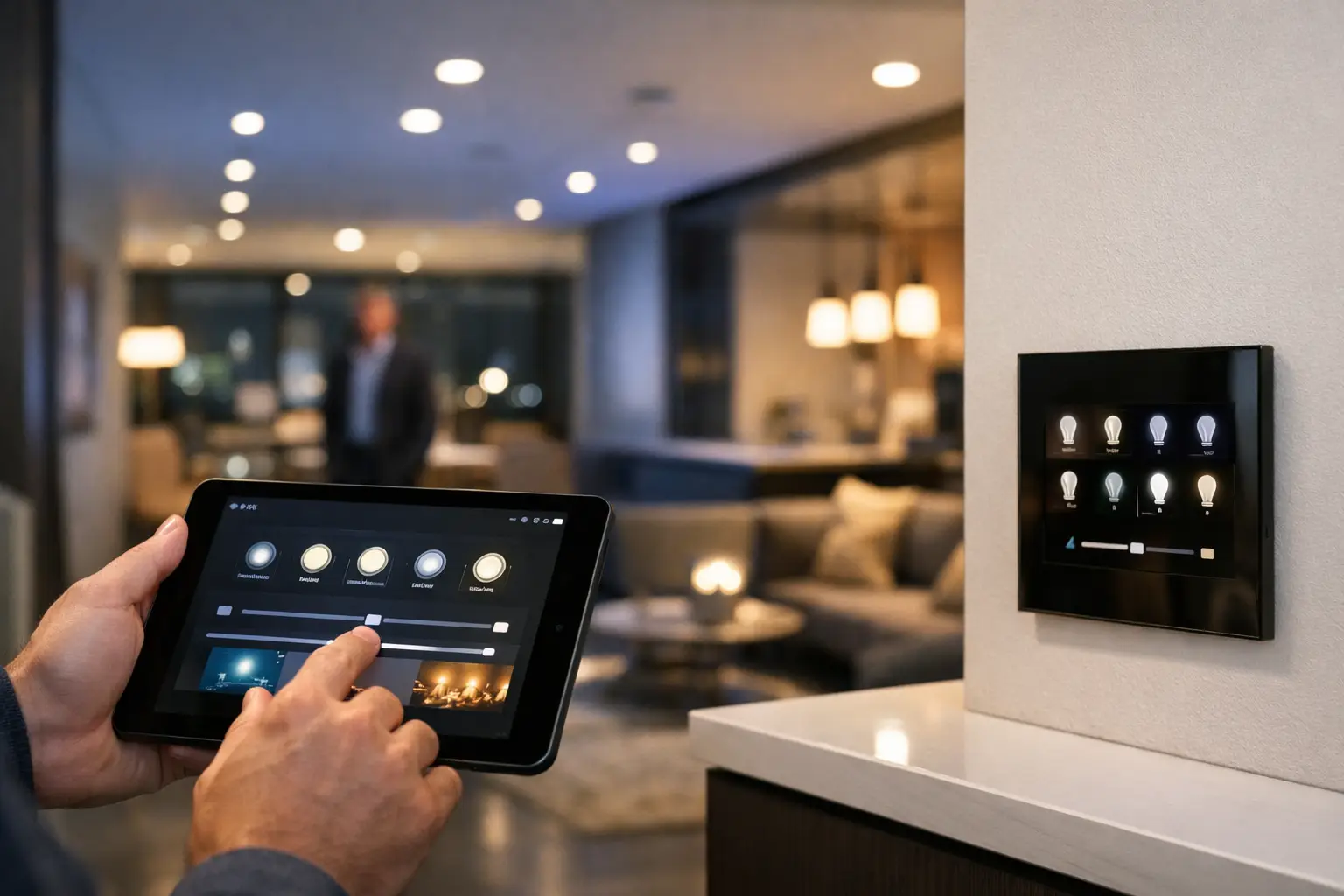
A well-designed lighting scene should feel immediate, predictable, and appropriate to the space. To configure DALI-2 lighting scenes effectively, the work starts well before a keypad is programmed. It depends on correct circuit design, sensible lighting groups, properly addressed devices, and control logic that reflects how people actually use the building.
DALI-2 is particularly valuable where lighting needs to do more than switch on and off. In a premium home, that may mean coordinating feature lighting, task lights, and blinds around a single evening setting. In an office, retail space, school, or healthcare environment, it can mean delivering repeatable lighting conditions that support safety, comfort, energy management, and day-to-day operations.
Start With How Each Space Is Used
A lighting scene is a saved set of output levels for one or more DALI groups or individual fittings. The technical setup is straightforward once the intended experience is clear. The difficult part is avoiding scenes that look impressive at handover but are never used because they do not match the rhythm of the property.
For a residence, consider the arrival sequence, cooking, dining, entertaining, cleaning, nighttime movement, and security response. A kitchen may need bright, even task lighting during food preparation, but only low-level island and joinery lighting during a late-night visit. These are different scenes, not simply one dimmer level.
Commercial planning requires the same discipline, with a broader operational view. Reception may need a welcoming daytime scene, a reduced after-hours setting, and a full-output cleaning scene. Meeting rooms often need distinct settings for presentation, video calls, collaboration, and vacancy. In retail, scene levels should account for merchandising, window displays, staff tasks, and opening or closing procedures.
The best approach is to document the purpose of every area before programming begins. Name scenes according to the outcome rather than the technology: “Dinner,” “Presentation,” “After Hours,” or “Cleaning” is clearer than “Scene 3.” Clear names matter when a facility manager, homeowner, or future service technician needs to make a change.
Build the DALI-2 Structure Before Scenes
DALI-2 scenes are only as reliable as the underlying lighting architecture. Each DALI line needs to be commissioned so control gear, input devices, sensors, and controllers are identified correctly and recorded in the project documentation.
The usual hierarchy includes individual DALI addresses, groups, and scenes. Individual addressing is useful where a fitting needs its own behavior, such as a feature pendant or a display spotlight. Groups are more practical for most daily control because they allow related fixtures to respond together. A dining room, for example, may have separate groups for pendants, perimeter downlights, wall wash lighting, and cabinet lighting.
Avoid grouping lights only by electrical circuit. Circuits are installed for electrical distribution, but scenes should be organized by visual function. Two fittings on the same circuit may need different scene levels, while fittings on separate circuits may need to operate together. DALI-2 gives the design team that flexibility, provided it is considered during electrical and control planning.
For tunable white or color-capable luminaires, the fixture type and driver capability also matter. DALI Device Type 8, often called DT8, can support coordinated control of color temperature or color output from a single address. A scene can then include not only brightness but the desired white tone. This is useful in hospitality, wellness-focused spaces, executive areas, and high-end residential environments, but it must be specified consistently. Mixing incompatible drivers or assuming every LED fitting supports the same color behavior creates commissioning limitations later.
Keep scene scope intentional
Not every scene should control every light. A whole-home “Goodnight” scene may dim general lighting, turn off selected entertainment areas, and retain low-level path lighting. It should not automatically shut down a light that is intentionally supporting a late-working family member or a critical circulation area.
Similarly, an office “After Hours” scene may reduce general illumination while retaining reception, egress-related lighting, or security-sensitive zones as required by the site design. Life safety and emergency lighting obligations should always be designed and tested separately from convenience automation. A scene controller is not a substitute for an emergency-lighting system or code-compliant controls.
Configure DALI-2 Lighting Scenes in a Logical Order
Once the equipment is commissioned and groups are confirmed, scene configuration should follow a controlled sequence. This reduces rework and makes troubleshooting far easier.
First, set the required output level for every group in each scene. Use the actual space, with furnishings and finishes in place where possible. A 50 percent setting shown in software is not automatically the right visual level in a room with dark stone, reflective joinery, daylight exposure, or highly efficient fixtures.
Second, define fade times. The transition is part of the experience. A fast fade may suit a utility room or a cleaning scene, while a gradual transition is better for entertaining, bedtime, or a presentation sequence. Excessively slow fades can frustrate users, especially when entering a dark space. In practice, the right timing depends on the scene’s purpose and whether it is manually initiated or automation-driven.
Third, assign scene recall commands to the appropriate control points. These may include DALI-2 wall keypads, touch panels, a Zen Control interface, or an integrated automation platform such as Apple Home or Home Assistant. The same scene can be recalled from several interfaces, but the user experience should remain consistent. A button labeled “Away” should produce the same practical result whether it is pressed near the entry, selected in an app, or triggered through an approved automation routine.
Finally, test scene behavior under normal operating conditions. Test from every intended control point, not only from commissioning software. Confirm what happens after a power interruption, controller reboot, network outage, or manual override. DALI’s decentralized scene storage can provide useful resilience, but the exact behavior depends on the controller, drivers, and integration design.
Use Sensors and Automation Without Making the Space Unpredictable
Occupancy sensors, daylight harvesting, schedules, and security triggers can make DALI-2 scenes more useful. They can also create irritation when automation overrides a person at the wrong moment.
A practical strategy is to give manual scene selection priority for a defined period. For example, if a meeting room user selects “Presentation,” occupancy logic should not immediately return the room to a standard work scene because a sensor sees movement. Likewise, a homeowner who selects “Movie” should not have the room brighten because an automated evening schedule starts a minute later.
Daylight harvesting deserves the same care. In open-plan offices and rooms with large windows, daylight sensors can adjust ambient lighting to maintain a target level while reducing unnecessary energy use. However, feature lighting and decorative pendants may need to remain outside that control loop. The goal is comfortable, stable light, not visible fluctuations caused by poorly located sensors or overly aggressive dimming thresholds.
Security integration can also add genuine value. An alarm event, perimeter breach, or access-control condition may recall a predefined exterior or circulation scene to improve camera visibility and support a safe response. This needs to be planned with CCTV coverage, access pathways, neighbor impact, and the property’s operating procedures in mind. More light is not always better if it causes glare, washes out camera images, or disturbs nearby occupants.
Design for Changes After Handover
Lighting requirements change. A spare bedroom becomes a study, a retail floor is rearranged, or a commercial tenant changes how meeting rooms are used. A professional DALI-2 installation should allow scene adjustments without requiring an electrical redesign.
That is why accurate labeling, addressing records, panel schedules, scene documentation, and backup configuration files are part of the finished system, not administrative extras. They allow future work to be completed safely and efficiently. They also help preserve the relationship between physical fittings, DALI groups, keypad labels, automation routines, and user-facing controls.
For larger homes and commercial sites, it is sensible to review scenes after occupancy. The first weeks reveal details that drawings cannot: a corridor that needs a lower night level, a boardroom that needs better front-of-room lighting for video calls, or an entry sequence that should come on before the door is opened. Adjusting these details is where a connected lighting system becomes genuinely useful rather than merely programmable.
A properly configured DALI-2 scene system should disappear into the background. People should be able to enter a space, select the setting they need, and trust that lighting, control interfaces, security requirements, and automation rules are designed to work as one.


