



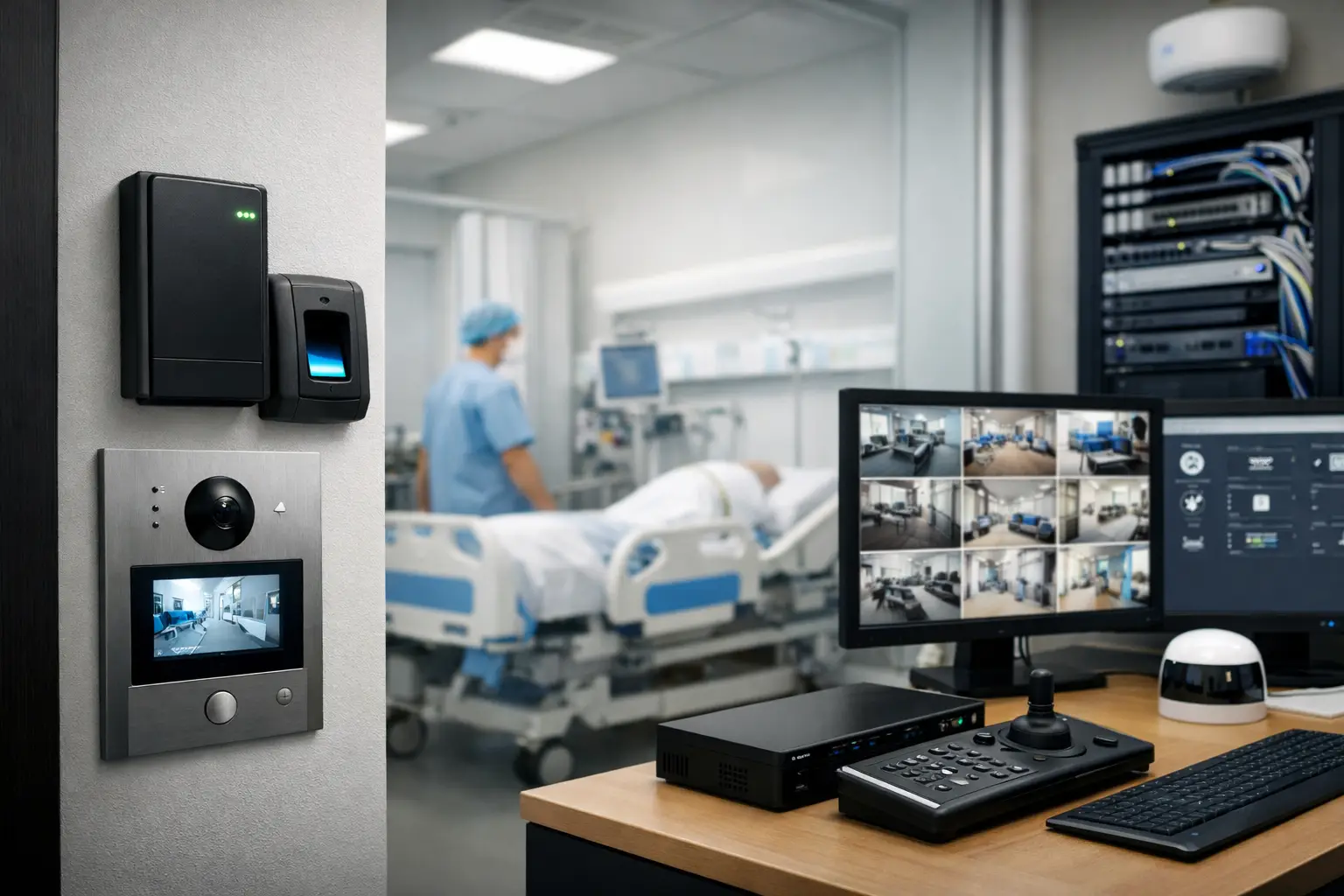
A healthcare security compliance guide should begin with the reality of how care is delivered: people move quickly, roles change by shift, and sensitive information exists in both physical and digital forms. A camera, door reader, intercom, or network switch can support safer operations, but only when it is designed around clinical workflows, privacy requirements, and accountable access.
For healthcare facilities, security compliance is not a matter of installing more devices. It is the process of showing that systems protect patients, staff, visitors, medications, records, and critical areas without creating unnecessary barriers to care. The best results come from a connected design where access control, CCTV, alarms, intercoms, structured cabling, and network management are planned as one operational environment.
Start With the Compliance Obligations That Apply
Healthcare organizations may be subject to several overlapping obligations. In the United States, HIPAA is central where protected health information is involved, particularly through its Privacy, Security, and Breach Notification Rules. State privacy laws, workplace safety rules, fire and life-safety requirements, accreditation standards, payer requirements, and contractual obligations may also affect the design.
The specific requirements depend on the facility. A medical office, surgical center, aged care community, behavioral health unit, imaging practice, pharmacy, and hospital each have different risk profiles. A security design that works well for a standard office can be unsuitable in a clinical setting if it overlooks patient dignity, emergency access, infection-control procedures, or the need for staff to respond quickly.
Legal and compliance teams should confirm the rules that apply to the organization and jurisdiction. The security integrator’s role is to translate approved requirements into practical systems, documented configurations, and repeatable operating procedures.
Map Risks Before Selecting Technology
A useful healthcare security compliance guide does not start with a product list. It starts with a site and workflow assessment. Identify where sensitive activity takes place, who needs access, what needs to be recorded, and how an incident will be investigated.
Consider the entire path through the facility. This includes parking and perimeter areas, reception, waiting rooms, staff-only corridors, treatment rooms, medication storage, IT closets, records areas, loading docks, and after-hours entry points. It also includes less obvious risks such as a shared workstation left logged in, a contractor using an unescorted access card, or a camera system that cannot produce usable footage when an incident occurs.
A practical risk assessment usually examines four questions:
- Which people, spaces, assets, and records require protection?
- Who needs access, under what conditions, and for how long?
- What evidence would be needed after a safety, privacy, theft, or access incident?
- What happens if power, connectivity, a controller, or a recording platform fails?
The answers establish priorities. A small clinic may need controlled staff entry, secure network cabinets, video coverage of public areas, and reliable after-hours alarm response. A larger facility may require role-based credentials, visitor workflows, intercoms at multiple entry points, monitored alarms, segmented networks, and defined retention policies for video and access events.
Design Access Control Around Roles and Care Delivery
Access control is one of the clearest ways to reduce unauthorized entry while preserving accountability. The key is to avoid broad, permanent access permissions simply because they are convenient at setup.
A well-designed system assigns access based on role, location, shift, and operational need. Clinical staff may require access to treatment areas during rostered hours, while administration, cleaning, delivery, and maintenance teams receive limited permissions appropriate to their work. High-risk spaces such as medication rooms, server rooms, records storage, and restricted clinical areas should have more tightly controlled access and stronger audit requirements.
Credentials should be managed throughout their life cycle. That means formal approval before issue, timely changes when roles shift, immediate deactivation when employment ends, and periodic reviews for dormant or excessive permissions. Temporary credentials for contractors and visitors should expire automatically rather than relying on someone to remember to remove them.
Door hardware also matters. Doors must support the required emergency egress and fire-safety behavior. In some locations, a fail-safe configuration may be necessary for safe evacuation; in others, a fail-secure approach may better protect a restricted space. There is no universal answer. It depends on the door’s purpose, applicable code, emergency planning, and clinical risk assessment.
Use CCTV With Privacy Boundaries in Mind
CCTV can help investigate incidents, deter intrusion, support staff safety, and monitor public or high-risk access areas. It can also create privacy concerns if camera placement, permissions, or retention are poorly handled.
Coverage should focus on legitimate security objectives. Entrances, reception counters, hallways, parking areas, loading zones, external perimeters, and controlled doors are common priorities. Cameras should generally not be placed in bathrooms, changing areas, or other spaces where recording would compromise reasonable expectations of privacy. Clinical spaces require particular care. Even where monitoring is permitted for safety or operational reasons, placement, camera views, audio capture, signage, and access to footage should be reviewed with privacy and clinical leadership.
The recording platform needs controls beyond image quality. Define who can view live video, export footage, change retention settings, delete recordings, or administer the system. Individual user accounts and audit logs are far more defensible than a shared password at reception. Footage exports should be controlled and recorded so the organization can demonstrate who accessed material, when, and why.
Camera systems from established platforms such as Bosch, Dahua, or Hikvision can be configured for different operational needs, but compliance depends on the surrounding design. Secure credentials, protected network paths, current firmware, appropriate retention, and documented permissions are just as important as the camera itself.
Treat the Network as Security Infrastructure
Every connected camera, access controller, intercom, alarm communicator, and management workstation becomes part of the facility’s security posture. If the network is unreliable or poorly segmented, a physical security system can become an operational weakness.
A professionally planned network separates security technology from general user traffic where appropriate. VLAN segmentation, managed switching, controlled firewall rules, secure remote access, and monitored network hardware help limit exposure and simplify troubleshooting. A UniFi-based environment, for example, can provide centralized visibility of access points, switches, device health, and network activity when it is configured and maintained correctly.
Structured cabling should be installed with future expansion in mind. Healthcare sites often add cameras, access points, readers, workstations, and connected clinical equipment over time. Clear labeling, tested cable runs, proper rack layout, backup power, and capacity planning prevent the common problem of a system that works on handover but becomes difficult to service two years later.
Remote support is useful, but it must be controlled. Vendor access should be approved, time-limited where possible, protected by strong authentication, and logged. Convenience cannot become an untracked pathway into systems that support patient care or sensitive information.
Build Audit Trails That Can Stand Up to Review
Compliance depends on evidence. After an incident, a facility may need to establish who entered a room, which credential was used, whether a door was forced open, what footage exists, and whether administrators changed a system setting.
Access control events, alarm history, video exports, administrator actions, and network alerts should be retained according to the organization’s documented policy. Time synchronization across platforms is critical. If camera footage, door events, and alarm records show different times, reconstructing an event becomes more difficult and less credible.
Documentation should cover the system design as well as the events it produces. Maintain current floor plans, device schedules, network diagrams, credential administration procedures, escalation contacts, retention settings, and maintenance records. These documents make compliance reviews easier, but they also help new facility managers and service teams operate the site without relying on institutional memory.
Test the System People Actually Use
A compliant system on paper can fail during a real event if staff do not understand it or if routine testing is ignored. Training should be role-specific. Reception staff may need to manage visitor access and intercom calls, clinical managers may need to approve access changes, and facilities teams may need to respond to alarms or report device faults.
Test common scenarios, not just individual devices. Confirm that a terminated credential is disabled across relevant systems, a forced-door event generates the expected alert, camera footage can be located and exported by an authorized user, and power backup supports critical functions for the intended period. Review what happens when the internet connection fails, because local access control and recording may need to continue even when remote services are unavailable.
Maintenance is part of compliance, not an optional afterthought. Firmware updates, password management, health checks, storage verification, battery testing, and periodic permission reviews should follow a defined schedule. The schedule will vary by facility size and system complexity, but it should be owned by named people and supported by service records.
Plan Integrated Systems From the Beginning
Healthcare projects are easier to govern when security, electrical, cabling, and networking are coordinated before walls are closed and finishes are selected. This is especially valuable in new builds, major renovations, and multi-tenant medical sites where separate contractors can otherwise create gaps between door hardware, cabling, power, network racks, and management platforms.
An integrated provider can coordinate access control readers with compliant door hardware, CCTV with network capacity and storage, intercoms with reception workflows, and alarm monitoring with after-hours procedures. Alpha Security Corp approaches these systems as connected infrastructure rather than isolated devices, helping facility teams create a setup that remains manageable as the site changes.
The most useful security design is one staff can follow under pressure: a door opens for the right person, an incident leaves a reliable record, and the technology supports care without demanding constant attention. That is the standard worth designing for.


