



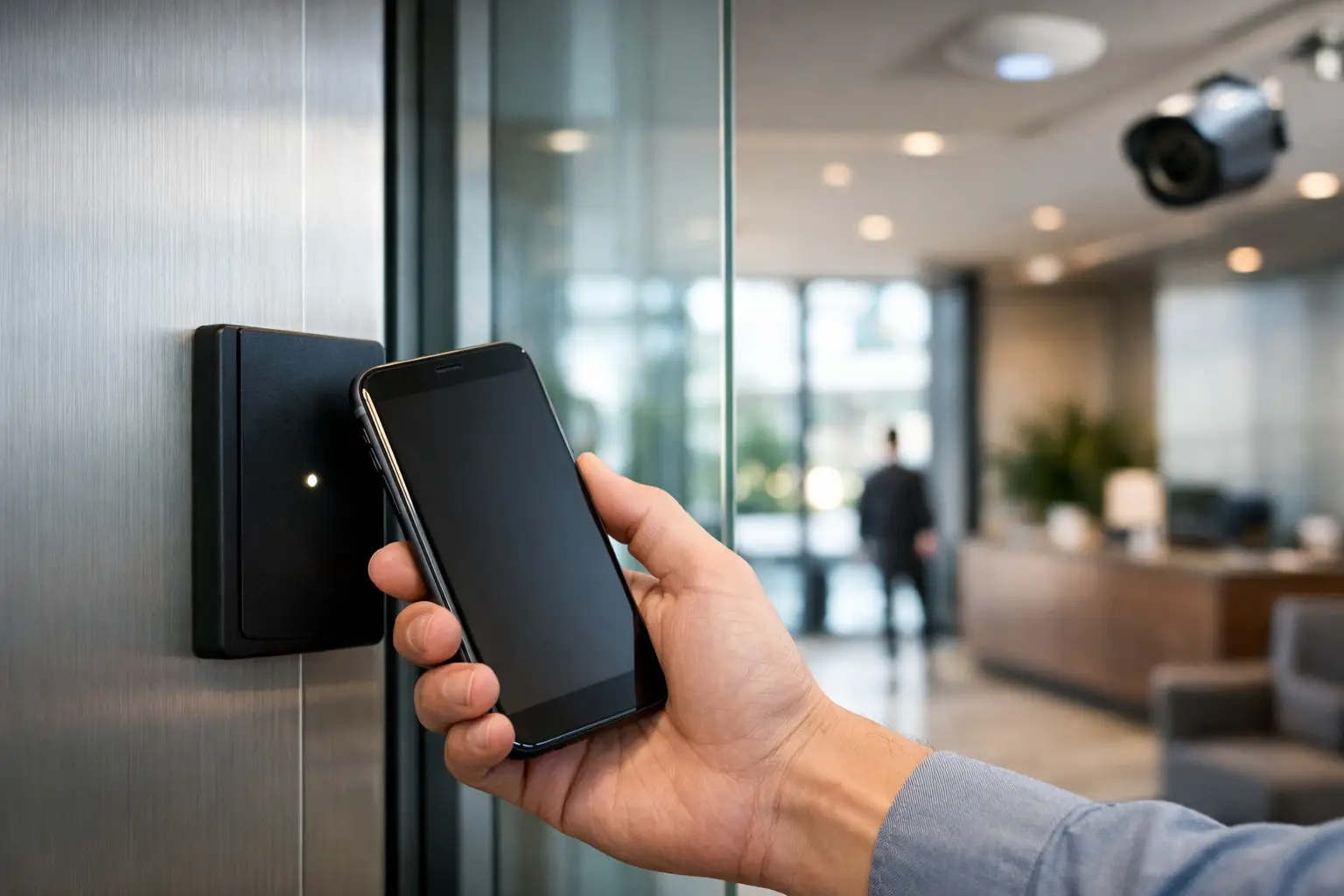
A phone can become the key employees, residents, contractors, and managers already carry every day. But to deploy mobile access credentials successfully, the project needs more than compatible door hardware and an app. It requires a clear identity process, reliable door communications, deliberate permissions, and a fallback plan for the moments when phones are unavailable.
For a single office door, mobile credentials may be a straightforward convenience upgrade. Across a strata property, warehouse, education site, or integrated smart home, they become part of a larger operational system. The best result is not simply a door that opens from a phone. It is an access control environment designed to work predictably alongside intercoms, CCTV, alarms, networking, and the way people actually use the property.
Start with the access decision, not the app
Every credential system answers the same question: who may enter which area, at what time, and under what conditions? Mobile access makes issuing and withdrawing permissions faster, but it does not remove the need to define those rules.
Begin by mapping doors into practical groups. A commercial site might separate public entry, staff areas, plant rooms, executive offices, loading access, and after-hours zones. A residential development may need distinct permissions for residents, building management, cleaners, delivery access, and shared amenities. Keep the structure understandable. Overly granular permissions create administration overhead and increase the chance of errors.
Then identify the people who need access and how their access should expire. Permanent staff, short-term contractors, visitors, tenants, and service providers should not all follow the same process. A contractor credential may be scheduled for a narrow work window, while a staff credential remains active until a manager approves a change. This is where mobile credentials are particularly useful: they can be provisioned remotely and revoked without recovering a physical card.
The trade-off is governance. A credential sent in seconds can also be issued incorrectly in seconds. Assign clear administrative authority, require approval for sensitive areas, and retain audit records that show who issued, changed, or removed access.
Choose the mobile access experience that suits the site
Mobile credentials commonly use Bluetooth Low Energy, near-field communication, or a combination of technologies. The best choice depends on the reader hardware, the access platform, the users’ devices, and the experience expected at the door.
Bluetooth can support hands-free or proximity-based entry, which can be useful at common doors, gates, and parking entries. However, the opening range and behavior must be configured carefully. A reader should not trigger merely because an authorized person is standing on the other side of a wall or passing nearby.
NFC generally requires a closer tap-style interaction. This may feel more deliberate and can suit higher-security internal doors or sites where users prefer a clear, intentional action. Some deployments support credentials stored in a device wallet, while others rely on a dedicated access app. The user experience varies between platforms, so it should be tested on the devices the site actually uses, rather than assumed from a demonstration.
Mobile access should also be selected with inclusivity in mind. Not every visitor, contractor, resident, or employee will have a compatible smartphone, sufficient battery charge, or permission to install an app on a managed device. Physical cards, fobs, PIN pads, intercom release, and mechanical key override may still have a place. A well-designed system provides appropriate alternatives without weakening the security model.
Prepare the door and network infrastructure
A mobile credential cannot compensate for a poorly designed access-controlled door. Before rollout, confirm that each opening has suitable locking hardware, door position monitoring, request-to-exit devices, emergency egress, power supplies, and cabling. Fire and life-safety requirements must remain the first priority, particularly where access control interfaces with emergency systems.
The network matters just as much. Controllers, door stations, intercoms, and management software need dependable connectivity, sensible segmentation, and protected power. Structured cabling and properly designed UniFi networking can provide a stronger foundation than relying on inconsistent wireless coverage around risers, basements, gates, or perimeter doors.
For cloud-managed platforms, confirm how doors behave during an internet outage. Many access control systems continue making local access decisions from the controller, but remote administration, live events, and mobile credential updates may be affected. Understand the exact behavior before commissioning, then document it for the property manager or facilities team.
Power resilience also deserves attention. A door that remains secure, compliant, and operational during a short outage requires the correct combination of lock type, battery backup, controller configuration, and exit hardware. This is not an area for assumptions, especially in healthcare, education, industrial, and strata environments where a door failure can disrupt operations quickly.
How to deploy mobile access credentials in stages
A staged deployment reduces risk and gives users time to adapt. Start with a pilot group that represents real use cases: an administrator, regular staff or residents, a manager, and someone who regularly needs temporary access. Include a mix of iPhone and Android devices where relevant.
During the pilot, test enrollment, door opening behavior, permission changes, lost-phone reporting, credential revocation, and backup entry methods. Review event logs alongside camera views at key entrances if CCTV is integrated. This helps distinguish a credential issue from a door hardware issue, a network interruption, or a user simply approaching the wrong reader.
Once the pilot is stable, roll out by area or user group rather than activating every door and every user at once. Communicate exactly what users need to do, what permissions they will receive, how to report a lost device, and what to do if their phone battery is flat. Clear instructions reduce support calls more effectively than a feature-heavy launch email.
At this stage, physical credential policy should be decided rather than left ambiguous. Some organizations issue mobile access as the primary credential and retain cards only for exceptions. Others allow both. Either approach can work, but dual credentials should be tracked against the same person. Otherwise, a former employee’s phone credential may be removed while an old card remains active.
Secure enrollment and protect the credential lifecycle
The strongest mobile access setup connects credentials to verified identities, not just phone numbers or email addresses. Enrollment should confirm the person, their role, and the approving authority before an invitation is issued. For managed workplaces, this may integrate with an identity directory. For strata and residential sites, the workflow may be based on verified tenancy, ownership, or building-management records.
Protect administrator accounts with multi-factor authentication and least-privilege permissions. Reception staff may be able to issue a short visitor pass, for example, while only a security manager can grant access to server rooms, master key areas, or restricted plant spaces. Review these permissions regularly, especially after staffing changes.
A lost or replaced phone should trigger a simple, documented process: suspend or revoke the credential, verify the user, then enroll the replacement device. Do not rely on a user deleting an app as proof that access has been removed. Credential status must be checked in the access platform itself.
Privacy should be considered as well. Access logs can be valuable for incident investigation, compliance, and operational reporting, but they also record movement. Define who can view data, how long it is retained, and when it may be shared. The right retention period depends on the property type, internal policy, and applicable obligations.
Integrate access with the rest of the property
Mobile access is most useful when it supports a connected property strategy. An Akuvox intercom can provide a verified visitor call and controlled release at the perimeter. CCTV can associate door events with visual evidence. An alarm system can apply different access behavior during armed periods. In a premium residence, selected access events may trigger practical lighting scenes through Apple Home or Home Assistant, such as illuminating an entry path when an authorized family member arrives.
These integrations should be purposeful. Automatically opening gates from broad phone proximity may be convenient, but it may not suit a busy street frontage or shared driveway. Likewise, a door event can trigger a camera bookmark or notification without exposing every access event to every household member or staff supervisor.
The goal is a system that is easy to manage after installation, not an impressive collection of disconnected features. Alpha Security Corp designs integrated access, security, electrical, and network infrastructure so each component has a defined role and reliable operating conditions.
Mobile credentials work best when they are treated as a managed identity service rather than a novelty feature. Plan the access rules, test real devices, keep sensible backup methods, and review the system as the property and its users change. That approach gives people a more convenient way to enter while giving the property team stronger control when it matters.


