



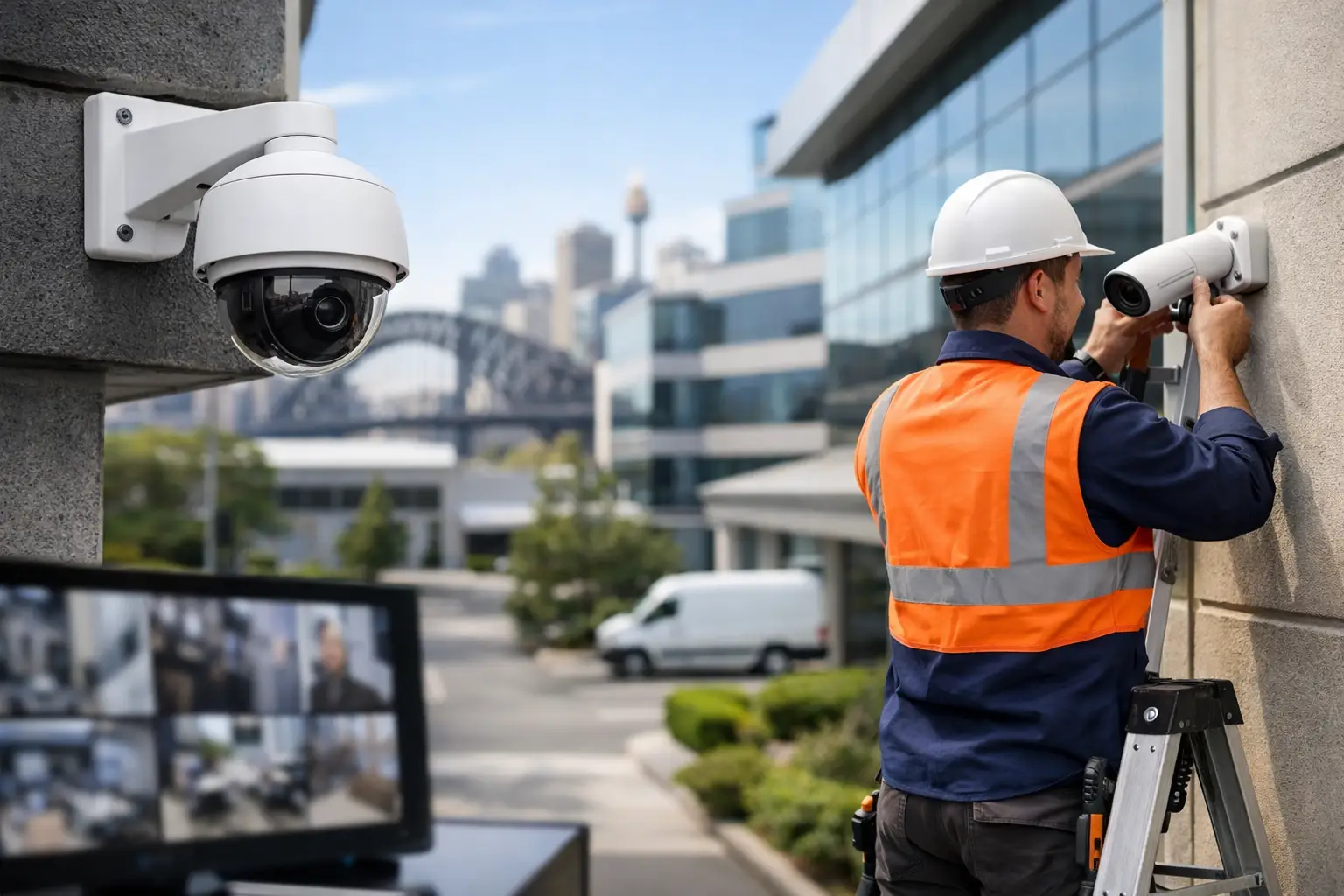
A commercial CCTV installation guide should start long before a camera is mounted. The most reliable systems are designed around how a site actually operates: who enters, where assets move, which incidents are most likely, and how footage will be reviewed when time matters. Camera count alone does not create security. Coverage, network capacity, recording retention, power resilience, and user access all need to work together.
For an office, warehouse, retail site, school, or strata property, CCTV is most valuable when it supports the wider security environment. It should complement access control, intruder detection, intercoms, lighting, and the network infrastructure behind them. That integrated approach reduces blind spots in both the physical site and the technology that protects it.
Start With a Site Risk and Coverage Plan
A walkthrough is the foundation of a good CCTV design. The objective is not to cover every square foot with a wide-angle image. It is to identify the locations where usable evidence, live awareness, or operational visibility is needed.
Entry and exit points usually come first. A system should capture faces at doors and gates, while also recording the wider approach to show direction of travel and surrounding activity. Vehicle entrances may require dedicated views for license plates, driver identification, and gate operation. Internal areas can include reception, cash handling points, loading docks, server rooms, plant rooms, stock areas, and corridors that connect restricted spaces.
Each camera should have a defined purpose. A broad overview camera can show what happened across a car park, but it may not provide enough pixel density to identify a face at distance. A tighter field of view may identify a person clearly, yet miss the context around an incident. Most commercial sites need a combination of overview, identification, and detail cameras rather than a one-camera-fits-all layout.
Lighting must be assessed at the same time. Backlit glass entrances, loading docks that transition from bright daylight to low light, and exterior areas with uneven illumination can all affect image quality. Cameras with strong low-light performance, wide dynamic range, and infrared support help, but they do not replace considered lighting design. In some settings, integrated DALI-2 lighting control can support safer after-hours access and improve usable camera images when an event occurs.
Choose Camera Types for the Job
Fixed turret, dome, and bullet cameras are commonly used for predictable coverage zones. Turret cameras are often practical under eaves and internal ceilings because they are easier to position and maintain. Domes offer a more discreet appearance and can be appropriate in customer-facing spaces, while bullet cameras suit perimeter walls, car parks, and longer outdoor views.
Motorized varifocal cameras are valuable where the final framing needs adjustment after installation. They allow the installer to set the right focal length for a gate, aisle, reception desk, or loading area without changing the camera location. This flexibility can prevent a common mistake: installing a camera that technically sees the target but cannot capture the required detail.
Pan-tilt-zoom cameras have a place on larger sites, especially for active monitoring of yards, campuses, and perimeter areas. They should not be the only camera covering a critical point, however. A PTZ can only look in one direction at a time. Fixed cameras preserve continuous evidence while the PTZ is used to investigate activity.
AI-enabled analytics can add practical value when configured carefully. People and vehicle classification can reduce alerts caused by rain, shadows, wildlife, or moving branches. Line crossing, intrusion zones, loitering detection, and object removal alerts may assist security teams, but every analytic should be tested against real site conditions. An overly sensitive rule creates alert fatigue. A rule that is too loose can miss the event it was intended to detect.
Build the Network and Power Infrastructure First
Modern IP CCTV is a networked system, not a collection of standalone cameras. Cabling routes, switch capacity, rack space, power budgets, and remote access should be planned before ceilings are closed or equipment is ordered.
Structured Cat6 cabling is typically the right starting point for fixed IP cameras. Each cable should return to an appropriately located communications rack or cabinet, be labeled at both ends, and be tested after termination. Outdoor runs, exposed pathways, and buildings with separate electrical supplies may need additional protection and design consideration to manage surge risk and grounding requirements.
Power over Ethernet simplifies deployment by carrying data and power through one cable. However, the PoE switch must have enough total wattage for every connected device, including cameras with infrared illumination, heaters, PTZ motors, or higher processing requirements. Counting ports is not enough. A 24-port switch with an inadequate PoE budget can create intermittent faults that are difficult to diagnose later.
Network segmentation is also worth considering. Placing cameras and recorders on a dedicated VLAN helps manage traffic, strengthens security controls, and makes troubleshooting easier. This is especially useful where CCTV shares infrastructure with UniFi Wi-Fi, business workstations, access control, AV systems, or smart building controls. The goal is not to isolate systems so completely that they cannot work together. It is to allow controlled, intentional integration.
A properly sized UPS can keep cameras, switches, recorders, and critical networking equipment operating through short outages. For higher-risk sites, the required runtime should be determined by the operational response plan. Some businesses only need enough power for an orderly shutdown; others require continuous coverage until standby power is available.
Size Recording for Real Events, Not Guesswork
Recording storage depends on camera resolution, frame rate, compression method, scene activity, retention requirements, and whether recording is continuous or event-based. A high-resolution camera looking over a busy entrance consumes far more storage than the same camera watching a quiet hallway.
Continuous recording is often the safer choice for critical entrances, cash areas, loading docks, and locations where activity might not trigger an event rule. Event recording can extend retention and reduce storage demand in quieter zones, provided the analytics are proven reliable. Many sites use both approaches based on risk.
Retention periods should be set according to business needs, contractual obligations, insurance requirements, and applicable privacy rules. The important question is not simply, “How many days can we store?” It is, “Will the footage still be available when an incident is reported?” Some losses or workplace incidents are not identified until days later.
Network video recorders from established commercial platforms such as Bosch, Dahua, or Hikvision can provide different strengths depending on the project. Selection should be based on camera compatibility, cybersecurity controls, storage expansion, user permissions, analytics, and the management experience for the people who will use the system every day.
Plan Remote Access and Cybersecurity Together
Remote viewing is useful for business owners, managers, and authorized security personnel, but it should never mean exposing cameras directly to the public internet. Secure remote access should use strong unique credentials, multi-factor authentication where available, restricted user roles, and regularly maintained firmware.
Not every user needs the same level of access. A site manager may need live views and playback for a defined group of cameras. A facilities team may only need to verify deliveries. An external monitoring provider may need access during alarm events but not unrestricted access to all historical footage. Clear permissions reduce privacy risk and make audit trails more meaningful.
Cybersecurity also relies on good operational habits. Default credentials should be removed, inactive users deleted, and system health checked routinely. Camera failures, degraded hard drives, recording gaps, and disconnected switches are often discovered only after an incident unless the system is actively monitored and maintained.
Integrate CCTV With the Wider Security System
The strongest commercial systems use CCTV as part of a coordinated response. When an access control door is forced open, the relevant camera can be presented to an operator. When an alarm activates after hours, verified video can help determine whether a patrol response is required. When an intercom call arrives at a gate, video can be available to the person deciding whether to grant access.
Integration also improves investigations. Time synchronization across cameras, access control, alarms, and network devices creates a more reliable event timeline. Instead of comparing disconnected records, a manager can see when a credential was used, which door opened, and what the camera captured around that moment.
This is where planning with one specialist team can make a measurable difference. Licensed electrical work, structured cabling, security equipment, network configuration, and control logic should be coordinated rather than treated as separate trades working in isolation.
Commission, Test, and Maintain the System
Installation is not complete when the live view appears on a screen. Every camera should be aimed and tested in the conditions it will face, including after dark where relevant. Confirm that faces, transactions, gate movements, and other critical activities are captured at the intended level of detail.
The commissioning process should verify recording playback, retention estimates, remote access, user permissions, notifications, time settings, power loss behavior, and integration triggers. Documentation matters too. A clear camera schedule, network diagram, device labels, credentials handover process, and maintenance plan make future changes far easier.
Commercial sites change. Shelving goes up, landscaping grows, tenancy layouts move, and new access points are created. Periodic maintenance should include lens cleaning, camera alignment checks, health reports, firmware review, storage checks, and a fresh assessment of whether coverage still matches the site risk profile.
The practical goal is simple: when a real event occurs, the right camera should be recording, the footage should be available, and the people responsible should be able to act on it without delay. Designing for that moment is what turns CCTV from a visible deterrent into a dependable business system.


