



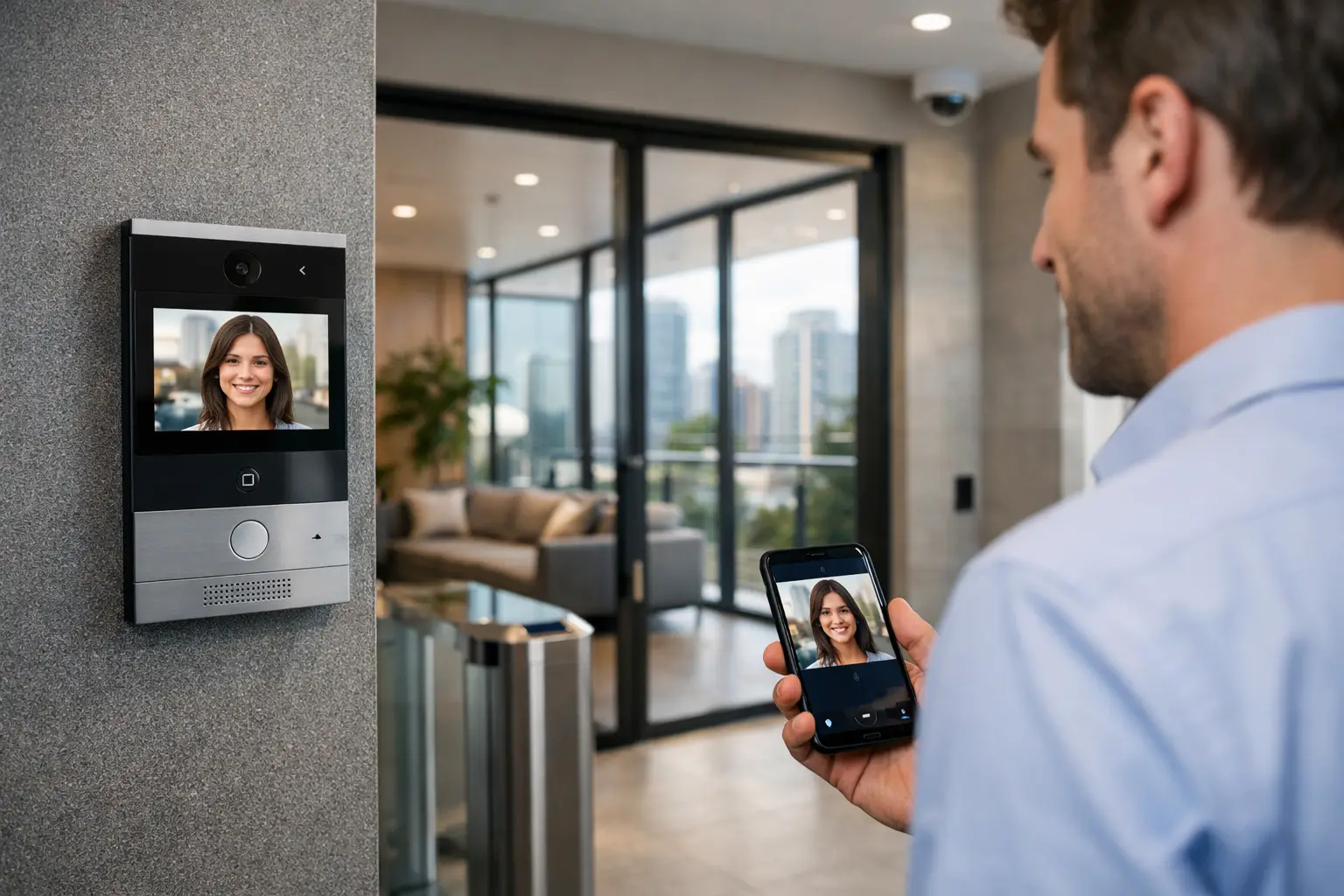
A front gate call is a small moment with outsized consequences. The resident may be away, the delivery driver may need direction, or a staff member may need to verify a visitor before releasing a door. A useful video intercom system review should therefore look beyond picture quality and app features. The real question is whether the system identifies visitors clearly, communicates reliably, operates the right entry point, and remains manageable as the property changes.
For a home, apartment building, office, warehouse, or education site, the strongest intercom installation is part of a considered security and network design. It should work naturally with access control, CCTV, structured cabling, Wi-Fi, and the property’s preferred control platform rather than becoming another isolated screen on the wall.
What a Video Intercom System Should Be Judged On
A video intercom has four jobs: call the right person, show them who is there, allow a conversation, and grant or deny entry. Each job sounds straightforward until it is tested at a busy entrance, in poor light, during a network outage, or across a multi-tenant site.
Start with the entry station. The camera needs to frame faces at the actual approach path, not simply provide a wide view of the driveway or lobby. Backlighting, overhead lighting, nighttime illumination, weather exposure, and mounting height all affect whether a visitor can be recognized. A high-resolution specification alone does not correct poor placement. On commercial sites, it is often sensible to design the intercom camera view alongside dedicated CCTV coverage, since an intercom is optimized for calling and access, while CCTV supports broader incident review.
Audio deserves equal attention. Echo, wind noise, traffic, and recessed mounting can make a system frustrating even when its video is excellent. Two-way audio should be clear enough for a resident or receptionist to understand a visitor without repeating every sentence. For gates and loading areas, speaker volume and microphone positioning are particularly important.
Call routing is the next test. A single-family home may call indoor touchscreens and selected smartphones. A larger residence may need calls at multiple locations, including a gate station, front door, and secondary access point. In a strata or commercial environment, the system may need apartment directories, reception overflow, time schedules, and escalation paths. The right design reflects how people actually occupy the building, not just the number of devices included in a package.
The Difference Between Intercom and Access Control
An intercom verifies a visitor. Access control decides whether a credential, mobile key, PIN, or authorized user can open a door. The two should be planned together because the user experience depends on both.
If an occupant answers a call and presses unlock, the command must operate the correct gate, door strike, magnetic lock, or motor controller. It must also account for safety requirements, door status monitoring, exit devices, and what happens if power is interrupted. These are installation and electrical design questions, not app settings.
A well-designed system can support everyday access without making the entrance complicated. For example, staff may use cards or mobile credentials, visitors may call a reception group, and deliveries may be directed to a managed entry point. At a residence, the homeowner might answer from an indoor panel, release a pedestrian gate, and view a nearby camera if the visitor remains at the entrance.
Platforms such as Akuvox can be a strong fit where SIP communication, multi-tenant capability, and access integration are required. The best platform still depends on the project. A standalone door station may suit a simple retrofit, while a new build or larger site benefits from a system designed around doors, user groups, network capacity, and long-term administration.
Network Design Is Part of the Review
Modern video intercoms are network devices. Their responsiveness depends on the same underlying infrastructure that supports cameras, access control, Wi-Fi, smart-home control, and business operations. Treating the network as an afterthought is one of the most common causes of delayed calls, unreliable mobile notifications, and difficult fault finding.
A professional review should establish whether the intercom has a wired network path, power over Ethernet capability, appropriate switching, and a secure place on the network. Wired connections are generally preferable for fixed entry stations and indoor monitors because they reduce reliance on variable wireless coverage. Where Wi-Fi is necessary, coverage should be verified at the gate, boundary, or detached building rather than assumed from an indoor signal reading.
For connected properties, managed networking such as UniFi can provide useful visibility into device status, connection quality, and network segmentation. Separating security and building systems from general guest or tenant traffic helps support reliability and makes future troubleshooting more disciplined. The goal is not complexity for its own sake. It is a dependable foundation that allows an intercom call to arrive when it matters.
Remote access also requires careful consideration. Smartphone calling is valuable when occupants are away, but it should not be the only means of answering the door. Indoor stations provide immediate local control, avoid dependence on individual phones, and remain useful for children, visitors, staff, and family members who do not have app access.
Integration Is Valuable When It Solves a Real Use Case
The value of an integrated intercom is not measured by the number of automations attached to it. It is measured by whether those connections make entry safer, clearer, or easier to manage.
In a premium residence, an intercom can be part of an Apple Home or Home Assistant environment where notifications, entry cameras, lighting, and gate control are presented in a familiar interface. A nighttime call might bring on entry lighting after authorization, or a gate release may trigger a short camera recording at the driveway. These functions should be deliberate and tested, especially where access control is involved.
For commercial and strata properties, integration often centers on operational control rather than lifestyle automation. A reception desk may need an intercom view alongside access events. A property manager may require clear user administration when tenants move. Security teams may benefit from event records that help explain who requested entry and when a door was released.
Integration has trade-offs. A highly customized automation workflow can be useful, but it also adds dependencies that must be documented and maintained. For critical access points, core calling and door release should remain straightforward and reliable even if a secondary automation service is unavailable. This is why platform selection, network design, electrical hardware, and programming should be coordinated from the beginning.
The Installation Details That Affect Long-Term Reliability
The most polished intercom interface cannot compensate for poor cabling, unsuitable hardware, or incomplete commissioning. New construction offers the best opportunity to run structured cabling to gates, doors, indoor stations, network cabinets, and future camera positions. It also allows power supplies, door hardware, and communications equipment to be housed in accessible, serviceable locations.
Retrofits require a different assessment. Existing conduit pathways, gate motors, legacy wiring, wall finishes, and electrical capacity all shape the solution. In some cases, a network extension or appropriately planned wireless bridge is needed. In others, replacing aging door hardware is more important than upgrading the video station. A review that starts with a site inspection avoids designing around assumptions.
Commissioning should include real-world testing: day and night video, visitor audio, indoor answering, mobile calling, multiple unlock points, door release timing, fail-safe or fail-secure behavior, and recovery after a power or network interruption. User training matters too. Building managers and homeowners should know how to add users, remove credentials, answer calls, review relevant events, and request service.
A Practical Video Intercom System Review Checklist
Before choosing equipment, establish the decisions that determine the result:
- Which entrances need calling, credential access, or both?
- Who must receive calls during business hours, after hours, or when a primary contact does not answer?
- Will the system operate pedestrian gates, driveway gates, apartment doors, or internal secure doors?
- Is wired network and power available at every proposed location?
- Does the property need indoor stations, mobile access, tenant directories, reception routing, or audit records?
- Which existing systems should it work with, including CCTV, access control, Apple Home, Home Assistant, or managed networking?
- Who will administer users and maintain the system after handover?
The answers reveal whether a simple one-door installation is appropriate or whether the property needs a broader access and communications design. They also prevent a common mistake: selecting an intercom first, then trying to force the building, network, and access requirements around it.
For Sydney homes, strata buildings, and commercial sites, Alpha Security Corp approaches intercoms as part of a connected property system. Licensed electrical capability, structured cabling, security design, networking, and automation planning can be coordinated so the entrance performs reliably without creating unnecessary layers of technology.
The best intercom is not the one with the longest feature list. It is the one that lets the right person see, speak to, and admit the right visitor with confidence, every time the call button is pressed.


