



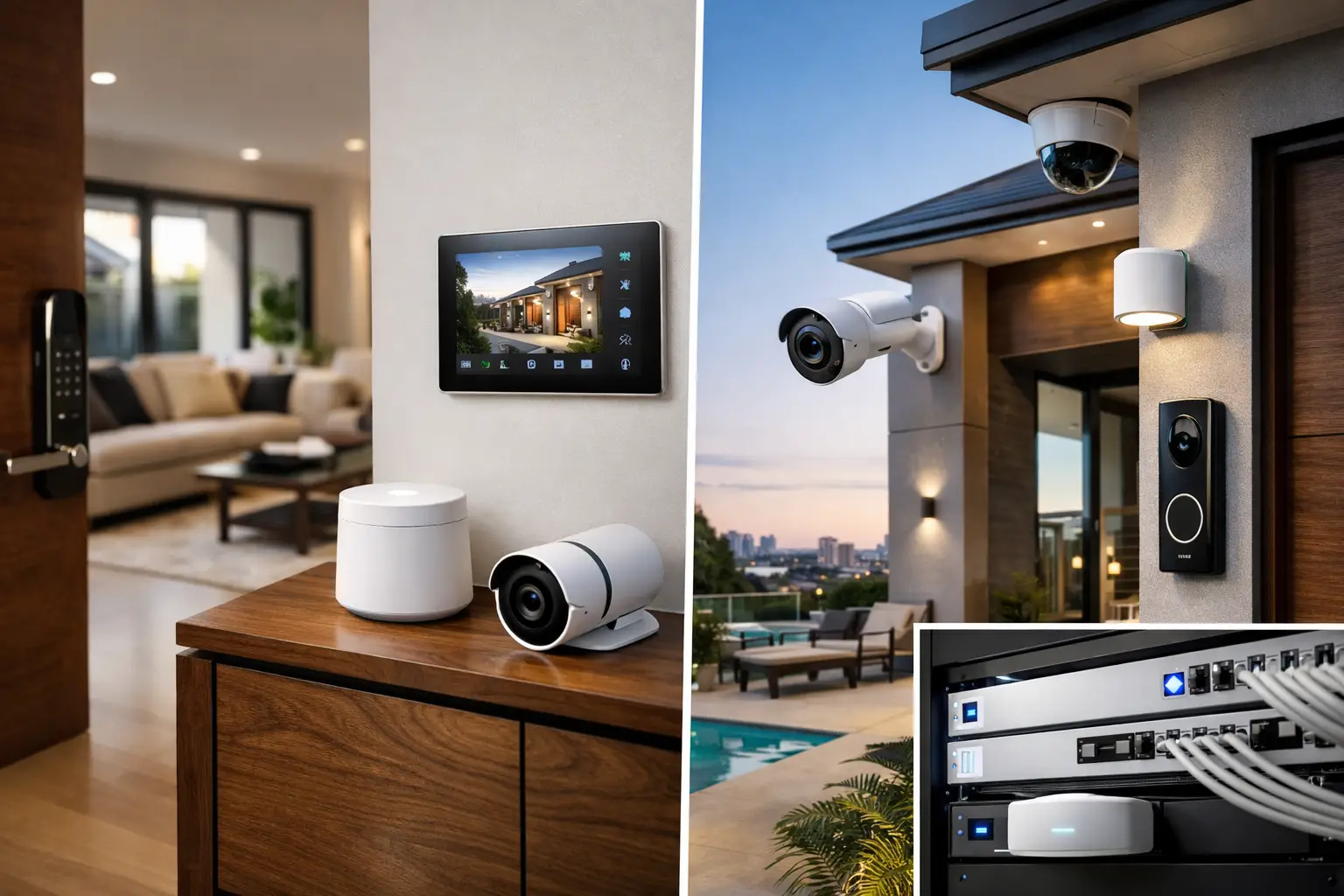
A front gate notification is useful only if the camera loads quickly, the intercom call reaches the right person, and the network remains available when the household is busy. That is the practical standard behind this HomeKit security review. Apple Home can be an excellent control layer for a connected property, but it is not a replacement for professionally designed security infrastructure.
For homeowners who already use iPhone, iPad, Apple TV, and Siri, HomeKit offers a familiar way to view selected cameras, check doors and windows, receive activity alerts, and trigger useful responses such as exterior lighting. Its value is strongest when it is planned as part of a wider system that includes reliable Wi-Fi, structured cabling, appropriate camera coverage, access control, and alarm monitoring where required.
What Apple Home Does Well for Security
Apple Home is particularly effective at making everyday awareness simple. A homeowner can see a supported doorbell camera on an Apple TV, receive a notification when a person is detected at the front gate, or ask Siri whether the garage door is closed. These are small interactions, but they reduce friction and encourage people to use the system they have invested in.
HomeKit Secure Video is also appealing for privacy-conscious properties. Supported cameras can analyze video activity through a Home hub, such as an Apple TV or HomePod, and store recorded clips in iCloud according to the selected plan. Apple’s privacy model and end-to-end encryption are meaningful advantages for clients who want less exposure to third-party camera platforms.
The platform also handles simple security-related automations well. A door contact can activate a hallway light after dark. Motion at a side gate can turn on external lighting. When the final household member leaves, the property can arm selected automations and confirm that doors are closed. These are practical responses, not novelty scenes.
Apple Home’s interface is another genuine strength. It brings supported accessories into one familiar app, with control shared securely among household members. For a residence centered on Apple devices, that consistency can be more valuable than a feature-heavy security app that nobody opens after installation.
HomeKit Security Review: The Limits That Matter
The main limitation is scope. HomeKit is a smart-home platform, not a dedicated commercial-grade alarm, video management, or access-control platform. It can present security information and automate selected responses, but it should not be asked to carry every critical security function on its own.
A professionally monitored alarm system needs purpose-built detection devices, a secure communications path, battery backup, tamper protection, and clear arming logic. Those requirements are different from turning lights on when a motion sensor activates. HomeKit can complement a monitored alarm by reflecting relevant status or triggering lifestyle functions, while the alarm panel remains responsible for protection and reporting.
Camera selection requires similar care. HomeKit Secure Video works with a defined range of supported cameras and has recording limits tied to an iCloud plan. It is well suited to front doors, entries, internal common areas, and selected perimeter views where convenient Apple Home access matters. It is less suitable as the sole recording platform for a large property that needs continuous retention, many camera channels, detailed forensic search, or advanced operational reporting.
For those sites, an NVR-based CCTV system from a platform such as Dahua or Hikvision may be the better foundation. Purpose-built CCTV can provide local recording, longer retention, broader camera options, AI analytics, and centralized management. Apple Home can still have a role, but the integration should be designed carefully rather than assumed. Not every professional camera feature translates into the Apple Home app.
The Network Determines the Experience
A HomeKit camera that drops offline is often blamed on the camera. In many cases, the actual issue is Wi-Fi design, poor access point placement, congested radio channels, weak switching, or an internet router trying to do too many jobs at once.
A reliable connected security system begins with infrastructure. Structured cabling provides stable connections for fixed cameras, access points, intercoms, televisions, and control equipment. A properly configured UniFi network can separate security devices from general client devices, provide appropriate Wi-Fi coverage, and make faults easier to identify. UPS backup should also be considered for network equipment, home hubs, cameras, and security communications during short power interruptions.
This is especially relevant for larger homes, renovations, and new builds. A wireless-only design may appear clean at handover, but it can become difficult to expand when additional cameras, gate equipment, access points, or smart lighting are added later. Cabling and network capacity should be planned before walls are closed, even if some devices will be installed in a later stage.
Matter and Thread Improve Options, Not Planning
Matter and Thread have expanded the number of accessories that can work with Apple Home. Thread can offer responsive, low-power communication for compatible sensors, locks, and controls, while Matter aims to improve cross-platform compatibility.
They do not eliminate the need for a proper design. Device compatibility still varies, certain functions may be available in one ecosystem but not another, and battery-powered sensors still need sensible placement and maintenance. For security-related automations, it is also important to decide what happens if a hub, network segment, or cloud service is unavailable.
Where HomeKit Fits Best in an Integrated Design
HomeKit is at its best as the resident-facing layer of a broader integrated property system. It provides convenient daily control while dedicated platforms manage specialized functions behind the scenes.
For example, an Akuvox intercom can manage visitor communication and gate release, while Apple Home provides selected notification and control options for residents. A professional alarm panel can handle monitored intrusion detection, while HomeKit uses alarm state or door activity to adjust lighting and comfort settings. CCTV can record to an NVR for evidence and analytics, with carefully selected HomeKit-compatible views available for quick household checks.
Lighting integration is another strong use case. DALI-2 lighting control, Zen Control keypads, or other professionally commissioned lighting systems can provide dependable local control and scene behavior. HomeKit can then offer an approachable interface for common scenes such as arrival, evening, away, and perimeter lighting. The electrical system retains its correct control architecture rather than relying on a collection of unrelated wireless accessories.
This approach also creates a better path for Home Assistant where deeper logic is needed. Home Assistant can coordinate equipment across multiple brands and protocols, while Apple Home remains an intuitive interface for residents who prefer it. The goal is not to force every device into one app. The goal is to give each platform the work it does best.
Questions to Resolve Before Installation
Before specifying HomeKit as part of a security system, clarify the expected outcome. Is the priority quick doorbell notifications, privacy-focused camera clips, monitored alarm protection, remote gate access, or centralized visibility across a larger property? The answer changes the architecture.
It is also worth defining who needs access and how that access will be managed. A family home may need different permissions for parents, children, cleaners, and contractors. A strata or commercial property may need audit trails, scheduled credentials, lift or door integration, and a formal access-control platform rather than household-style shared control.
Finally, consider support over the life of the system. Apple software updates, changing household devices, router replacements, and new accessories can affect an integrated environment. Clear documentation, labeled cabling, commissioned network settings, and a provider that understands security, electrical, and automation systems together make future changes far more manageable.
Apple Home is a capable and privacy-focused addition to a connected property, provided its role is defined correctly. For daily visibility and useful automation, it can be excellent. For critical protection, long-term recording, and operational security, it should sit alongside the dedicated systems designed for those responsibilities. The most effective result is a property where the technology feels simple to use because the infrastructure behind it has been planned with care.


