A guide to integrated office security starts with a practical question: what should happen when a person arrives, moves through the workplace, or triggers an exception after hours? If the answer involves separate keys, disconnected camera apps, unreliable Wi-Fi, and manual follow-up, the office has equipment but not a coordinated security system.
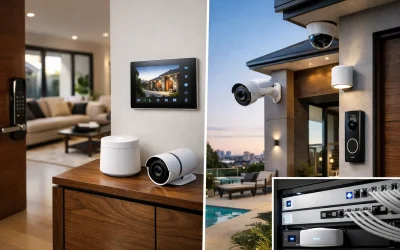
Integrated office security brings access control, CCTV, intrusion detection, intercoms, networking, electrical infrastructure, and selected automation into one planned environment. The aim is not to put every function on one screen for its own sake. It is to give staff a frictionless daily experience while providing managers clear visibility, dependable evidence, and a system that can adapt as the business grows.
What Integrated Office Security Should Achieve
A well-designed office system supports ordinary work before it deals with extraordinary events. Staff should be able to enter authorized areas without searching for keys. Visitors should be identified and admitted appropriately. Cameras should capture usable footage, not just record a wide, poorly lit room. Authorized managers should know whether the site is armed, secure, or experiencing a fault.
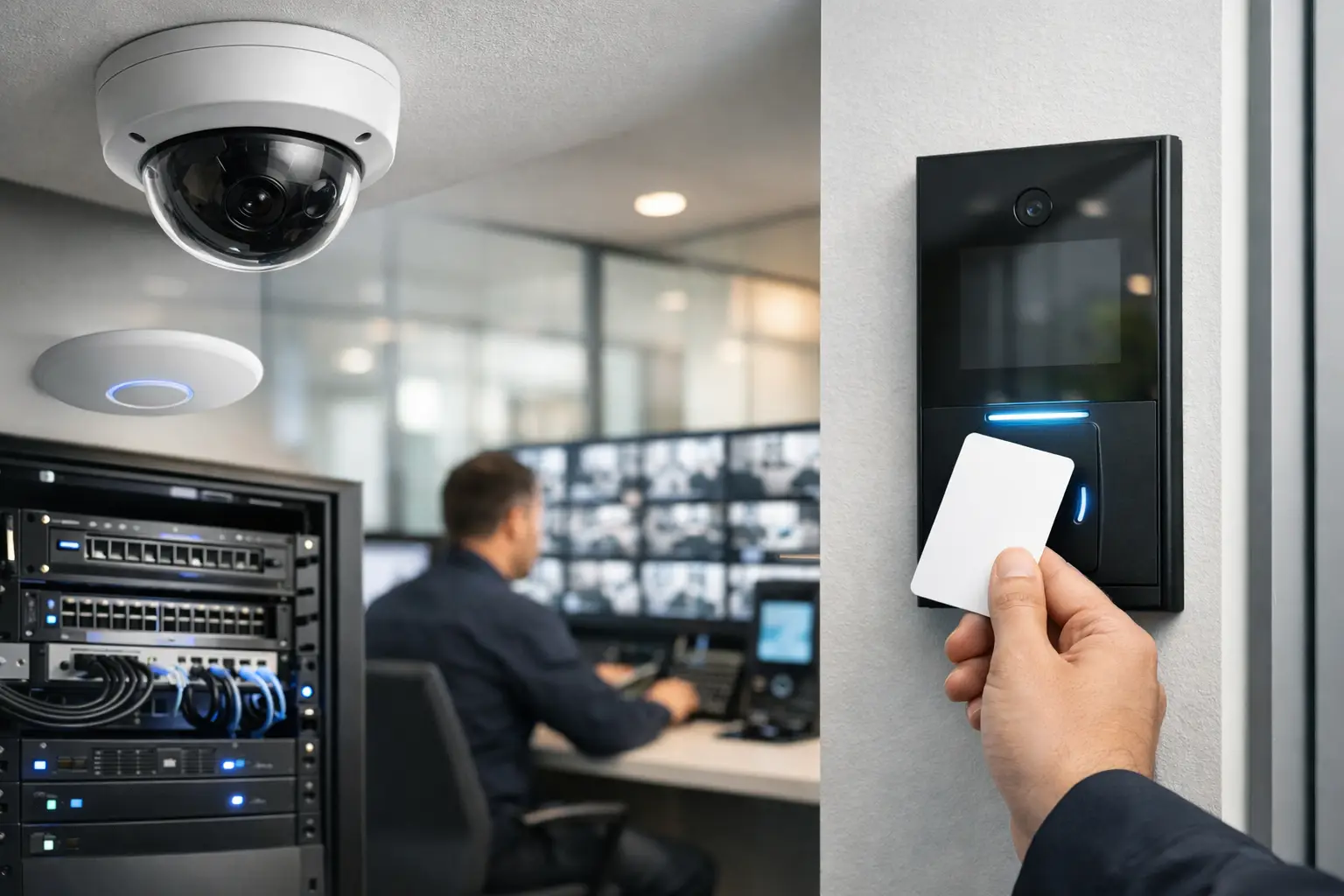
The value comes from the relationship between these functions. An access event can help an operator find the relevant camera footage quickly. A forced door alarm can prompt a camera view of that entrance. An intercom call can be answered from a designated desk or mobile device, depending on the selected platform and site policy. Lighting can be programmed to support safe access in low-occupancy areas without becoming a substitute for proper security controls.
Integration also reduces operational ambiguity. Instead of asking which contractor holds a key, whether a door was left unsecured, or whether a camera was online at the time of an incident, the business has a clearer chain of events. That does not eliminate the need for policies and trained staff. It gives those policies a reliable technical foundation.
Start With Risk, Workflow, and the Building
The right design depends on how the office operates. A small professional practice with one reception point has different needs from a multi-floor workplace, warehouse office, medical facility, or shared commercial site. Copying another company’s device list is rarely a sound starting point.
Begin by mapping people, areas, and events. Consider staff arrivals, visitor entry, deliveries, cleaners, contractors, IT closets, executive offices, stock rooms, records storage, and after-hours access. Identify the places where a delay, unauthorized entry, privacy concern, or operational interruption would matter most.
It is equally important to inspect the building fabric. Door construction, fire egress requirements, available cable pathways, existing electrical capacity, ceiling access, lighting conditions, and network cabinet locations affect what can be installed and how reliably it will perform. In a new build or major renovation, early planning allows structured cabling, door hardware coordination, cameras, Wi-Fi access points, and control panels to be placed correctly before finishes are complete.
Retrofit projects require more trade-offs. Wireless components may help where cabling would disrupt an occupied office, but wired connections remain preferable for fixed, high-priority equipment where practical. A professional design should explain those decisions rather than treating every site as identical.
Build the Foundation Before Adding Devices
Security systems rely on infrastructure that is often invisible once the project is complete. A camera is only useful if it has stable power, sufficient network capacity, secure recording, and an image appropriate to the scene. An access-controlled door needs compatible locking hardware, a correctly configured emergency release path, and a reliable power supply.
Structured cabling and a properly designed network are therefore part of the security scope, not an afterthought. Business-grade UniFi networking, for example, can provide centralized visibility across switches, wireless access points, and connected security devices. Network segmentation can separate cameras, access control, staff devices, guest Wi-Fi, and building automation systems, limiting unnecessary exposure and simplifying troubleshooting.
Power resilience deserves the same attention. The level of backup needed depends on the site and risk profile. A brief UPS runtime may be adequate for an office that needs orderly shutdown and short outage protection. Sites requiring continued access control, recording, or alarm communications during longer failures may need a more considered backup strategy. The important point is to define what must continue operating, for how long, and under which conditions.
Design for Cybersecurity and Administration
Connected security systems are part of the organization’s technology environment. Default passwords, unmanaged user accounts, open remote access, and unsupported equipment create avoidable risks. Administration should be planned around named users, suitable permission levels, strong authentication, software and firmware maintenance, and a clear handover process.
This is also where integration needs discipline. Connecting every device to every other device can create fragile dependencies and confusing ownership. Good integration focuses on useful outcomes, such as event correlation, authorized remote management, visitor workflows, or lighting response at designated entry points. Each connection should have a purpose, an owner, and a tested fallback behavior.
Choose Each Layer for Its Job
An integrated design does not mean every office needs every available technology. It means the selected layers work together and are scaled to the site.
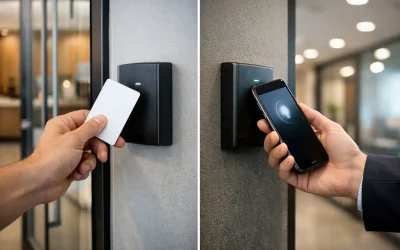
- Access control manages who can enter specific areas and when. It can replace uncontrolled key distribution with auditable credentials, schedules, and revocation when staff or contractors leave.
- CCTV provides verification and evidence. Camera placement, lens selection, scene lighting, retention requirements, and recorder capacity matter more than headline resolution alone. AI-enabled analytics can assist with people, vehicle, or perimeter events, but they require careful configuration to avoid nuisance alerts.
- Intrusion detection and monitoring protect the site when it is unoccupied or when a restricted area requires an additional layer of control. Alarm response procedures should be defined before an event occurs.
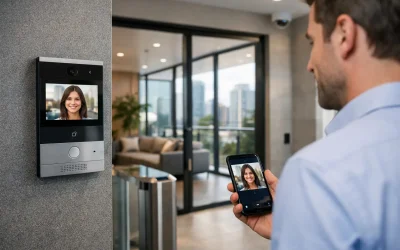
- Intercom and visitor management create a controlled entry experience. Platforms such as Akuvox can support video verification and communication at entrances, while the exact workflow should reflect reception coverage and privacy needs.
- Lighting and automation can support security operations through scheduled lighting, after-hours pathways, and selected event responses. DALI-2 and Zen Control systems are particularly useful where lighting is part of a broader commercial control strategy.
The best choice is not necessarily the platform with the longest feature list. It is the one that can be properly installed, maintained, administered, and understood by the people who will use it.
Make Cameras Useful, Not Merely Visible
Many offices discover too late that their cameras record a room but cannot answer the question asked after an incident. Identifying a person at a doorway, reading activity at a reception counter, observing a loading area, and monitoring a general corridor are different tasks. They call for different views, mounting positions, lighting considerations, and privacy controls.
A camera plan should begin with the purpose of each scene. Entry and exit points typically require clear face capture. Reception may need an overview plus a defined view of interactions or package handoffs. Parking, loading, and external perimeters may require carefully positioned coverage that accounts for headlights, weather, and changing light.
Retention is another operational decision. Longer retention needs more storage and should align with the organization’s risk profile, internal policy, and applicable privacy obligations. Footage also needs a simple retrieval process. During a real incident, the team should be able to locate a time, door, or event without searching through multiple disconnected systems.
Plan Permissions Around People, Not Keys
Access control is most effective when permissions reflect real roles. Reception staff may need weekday access to public and administrative areas. IT personnel may need access to communications rooms. Cleaning teams may require limited evening access. Contractors may need a credential that expires automatically after a defined project period.
Avoid broad, permanent permissions created for convenience. They tend to remain long after a role changes. Establish a process for onboarding, permission approval, credential replacement, periodic review, and immediate removal when a person leaves. The same principle applies to administrator accounts for cameras, alarms, intercoms, and networking equipment.
For offices with sensitive areas, consider layered access rather than simply making every door more restrictive. A controlled main entry, a separately protected server room, and restricted records storage may provide better security and easier operations than forcing credentials at every internal door.
Commissioning Is Where Integration Becomes Reliable
Installation is not the finish line. Each system needs commissioning under realistic conditions: normal staff entry, visitor calls, door-held-open events, forced-door alarms, network interruptions, power loss, after-hours arming, and authorized remote access. Camera images should be checked in day and night conditions, not just when the installer is standing beneath a fixture.
Documentation matters after handover. The business should receive a clear record of equipment, credentials, operating procedures, support contacts, and key configuration decisions. Staff should know what a normal alert looks like, who receives notifications, and when to escalate an issue.
Ongoing maintenance protects the original investment. Doors change alignment, batteries age, camera views become blocked, staff roles change, and software evolves. Periodic testing and review keep the office security system aligned with the building and the business rather than leaving it to drift into a collection of unmanaged devices.
A dependable office is not secured by adding more technology at the first sign of risk. It is secured by making deliberate decisions about people, spaces, infrastructure, and response – then maintaining the system so it continues to work when it is needed.