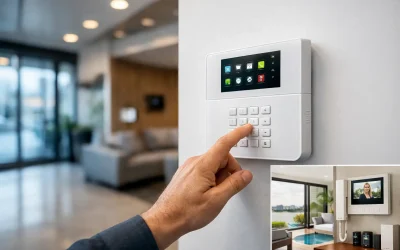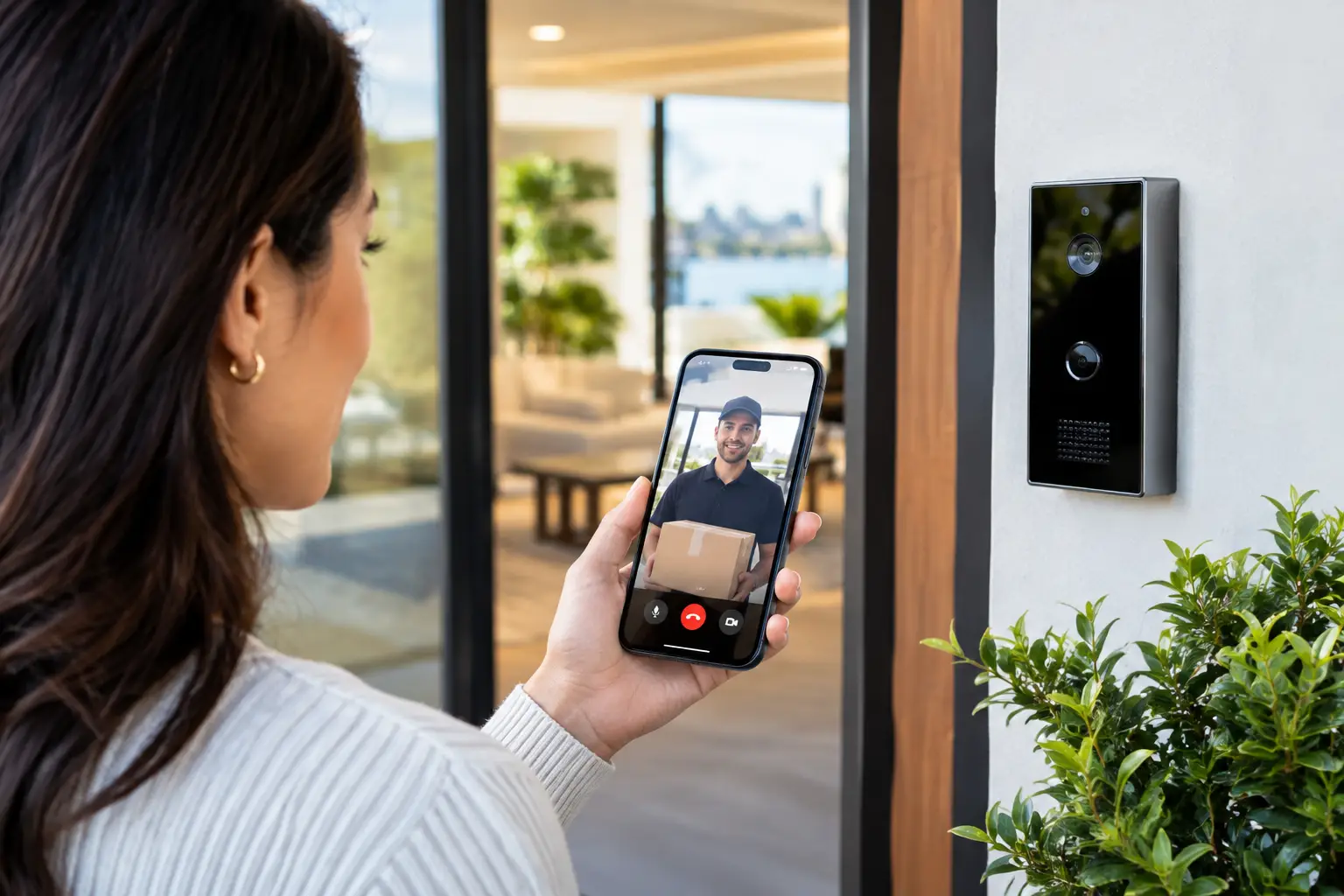
A courier arrives while you are at work. A contractor needs access before a meeting. A family member is traveling and wants to see who is at the front gate. In each case, the question is the same: can intercoms answer remotely? With the right intercom, network, and access-control design, yes. You can receive a call on a smartphone or indoor monitor, speak with the visitor, view live video, and release an authorized door, gate, or strike from almost anywhere.
That capability is not simply a feature of the door station. Reliable remote answering depends on the entire system: the intercom hardware, power supply, cabling, internet connection, mobile app, door-lock hardware, and the way access permissions have been planned. A professionally designed system treats those components as one connected environment rather than a collection of separate devices.
Can Intercoms Answer Remotely From a Phone?
Modern IP video intercoms can call a mobile app when someone presses the door station button. Depending on the platform, the call may also ring an indoor touchscreen, receptionist desk, security office, or several nominated users at once. The recipient can see the visitor, speak in real time, and choose whether to unlock the entry point.
Platforms such as Akuvox are commonly used for this type of application because they support video calling, multiple users, access credentials, and integration with broader access-control environments. The best configuration depends on the property. A single-family home may send calls to selected household phones and an indoor screen. A commercial site may route calls to reception during business hours, then to an after-hours contact or security team outside those hours.
Remote answering does have practical limits. If the phone has no data service, notifications are disabled, or the user does not answer, the visitor cannot be admitted through that user. For this reason, remote access should complement, not replace, sensible on-site entry options such as credentials, PINs, indoor stations, reception control, or scheduled access rules.
What Happens When Someone Presses the Intercom
At a basic level, the intercom captures video and starts a call. The system sends that call through the property network and, where remote access is enabled, through the manufacturer’s secure cloud service or a configured SIP calling environment. The mobile app receives a notification, and the user accepts it to open a live two-way audio and video session.
If the visitor is approved, the user presses an unlock command in the app. That command reaches the intercom or connected access-control relay, which activates the electric strike, magnetic lock, gate controller, or other compatible device for a programmed period.
The process sounds simple, but the installation details matter. A gate may require a dry-contact relay rather than a powered lock output. A fail-safe maglock and a fail-secure electric strike behave differently during a power outage. Fire egress, emergency release, and local building requirements must be considered before connecting an intercom to any controlled door. The right design protects security without compromising safe exit from the property.
The Infrastructure Behind Reliable Remote Answering
A remote-answering intercom is only as dependable as the network it sits on. This is why structured cabling and network planning are central to professional intercom installation, particularly for new builds, larger homes, strata sites, and commercial premises.
Wired network and power
Where possible, an IP intercom should be connected by Ethernet cable and powered using Power over Ethernet. PoE reduces the need for a separate local power supply at the door station and provides a more stable connection than relying on Wi-Fi at a perimeter gate or exterior entrance.
A properly planned network can also place security devices on a dedicated VLAN, separate from general user traffic. This helps manage performance and supports a cleaner security posture. UniFi networking is often well suited to these applications because it allows centralized management of wired and wireless infrastructure, device visibility, and network segmentation.
Internet service and mobile notifications
The intercom must have a stable route to the internet for calls to reach phones away from the property. The phone also needs mobile data or Wi-Fi and permission to receive app notifications. A fast internet plan helps, but consistency matters more than headline speed.
If the home or business loses internet access, local operation may continue. The indoor monitor can still call the door station on the local network, and credential-based entry may still work, depending on the equipment and configuration. However, phone-based answering from outside the site will generally not be available until the internet connection is restored.
For properties where uninterrupted operation is a priority, it is worth considering backup power for the network switch, router, intercom, and lock-control equipment. A UPS can maintain essential functions through short outages. For higher-risk sites, the design may also include an appropriate internet failover strategy and a clearly defined response process when connectivity is unavailable.
Door hardware and access control
Remote unlocking requires more than an attractive video panel at the door. The lock, gate motor, relay, exit device, and power supply all need to be compatible and correctly installed. A poor lock integration can create unreliable access, nuisance faults, or a door that cannot be released when it should be.
For commercial and strata properties, access events may need to be logged, credentials managed by user or tenancy, and entry rights removed promptly when staff or residents change. The intercom should support the operational needs of the site, not force the site into a consumer-style workflow.
Remote Answering at Home
For a residence, remote answering is most useful when it reduces small daily interruptions without weakening control over the front door or gate. You can speak with a delivery driver, let a cleaner in during an approved time window, or verify a visitor before opening the gate. At larger properties, it can also avoid the need to walk to a distant entry point simply to identify someone.
The most effective residential systems are planned with the rest of the home. An intercom can sit alongside CCTV coverage of the approach, smart lighting at the entrance, Apple Home or Home Assistant automations, and a reliable Wi-Fi and wired network foundation. For example, a door call can trigger entry lighting after dark while cameras record the approach. The intercom remains the decision point for entry, while the surrounding systems provide context and visibility.
There is a trade-off between convenience and permissions. Giving every household member remote unlock capability may be appropriate for some homes, but others may prefer certain users to receive video calls without door-release authority. User roles should reflect how the household actually operates.
Remote Answering for Businesses and Strata Buildings
In a business environment, remote intercom answering can keep entry management moving when reception is not constantly staffed. A warehouse office can verify a driver at the gate before admitting them. A medical practice can screen arrivals from a desk. A school or education site can maintain a controlled front entry while authorized staff answer calls from designated devices.
Strata and multi-tenant environments introduce additional requirements. Residents need their own calling destinations and credentials, while building managers need an efficient way to maintain the directory, manage common-area access, and respond to changes in occupancy. Visitor access cannot depend on a single shared phone or an unmanaged app account.
These sites benefit from a design that considers scale from the start. That includes adequate network capacity, protected equipment locations, backup power where appropriate, door hardware matched to the building, and a support process for resident or tenant changes. Retrofitting these decisions later is possible, but it is rarely as clean as planning them into the base infrastructure.
Questions to Ask Before Choosing a System
Before selecting an intercom, establish who needs to answer calls, which doors or gates require control, and what should happen when nobody answers. Clarify whether calls need to ring phones, indoor stations, a reception desk, or all three. Also consider whether the system needs video recording, directory management, PIN or card access, lift integration, visitor schedules, or integration with CCTV and alarms.
It is equally important to identify the less obvious constraints. Is there an Ethernet cable path to the gate? Is the existing lock suitable for electronic control? Does the site have adequate mobile coverage at the entry point? Will the intercom be exposed to weather, vandalism, or direct afternoon sun? These details influence equipment selection and installation quality far more than a feature comparison alone.
For professionally designed homes and commercial properties, Alpha Security Corp approaches remote intercom capability as part of the broader security, electrical, and networking plan. That allows the intercom, access control, CCTV, cabling, and automation layers to be designed to work as one reliable system.
The most useful remote intercom is not the one with the longest feature list. It is the one that reaches the right person, provides a clear view and conversation, controls the correct door safely, and continues to operate predictably when everyday conditions are less than perfect.