A meeting room should not need three remotes, a wall switch hunt, and an IT call before a presentation can start. At home, watching a movie should not mean switching inputs manually, lowering blinds separately, and asking why the audio disappeared again. The decision to integrate AV control systems is about removing that friction while making the underlying technology easier to support, expand, and trust.
For a premium home, workplace, retail site, education facility, or strata common area, AV control is most effective when it is designed as part of the wider property system. Displays, projectors, speakers, source devices, lighting, shades, Wi-Fi, access control, and security do not need to operate as disconnected islands. They need clear roles, a reliable network, sensible control logic, and an interface that matches how people actually use the space.
Why AV control needs more than a universal remote
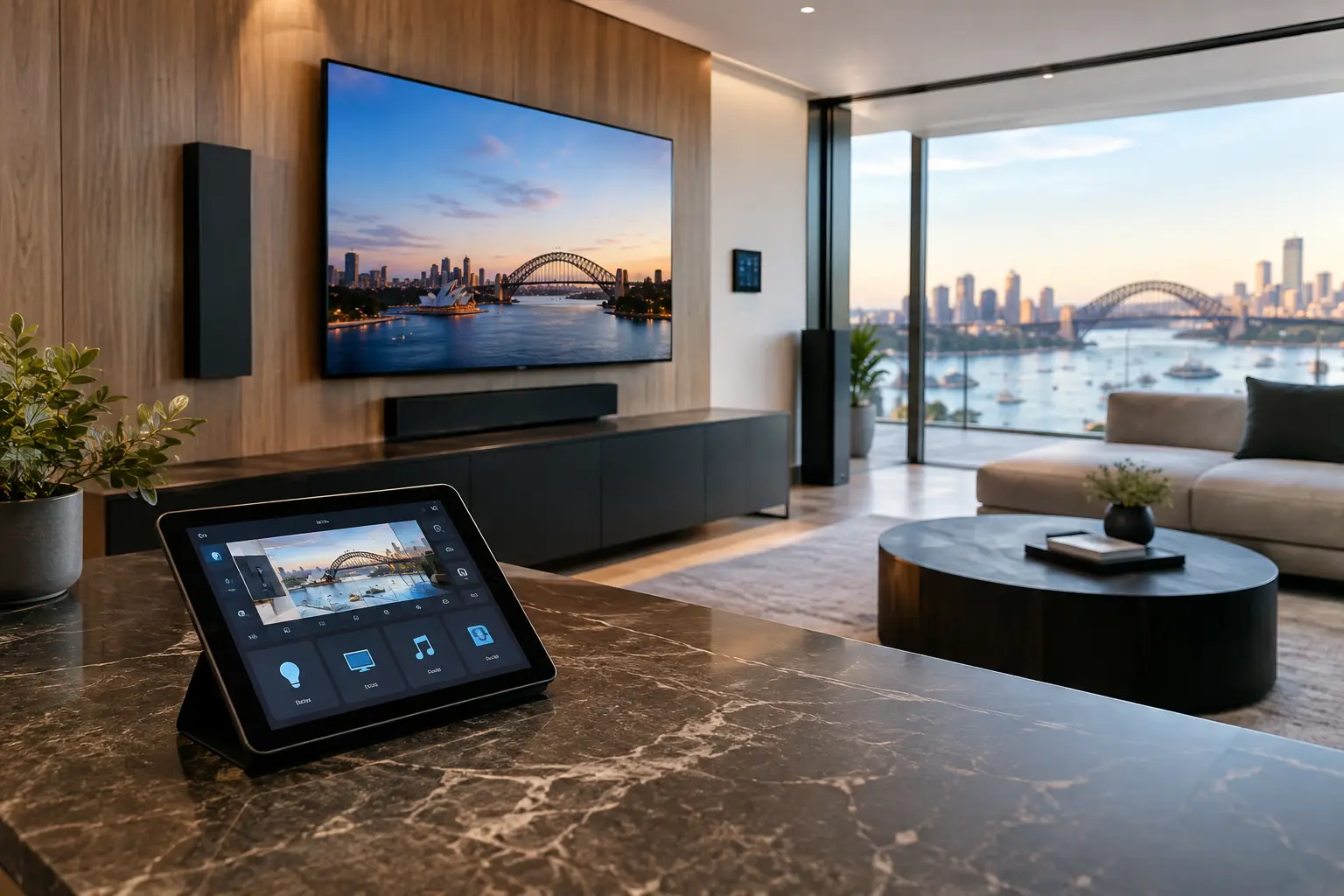
A basic remote can turn equipment on and off. A properly engineered AV control system manages the sequence behind the experience. It can power a display, select the correct input, wake an audio processor, set the volume to a safe level, lower motorized shades, and recall the appropriate lighting scene from one wall keypad, touch panel, mobile device, or automation trigger.
That distinction matters because modern AV equipment is rarely standalone. A commercial boardroom may combine video conferencing hardware, wireless presentation, ceiling speakers, room scheduling, multiple displays, and DALI-2 lighting. A home media room may include a projector, surround sound, streaming sources, distributed audio, smart lighting, and privacy shades. Without central control, the system can be technically capable but frustrating to operate.
Integration also gives property owners better operational visibility. If a display is offline, a network switch port fails, or a room is left powered after hours, a well-designed system can identify the issue quickly. This is particularly valuable in commercial sites and shared residential spaces, where staff and residents should not need specialist AV knowledge to use everyday technology.
Plan how to integrate AV control systems before selecting devices
The best outcomes begin with workflows, not product lists. Before selecting touch panels, controllers, amplifiers, or displays, define what should happen in each room and who needs control.
In a conference room, a typical workflow may be as simple as: enter the room, tap “Meeting,” and the display powers on, the correct camera and microphones become available, the lighting changes to a presentation scene, and the selected video-conferencing platform is ready. At the end of the meeting, “Room Off” should safely shut down AV equipment while retaining any settings that need to remain active.
At home, the workflow may be based on activities rather than equipment. “Watch TV,” “Movie Night,” “Music,” and “Goodnight” are easier to understand than a page of individual inputs and amplifier zones. The user should not need to know which HDMI port serves the media player or which source feeds a particular television.
Start with the room function
Every room has a different control requirement. A private office may need straightforward display, camera, and audio control. A divisible training room may need flexible routing so two spaces can operate independently or combine into one. A living area may prioritize multiroom audio and simple television control, while a dedicated theater may require detailed scene management, audio modes, and blackout shades.
Trying to apply one identical interface everywhere usually creates clutter. The right level of control depends on the room, the users, and the consequences of an error. A guest bedroom needs simplicity. An operations room may require supervised access to more advanced functions.
Map the infrastructure, not just the equipment
AV performance depends heavily on physical and network infrastructure. Structured cabling, equipment-rack layout, ventilation, power protection, Wi-Fi coverage, and switching capacity should be planned early, particularly in new construction and major renovations.
A clean equipment rack with labeled patching, dedicated power, service access, and appropriate cooling makes a substantial difference over the life of the installation. It reduces troubleshooting time, supports orderly upgrades, and prevents the familiar problem of devices being hidden behind displays with inaccessible power supplies and tangled cabling.
Network design deserves the same attention. Managed UniFi networking, for example, can provide the visibility and segmentation needed for AV, security cameras, access control, staff devices, guest Wi-Fi, and automation controllers. Segmentation is not about making a system complicated. It is about preventing a guest device, consumer streaming device, or unrelated network issue from affecting a critical security or control service.
Build control around dependable communication
AV controllers communicate with equipment using methods such as IP, serial, infrared, relay, and contact closure. IP control is common because modern displays, audio processors, matrix switchers, conferencing systems, and streaming platforms are network-connected. But a dependable design does not assume every device will behave perfectly on the network.
Some equipment responds best to direct serial control. Some functions, such as screen lifts, blinds, or legacy devices, may require relay or infrared control. The correct approach is based on the device, the required feedback, and how critical the function is. A controller should know whether a display is actually on where possible, rather than merely sending a command and hoping it worked.
This is where professional programming and commissioning matter. Power-on delays, input-switching times, device handshakes, fault recovery, and user permissions must be considered. A system that works during a demonstration but fails after a network reboot or a power interruption is not properly finished.
Connect AV with lighting, security, and automation carefully
The strongest integrations are useful without being intrusive. Lighting and AV are a natural pairing: starting a presentation can set brighter task lighting at the table while dimming the display wall, while movie mode can lower lights and close shades. DALI-2 lighting and platforms such as Zen Control are especially well suited to scene-based environments where precise lighting behavior matters.
Apple Home and Home Assistant can extend this logic in residential settings. A homeowner might select a media scene from an Apple device, while the system coordinates compatible lighting, audio, climate, and shades. Home Assistant can also provide flexible automation across a wider set of devices when it is implemented on stable hardware, documented clearly, and maintained as part of the overall system.
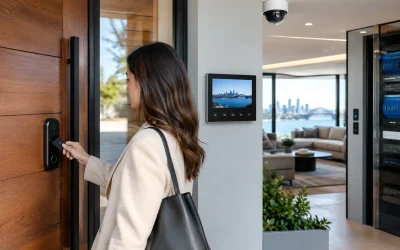
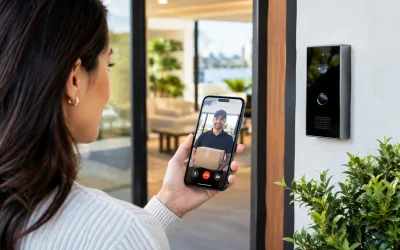
Security should be integrated with purpose. An intercom call from an Akuvox panel can appear on an approved in-home display or touch panel. Access events can trigger lighting in an entry area. After-hours arm modes can turn off nonessential AV zones in a commercial property. These integrations should respect privacy and operational boundaries. CCTV feeds do not need to appear on every screen, and security controls should never be exposed to unauthorized users simply because an AV interface is convenient.
Choose interfaces people will actually use
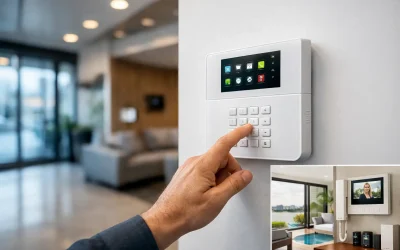
A control interface should reduce decisions, not add them. For many rooms, a small wall keypad with a few clear functions is more dependable than a complex touch panel. For more advanced spaces, a touch panel can provide room scheduling, source selection, camera control, lighting scenes, and help prompts without overwhelming the user.
Mobile control is useful, especially in a residence, but it should rarely be the only way to operate essential room functions. Phones run out of battery, apps change, and visitors may not have access. Fixed controls provide certainty. The best systems commonly use a combination: a physical keypad for immediate actions, a touch panel for detailed control, and a mobile interface for personal convenience.
Interface design should also account for support. Clear room labels, consistent button names, restricted technician settings, and simple “help” instructions make a system easier to manage long after installation day.
Allow for upgrades and service from the beginning
AV technology changes faster than building infrastructure. Displays, conferencing platforms, streaming devices, and codecs will eventually be replaced. Cabling pathways, racks, power, and network capacity should be designed to accommodate that reality.
This does not mean overbuilding every project. It means making informed allowances. A home may need spare conduit to display locations and additional rack capacity. A commercial site may need scalable network switching, replaceable endpoint hardware, and documented cable schedules. In both cases, avoid designing a system that can only be serviced by dismantling finished walls or interrupting an entire site.
Documentation is part of the installation, not an optional extra. Network details, equipment lists, rack elevations, control logic, cable labels, and user guidance give owners a practical record of what has been installed. They also make future maintenance more efficient and protect the value of the investment.
A well-integrated AV system should feel quiet in the best sense: it responds predictably, supports the room’s purpose, and stays out of the way until it is needed. That result comes from deliberate design, disciplined infrastructure work, and control logic built around the people using the property every day.