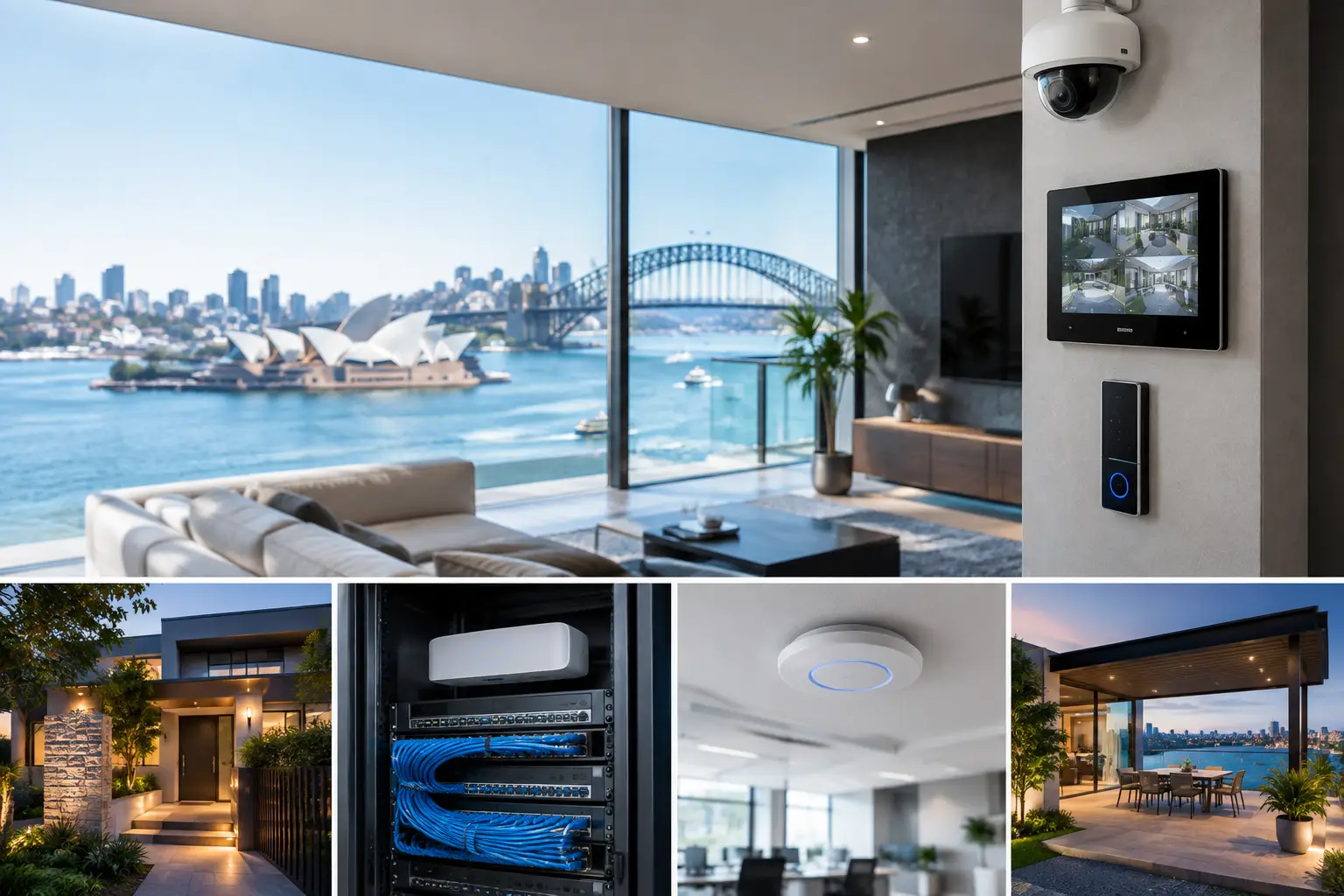
A security system can look complete on handover day and still create problems six months later. Cameras may have weak network coverage, an intercom may not integrate with access control, or smart lighting may depend on unreliable wireless devices. Sydney integrated security design addresses those issues before equipment is selected, treating security, electrical work, networking, and automation as one connected property system.
That approach matters whether the project is a new family home, a high-end renovation, a strata common area, or an operating commercial site. The objective is not to add more apps or more devices. It is to create a practical system that is easy to operate, secure, serviceable, and ready to expand when the property changes.
What Sydney Integrated Security Design Should Solve
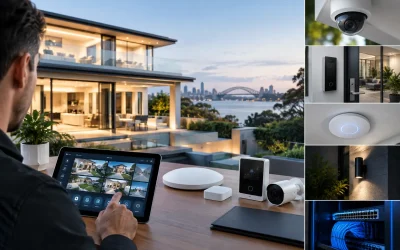
Integrated design begins with the way a property is actually used. A homeowner may want a gate station that calls selected family members, cameras visible within Apple Home, lighting scenes that respond appropriately when the alarm is armed, and reliable Wi-Fi across the home and garden. A business may need staff access by credential, visitor verification at the entry, camera coverage tied to incident investigation, and alarm monitoring that works around daily operations.
These are not separate conversations. The placement of a camera affects network capacity and cable routes. The choice of intercom affects door hardware, electrical provisioning, mobile access, and how visitors are managed. Lighting control can support security after hours, but only when the control system, switch locations, and emergency requirements have been planned correctly.
A proper design resolves the dependencies early. It documents what happens during normal use, after hours, during a power interruption, and when internet service is unavailable. It also establishes who needs access to which functions. This creates a system that supports the building rather than forcing occupants to work around it.
Start With Infrastructure, Not Devices
The most capable camera or access controller cannot compensate for poor underlying infrastructure. Structured cabling, equipment location, power protection, switching capacity, wireless coverage, and clear labeling are foundational decisions. They are also the decisions that are hardest and most expensive to correct after walls are closed or a business is fully operational.
For new builds and major renovations, this often means installing more cable pathways and data cabling than the first-day scope requires. A cable to a future camera position, gate, ceiling access point, touch panel, television location, or outbuilding provides options later without disruptive retrofit work. Conduit and accessible pathways matter just as much, particularly where technology may evolve over the life of the property.
For retrofit projects, priorities are different. The design needs to respect finished surfaces, existing electrical systems, heritage constraints, and daily occupancy. Wireless technology can be appropriate in selected locations, but it should be a deliberate choice rather than a substitute for planning. A site survey identifies where wired connections are essential and where a well-designed wireless solution can perform reliably.
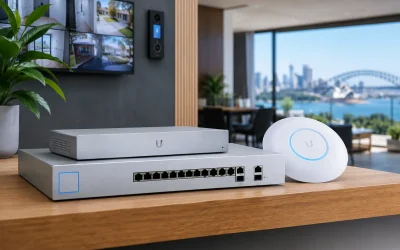
UniFi networking is often a strong fit for connected homes and businesses because it provides centralized management of access points, switches, gateways, and network visibility. The platform is not the entire answer, however. Network design still requires appropriate segmentation, coverage planning, PoE capacity, secure remote administration, and enough headroom for CCTV recording and future devices.
Security Systems Work Better When They Share Context
A camera system should do more than record footage. Correctly positioned AI CCTV can help distinguish people, vehicles, and other relevant events, making searches and notifications more useful. The right outcome depends on the environment. A warehouse may prioritize loading docks, perimeter gates, stock movement, and low-light coverage. A home may need discreet coverage of entries, driveway activity, and the perimeter without intruding on private spaces.
Access control adds another layer of operational context. When a credential is presented at a door, the system can create an audit trail and, where appropriate, associate entry activity with nearby video. For commercial premises, this can simplify investigation and reduce reliance on physical keys. For strata environments, it supports more controlled management of common areas and changing resident or contractor access.
Intercoms should be selected around the visitor journey, not just door release. An Akuvox system, for example, can be designed for video verification, mobile calling, indoor stations, gate control, and integration with appropriate access credentials. The practical questions are straightforward: Who answers after hours? Can deliveries be managed safely? Does the gate need to remain closed until identity is confirmed? What happens if a resident or staff member loses a phone?
Alarms and back-to-base monitoring complete the response framework. Monitoring is most effective when alarm zones, user permissions, notification procedures, and site contacts are configured with the property’s real risks in mind. A poorly planned system can generate nuisance events and complacency. A well-designed one gives occupants and monitoring operators useful information at the moment a response is needed.
Design Control Around the People Using It
A connected property should not require occupants to become system administrators. Control needs to feel consistent across wall controls, mobile devices, touch screens, and automated behaviors. This is where platform selection matters.
Apple Home can suit households that already use Apple devices and want familiar control of selected lighting, security, climate, and camera functions. Home Assistant can provide greater flexibility for properties that need tailored automation, cross-platform integration, or more advanced logic. Neither platform is automatically better. Apple Home offers a polished, approachable experience for many users, while Home Assistant can be more configurable when properly designed, commissioned, and supported.
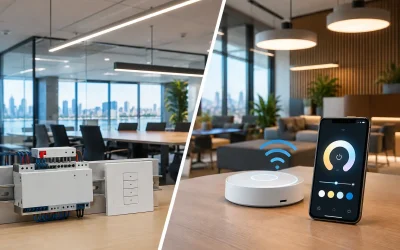
The same principle applies to lighting. DALI-2 and Zen Control systems can deliver precise, reliable lighting control in projects where scenes, scheduling, occupancy response, and centralized management add real value. The design should still preserve intuitive local control. People expect to turn lights on at the wall, even in a highly automated property.
Useful automations are usually modest and specific. An entry scene can illuminate a path after a verified arrival. A commercial site can activate selected lighting when the first authorized employee enters. A perimeter event can trigger an appropriate notification and temporary lighting response without turning the whole property into a spectacle. Good automation reduces repeated effort without creating surprises.
Plan for Failure States and Future Changes
Every connected system should be designed around the question: what still works when something fails? Internet outages, power disruptions, flat phones, failed devices, and staff turnover are normal operating conditions, not rare exceptions.
Local recording, battery backup for key network and security equipment, controlled remote access, documented credentials, and sensible fallback operation make a material difference. A door should not become unusable because a cloud service is unavailable. Core lighting should remain controllable. Cameras should continue recording locally where the design calls for it. The exact resilience level depends on the property and risk profile, but it should be discussed before installation.
Scalability also needs attention. A homeowner may later add a pool area, detached studio, solar monitoring, or additional perimeter coverage. A business may add staff, reconfigure tenancies, extend warehouse space, or introduce new compliance requirements. Spare switch capacity, available cable routes, clear system documentation, and equipment selected from supported platforms prevent future changes from becoming a full replacement project.
Why One Design Team Matters
When security, electrical, network, AV, and automation scopes are separated across unrelated contractors, gaps often appear at the handover point. One provider may install the device, another may provide the network, and nobody may own the final user experience. The result can be duplicated equipment, inconsistent controls, and slow fault finding.
An integrated design-and-install team can coordinate cable routes, electrical provisions, rack layout, device placement, network configuration, commissioning, and ongoing support as one scope. For clients, that means clearer responsibility and fewer assumptions between trades. It does not mean every project needs every technology category. It means the categories that are included are planned to work together.
Alpha Security Corp approaches projects from that connected-system perspective, combining licensed electrical capability with security, networking, and automation expertise. The value is not in filling a property with technology. It is in making each part dependable, understandable, and appropriate for the people who will rely on it.
The best time to make these decisions is before cabling is installed, doors are ordered, or ceilings are closed. Start with how the property needs to operate on an ordinary day, then design the security and technology around that reality. A system built on that foundation will remain useful long after the initial installation is finished.