



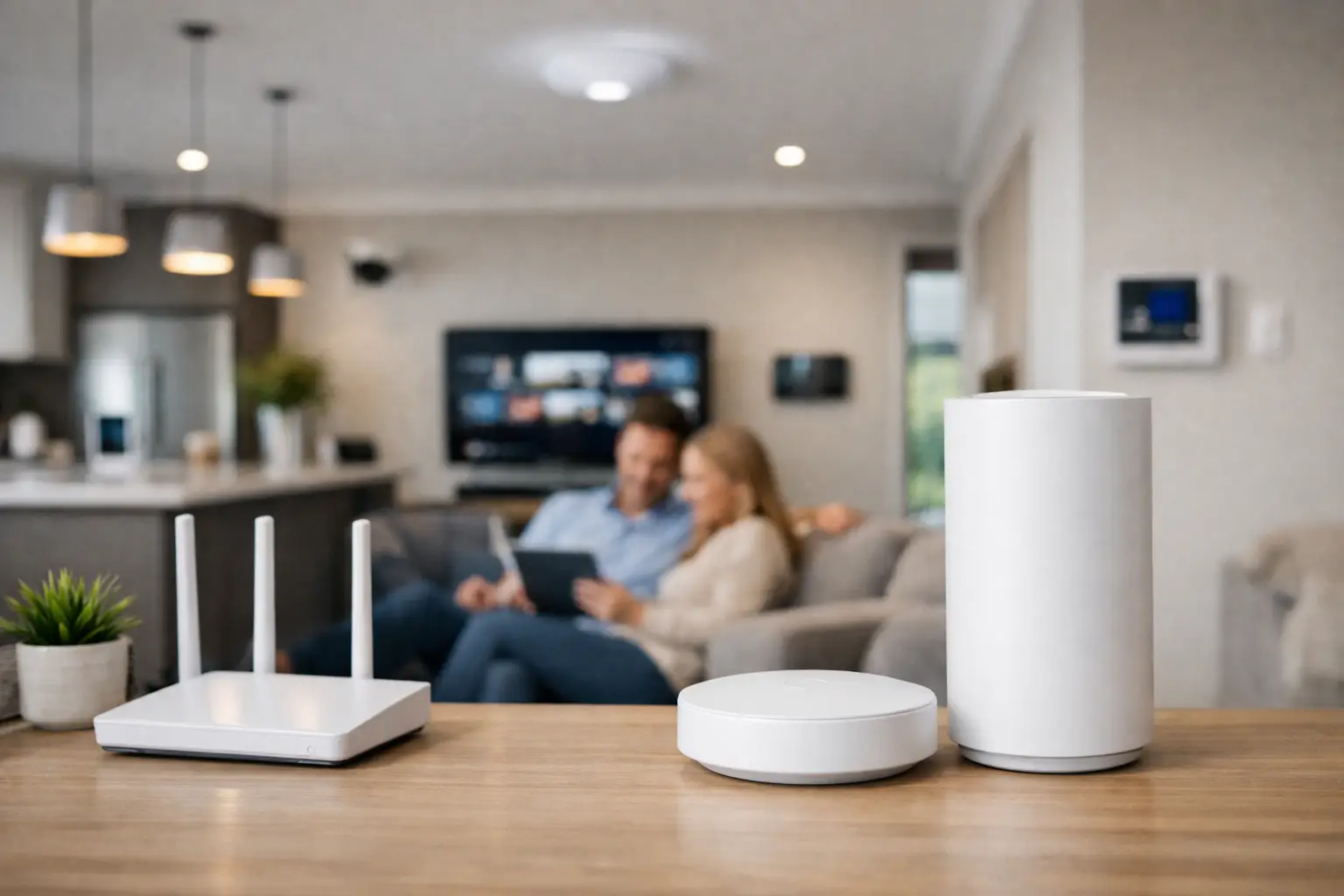
A home with one gigabit internet plan and weak Wi-Fi in the back office is not a bandwidth problem. It is usually a design problem. The best whole home wifi systems solve coverage, roaming, capacity, and device density together, which is exactly why they matter so much in modern homes with cameras, smart lighting, intercoms, TVs, workstations, and automation running at the same time.
For many properties, the real question is not which box has the most marketing claims. It is whether the Wi-Fi system fits the building, the cabling, and the way the property is used day to day. A compact apartment, a concrete townhouse, a large two-story family home, and a new build with security and automation all need different answers.
What makes the best whole home wifi systems actually better
A good mesh system does more than push signal into dead spots. It should let devices move from one access point to another without dropping video calls, stalling music, or hanging on a weak connection in the far end of the house. That handoff behavior matters as much as raw speed.
The best systems also stay stable when the network is busy. That includes phones, laptops, streaming devices, gaming consoles, CCTV recorders, smart doorbells, Apple Home devices, Home Assistant servers, and lighting gateways all sharing the same infrastructure. A Wi-Fi system that performs well in an empty test lab may struggle in a real property with 60 or 100 connected devices.
This is where better platforms separate themselves. Strong radios, sensible band steering, proper roaming support, and good network management all matter. If the home also has structured cabling, wired backhaul between nodes or access points usually improves performance dramatically compared with wireless-only mesh.
Mesh kits vs professionally designed Wi-Fi
Consumer mesh kits are popular because they are simple to buy and quick to set up. In the right property, they can work well. A medium-sized timber-framed home with modest device counts and no unusual building materials may be perfectly suited to a premium mesh kit.
But there are trade-offs. Wireless mesh nodes rely on talking to each other over the air, and that consumes capacity. In larger homes, or homes with concrete, brick, stone, steel, or underfloor heating systems, that wireless link can become the weak point. Coverage might look acceptable on a phone, yet performance under load can still be poor.
Professionally designed systems, especially those using wired access points, are different. Instead of hoping a mesh node can relay signal through difficult construction, each access point is fed by network cabling and placed where it actually makes sense. This approach is common in premium residential projects and commercial spaces because it is more predictable, more scalable, and easier to maintain.
That does not mean every home needs enterprise gear. It means the best whole home wifi systems depend on the property. In some homes, a high-end consumer mesh kit is enough. In others, a UniFi-based setup with properly located access points, switching, and structured cabling is the more reliable choice.
Best whole home wifi systems by property type
If you are comparing options, start with the building rather than the brand.
For apartments and smaller homes
A two or three-node premium mesh system can often do the job well, provided the layout is straightforward and there are not too many hard barriers. The focus here should be on stable roaming, simple management, and enough capacity for streaming, work-from-home use, and basic smart-home devices.
The mistake is overbuilding or placing nodes too close together. Too many nodes in a smaller footprint can create unnecessary overlap and roaming issues of their own.
For larger family homes
This is where many consumer systems begin to show their limits. Large homes often have outdoor areas, detached garages, home offices, media rooms, and dense smart-device usage. A mesh kit may still work if it has wired backhaul, but a dedicated access point design is usually cleaner.
Ceiling-mounted access points, correctly positioned and wired, tend to deliver more even coverage than a group of shelf-mounted mesh nodes scattered around the house. They also suit homes where aesthetics, reliability, and future upgrades matter.
For new builds and major renovations
This is the ideal moment to get Wi-Fi right. When cabling is planned early, you are not trying to patch coverage after the walls are finished. You can place access points properly, run network cabling to TVs, offices, cameras, intercoms, and AV locations, and build a network that supports security and automation from day one.
In these projects, Wi-Fi should never be treated as a standalone item. It should be planned alongside CCTV, access control, audio visual, lighting control, and smart home platforms so the whole environment works as one.
For smart homes and security-heavy properties
Properties with UniFi Protect cameras, intercoms, Apple Home, Home Assistant, lighting gateways, and multiple mobile users need more than broad coverage. They need network segmentation, stable local performance, and room to scale.
This is where platform quality matters. Better network ecosystems give you visibility into connected devices, better control over traffic, and a more structured way to support critical systems without relying on a basic all-in-one router.
The features worth paying attention to
Wi-Fi marketing tends to focus on maximum speeds, but that figure alone tells you very little about real performance. Placement, interference, and backhaul design have more impact in most homes.
A few things are worth looking at closely. Wired backhaul is one of them. If nodes or access points can connect over Ethernet, that usually delivers a more consistent experience. Tri-band designs can also help in wireless mesh deployments because one band can be used more effectively for node-to-node communication.
Management matters too. Some systems are built for convenience, others for control. If you want simple app-based setup and basic parental controls, a consumer platform may be enough. If you want VLANs, better traffic visibility, guest network design, camera integration, or long-term expandability, a more advanced platform makes sense.
Then there is the question of Wi-Fi 6, Wi-Fi 6E, and Wi-Fi 7. Newer standards can improve performance, especially in dense environments, but they do not override poor design. A well-planned Wi-Fi 6 system with wired access points will often outperform a poorly placed Wi-Fi 7 mesh kit.
Where people choose the wrong system
One common mistake is trying to solve every dead spot by adding more wireless nodes. Sometimes that helps. Often it just spreads a weak design over a larger area.
Another is placing Wi-Fi hardware where it is convenient rather than where it performs best. Network equipment hidden in a metal cabinet, shoved behind a TV, or installed in the corner of a garage rarely delivers ideal results.
There is also a broader planning issue. Homeowners may invest heavily in cameras, intercoms, smart locks, lighting control, and multiroom audio, then leave the network as an afterthought. That usually leads to unpredictable behavior that gets blamed on the devices themselves. In reality, the network is often the foundation problem.
When a UniFi-style setup makes more sense
For properties that need dependable coverage, proper roaming, camera support, and room for future upgrades, a UniFi-style network is often the better fit than an off-the-shelf mesh kit. Not because it is trendy, but because it supports structured design.
You can combine a gateway, managed switching, wired access points, and clean segmentation across devices and services. That matters for homes with integrated systems and for commercial sites where uptime and visibility are more important than quick retail setup.
It is also easier to align with other infrastructure. If a property already includes structured cabling, CCTV, access control, intercoms, and centralized AV, the network should be designed to support that environment rather than sit beside it as a separate consumer product.
How to choose the right path
Start with the layout, construction materials, and number of connected devices. Then consider how important roaming, video calls, outdoor coverage, and smart-home reliability are in everyday use.
If the property is modest in size and your needs are straightforward, a premium mesh kit may be entirely appropriate. If the home is large, heavily connected, newly built, or designed around integrated technology, a professionally planned access point network is usually the better long-term decision.
That is the practical difference between buying Wi-Fi and designing network infrastructure. One is about fixing signal bars. The other is about creating a reliable platform for everything that depends on it.
For homeowners, builders, and property decision-makers planning connected spaces, the best result usually comes when Wi-Fi is considered early, alongside electrical, security, and automation. That is how you avoid dead zones, overloaded nodes, and smart systems that never feel quite dependable. The strongest Wi-Fi setup is not the one with the loudest box claims. It is the one designed for the property you actually have.


