



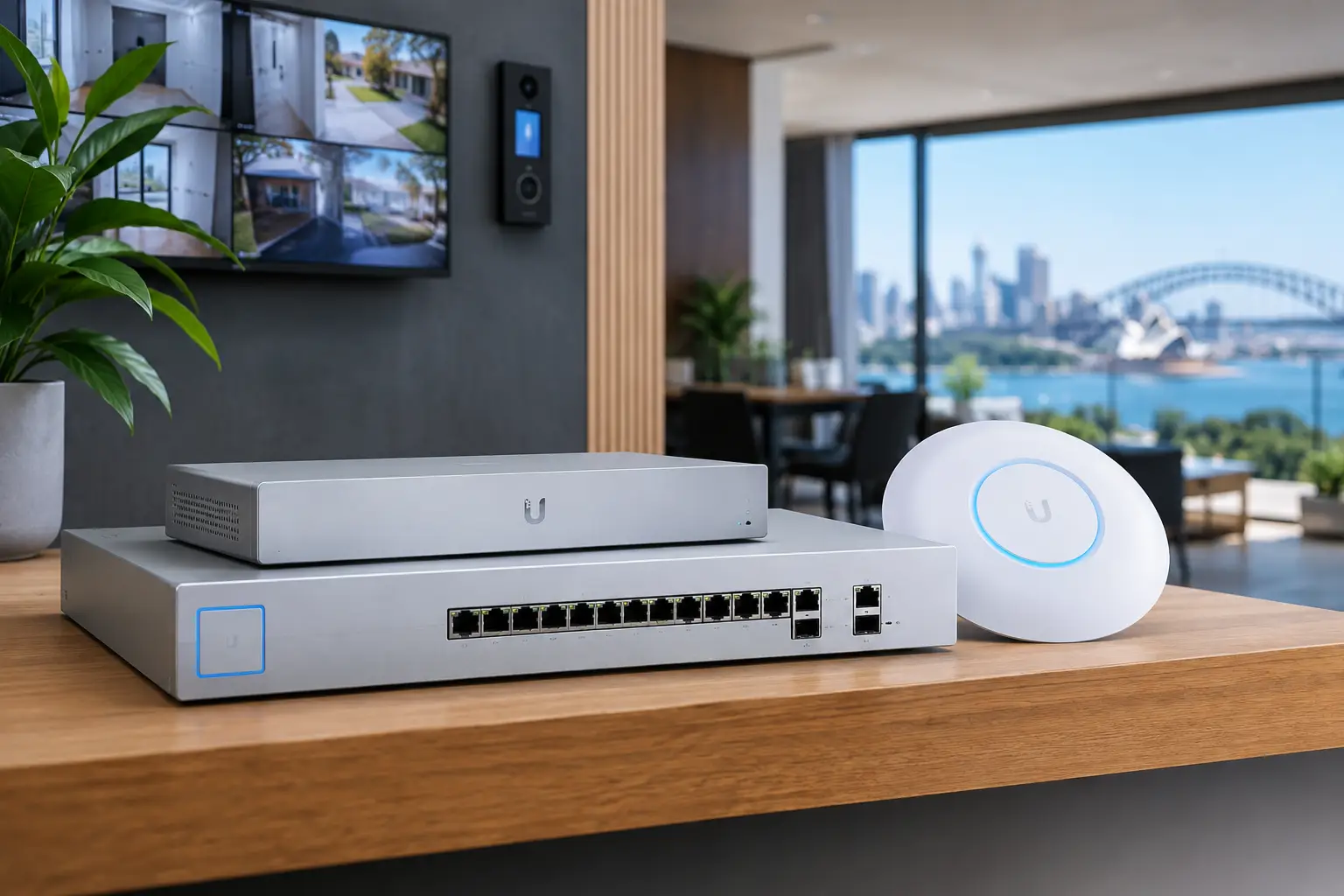
A network problem rarely starts where it becomes visible. A video call drops, CCTV footage will not load remotely, or a smart-home controller goes offline, but the underlying issue can sit at the network edge. UniFi gateways provide the routing, security policy, internet failover, and traffic control that determine how the rest of a connected property behaves.
For a professionally designed home or business network, the gateway should not be treated as a small box added after the Wi-Fi is installed. It is the point where internet services, wired infrastructure, wireless access points, security devices, remote access, and network segmentation are brought into a controlled design. Choosing it correctly protects performance now and leaves room for the property to grow.
What a UniFi Gateway Actually Does
A gateway sits between the internet connection and the internal network. Its core role is routing traffic, but that definition undersells its value in an integrated system. A properly configured UniFi gateway can apply firewall rules, separate devices into virtual networks, support virtual private network access, monitor traffic, and switch to a secondary internet service when the primary connection fails.
It is not the same thing as a Wi-Fi access point or a network switch. Access points provide wireless coverage. Switches connect wired devices and can deliver Power over Ethernet to cameras, access points, intercoms, and control equipment. The gateway makes decisions about where traffic is allowed to travel and how it reaches the internet.
That distinction matters in properties with more than a handful of connected devices. A basic flat network may appear to work at first, but it gives every device broad access to every other device. In a home with IP cameras, Apple Home, Home Assistant, smart lighting, AV equipment, and guest Wi-Fi, that approach makes troubleshooting and security harder. In a commercial environment, the risks are greater when staff devices, access control, CCTV, point-of-sale equipment, and visitor networks share the same space.
Why Gateway Capacity Matters More Than Internet Speed
It is tempting to choose a gateway based only on the download speed shown on an internet plan. That is one consideration, but it is not the full picture. Gateway performance changes when advanced security features, multiple networks, VPN connections, traffic inspection, or dual-WAN failover are enabled.
A property with a fast fiber connection may need more processing capacity than expected if it runs intrusion detection and prevention, supports remote staff or site access through VPN, and handles continuous traffic from cameras and cloud-connected services. Conversely, a modestly sized residence with a standard internet service may not benefit from enterprise-level gateway hardware if its network has limited wired infrastructure and no plans for expansion.
The right question is not simply, “How fast is the internet?” It is, “What must the network continue to do when the building is busy?” That includes video conferencing, cloud backups, camera viewing, remote access, music streaming, automation commands, and normal work traffic operating at the same time.
Security Features Have a Performance Cost
Firewall policies, intrusion prevention, content filtering, and deep traffic inspection are useful tools, but they require processing power. Enabling every available feature without considering the gateway’s capacity can reduce real-world throughput.
This does not mean security should be minimized. It means the design should match the device to the security policy. A professional installation considers the internet connection, expected concurrent users, critical services, and the level of inspection required. For many businesses, maintaining policy enforcement during peak traffic is more valuable than chasing a headline speed figure.
Remote Access Should Be Deliberate
Remote access is essential for many property owners. They may need to view a security system, access a business application, support a Home Assistant installation, or manage network equipment from another location. A gateway can provide secure VPN connectivity and controlled remote management, but it should be configured with clear permissions rather than broad exposure to the internet.
For example, an installer or managed support provider may need access to network diagnostics without being given unrestricted access to every business device. Likewise, a homeowner may want remote access to automation controls without opening insecure ports to the public internet. These decisions are part of the gateway design, not an afterthought.
Designing UniFi Gateways Around the Whole Property
The most effective gateway selection begins with a network plan. In a new build, this should happen before walls are closed and before equipment is chosen. In a retrofit, the process starts with understanding the existing cabling, internet service, rack or cabinet space, electrical supply, and devices that already depend on the network.
A smaller all-in-one UniFi gateway may suit a compact property with a limited number of wired devices and a straightforward internet connection. Rack-mounted gateway and console options are often a better fit for larger homes, commercial sites, strata common areas, and properties with dedicated communications racks. They allow the network to be organized alongside patch panels, managed switches, UPS backup, and security recording equipment.
The physical installation matters as much as the model. Network equipment needs ventilation, clean cable management, reliable power, and clear labeling. A gateway hidden in an inaccessible cupboard beside an unmanaged switch may function, but it is harder to service and less likely to support future expansion cleanly.
Separate Critical Systems From Everyday Devices
Network segmentation is one of the strongest reasons to use managed UniFi infrastructure. Rather than placing every device on one network, the property can be divided into logical groups with rules controlling communication between them.
A typical integrated design may separate CCTV and security devices, access control and intercom systems, staff or household devices, guest Wi-Fi, building automation, and AV equipment. The exact layout depends on the platforms in use. Some automation controllers need carefully defined access to cameras, lighting bridges, or media devices, while guest devices should have internet access only.
Segmentation is not about making a network unnecessarily complex. It creates boundaries that make the system easier to manage. If a guest device has a problem, it should not affect security infrastructure. If a camera manufacturer releases an update, the camera network should not have unrestricted access to business computers. Good rules keep essential integrations working while limiting exposure where it is unnecessary.
Plan for Cameras, Access Control, and Automation Early
CCTV, access control, intercoms, and smart-home systems increasingly rely on the network as their operating foundation. A camera system can have high-resolution recording and intelligent detection, yet still deliver a poor owner experience if its network path is congested or remote access is unreliable.
The same applies to access control and intercoms. These systems may need stable local connectivity, remote administration, mobile credentials, or links to other building systems. An integrated gateway, switch, and Wi-Fi design makes it easier to define how those services communicate and what should continue operating if internet access is lost.
For Apple Home and Home Assistant projects, planning is especially valuable. The network must accommodate device discovery, controller communication, wireless coverage, and sensible security boundaries. Overly aggressive isolation can block legitimate discovery traffic. No separation at all creates a less controlled environment. The answer is not a generic template but a configuration based on the devices and functions the property actually needs.
Reliability Is More Than a Second Internet Connection
Dual-WAN capability can be valuable for a business, a connected home office, or a property that depends on remote monitoring. A UniFi gateway can use a secondary connection, such as an alternate fixed service or cellular backup, when the primary service fails. That can keep critical systems reachable and reduce downtime.
However, failover has limits. It does not solve local power loss, a failed switch, damaged cabling, or an outage affecting both services. It also may not provide the same speed or data allowance as the primary connection. A complete reliability plan considers the gateway, internet paths, uninterruptible power supply, switch capacity, equipment location, and monitoring.
For sites with back-to-base security monitoring or operationally critical access systems, those details should be confirmed during design. The goal is not to promise that every service will remain identical during an outage. It is to decide what must remain available, then build practical layers of protection around it.
Management Helps, but It Does Not Replace Design
UniFi’s centralized management is a major advantage for multi-device environments. From a single interface, an authorized administrator can review gateway status, connected devices, Wi-Fi performance, network topology, and security events. This is useful for ongoing maintenance and for diagnosing issues without disrupting the property.
Still, visibility is only valuable when the underlying installation is organized. Device names, port labels, network definitions, documentation, and administrator access should be set up properly from day one. A well-labeled rack and a clear record of VLANs, camera locations, and backup connections can save significant time years after installation.
Alpha Security Corp approaches UniFi networking as part of the wider connected-property infrastructure. The gateway is selected alongside structured cabling, PoE switching, Wi-Fi coverage, CCTV, access control, and automation requirements so the components are designed to work as one rather than added in isolation.
A gateway is not the most visible part of a property technology system, but it influences nearly every visible experience. When it is sized correctly, secured thoughtfully, and installed as part of a planned network, the rest of the property has a far better foundation for dependable daily use.


