



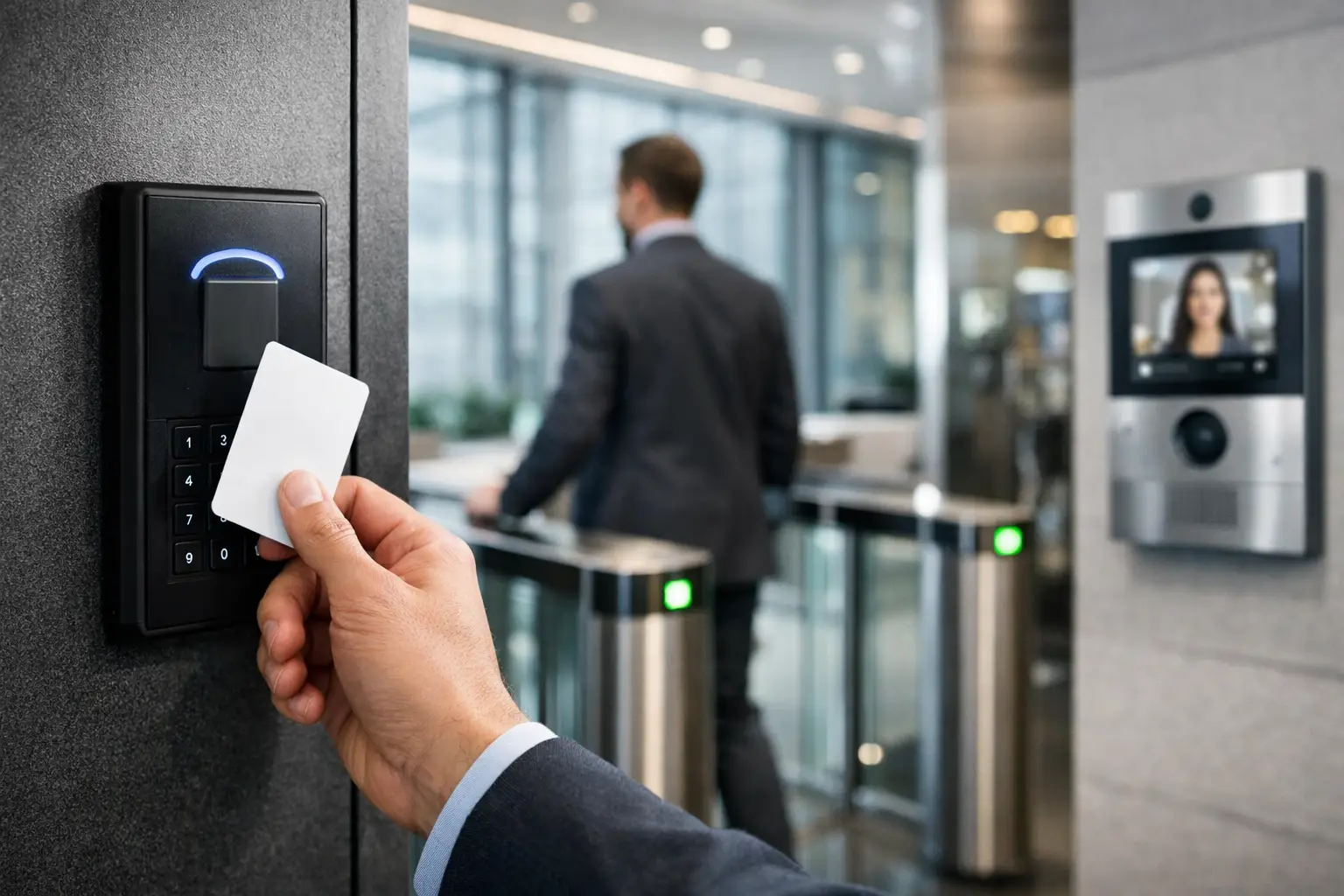
A stuck front door at 8:05 a.m. is annoying. A credential that still works for a former employee, a delivery driver wandering past reception, or a server room opened with a shared key is a business risk. That is where a commercial access control guide becomes useful – not as a product checklist, but as a planning tool for how people actually move through your building.
The best systems do more than lock and unlock doors. They shape how staff, visitors, contractors, and vendors enter, move, and leave. They also produce an audit trail, reduce key management issues, and connect with the rest of your security and building infrastructure. If access control is being treated as a standalone door hardware decision, the project usually gets more expensive and less effective over time.
What a commercial access control guide should help you decide
Most buyers start by asking which reader, card, or app they should use. That matters, but not first. The real design questions are about flow, risk, and operations. Which doors actually need controlled access? Which ones need free egress? Who needs access by schedule, by role, or by exception? What should happen after hours, during deliveries, or in an emergency?
A small office may only need controlled entry at the main door, a comms room, and a stock area. A medical clinic, school, or warehouse usually has a more layered requirement, with public zones, staff-only areas, restricted records, and delivery access all needing different rules. The right system reflects those differences rather than applying the same reader to every opening.
This is also where integration becomes practical rather than theoretical. If a door alarm, intercom, CCTV camera, and access event all sit in separate platforms, your team spends time jumping between systems when something happens. If they are planned together, it is easier to verify events, respond faster, and maintain the whole site with fewer compromises.
Choosing the right commercial access control system
There is no single best commercial access control setup for every building. The right choice depends on the building type, the number of users, the door hardware already in place, and how much control the business wants over permissions and reporting.
Credentials: cards, fobs, mobile, or biometrics
Cards and fobs remain common because they are simple and familiar. They work well in offices, shared commercial buildings, and sites with steady staff rosters. Mobile credentials can reduce physical card handling and suit businesses that want app-based management, but they depend on user adoption and clear device policies.
Biometric access can make sense in higher-security areas, though it should be approached carefully. It adds convenience in some environments and friction in others. Privacy requirements, user acceptance, and local compliance expectations all need to be considered before specifying fingerprint or facial authentication.
In many cases, a mixed credential approach is the most practical path. Staff might use mobile or card access, while plant rooms or restricted areas use an additional layer of authentication.
Hosted cloud vs on-premises management
Cloud-managed access control appeals to businesses with multiple sites or lean internal IT resources. It can simplify remote administration, credential changes, and reporting. On-premises systems may be preferred where data control, network policy, or existing infrastructure points that way.
This is not purely a security debate. It is also an operations decision. Who will manage users? Who gets alerts? How quickly can a lockout, schedule change, or temporary credential be issued? Good system design matches the platform to the way the business is run, not just the spec sheet.
Wired, wireless, or hybrid doors
Wired doors usually offer the highest reliability and are often the right choice for main entries, high-traffic openings, and critical secure areas. Wireless locking hardware can be useful in retrofit environments or interior doors where cabling is disruptive, but battery maintenance and hardware compatibility need to be factored into the long-term plan.
A hybrid design is often the most sensible. Core perimeter and high-security doors get hardwired infrastructure, while secondary internal openings use wireless hardware where appropriate. That keeps the project practical without weakening the important parts of the system.
Access control works best when it is part of a larger system
This is where many projects either become efficient or become fragmented. Access control should not be planned in isolation from CCTV, intrusion alarms, intercoms, structured cabling, and the site network.
If a forced door event occurs, the useful question is not only whether the system records it. The useful question is whether the event can immediately be matched to video, whether staff are notified in a meaningful way, and whether the network and power design support reliable operation during peak use or outages.
For example, an Akuvox intercom at a main entry can be far more useful when tied to access permissions and video verification rather than functioning as a basic call panel. A UniFi network can support the security infrastructure properly when switching, VLANs, PoE budgets, and rack layout are designed with those loads in mind. CCTV from platforms such as Bosch, Dahua, or Hikvision becomes much more valuable when it is aligned with door events and user activity.
That integrated approach is one reason businesses increasingly look for a single provider that understands security, electrical, and network infrastructure together. Alpha Security Corp works in that space because the system behind the reader is often just as important as the reader itself.
The hardware at the door still matters
Software gets attention, but physical door conditions often decide whether the system performs well. A beautiful interface cannot fix the wrong lock type, poor door alignment, weak power planning, or a door closer that never latches properly.
Each opening should be assessed as a door, not just a point on a floor plan. Glass entry doors, aluminum frames, fire-rated doors, gates, elevator lobbies, and warehouse roller access all have different constraints. Request-to-exit devices, life safety requirements, emergency release, and local code compliance need to be part of the design from the beginning.
This is why access control should involve both security planning and licensed electrical coordination. It avoids the common problem of buying capable software and then discovering the opening itself is not ready to support the intended use.
Common mistakes buyers make
One mistake is over-controlling the site. Not every door needs a reader, and adding hardware everywhere can increase cost and management overhead without improving security. The better approach is to control the doors that define risk, movement, and accountability.
Another mistake is under-planning user groups. Businesses change quickly. Teams grow, contractors rotate, hours shift, and temporary access becomes permanent if no one reviews it. A clean permission structure matters as much as the hardware choice.
The third mistake is ignoring future integration. Even if you are only installing access control now, it is worth planning pathways for CCTV, alarms, intercoms, and network expansion. Structured cabling, enclosure space, switching capacity, and power headroom are much easier to get right during the initial project than after the building is occupied.
Questions to ask before approving a system
Ask how credentials will be issued and revoked. Ask what happens if the internet drops, if the power fails, or if a door controller goes offline. Ask whether events can be tied to video verification. Ask how visitor access will be managed, how after-hours schedules will be handled, and what the maintenance expectations are over the next five years.
You should also ask who owns the system configuration and whether expansion is straightforward. A commercial site rarely stays static. The system should be able to support additional doors, tenancy changes, reporting needs, and integration with other building systems without forcing a full replacement.
Planning for the long term
A well-designed access control system reduces daily friction while improving accountability. Staff enter where they should, managers can change permissions quickly, and incidents are easier to verify. That only happens when the project is treated as infrastructure, not just hardware.
The most useful commercial access control guide is the one that helps you ask better questions before equipment is selected. Start with movement, risk, and operations. Then build a system that supports the doors, the network, and the people using it every day. A good setup should feel predictable, not complicated – and that is usually the clearest sign it was designed properly from the start.


