



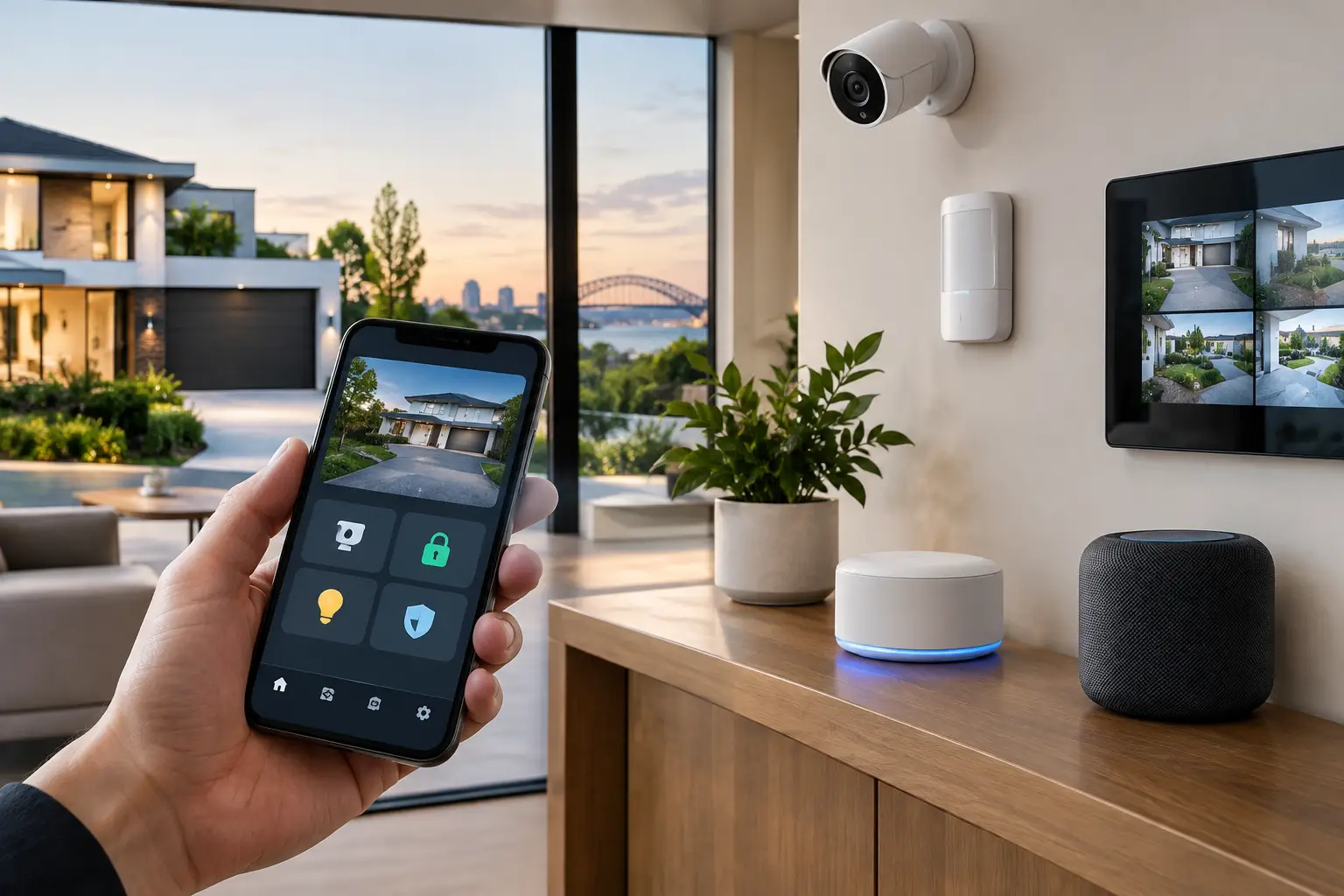
A security notification is only useful when it gives you the right information at the right moment. HomeKit security integration brings cameras, door locks, sensors, intercoms, lighting, and household alerts into the Apple Home app, so the response to an event can be practical rather than fragmented across several unrelated apps.
For a well-designed home, this is not about adding more smart devices. It is about making the security system, network, electrical infrastructure, and automation logic work as one dependable environment. The result can be as simple as checking a front gate camera from an iPhone or as considered as activating exterior lighting and recording an event when an access point is opened after hours.
What HomeKit security integration should do
Apple Home provides a familiar control layer for households that use iPhone, iPad, Apple Watch, Apple TV, or HomePod. It can bring compatible security devices into one interface, with remote notifications, shared household access, Siri control, and automations based on time, occupancy, sensor status, and location.
The strongest use of HomeKit is not replacing every professional security function with consumer automation. It is making everyday security visibility easier. A homeowner can see whether a door is locked, receive a person-detection notification from a supported camera, close a garage door, or confirm that selected lights have turned on while away.
Professional security equipment still has a different role. A monitored alarm panel, wired detection system, access control platform, or commercial-grade CCTV recorder is designed for reliability, auditability, broader site coverage, and in many cases back-to-base monitoring. HomeKit can sit alongside these systems as a useful user-facing layer, provided the integration is planned around each platform’s capabilities and limitations.
Start with the security architecture, not the app
The Apple Home app is the visible part of the system, but it should not be the starting point. The design begins with the property: entry points, perimeter areas, lighting zones, gate access, camera views, network coverage, family routines, and the level of security required when the property is vacant.
A new build offers the best opportunity to plan structured cabling to camera locations, door stations, wireless access points, equipment racks, and future sensors. Wired infrastructure supports more reliable video, stable power delivery, and serviceable upgrades. It also prevents a common problem in retrofits: asking Wi-Fi devices to carry security-critical traffic from locations where the wireless signal is weakest.
For existing homes, the approach depends on the building and the desired outcome. Some properties are well suited to a targeted retrofit using compatible locks, sensors, and lighting controls. Others benefit from a broader upgrade that combines a UniFi network, PoE cameras, an Akuvox intercom, smart lighting, and a professionally configured automation controller. The right scope is determined by how the property is used, not by how many devices can be added to an app.
Cameras require realistic expectations
HomeKit-compatible cameras can provide useful live views, notifications, and, where supported, HomeKit Secure Video recording. Apple’s privacy-oriented approach is attractive for households that want video access managed within their Apple ecosystem.
However, HomeKit Secure Video is not a direct substitute for a dedicated CCTV system in every situation. Larger properties, long retention requirements, multiple camera locations, license plate capture, perimeter coverage, and detailed forensic review generally call for a purpose-built CCTV platform such as Dahua, Hikvision, or another professionally selected system. Those systems can record continuously, retain footage locally, and support more advanced camera management.
A practical design may use both. Dedicated CCTV handles primary security recording, while selected HomeKit cameras provide convenient front-door or family-area visibility. This approach protects the core security function without sacrificing the simple daily experience Apple Home provides.
Locks, gates, and intercoms need controlled access
Smart locks are often the most visible part of a connected home, but they should be chosen around the door hardware, access requirements, and fallback operation. A good installation considers mechanical key override, battery reporting, door alignment, fire and egress requirements, and what happens if a phone is unavailable.
The same thinking applies to gates and intercoms. A video intercom may provide calls to indoor stations and mobile devices, while access control manages credentials, schedules, and entry history. Integrating an intercom or gate release into Apple Home can be convenient, but it should never create an uncontrolled path to unlock a perimeter entry.
Permissions matter. Household members may need different access from cleaners, contractors, or short-term visitors. Where a property requires detailed audit trails, scheduled credentials, or multiple controlled doors, a dedicated access control platform remains the appropriate foundation. HomeKit can then provide selected control and awareness without becoming the only source of access management.
Use automation to support a response
The value of security automation is measured by whether it improves awareness or deters unwanted activity. A motion event after dark can turn on exterior lighting. Opening a side gate can trigger a camera view on an Apple TV. Setting the home to an away mode can check that selected doors are locked and switch off nonessential lighting.
These automations need sensible boundaries. Interior cameras should respect privacy and household routines. Outdoor lights should not activate constantly because a tree moves in the wind. Door locks should not be controlled by broad location triggers that create unpredictable behavior. Good automation is quiet until it is needed.
Home Assistant can be valuable where a property needs deeper logic across platforms that do not natively share information. It can coordinate selected security states, lighting scenes, energy controls, and network-aware automations. But more capability also means more design responsibility. The system should be documented, maintainable, and built with clear fallback behavior if an integration service or internet connection is unavailable.
The network is part of the security system
A security system is only as dependable as the network carrying its video, alerts, and remote access. Consumer-grade Wi-Fi may be adequate for casual browsing, but it can become unreliable when multiple cameras, streaming services, smart devices, and work-from-home equipment compete for coverage and bandwidth.
A properly designed UniFi network can separate security devices from general household traffic, provide consistent Wi-Fi coverage, support wired PoE connections, and give installers a clearer path to diagnose faults. Network segmentation also reduces the exposure created when every connected device sits on the same unrestricted network.
For HomeKit, the local network has particular importance. Apple home hubs, including Apple TV and HomePod, help manage remote access and automations. They need stable connectivity, while compatible devices need reliable local communication. A system that appears to work intermittently is rarely an Apple Home problem alone. It is often a coverage, addressing, multicast, or device compatibility issue that needs to be resolved at the network level.
Privacy, alerts, and shared access
Security integration should make it easier to protect the property without creating constant interruption. Configure notifications around meaningful events: a person at the front door, a gate opening during set hours, a water leak in a utility area, or a security state change while the home is vacant. Alerts from every motion event quickly become noise, and noise leads people to ignore the notification that matters.
Shared Home access should also be managed carefully. Give household members the access they need, review permissions when circumstances change, and avoid sharing a primary Apple ID. Camera placement, recording rules, and access to live views should be discussed openly, particularly where staff, guests, tenants, or shared spaces are involved.
A professionally planned HomeKit security integration
The best HomeKit installations feel straightforward because the complexity has been handled behind the scenes. Device compatibility is verified before installation. Network capacity is designed for the number of cameras and connected systems. Electrical work, cabling, mounting, configuration, and testing are completed as parts of one project rather than as separate trades trying to solve problems later.
For Sydney homes undergoing a renovation or new build, Alpha Security Corp can coordinate this work across security, electrical, structured cabling, UniFi networking, smart lighting, CCTV, intercoms, and Apple Home integration. That matters when a front-door camera, gate intercom, exterior lights, and household notifications are expected to operate reliably together.
The most useful connected security system is not the one with the most controls on screen. It is the one that gives the right people clear visibility, sensible alerts, dependable access, and confidence that the property will respond properly when it matters.


