



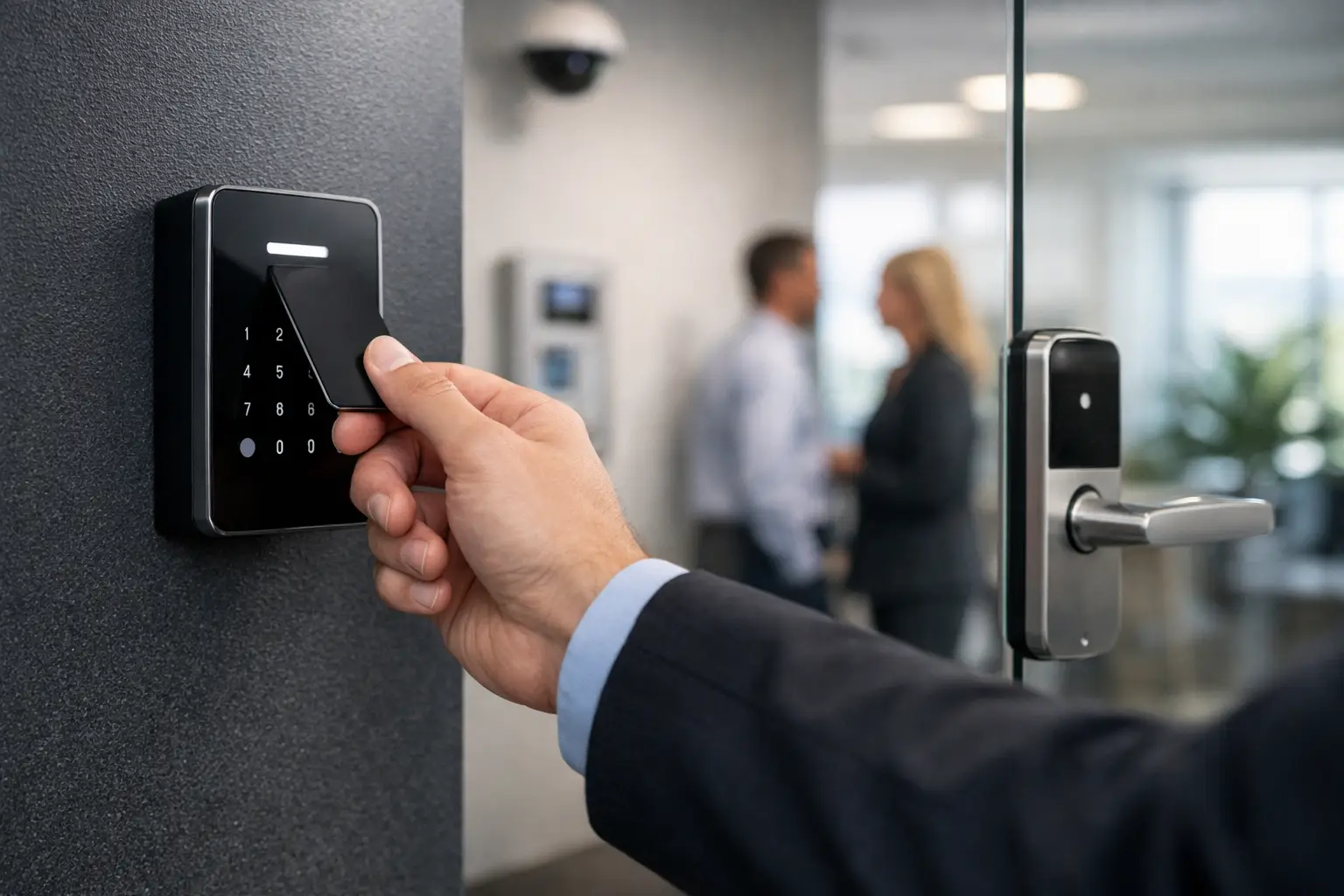
A front door that opens with a phone sounds convenient until the Wi-Fi drops, a cleaner needs limited access, and the alarm, intercom, and cameras all live in separate apps. That is usually the moment people start asking how to choose access control properly – not as a standalone device, but as part of a property that needs to work reliably every day.
The right system is not simply the one with the longest feature list. It is the one that matches how people move through the site, how credentials are managed, what needs to be protected, and how the rest of the technology stack is built. In a home, that may mean a gate, front door, garage entry, and internal service access. In a commercial property, it may mean staff doors, delivery zones, shared amenities, after-hours access, and audit trails. The answer changes because the environment changes.
How to choose access control by starting with movement
Before comparing readers, locks, or software, map how the property is actually used. This is the part many buyers skip, and it is why systems often feel awkward after installation.
Think about who needs access, when they need it, and whether that access should be permanent, scheduled, or temporary. A family home may need simple day-to-day entry with a higher level of control for side gates, plant rooms, or detached offices. A medical suite, warehouse, or office often needs much more structure, with different permissions for staff, contractors, cleaners, and management.
This is where door count alone can be misleading. Two sites with six doors can have completely different requirements. One may only need convenient entry and remote management. The other may need lockdown capability, event history, intercom integration, and reliable operation across a broader networked environment. Access control should reflect traffic patterns and risk, not just openings on a floor plan.
Security level matters, but convenience matters too
A system that is hard to use will be bypassed. That is as true in a luxury residence as it is in a busy office.
When deciding how to choose access control, balance security with the daily experience. PIN-only entry may be fine for some internal areas, but it is less ideal where codes get shared too easily. Mobile credentials can be convenient, but they depend on user behavior and device readiness. Card or fob access is still practical in many settings because it is fast, familiar, and easy to issue at scale. Biometric options can make sense in higher-security areas, but they are not automatically the best fit for every site.
The right credential often depends on the users. A commercial office with frequent staff turnover may benefit from managed cards or app-based credentials that can be revoked quickly. A home may prioritize simple family access through a phone, keypad, or integrated smart-home interface. Strata and multi-tenant environments usually need a more structured approach because convenience for residents must coexist with control over shared entries and service access.
There is no universal winner here. Good system design comes from choosing the least complicated method that still gives the level of control you need.
Doors, hardware, and infrastructure decide more than marketing does
A polished app cannot compensate for poor door hardware or weak infrastructure. Access control is as much about the physical opening and cabling pathway as it is about software.
This is where professional planning pays off. A glass entry door, an aluminum frame, a fire-rated door, a vehicle gate, and an elevator interface all place different demands on hardware selection. The type of lock, the egress requirements, the power supply arrangement, and even cable routes affect what can be installed and how reliable it will be over time.
For retrofits, these constraints become even more important. It may be possible to reuse some doors and pathways, but not always without compromise. For new builds, the opportunity is much better because access control can be planned alongside structured cabling, intercoms, alarms, CCTV, and electrical works. That usually leads to a cleaner result and fewer limitations later.
If your system depends on network connectivity, the network itself needs to be treated as part of the security infrastructure. Platforms built on dependable switching, proper VLAN design, and stable wireless where needed tend to perform better than systems placed on an already overloaded consumer-grade network. In integrated projects, this is one reason UniFi networking and structured cabling often sit close to the access control conversation rather than being treated as separate trades.
Choose management software that suits the property
The software layer will shape the ownership experience more than most people expect. It affects who can add users, how access is revoked, whether events are logged properly, and how easy it is to manage the system without depending on workarounds.
A smaller residential site may only need straightforward remote management, notifications, and integration with an intercom or smart-home platform. A commercial site usually needs stronger administration features such as schedules, area permissions, audit history, and reporting. In larger properties or strata, delegated management can also matter. You may want a building manager to handle common-area permissions without giving full control over every setting.
This is one of the clearest examples of why how to choose access control is really a software and operations question as much as a hardware one. A system can look strong on paper, but if adding a new user is slow, deleting expired credentials is inconsistent, or event logs are difficult to interpret, the system becomes harder to manage than it should be.
Integration changes the value of the system
Standalone access control can secure a door. Integrated access control can improve how the whole property works.
For residential properties, that may mean linking entry events with video intercoms, CCTV clips, gate control, lighting scenes, alarms, and selected automation through Apple Home or Home Assistant where appropriate. If someone rings at the front gate, the right system can present video, enable remote release, trigger pathway lighting, and keep a visual record of the event. That is not novelty. It is practical coordination.
In commercial settings, integration often has an operational benefit. A door event can be tied to a camera view. After-hours access can align with alarm disarming rules. Intercoms from platforms such as Akuvox can become part of a cleaner visitor flow, especially in mixed-use or multi-entry sites. When systems are designed to work as one, staff spend less time dealing with gaps between platforms.
That does not mean every possible integration should be enabled. It means the system should be selected with integration in mind, so future improvements are possible without replacing the foundation.
Cloud, on-premises, or hybrid
This decision deserves more attention than it usually gets. Cloud-managed systems can offer easier remote administration and simpler updates, which is attractive for many homes, offices, and distributed sites. On-premises systems may suit environments with stricter control requirements or specific IT policies. Hybrid approaches can offer a middle ground.
The trade-off is not simply modern versus old-fashioned. It is about reliability, control, cybersecurity, user management, and how the site will be supported long term. If a property already has a well-planned network and clear administrative processes, a more advanced deployment can make sense. If management needs to be simple and remote, cloud-based administration may be the better fit.
What matters is that the choice is deliberate. Access control should fit the operating model of the property, not force the property to adapt to the limitations of the platform.
Plan for growth, not just handover day
Many systems are chosen around the current problem and then stretched beyond their original intent. That is where shortcuts become expensive.
A homeowner may begin with one gate and one front door, then later add a detached studio, parcel entry, intercom, and surveillance upgrades. A commercial site may add staff, lease additional space, or introduce new compliance requirements. If the initial platform has no headroom, every expansion becomes a patch rather than a proper extension.
Scalability does not always mean choosing the largest enterprise platform. It means selecting a system that can expand sensibly. More doors, more users, better reporting, intercom tie-ins, camera integration, and stronger automation should be possible without rebuilding everything from scratch.
For that reason, the best projects usually begin with a design conversation rather than a product conversation. Alpha Security Corp approaches access control this way because the useful question is rarely which reader to buy first. It is how the property should function over time, and what infrastructure needs to be in place so the system remains reliable as it grows.
What a good decision usually looks like
A good access control decision feels calm after installation. People can enter where they should, temporary users can be managed without friction, doors release correctly, records make sense, and the system fits naturally with cameras, alarms, intercoms, networking, and electrical infrastructure.
If you are weighing options now, focus less on feature marketing and more on site behavior, hardware compatibility, management workflow, and integration potential. The smartest system is usually the one that disappears into daily use because it was designed around the property instead of pushed onto it.
The best time to make that decision is before the cables are closed up, the doors are finalized, and separate trades start solving the same problem in different ways.


