



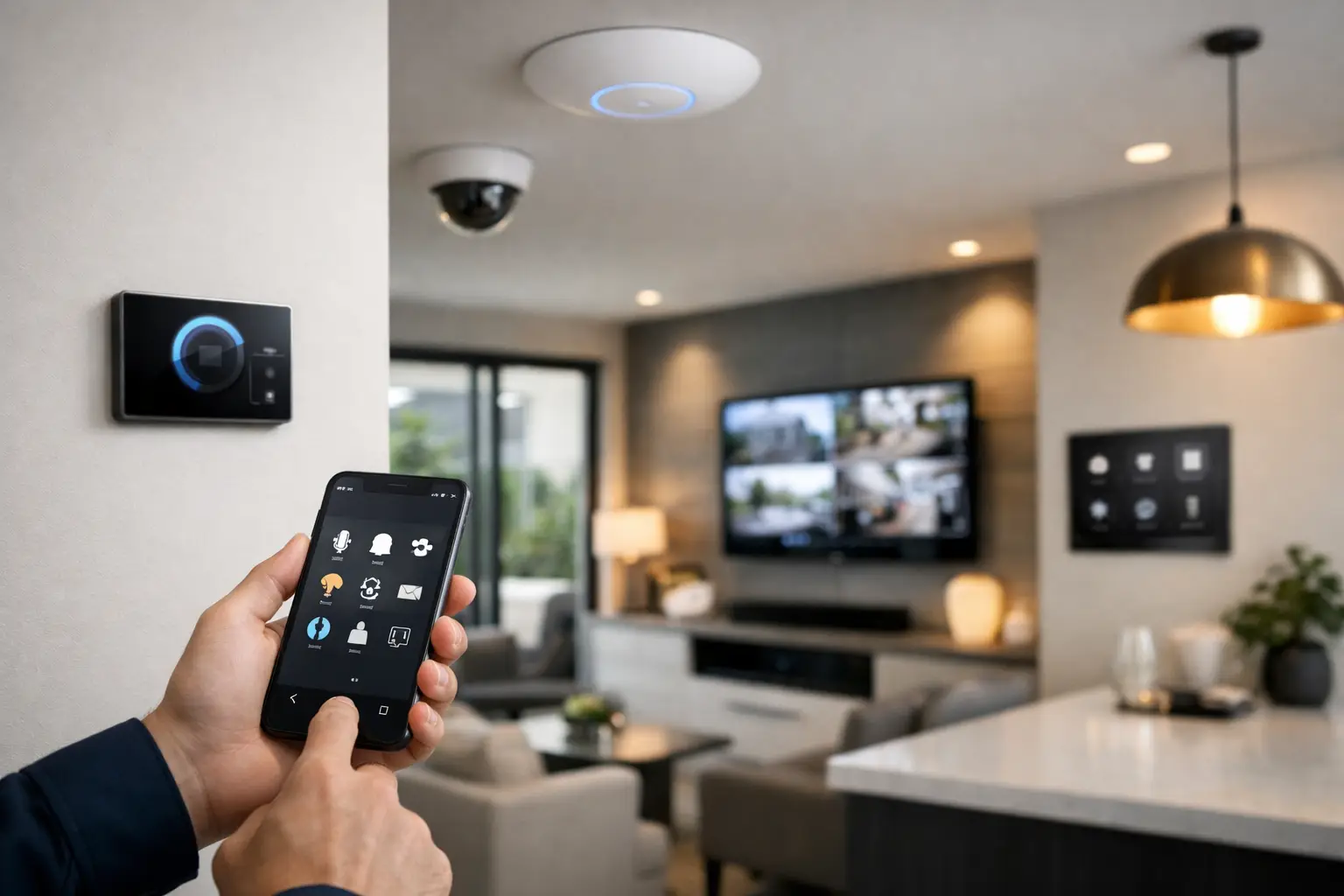
Most homes were not wired with automation in mind, but that does not mean they have to stay disconnected. If you are planning how to retrofit smart home automation, the real job is not adding a few smart devices. It is designing a system that works reliably with the home you already have, the wiring that is already in the walls, and the way you actually live or manage the property.
That distinction matters. A retrofit can either become a clean, integrated upgrade or a patchwork of apps, wireless weak spots, and devices that stop making sense six months later. The difference usually comes down to planning, infrastructure, and choosing platforms that can scale.
Start with the house, not the app
The first step in any retrofit is understanding the property itself. Age of the home, switch wiring, ceiling access, wall construction, network coverage, and existing security or AV equipment all affect what is realistic. A newer home with neutral wiring at switches may support a broader range of smart lighting options. An older home may need a different approach, such as smart relays at the fitting, cabinet-based control, or selective rewiring by a licensed electrician.
This is why good retrofit design starts with a site assessment rather than a product shortlist. In practical terms, you want to know which systems can be integrated cleanly and which ones will fight the building. Lighting, alarms, CCTV, intercoms, access control, audio visual, and Wi-Fi should be reviewed together because each one affects the others.
For example, a smart doorbell or intercom is only as dependable as the network behind it. Automated lighting scenes are far more useful when they also respond to occupancy, alarm status, or time of day. If you treat every part of the home as a separate purchase, you usually end up with separate behavior too.
What to retrofit first
When clients ask how to retrofit smart home automation, the best answer is usually to prioritize the systems that improve daily use and long-term reliability. That often means beginning with the network, then moving to lighting, security, entry, and control.
Networking is the foundation
A strong Wi-Fi and wired network is the backbone of any smart property. Without it, cameras drop out, mobile app control lags, intercom calls fail, and voice or app-based automation becomes inconsistent. In many retrofit projects, the network is the first thing that needs correction.
A professionally designed UniFi network, supported by structured cabling where possible, gives the rest of the system a stable platform. This matters even more in larger homes, multi-level properties, and buildings with dense materials that interfere with wireless coverage. Wireless-only retrofits can work in some cases, but there is a point where adding more devices to a weak network simply multiplies problems.
Lighting delivers the biggest daily change
Smart lighting is one of the most noticeable improvements in a retrofit because it changes how the home feels every day. The challenge is choosing the right control method. In a renovation or new build, centralized lighting control may be straightforward. In an occupied home, retrofit-friendly switching and relay options are often more practical.
Platforms such as DALI-2 with the right control hardware, or integrated switching solutions paired with Home Assistant or Apple Home, can provide scenes, scheduling, occupancy-based actions, and app control without making the home harder to use. That last point is important. Good lighting automation should still work naturally from the wall switch. Guests should not need an explanation, and the home should not depend on a phone for basic operation.
Security and automation should work together
Retrofitting automation makes more sense when security is part of the same plan. A modern alarm system, AI-enabled CCTV, smart locks, intercoms, and access control can all share useful triggers. Disarming the system can turn on an entry scene. Motion after hours can trigger lights, notifications, and camera recording profiles. A gate or front door event can start a sequence inside the house or at a commercial site.
This is where integrated platforms outperform isolated products. Bosch alarms, Dahua or Hikvision CCTV, Akuvox intercoms, and properly designed access control can become part of a wider automation environment instead of operating as disconnected layers.
Choose platforms that suit retrofit conditions
Not every smart platform handles retrofits equally well. Some look polished in demos but become restrictive once you try to integrate existing equipment or adapt to a complex property. Others are highly flexible but need proper design to stay reliable and maintainable.
Apple Home works well for clean user control
For households already invested in Apple devices, Apple Home can provide a very clear and familiar interface. It is especially effective when the underlying devices and integrations are selected carefully. Homeowners often value the simplicity of controlling lighting, climate, security status, and scenes from one interface without constant app switching.
The trade-off is that Apple Home should be treated as the front-end experience, not the only planning layer. If you want deeper conditional logic, mixed-brand integration, advanced sensor behavior, or commercial-style automation logic, a more capable backend may still be needed.
Home Assistant offers deeper integration
Home Assistant is often the better fit when the project involves multiple subsystems, custom workflows, or a mix of legacy and new equipment. In a retrofit, that flexibility can be extremely useful. It can bridge platforms that were never designed to talk to each other and create practical logic around real occupancy, alarm states, schedules, or energy use.
The trade-off is that Home Assistant should not be treated like a hobby platform when deployed in a premium property. It needs proper hardware, clean network design, documented configuration, and thoughtful handover. Used well, it can deliver one of the most capable retrofit environments available. Used casually, it can become difficult to support.
Retrofit limits are real, but they are manageable
A smart retrofit is not about pretending the house has no constraints. It is about making the best technical decisions within them.
Some homes have limited ceiling access, heritage finishes, or switch locations that make full rewiring undesirable. Others have enough infrastructure for a much more ambitious upgrade than the owner initially expects. There are also commercial and strata settings where compliance, tenancy, or access windows shape the entire approach.
That is why phased implementation is often the right move. You might start with structured cabling, rack organization, and networking, then add CCTV and alarm integration, then move into lighting control and AV. A staged plan is not a compromise if it has been designed properly from the beginning. In many cases, it is the most efficient way to retrofit without wasted work.
Common mistakes in smart home retrofits
The biggest mistake is assuming all smart devices are compatible just because they are marketed that way. Compatibility on paper is not the same as reliable integration across lighting, security, networking, and user control.
Another common problem is over-relying on battery devices and wireless-only products in larger properties. They can be useful in selective roles, but they are rarely the best foundation for a serious automation system. Battery maintenance, signal inconsistency, and fragmented management tend to show up later.
Poor interface design is another issue. If the app is confusing, the switches no longer behave logically, or scenes are hard to trigger, people stop using the system properly. Smart control should reduce friction, not add it.
The last mistake is failing to think about support. A retrofit should still make sense years later when a device needs replacement, a network change is required, or the property is sold. Platforms with clear documentation, established hardware, and professional serviceability generally perform better over time.
A better way to think about how to retrofit smart home automation
The best retrofit projects are not built around gadgets. They are built around outcomes. That may mean arriving home to sensible lighting, secure access, stable Wi-Fi, and media that works without troubleshooting. In a commercial environment, it may mean cleaner access control, better surveillance coverage, reliable intercoms, and automation that supports operations rather than distracting from them.
For many properties, the right answer is a combination of licensed electrical work, structured cabling, professional networking, and platform-level integration. That is where a provider with experience across security, electrical, and automation disciplines can make a meaningful difference, because the system is designed to work as one instead of being assembled in layers by different trades.
If you are considering a retrofit in an existing home or building, resist the urge to start with a shopping list. Start with the property, the infrastructure, and the behavior you want from the system. Once those pieces are clear, the technology decisions become far easier – and far more likely to stay useful.


