



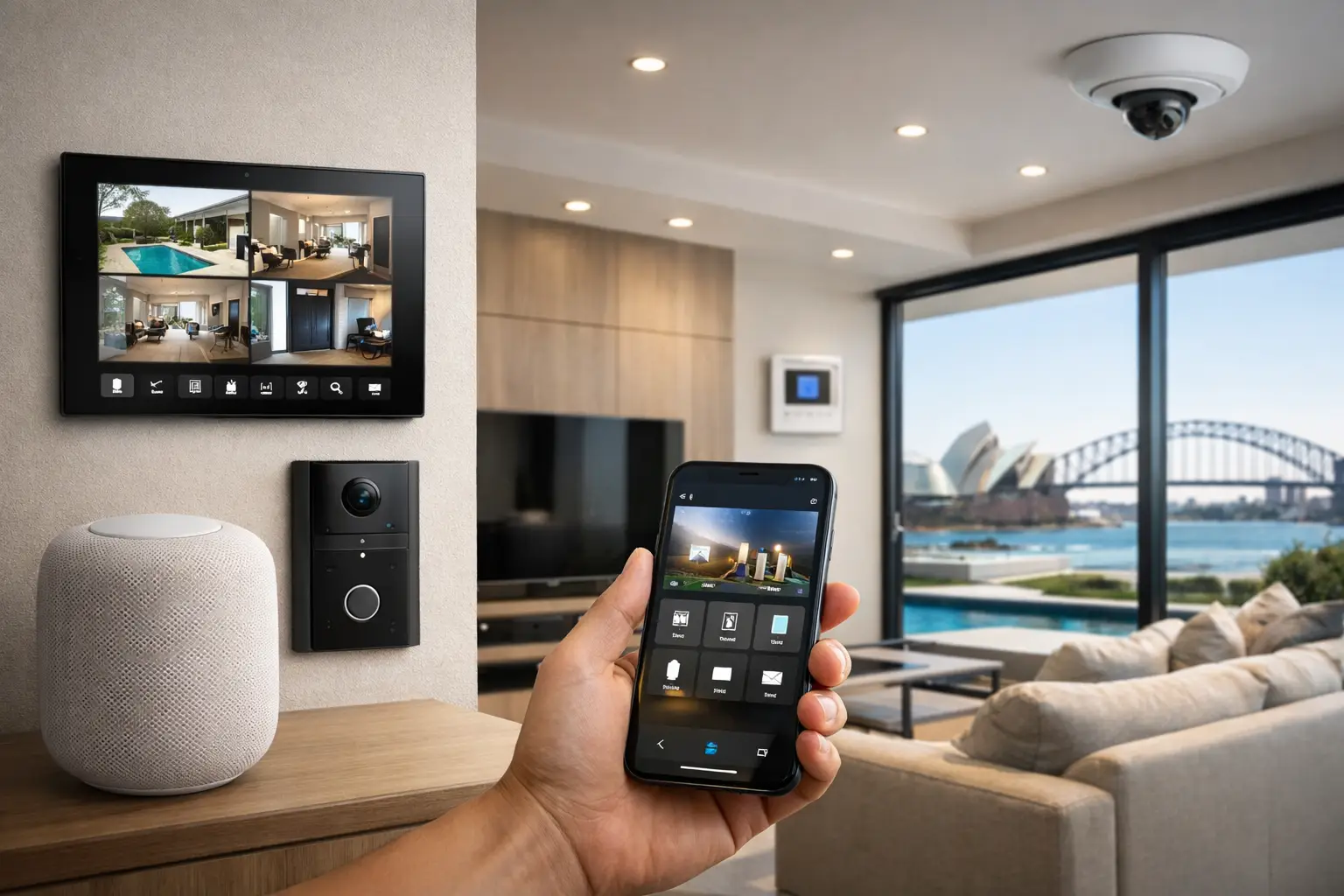
You notice the difference between a smart home and a well-integrated home the first time something goes wrong. A light scene fails, a door station drops offline, or a camera alert shows up late because the network was treated as an afterthought. That is why apple home integration sydney is less about adding app control and more about designing a home where lighting, security, audio visual, and networking behave like one system.
For Apple users, the appeal is obvious. Apple Home offers a clean interface, dependable remote access, shared household control, and voice operation through Siri. The catch is that good results depend on what sits behind the app. If the Wi-Fi is inconsistent, if the cabling is poor, or if devices were selected without a plan, the experience becomes fragmented fast. In premium homes, renovations, and larger properties, the real work is in integration design, not just device pairing.
What Apple home integration in Sydney should actually deliver
A proper Apple Home environment should feel predictable. You tap one command and the front gate opens, selected exterior lights activate, the intercom view appears, and the system responds the same way every day. That only happens when the electrical design, structured cabling, wireless coverage, and automation logic are considered together.
For many properties, Apple Home is the layer the client sees, but not the only platform doing the work. Lighting control may be handled through DALI-2 and Zen Control. Cameras, alarms, intercoms, and access events may come from specialist systems. UniFi networking may be carrying the traffic that keeps the whole property stable. In more advanced projects, Home Assistant may sit alongside Apple Home to handle deeper logic, while Apple Home remains the simple front-end for daily control.
That mix matters because Apple Home is excellent for usability, but every project has limits. Some device categories work natively. Others need bridging, certification awareness, or a more advanced automation layer. The best result is not forcing every subsystem into one app at any cost. It is deciding which functions belong in Apple Home, which stay in their native platform, and how those systems should interact reliably.
Where Apple Home fits best in an integrated property
Apple Home works especially well as the user-facing control layer for occupied spaces. Homeowners want fast access to lighting scenes, climate, selected door locks, garage doors, intercoms, and occupancy-based routines. They want family members to use the system without training, and they want remote access that feels familiar across iPhone, iPad, Apple Watch, and Apple TV.
In that role, Apple Home is strong. It simplifies shared control and gives the home a consistent operational experience. For a new build or major renovation, this can shape the way the property is used every day, from arrival scenes and bedtime routines to perimeter awareness and whole-home shutdown commands.
Where Apple Home needs careful planning is in more complex subsystems. CCTV, enterprise-grade access control, advanced alarm logic, commercial intercom workflows, and larger audio visual environments often require specialist platforms to retain their full capability. Trying to flatten everything into a consumer-style interface can remove useful features. In those cases, Apple Home should complement the system, not replace the control architecture that makes it dependable.
Apple home integration Sydney for new builds and retrofits
The right design approach depends heavily on whether the property is being built, renovated, or upgraded in stages.
For new builds, the advantage is infrastructure. Structured cabling can be placed exactly where it is needed. Network cabinets, wireless access points, intercom locations, camera positions, lighting control modules, and AV distribution can all be planned before walls close. This creates room for a cleaner Apple Home experience because the underlying systems are already stable. It also gives the owner options later if they want to expand into advanced automation, energy monitoring, or deeper security integration.
Retrofits are different. Existing wiring, wall finishes, switch positions, and network limitations all affect the design. That does not make Apple Home unsuitable, but it does mean product selection has to be more strategic. Wireless devices may help in some rooms, while hardwired solutions still make more sense for critical systems. A retrofit also benefits from deciding what needs immediate integration and what can be staged over time without creating a patchwork result.
In Sydney homes, this often matters because property types vary so much. A compact terrace, a high-end apartment, and a large freestanding residence each place different demands on networking, access, lighting, and intercom integration. The right answer is rarely a standard package.
Why the network matters more than most homeowners expect
A large share of smart-home problems are not really smart-home problems. They are network problems.
Apple Home depends on stable communication between controllers, hubs, wireless devices, and remote services. If coverage is uneven, if access points are poorly placed, or if too many devices are running on an overloaded consumer-grade setup, delays and dropouts follow. Security devices and intercoms are even less forgiving because missed events have operational consequences.
That is why professionally designed Apple Home systems are usually built on proper network infrastructure, not whatever router happened to come from the internet provider. In higher-spec homes, UniFi networking, structured cabling, correct switching, and properly segmented traffic create the foundation for reliable control. This also supports other systems that matter just as much as Apple Home, including CCTV, access control, AV streaming, and remote maintenance.
If a client says they want their smart home to feel simple, the answer is usually more infrastructure, not more gadgets.
Security, lighting, and AV work better when planned together
The strongest Apple Home projects are not device collections. They are coordinated environments.
Take a common use case: arriving home at night. A well-integrated system can use access events, schedule logic, and occupancy conditions to trigger pathway lighting, adjust selected interior scenes, disarm areas where appropriate, and present the right camera or intercom context. The homeowner experiences one action. Behind the scenes, multiple systems are cooperating.
The same applies to lighting. Basic smart switches offer app control, but proper lighting integration can do much more. With systems such as DALI-2, scenes can be designed around how rooms are actually used, while Apple Home provides simple scene recall and voice access. That balance keeps the lighting system technically capable without making day-to-day control complicated.
Audio visual integration also benefits from restraint. Not every AV function needs to sit in Apple Home, but key scenes often should. Goodnight, Away, Entertain, or Patio can make sense inside Apple Home because they reflect daily habits. Source selection, zone tuning, and deeper AV management may remain in their specialist interface. That split keeps the homeowner experience clean.
When Home Assistant and Apple Home are better together
Some of the most effective projects use Apple Home and Home Assistant side by side.
Apple Home is excellent for polished user control. Home Assistant is strong when a property needs more flexible logic, broader integrations, or system-to-system conditions that go beyond standard HomeKit behavior. Used properly, Home Assistant can connect platforms that would otherwise stay isolated, while Apple Home remains the preferred interface for the client.
This is particularly useful when integrating specialist security devices, environmental sensors, custom scenes, energy data, or non-native platforms. The trade-off is that the system must be engineered carefully. More flexibility creates more variables, and poorly planned automation can become difficult to maintain. That is why these projects benefit from clear system roles, good documentation, and support from an integrator who understands both residential usability and the infrastructure behind it.
Choosing the right partner for Apple home integration in Sydney
If you are comparing providers, the key question is not who can install smart devices. It is who can design the full environment.
An electrician may handle power. A security installer may handle alarms and cameras. A networking contractor may fix coverage. But Apple Home performs best when those disciplines are coordinated from the start. Otherwise, the homeowner ends up managing separate systems that were never designed to cooperate.
A stronger approach is working with a provider that understands licensed electrical work, structured cabling, Wi-Fi design, security systems, intercoms, lighting control, and automation logic as parts of one project. That is the difference between a home that looks smart on handover day and one that stays reliable over time.
Alpha Security Corp approaches these projects from that integration-first position, with Apple Home considered as part of the broader system architecture rather than a standalone add-on. For homeowners, builders, and renovators, that usually leads to a cleaner result and fewer compromises later.
The best Apple Home setup is not the one with the most accessories. It is the one that fits the property, respects the infrastructure, and makes everyday actions feel easy without hiding complexity where it still matters.


