



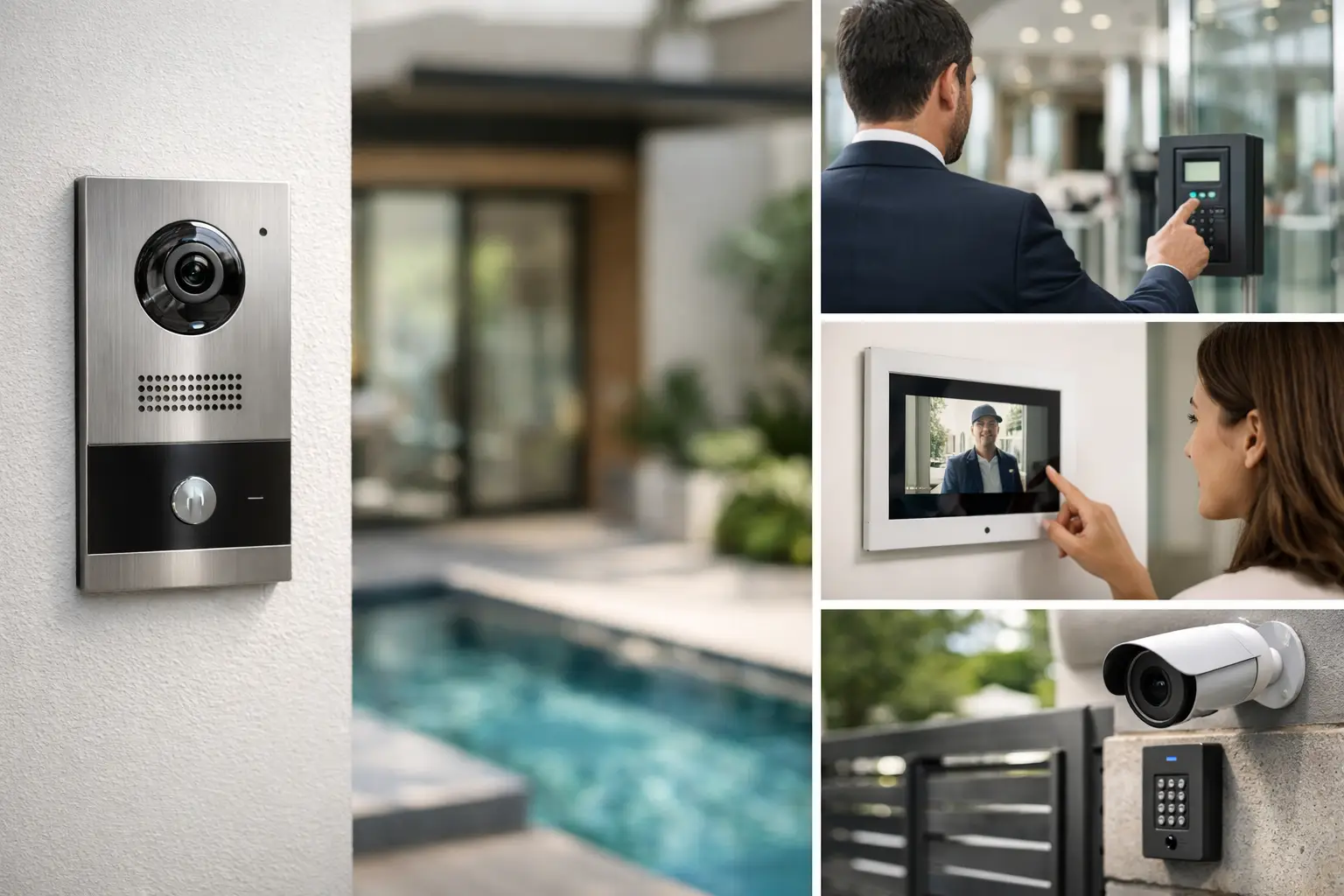
A delivery driver is at the front gate, a resident is expecting family, and a tradesperson needs access to a plant room. If the intercom is slow, unclear, or disconnected from the rest of the building, that simple moment turns into friction. For homes, apartment buildings, and commercial sites, intercom systems Sydney property owners rely on need to do more than ring a handset. They need to verify visitors clearly, manage entry properly, and fit into the wider security and electrical infrastructure.
That is where many projects go wrong. An intercom is often treated as a single product choice when it should be part of a larger system design. The result is familiar – poor audio, unreliable call routing, awkward app behavior, limited access control options, and no real pathway for future upgrades. A better approach starts with how the property operates day to day, then selects the right platform, cabling, power, network, and integration method around that use case.
What good intercom systems in Sydney should actually deliver
A well-designed intercom system is not just about speaking to a visitor at the door. It should support clear communication, reliable entry control, and practical management for the people using it every day. In a single residence, that may mean answering the gate from an indoor monitor, a phone, or both. In a strata environment, it may mean handling multiple apartments, remote access, auditability, and integration with shared doors, lifts, and common areas.
The technical standard matters. Audio quality needs to remain consistent in real conditions, not just in ideal showroom demos. Video needs to be usable in backlit entries, at night, and during poor weather. The lock release needs to respond properly every time. If the system depends on network connectivity, the network itself has to be planned to support that traffic reliably.
This is why intercom selection should never be separated from the rest of the site. An IP intercom on weak Wi-Fi is not a premium solution. A stylish front panel with poor door hardware and no backup planning is not a secure solution. The system only performs as well as the infrastructure behind it.
Intercom systems Sydney projects often need more than a door station
In many Sydney properties, especially renovations, strata upgrades, and mixed-use sites, the intercom sits at the intersection of several trades and several technologies. There may be existing cabling to assess, legacy apartment handsets to replace, door strike hardware to upgrade, network switches to provision, and access permissions to define. This is one reason basic supply-only thinking falls short.
A proper design considers the entry point, internal devices, network path, power requirements, door lock type, exit hardware, and how visitors are managed after the call is answered. It also considers how the intercom interacts with CCTV, alarms, access control, and building management. For example, if someone requests entry after hours at a commercial site, should the intercom simply open a door, or should that event be tied to a camera view, logged as an access event, and restricted by schedule?
Those details shape the right system architecture. Platforms such as Akuvox are often well suited where IP-based flexibility, mobile answering, and integration options are important. In more advanced environments, the intercom may also connect with access credentials, automation routines, or a broader security management workflow.
Residential intercom design is about convenience and control
For homeowners and new builds, the best intercom systems feel simple because the design work has already been done properly. A gate station should call the right indoor monitor, the homeowner’s phone if required, and trigger the correct lock or gate release without delay. If the home already includes CCTV, alarm integration, Apple Home, Home Assistant, or smart lighting, the intercom should be planned with those systems in mind rather than forced in later.
That does not mean every home needs every feature. In some properties, a single well-placed video door station and an indoor monitor are the right answer. In larger homes, multiple entry points, internal touchscreens, gate control, and integration with perimeter cameras make more sense. It depends on how the property is used, whether family members rely on app-based access, and how much of the site is automated.
Retrofits need particular care. Existing walls, old cabling routes, and previous gate hardware can narrow the options. But a retrofit does not have to mean a compromise if the design starts with site realities instead of brochure features.
Strata and multi-tenant sites have different priorities
Apartment buildings and strata complexes ask more of an intercom than most single residences. The system needs to be manageable, consistent, and scalable. Resident directories, apartment call routing, shared entry points, service access, and maintenance processes all matter. If one part of the system fails, the impact is broader and more visible.
This is where integration and support planning become critical. A strata committee or building manager usually needs a system that can be administered cleanly, with sensible permissions and a realistic service path. It is rarely enough to install new door stations and hope the software side sorts itself out later.
Mobile app functionality can be useful, but it should not be treated as the whole answer. Some residents want an app, others prefer a fixed indoor monitor, and some buildings need both. Visitor access also needs to be balanced against resident convenience and site security. Too much openness creates risk. Too much friction creates frustration. The right setup usually sits somewhere in the middle, with clear rules around who can access what and when.
Commercial intercoms work best when tied to access control
In offices, warehouses, schools, healthcare settings, and other commercial properties, an intercom becomes much more effective when it is part of an access control system rather than a standalone device. Receptionless entry points, delivery zones, staff-only doors, and after-hours access all benefit from that coordination.
A visitor can call in, be visually verified, and be granted access based on the time of day, the door location, or staff availability. That event can be linked to cameras, credentials, and reporting. This creates a cleaner operational framework than relying on separate devices with no shared logic.
The trade-off is complexity. Commercial sites often need stronger network design, cleaner device management, and more detailed permissions. But that investment usually pays off in daily usability and long-term control. A system that works as one is easier to manage than a collection of disconnected products.
Choosing the right platform and infrastructure
There is no single best intercom platform for every property. The right choice depends on building type, number of users, cabling pathways, security requirements, and whether the intercom is expected to integrate with other systems.
For some projects, an IP-based platform with indoor monitors, SIP capability, mobile app support, and access control integration is the right direction. For others, especially where legacy constraints are significant, the design may need to be more selective. What matters most is not the spec sheet alone, but whether the platform fits the site’s operational needs and can be supported properly over time.
Infrastructure often makes the difference. Structured cabling, PoE switching, network segmentation, UPS support, licensed electrical work, and correctly specified door hardware all affect intercom reliability. This is one area where an integrated provider has a clear advantage. When security, electrical, cabling, and networking are planned together, the result is usually cleaner and more dependable.
A company like Alpha Security Corp approaches intercoms this way because the device at the door is only one part of the outcome. The rest comes from how the system is engineered behind the scenes.
Common mistakes to avoid with intercom systems Sydney installations
One common mistake is prioritizing appearance over function. A sleek door station means very little if the camera angle is wrong, the microphone struggles in wind, or the gate release is inconsistent. Another is assuming app access replaces proper on-site control. Apps are useful, but they should complement the core system, not compensate for weak design.
Underestimating the network is another issue. IP intercoms, access control, CCTV, and remote management all rely on stable infrastructure. If the network is unreliable, the user experience will be unreliable too. The same goes for failing to plan future expansion. A building may start with one entry point today and need several more later. If the original design has no headroom, upgrades become harder and more expensive than they need to be.
The better path is to treat the intercom as part of a connected property system from the start. That means asking how visitors are verified, how doors are controlled, how residents or staff interact with the system, and how the setup will be maintained over time.
The right intercom should make access feel clear and controlled, not complicated. When the system is designed around the property, the users, and the wider infrastructure, it stops being just another device at the door and starts doing the job it was supposed to do.


