



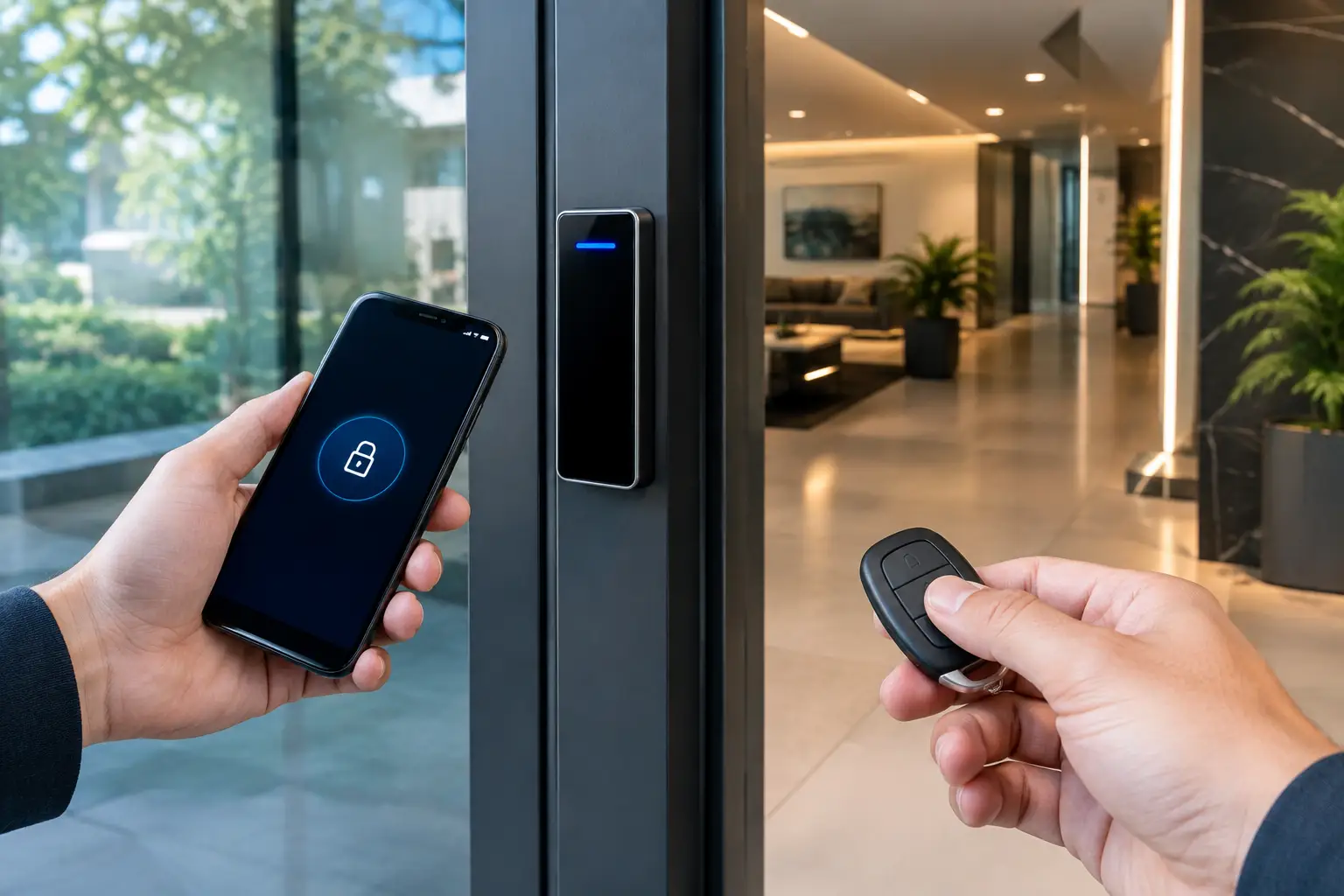
A lost fob can be canceled in seconds. A departed employee’s phone credential can be removed just as quickly – but the two options create very different access experiences for users, administrators, and visitors. The choice between mobile credentials versus key fobs is not simply about replacing plastic with a smartphone. It affects how a property manages security, continuity, privacy, and future expansion.
For a single-door office, either credential may work well. For a multi-tenant building, school, healthcare site, warehouse, or integrated smart home, the decision deserves more planning. The best access control system is the one that fits the people using it, keeps operating when conditions are imperfect, and connects cleanly with the rest of the property’s security infrastructure.
Mobile Credentials Versus Key Fobs: The Core Difference
A key fob is a physical credential, usually using RFID or NFC technology, that a user presents to a reader. It is familiar, quick to issue, and independent of the user’s personal device. Most people understand the interaction immediately: hold or tap the fob at the reader, then enter.
A mobile credential stores access authorization in a smartphone wallet or dedicated access-control application. Depending on the platform and reader configuration, the user may tap their phone, hold it near the reader, or use an approved touchless gesture. Credentials can often be issued remotely, allowing a new staff member, contractor, or resident to receive access before arriving on site.
Both approaches can use encrypted credential technologies and both can be centrally managed through a professional access-control platform. The practical difference is not whether one is automatically secure and the other is not. Security depends on the reader technology, encryption, controller configuration, system administration, audit records, and the way credentials are issued and revoked.
Where Mobile Credentials Are Strongest
Mobile credentials reduce the physical work of issuing, collecting, and replacing cards or fobs. That matters when users change frequently. A property manager can provision temporary access for a contractor, revoke it at the end of a job, and retain a clear event history without needing to retrieve a physical item.
They also suit workplaces where staff already use a phone for daily communications, identity verification, parking, visitor coordination, and building services. One managed credential can become part of a more connected property experience, especially where access control is coordinated with intercoms, alarms, elevator permissions, parking gates, or visitor systems.
For commercial sites, time-based permissions are especially useful. A cleaning contractor might have access only during approved evening hours. A supplier can be authorized for a loading area but not a server room. A mobile credential can make these changes easier to distribute at scale, provided the access-control system is designed with sensible role-based permissions from the start.
Mobile access can also be a good fit for premium residential projects. Residents may prefer the convenience of entering a gate, common area, or private home without carrying another item. When paired with a well-planned intercom and automation system, access events can support practical actions such as turning on pathway lighting or notifying an owner when an approved service provider arrives.
That said, a mobile credential should not depend on a fragile network or an unreliable phone setup. Readers and controllers should continue to make local access decisions when the internet connection is unavailable. The network supports administration and reporting, but a door should not stop functioning because a cloud service or Wi-Fi connection is temporarily interrupted.
The limits of using a phone as a credential
A smartphone introduces variables that a fob does not. Users may have a flat battery, leave their phone in a vehicle, change handsets, disable Bluetooth, decline application permissions, or have a device incompatible with the chosen platform. Some organizations also have personal-device policies that limit whether staff can be required to use a phone for building access.
Privacy deserves a measured discussion as well. A properly configured access platform records credential events, not a person’s live location. Still, organizations should explain what access records are collected, who can view them, and how long they are retained. Clear policies build more confidence than treating mobile access as a purely technical upgrade.
Why Key Fobs Still Have an Important Role
Key fobs remain practical because they are simple, durable, and separate from a user’s phone. They work for employees who do not carry smartphones during a shift, residents who prefer a physical credential, children, visitors, and contractors. In many settings, that straightforwardness is a feature, not a compromise.
They are particularly useful in environments with gloves, protective equipment, restricted personal-device use, or shared staff roles. A warehouse employee, healthcare worker, or facilities contractor may need access that is immediate and uncomplicated. A small fob on a lanyard can be easier to manage than retrieving and positioning a phone.
Fobs also provide an effective fallback option. Even a mobile-first workplace benefits from a controlled supply of physical credentials for reception, security staff, emergency access, and users whose phones are unavailable. This does not mean running two separate systems. A well-designed access-control platform can manage mobile credentials and fobs under the same user profile, permissions, schedules, and audit trail.
The main administrative drawback is physical handling. Fobs must be issued, collected, tracked, and replaced when lost. If a fob is not returned after a tenancy or employment change, it must be disabled promptly. That process is manageable, but it requires discipline from the organization and clear offboarding procedures.
Choose Based on Operating Conditions, Not Novelty
The right credential strategy starts with the property rather than the technology. Ask how many doors require access control, how often users change, whether visitors need temporary entry, and what happens when a phone battery fails. Consider the environment around each door: is it a polished office lobby, a wet outdoor gate, a high-traffic strata common area, or an industrial loading dock?
For many properties, a mixed credential model is the sensible answer. Permanent staff may use mobile credentials, while fobs remain available for contractors, backup access, and users who need them. Residents in a strata building may have phone access for daily convenience and fobs for family members, cleaners, or emergency use. The management team still controls all credentials from one system.
This approach also reduces forced adoption. Technology should make access easier, not create frustration for people who work differently. A business does not need to choose between progressive credential management and inclusive day-to-day operation.
Security Depends on the Entire Access-Control Design
Credential choice is only one layer of physical security. A secure installation also considers the door hardware, lock type, request-to-exit devices, emergency egress, door monitoring, controller enclosure, power supply, battery backup, cabling, and network design. A sophisticated mobile credential cannot compensate for an improperly secured door or poorly configured permissions.
Older low-frequency proximity credentials can present cloning risks, so upgrades should assess the credential and reader technology together. Modern encrypted credentials, appropriately configured readers, and strong administrative controls provide a more defensible starting point. The platform should support immediate revocation, detailed reporting, scheduled access, and clearly defined administrator roles.
Integration adds further value when it solves a real operational problem. Access events can be correlated with CCTV footage to investigate an incident. An intercom directory can issue a visitor credential for a defined time window. A door-held-open alert can be sent to the right team. On larger sites, structured cabling, reliable switching, and properly segmented networking help ensure controllers, intercoms, and cameras operate predictably as one system.
Plan for the Next Use Case
Access requirements rarely stay still. A business adds staff, a building gains a new tenant, a homeowner installs a driveway gate, or a strata committee needs better contractor accountability. Selecting a platform that supports both mobile credentials and key fobs gives the property room to change without replacing the entire system.
During design, map the user groups before selecting readers: owners, employees, tenants, visitors, contractors, delivery personnel, maintenance teams, and emergency responders. Define where each group can go, when they need access, and what proof of entry is useful. This process usually reveals that different users need different credentials.
For Sydney commercial, strata, and high-end residential projects, Alpha Security Corp plans access control alongside the electrical, security, intercom, CCTV, and network infrastructure. That coordinated approach avoids isolated systems and helps ensure the credential experience remains reliable long after installation.
The practical answer is rarely phone-only or fob-only. Choose the credential mix that lets people enter confidently, gives administrators clear control, and keeps the property ready for its next change.


