



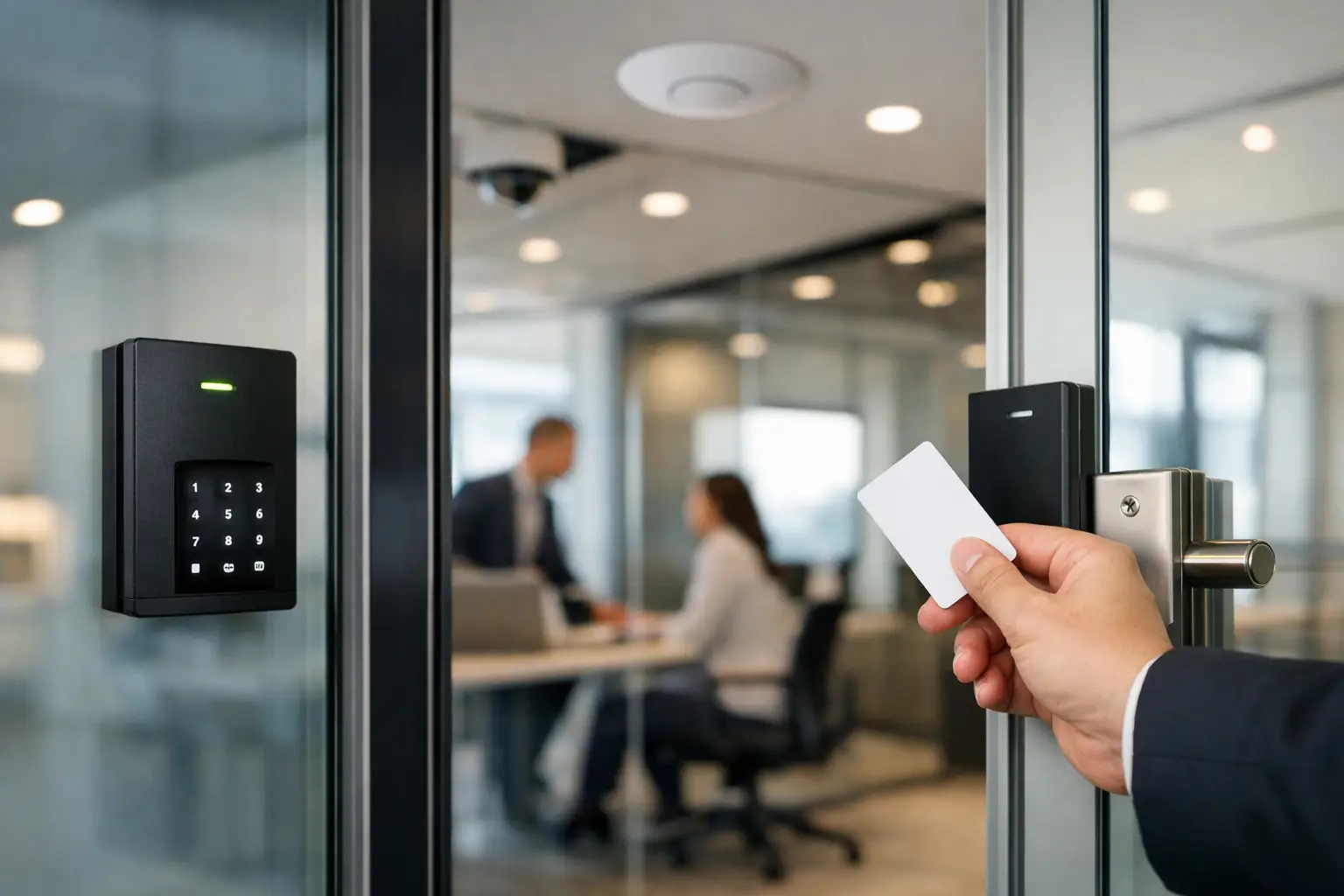
The front door is rarely the real problem in an office. The weak point is usually what happens after someone gets in – shared credentials, unmanaged visitor access, no audit trail, and too many disconnected systems. Office access control systems solve that, but only when they are designed around how the site actually operates.
A small professional office, a multi-tenant suite, and a warehouse-based admin space all need very different rules. That is why access control should never be treated as a standalone lock upgrade. The best result comes from planning credentials, door hardware, network infrastructure, alarms, intercoms, and CCTV as one working system.
What office access control systems are really meant to do
At a basic level, access control decides who can enter, where they can go, and when they can go there. In practice, a good system does much more than replace keys with cards or mobile credentials. It gives management visibility, reduces security gaps created by staff turnover, and creates a clear record of activity across entry points.
That matters in day-to-day operations. If a staff member leaves, access can be revoked immediately instead of collecting keys and hoping no copies were made. If a cleaner needs after-hours entry, that permission can be limited to certain days and specific doors. If a sensitive area such as a comms room or records archive needs tighter control, access can be restricted without changing the entire site.
The operational side is just as valuable as the security side. Reception can manage visitors more efficiently. Facilities teams can review door events when there is a problem. Business owners can spot patterns such as doors being propped open or repeated denied access attempts that point to a larger issue.
Why integrated office access control systems work better
A door reader on its own is not a security strategy. Offices work better when access control shares information with the rest of the building systems around it.
When access control is tied to CCTV, every event has context. A forced door alarm is no longer just a log entry. It can be matched to video from the exact camera covering that entrance. When it is linked with intrusion alarms, staff can disarm areas using approved credentials instead of juggling separate keypads and codes. When intercoms are part of the same design, reception or management can verify a visitor and grant access without creating awkward workarounds.
This is where system design matters. A well-planned deployment might combine Akuvox intercoms, commercial-grade access hardware, Dahua or Hikvision CCTV, and UniFi networking so the site is easier to manage and more reliable under daily use. The goal is not to pack in more technology. The goal is to make each component support the others.
Choosing credentials and entry methods
Not every office should use the same credential type. Cards and fobs are still common because they are simple, familiar, and easy to issue in volume. Mobile credentials appeal to businesses that want fewer physical items to manage and easier remote provisioning. PIN codes can help in low-traffic internal areas, but they are less accountable when codes are shared.
Biometric entry can make sense in certain environments, especially where higher assurance is needed, but it is not automatically the best option for a general office. Privacy expectations, local compliance requirements, and staff acceptance all matter. In many workplaces, a smart combination of mobile access, cards, and role-based permissions is more practical than jumping straight to biometrics.
The right choice depends on the building, the users, and the level of control required. A professional office may prioritize convenience and auditability. A healthcare or education setting may need stronger zoning, visitor controls, and more structured reporting.
Door hardware and infrastructure matter more than most people expect
Many access issues are caused by poor hardware choices rather than software limitations. The lock type, door frame, fire compliance requirements, exit hardware, and cable path all affect how reliable the finished system will be.
A glass entry door, for example, may require a very different locking approach than a solid core office door. A tenancy with aluminum framing and limited cable access may need a different installation strategy than a new build where structured cabling can be planned early. On some retrofit sites, wireless locks can fill a gap, but they are not always the right answer for every opening or traffic level.
This is also why electrical and network planning should not be left until late in the project. Access control depends on stable power, secure switching, battery backup where required, and sensible network segmentation. If the site already runs CCTV, alarms, intercoms, and Wi-Fi over an underplanned network, adding more devices without redesigning the backbone can create future reliability problems.
Where businesses get the most value
Most offices do not need every door controlled on day one. The strongest return usually comes from securing the points that create the most operational friction or risk.
Main entries are the obvious starting point, especially if reception is not always staffed. Staff-only internal doors often come next, followed by server rooms, stock rooms, management areas, and shared tenancy spaces. In multi-tenant or strata-style commercial environments, access control can also reduce confusion around who is responsible for common doors, delivery access, and after-hours entry.
Reporting is another area where value shows up quickly. Office managers and business owners often underestimate how useful event logs become once they are available. They help with incident review, contractor accountability, and practical questions such as who accessed a room before equipment went missing or why an alarm was triggered after hours.
Cloud management vs on-premises control
This is one of the most common planning decisions, and there is no universal answer. Cloud-managed platforms are attractive because credential changes, reporting, and remote administration are usually faster and easier. They suit multi-site businesses well and reduce the need to be physically present for routine admin.
On-premises systems can still be the better fit where there are stricter IT policies, specific compliance requirements, or a strong preference for localized control. Some businesses also prefer a hybrid approach, where core functionality stays local while remote management features are available to authorized users.
The key question is not which model is trendier. It is which model fits the client’s IT expectations, security posture, and long-term management capacity. A good installer should be comfortable discussing trade-offs instead of pushing one architecture for every site.
Planning for growth instead of just today
Office access control systems should be designed for the next phase of the business, not just the current floor plan. That means allowing for more users, more doors, different schedules, and future integrations.
A company might start with one office suite and add a second tenancy later. A warehouse office might eventually need gate control, intercoms, and separate permissions for drivers, admin staff, and contractors. A growing firm may want access events tied into broader building automation or occupancy-based logic in the future.
This is where integrated design pays off. If the original platform has been selected with expansion in mind, adding doors or tying access events into other systems becomes manageable. If the first installation was treated as an isolated product decision, upgrades tend to become messy and expensive.
What to look for in a professional design
The best office access control projects start with a site conversation, not a product pitch. That conversation should cover how people move through the building, which areas need tighter control, what happens after hours, how visitors are handled, and whether the office already has usable network and electrical infrastructure.
A proper design should also account for fail-safe versus fail-secure behavior, emergency egress, battery backup, door monitoring, and the relationship between access control and existing alarm or video systems. These details are not extras. They are what separate a reliable business system from a frustrating one.
For businesses in active commercial markets such as Sydney, where offices often sit within mixed-use buildings, strata-managed sites, or retrofitted tenancies, that planning becomes even more important. Building rules, shared services, and limited cable pathways can all affect the final design.
Alpha Security Corp approaches these systems the same way it handles wider security and building technology projects – as part of one coordinated environment. When access control, CCTV, intercoms, structured cabling, and networking are planned together, the result is easier to manage and more dependable over time.
The right system should make the office feel controlled without making it harder to work. If staff stop thinking about doors, permissions, and access headaches because everything behaves as expected, that is usually a sign the design was done properly.


