



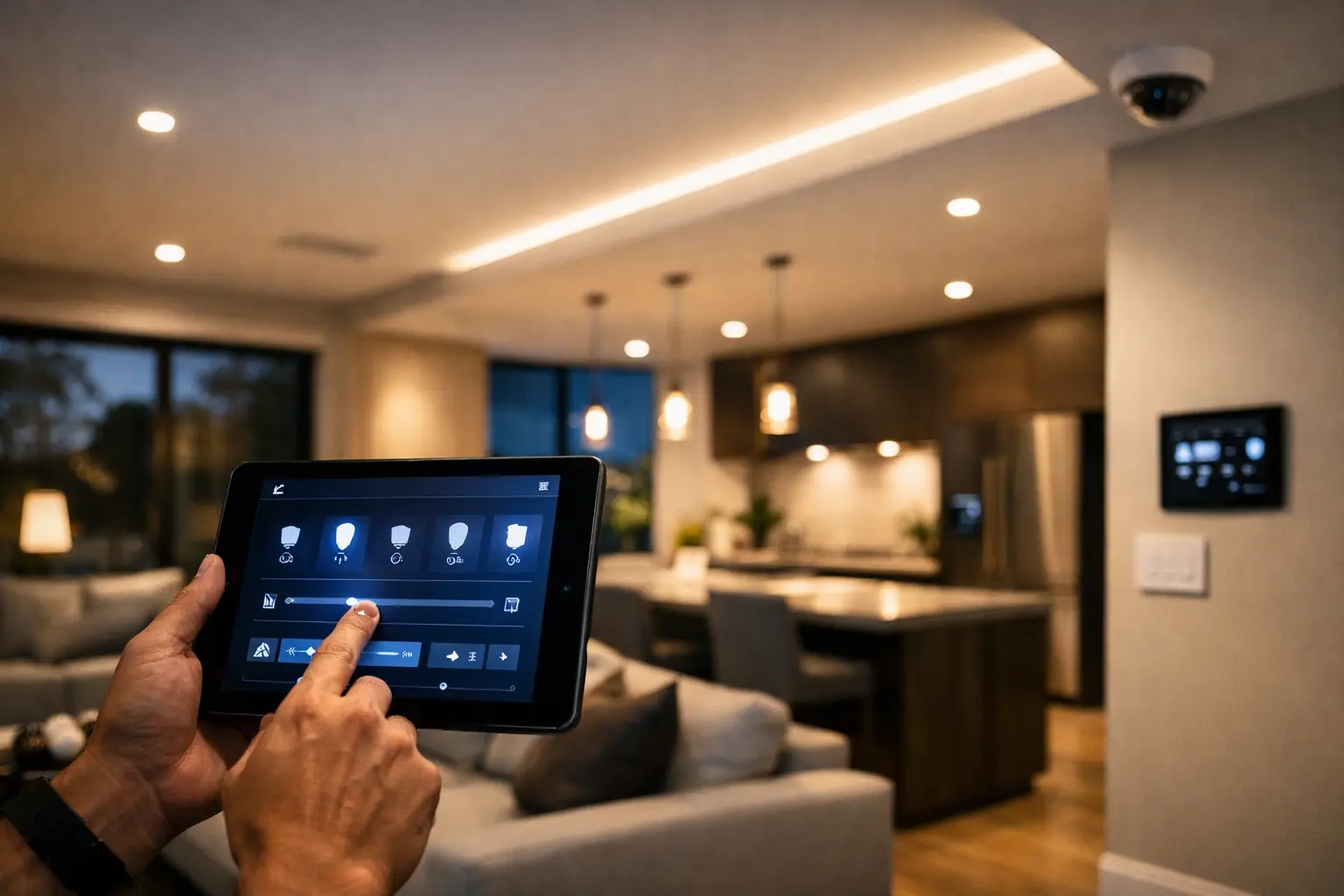
A wall full of mismatched switches usually tells the same story: lighting was added in stages, control was treated as an afterthought, and now nobody uses the space quite the way it was intended. Smart lighting control systems fix that, but only when they are planned as part of the broader electrical and automation design – not bolted on after the fact.
For homeowners, that might mean lights that respond properly to occupancy, time of day, or a single bedtime scene instead of five separate switch presses. For businesses, it often means cleaner control across offices, common areas, meeting rooms, and after-hours zones without wasting power or complicating daily operation. The difference between a system that feels intuitive and one that becomes frustrating usually comes down to integration, infrastructure, and programming.
What smart lighting control systems should actually do
At a practical level, lighting control should make spaces easier to live in and easier to manage. That sounds simple, but it has real design implications. A good system does more than switch lights on and off from an app. It allows the right fixture groups to respond to the right inputs, with dimming behavior, schedules, occupancy logic, and manual overrides all working predictably.
In a residence, that could mean pathway lighting at low level overnight, kitchen lighting that adjusts by time of day, and outdoor lights that work in coordination with security events. In a commercial setting, it may involve zoning by tenancy, daylight harvesting near windows, timed shutdowns after business hours, and control interfaces that staff can understand without training.
This is where professionally designed systems pull away from consumer-grade setups. The goal is not novelty. It is dependable control, sensible automation, and a layout that still works well when habits change or the property is expanded later.
Why integration matters more than features
Lighting rarely operates in isolation. It intersects with electrical design, network infrastructure, security, access control, shading, and user interface choices. If those layers are designed separately, the result is often duplicated hardware, poor scene logic, and unreliable control paths.
A more effective approach is to treat lighting as one part of a connected property system. For example, DALI-2 lighting with Zen Control can provide structured, scalable control for residential and commercial projects where proper dimming, grouping, and scene programming matter. When paired with platforms such as Apple Home or Home Assistant, selected lighting functions can also be exposed in a familiar interface without compromising the stability of the underlying control system.
That distinction matters. The lighting backbone should remain reliable even if the end user changes phones, voice assistants, or app preferences. Good integration gives you flexibility at the control layer while keeping the core system stable.
Choosing the right smart lighting control systems for the property
There is no single best platform for every project. The right answer depends on the building type, the client’s expectations, the wiring pathway, the fixture schedule, and how far the automation needs to extend.
For a new build, hardwired lighting control is often the cleanest option. It allows for better circuit planning, neater wall interfaces, stronger scene control, and easier future expansion. It also reduces the patchwork effect that happens when individual smart devices are added room by room. In larger homes, hospitality-style residences, and commercial fit-outs, this approach usually delivers the best long-term result.
For retrofits, the decision is more nuanced. Some properties allow meaningful upgrades without major wall damage or rewiring, while others need a staged solution. The key is understanding what can realistically be integrated into the existing electrical infrastructure. A retrofit done properly should still feel intentional, not like a compromise made of mixed protocols and overlapping apps.
User expectations also matter. Some clients want elegant keypad-based scene control with minimal phone dependence. Others want app visibility, occupancy logic, and integration with Apple HomeKit or Home Assistant. Neither is wrong, but the design should reflect how the property will actually be used.
Design decisions that make or break the experience
The most common mistakes in lighting control happen before installation begins. Too many projects focus on hardware selection before anyone has mapped out how the space should function.
Start with behavior, not devices. Which fixtures should be grouped together? Where does dimming matter? Which areas need occupancy sensing, and which should remain manual? Should outdoor lighting shift based on sunset, time schedules, or security state? What should happen during away mode, nighttime mode, or business close-down? These questions shape the system far more than the brand of switch.
Wall control is another area where good design pays off. A well-programmed keypad can simplify a room dramatically, especially in open-plan homes, boardrooms, restaurants, or reception spaces. Too many controls create hesitation. Too few create workarounds. The best interfaces strike a balance between everyday simplicity and deeper system capability.
Dimming performance is equally important. Not all LED fixtures dim well, and not all drivers behave consistently. That is why fixture selection, driver compatibility, and control protocol need to be considered together. A lighting control system can only perform as well as the devices connected to it.
Smart lighting control systems in homes
Residential clients usually care about comfort first, even when energy savings and automation are part of the conversation. They want lights to respond appropriately without making the home feel over-engineered.
That often means creating scenes that match real routines. A morning scene in the kitchen should feel different from a late-night pathway scene. Entertaining areas need layered lighting, not just one brightness level. Bedrooms benefit from simple all-off control, while bathrooms and hallways may benefit from occupancy-based logic after dark.
The strongest residential systems also connect lighting with adjacent systems. A front gate or intercom event can trigger entry lighting. An alarm can activate selected lights during an alert condition. Exterior lighting can support CCTV coverage and improve visibility around access points. This is where integrated design becomes more valuable than standalone automation.
For clients using Apple Home or Home Assistant, the lighting system can become part of a wider property experience that includes climate, shades, sensors, security, and media. But that only works well when the underlying electrical and control design has been handled properly from the start.
Smart lighting control systems in commercial spaces
Commercial projects have a different set of priorities. Reliability, zoning, after-hours operation, and ease of management usually take precedence over app novelty.
In offices, lighting should support how teams actually occupy the space. Meeting rooms need simple scene selection. Shared areas may benefit from occupancy control. Manager offices and reception areas often require independent adjustment. In warehouses, healthcare spaces, education sites, and strata common areas, the emphasis shifts further toward dependable operation, maintenance access, and predictable scheduling.
This is where structured control platforms are especially useful. They allow lighting zones to be documented clearly, adjusted without guesswork, and expanded over time as the site evolves. If the same property also includes access control, CCTV, intercoms, or networked building systems, coordination between trades becomes critical. Treating these systems as separate silos usually creates avoidable problems later.
For larger or multi-use sites, centralized visibility can also reduce service friction. When a client knows how the lighting is organized and the installer has clear records of circuits, groups, devices, and programming logic, changes become faster and cleaner.
Planning for reliability, service, and future changes
One of the best indicators of quality is how a system handles change. Can a room be repurposed without rebuilding the entire control logic? Can scenes be adjusted after the client has lived with the space for a few months? Can the lighting platform continue working even if the mobile app, router, or homeowner preference changes?
These are not edge cases. They are normal parts of owning and operating a property.
That is why network quality, structured cabling, electrical workmanship, and commissioning matter just as much as the control hardware. A poorly planned network can make app-based control feel unreliable. Inadequate documentation can turn simple service work into a guessing game. Weak commissioning leaves clients with a technically capable system that never feels finished.
At Alpha Security Corp, lighting is typically designed as part of a wider integrated environment, not as a standalone gadget layer. That approach matters because the property itself does not operate in isolated categories. Lighting, security, networking, access, and automation affect one another every day.
The best smart lighting control systems do not call attention to themselves. They fit the property, respond consistently, and make the building easier to use. If a system needs constant explanation, too many apps, or regular workarounds, it was probably never designed around the way the space actually functions.
The right lighting control strategy starts with a simple question: how should this property behave when real people use it every day? That is usually where the best decisions begin.


