



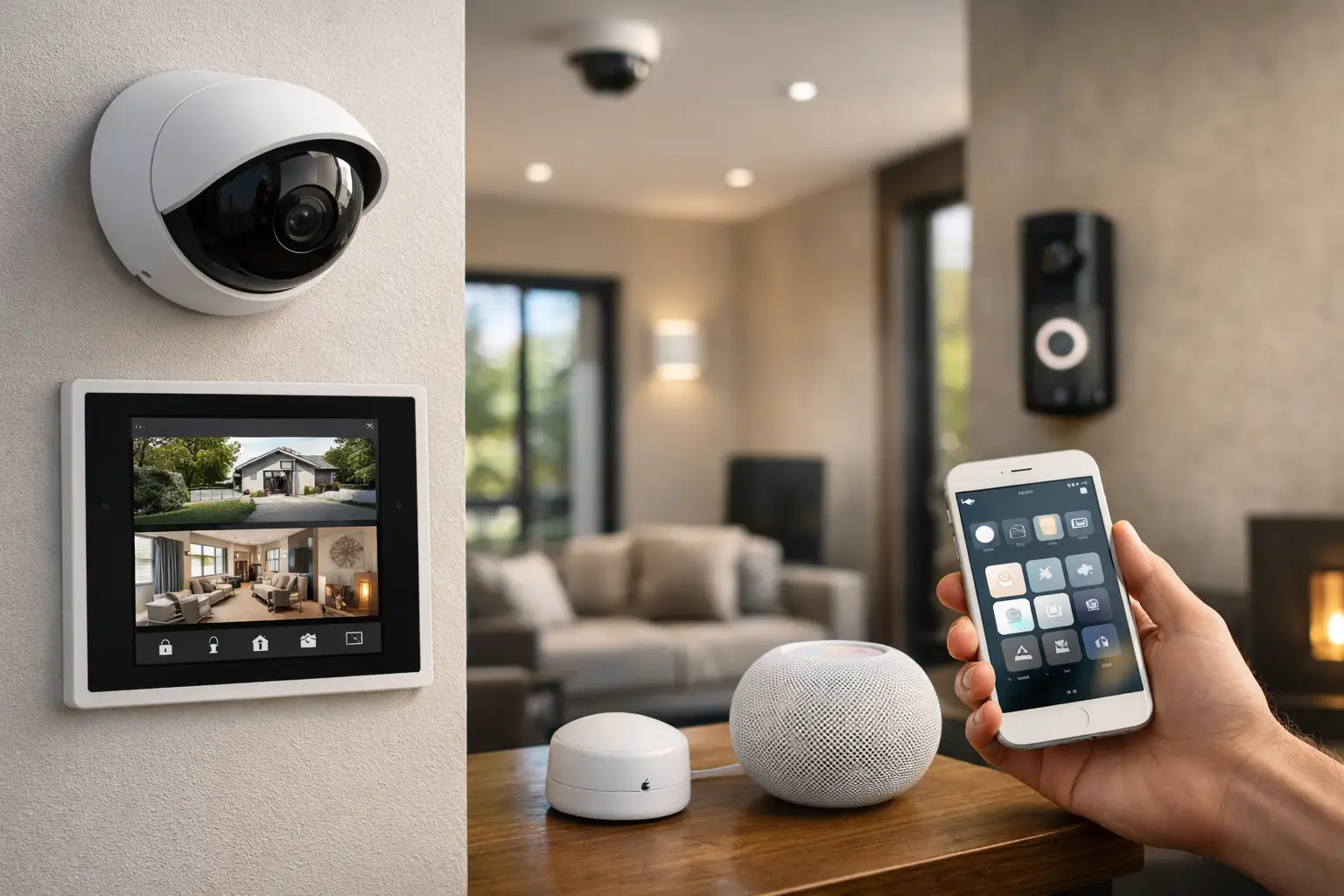
Most people ask what home security systems work with Apple HomeKit after they have already hit the first roadblock: one app for cameras, another for the alarm, a third for locks, and no reliable way to make them behave like one system. That is exactly where HomeKit can help, but only if the security platform has been chosen with integration in mind.
Apple Home is excellent at bringing daily control into a clean interface. You can arm scenes, check door status, view compatible cameras, and automate lighting around occupancy or events. But HomeKit is not a universal security platform that supports every professional alarm or CCTV brand out of the box. The real answer depends on whether you want native HomeKit support, support through a certified bridge, or a professionally integrated system that exposes selected devices to Apple Home while keeping core security functions on the proper platform.
What home security systems work with Apple HomeKit
The short answer is that only some do, and they do not all work in the same way.
Native HomeKit support is the simplest path. These are devices or systems that appear directly in Apple Home with official support for setup, control, and automation. In the security category, this usually includes smart locks, some alarm accessories, door and window sensors, video doorbells, and cameras that support HomeKit Secure Video.
Bridge-based support is also common. In this model, the alarm or sensor network talks to its own hub first, and that hub presents devices to Apple Home. This can work very well when the bridge is stable and the device mapping is sensible. It can also be limiting if only part of the system is exposed.
Then there is integrated support through platforms such as Home Assistant. This is often the most flexible approach for higher-end homes and properties with mixed systems, but it should be designed carefully. It can bring together alarm states, CCTV triggers, lighting, access control events, and occupancy logic in a way Apple Home alone cannot manage. The trade-off is that this is no longer a simple retail setup. It needs proper planning, reliable networking, and clear separation between convenience automation and life-safety security functions.
The devices that usually integrate well with Apple Home
If your goal is a polished Apple-first experience, the easiest categories are smart locks, sensors, video doorbells, and selected cameras.
Smart locks are one of the strongest HomeKit categories. Lock status, remote control, automations, and user access all fit naturally into Apple Home. For many homeowners, this is the first layer of practical security they use every day.
Door and window sensors, motion sensors, leak sensors, and smoke-related alerts can also work well in Apple Home when they come from a supported ecosystem. These are useful not only for notifications but also for conditional automation. For example, an entry sensor can trigger pathway lighting after sunset, or a motion event can activate exterior lighting while the rest of the house remains undisturbed.
Cameras are more nuanced. Some cameras support HomeKit Secure Video natively, which gives you Apple-based recording and event classification. That sounds ideal, but it is not always the best fit for every property. Professional CCTV brands often offer better camera ranges, more advanced analytics, more flexible retention, and stronger performance across larger sites. In those cases, Apple Home may still play a role for selected views or notifications, while the core recording and surveillance platform remains on a dedicated CCTV system.
Video doorbells sit in the middle. A good HomeKit-compatible doorbell can deliver a very smooth user experience for mobile notifications, two-way talk, and presence-aware automation. But if the property also needs gate control, intercom integration, or multi-tenant functionality, a dedicated intercom platform may be more appropriate, with Apple Home used only where it adds value.
Where alarm systems get complicated
When people say home security system, they often mean the alarm panel itself. This is where Apple HomeKit support becomes less straightforward.
Most professional-grade intrusion systems are built first for reliability, proper supervision, tamper handling, and monitored operation. That is the right priority. Apple Home, by contrast, is designed around user convenience and consumer-friendly automation. Those are not the same design goals.
As a result, many serious alarm platforms do not offer deep native HomeKit control. Some may expose arm and disarm states through a bridge or integration layer, but not every installer will recommend giving full alarm control to a general smart-home interface. There are good reasons for that. Alarm logic has to account for entry delays, partitions, tamper conditions, false alarm reduction, and compliance requirements that do not neatly map into a consumer app.
This does not mean Apple Home has no place in a properly designed alarm system. It often works best as a supervisory and convenience layer. You might use Apple Home to confirm sensor status, trigger lighting scenes when the system is armed away, or receive useful occupancy-based automations. But the panel, monitoring path, and alarm programming should still live on the dedicated security platform.
That distinction matters in larger homes, new builds, and properties with back-to-base monitoring. The more critical the security outcome, the more important it is to keep the core alarm operation on infrastructure built for that job.
Native support vs bridge support vs integrated design
If you are evaluating what home security systems work with Apple HomeKit, it helps to think in three levels.
Native support is best when you want a simple, clean Apple experience and the scope is modest. It reduces moving parts and usually makes day-to-day operation easier.
Bridge support works when the ecosystem is stable and well maintained. It is common in homes where a security or sensor brand already has a strong hub architecture. The limitation is that not every feature comes across into Apple Home. You may get arm status and basic sensors, but not advanced programming options.
Integrated design is the right approach when the property has multiple systems that need to work together. This is where a professionally planned environment can outperform a collection of compatible gadgets. An alarm event can drive exterior lighting, camera bookmarks, gate behavior, occupancy logic, and mobile notifications, all while preserving the underlying security platform. In that kind of project, Apple Home becomes one interface among several, not the entire architecture.
What to look for before you choose
Compatibility is only one part of the decision. The better question is how the system will behave after installation.
Start with the security intent. If the property needs true monitored intrusion protection, professionally managed CCTV, access control, or intercom integration, choose those core platforms first. Then decide what should be surfaced into Apple Home. That sequence usually produces a more reliable result than choosing everything based on HomeKit labels.
Next, look at network quality. HomeKit can feel excellent or frustrating depending on Wi-Fi coverage, structured cabling, power design, and device placement. Camera responsiveness, lock reliability, and automation timing all depend on the network underneath. In larger homes especially, poor infrastructure gets blamed on HomeKit when the real issue is wireless congestion or bad device placement.
Also pay attention to privacy and recording requirements. Apple HomeKit Secure Video is attractive for some homeowners, but it is not a universal answer. If you need longer retention, multiple high-resolution streams, advanced analytic detection, or integration with commercial-grade surveillance workflows, a dedicated CCTV platform may still be the better foundation.
Finally, think about expansion. Many homeowners start with locks and cameras, then add lighting control, intercoms, AV, or energy management later. A system that works today but cannot scale cleanly often becomes expensive to unwind.
The practical answer for most higher-end projects
For many well-designed homes, the best result is a layered one.
Use Apple Home for the parts it handles very well: daily control, user-friendly scenes, lock status, selected sensors, presence logic, and compatible doorbells or cameras. Use a proper alarm platform for intrusion detection and monitoring. Use dedicated CCTV where image quality, analytics, and retention matter. If the project needs deeper coordination, add an integration layer such as Home Assistant so the systems can share useful states and triggers without forcing everything into one app.
That is generally how integrated smart security should be approached. Not every device needs to live inside Apple Home, and trying to force that outcome can weaken the result. The goal is not maximum app consolidation at any cost. The goal is a reliable system where security, automation, and day-to-day control are designed to work as one.
For homeowners, builders, and renovators planning a new project or major upgrade, that usually means deciding early which parts must be security-grade, which parts should be Apple-friendly, and where the two need careful integration. When that design work is done properly, Apple Home becomes genuinely useful instead of just technically compatible.
The most helpful question is not whether a product works with HomeKit on paper. It is whether the whole property will work properly at 10 p.m. when a gate needs to open, the right lights need to come on, the alarm needs to stay trustworthy, and the camera footage actually needs to be there.


