



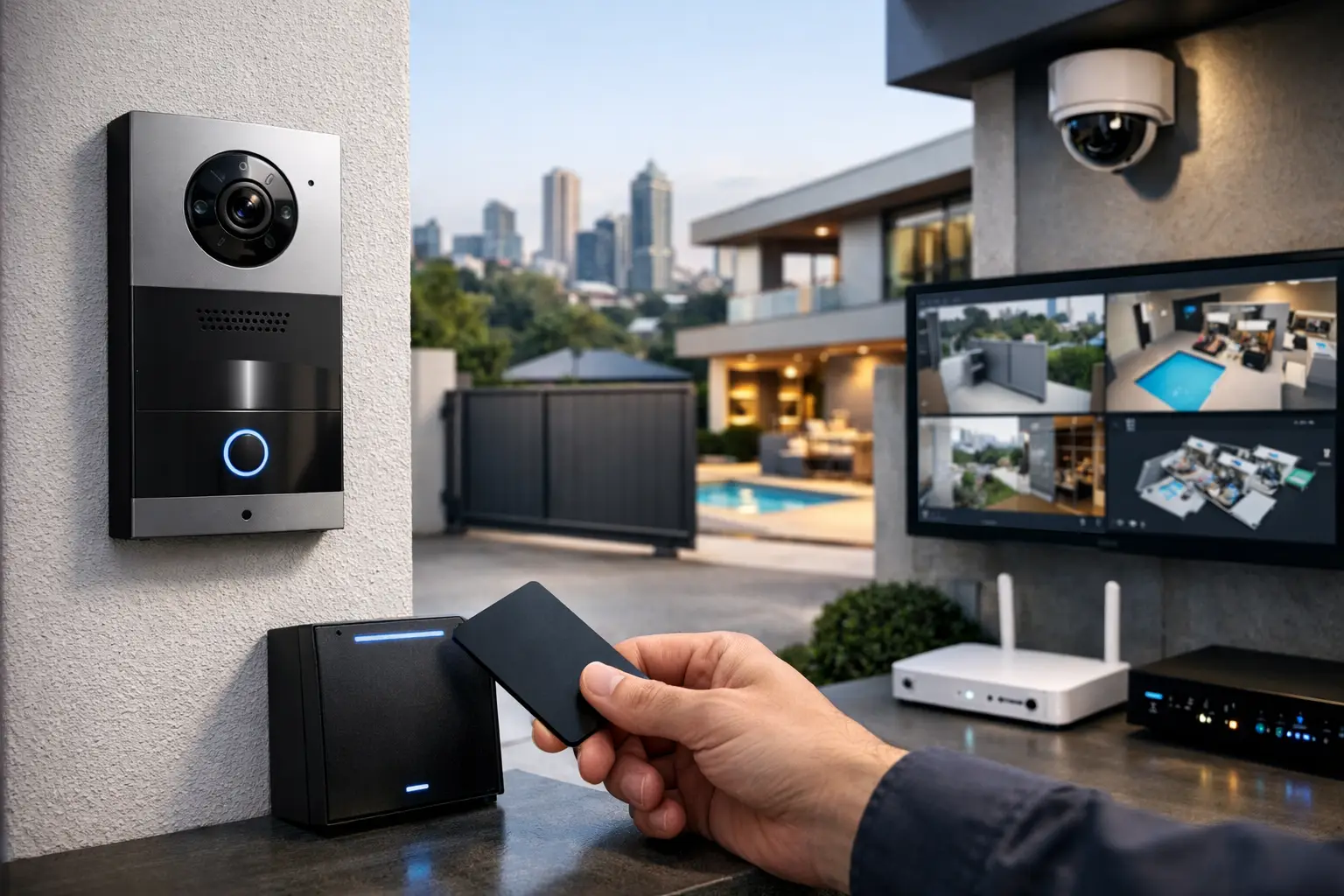
A gate that opens from your phone sounds convenient right up until the wrong person gets in, the network drops out, or nobody can tell who accessed the site and when. That is usually the point when property owners start asking how to secure remote property access properly, not just make it possible.
Remote access can be excellent for homes, offices, multi-tenant buildings, and managed sites. It lets you grant entry to family, staff, trades, delivery drivers, or tenants without needing to be physically present. But the security standard matters. A standalone smart lock or app-based opener may solve one small problem while creating three larger ones – poor visibility, weak network protection, and no coordination with alarms, cameras, or intercoms.
The better approach is to treat remote access as part of a broader system. Entry points, credentials, surveillance, intercoms, cabling, Wi-Fi, and automation should work together as one reliable environment. That is what separates a professional setup from a collection of disconnected devices.
What secure remote property access actually means
When people talk about remote access, they often mean one of two things. The first is remote control – unlocking a door, opening a gate, or letting a visitor in from an app or monitor. The second is remote management – deciding who gets access, at what times, under what conditions, with a record of every event.
Secure access needs both. If you can open a door remotely but cannot verify the visitor, limit user permissions, or review an access log, the setup is convenient but not especially controlled. On the other hand, if your system has tight credential rules but depends on unstable Wi-Fi or poorly planned power, it may fail when you need it most.
For most properties, security comes from layers. An access control reader or mobile credential handles authorization. An intercom verifies the person requesting entry. CCTV provides visual confirmation and an audit trail. The network keeps communication stable and protected. Automation can then add rules such as locking a side entry after hours, triggering lights when access is granted, or sending alerts if a door is forced open.
How to secure remote property access without creating weak points
The first step is deciding which doors, gates, garages, elevators, or common areas actually need remote access. Not every entry point should be remotely controllable. In many buildings, the front gate and main lobby are appropriate, while a plant room, server room, stockroom, or private office should remain tightly restricted.
That decision affects every other part of the design. The wider the remote access footprint, the more important it becomes to define permissions clearly. A homeowner may want family members to have recurring access, a cleaner to have scheduled access, and a one-time code for a contractor. A business may need staff credentials, delivery windows, after-hours restrictions, and separate rules for managers or vendors. A strata site may require resident entry, visitor call handling, and property manager oversight without giving everyone the same level of control.
This is where dedicated access control platforms outperform simple app-based devices. Systems built for properties and businesses are designed around user roles, schedules, logs, and hardware integration. Brands such as Akuvox are often used where intercom and door entry need to work together, while the surrounding network and power infrastructure still need to be designed properly to support that hardware long term.
Start with identity, not the lock
A common mistake is focusing on the lock hardware first. The stronger question is how the system will identify people. PINs, keycards, fobs, mobile credentials, license plate recognition, and video-based call verification all have their place, but each suits a different environment.
For a private home, mobile access paired with video intercom verification may be practical and easy to manage. For a commercial site, staff credentials with defined access levels are usually more appropriate because they create cleaner records and are easier to revoke immediately. For a shared property, temporary visitor credentials and managed resident directories often matter more than flashy app features.
Biometrics can be useful in selected applications, but they are not automatically the best answer. They introduce privacy, compliance, and management considerations. In many projects, a well-managed credential system backed by cameras and event logs is simpler and more dependable.
The network is part of the security system
A surprising number of remote access problems are not really access control problems. They are network problems. If the door station drops offline, if the mobile command takes too long to reach the controller, or if an unsecured network segment exposes the system, the issue sits deeper than the reader on the wall.
This is why professional installations treat networking as core infrastructure, not an afterthought. A UniFi-based network, for example, can provide segmented traffic, reliable wireless coverage where needed, remote diagnostics, and better visibility into device health. Hardwired connections are still preferred for key devices such as intercoms, controllers, and cameras whenever the property allows it. Wireless has its place, but critical entry functions should not depend on marginal signal strength.
Structured cabling also matters more than many owners expect. A property might be renovated beautifully and still perform poorly if access devices, CCTV, and intercoms are hanging off improvised cabling or consumer-grade switches. Good infrastructure is not glamorous, but it is often the difference between a system that works consistently and one that becomes a service call generator.
Pair remote access with CCTV and intercoms
Remote access is strongest when a person can verify before granting entry. That is why intercom and CCTV integration is so valuable. If a homeowner receives a video call from a front gate station and can view a camera angle of the driveway at the same time, the decision is much clearer. If a business manager can confirm the identity of an after-hours contractor and review the access event later, accountability improves immediately.
This integration also reduces false confidence. A phone notification that says someone is at the door is not enough on its own. You want video context, time-stamped events, and a clear history of who opened what and when. Platforms from Bosch, Dahua, and Hikvision are commonly used in broader security environments because the visual layer matters just as much as the credential layer.
There is a trade-off here. More integration brings better oversight, but it also requires cleaner planning. Camera retention, notification settings, user permissions, and network bandwidth need to be considered together. Done properly, the result is far more useful than a standalone lock and a separate camera app that never quite tell the same story.
Automation can improve security if the logic is sensible
Automation is helpful when it supports operational rules, not when it adds novelty. A good example is tying access events to lighting so a pathway, garage, or lobby brightens when entry is granted. Another is arming or disarming selected zones based on who entered and at what time. In a larger home, Home Assistant or Apple Home can provide meaningful control across security, lighting, and occupancy states when the underlying devices are chosen carefully.
For commercial properties, automation might trigger alerts if a door is held open too long, lock selected areas after business hours, or notify management when a high-security room is accessed outside its normal schedule. DALI-2 lighting and integrated control logic can also support safer movement around entrances, loading areas, or common spaces.
The key is restraint. Not every event needs an automation rule, and not every rule should be app-editable by every user. Secure systems benefit from clear logic, limited administrative control, and documented behavior.
Different property types need different access strategies
A single-family home usually prioritizes convenience, privacy, and clean integration with gates, garage entry, perimeter cameras, lighting, and mobile control. The owner wants confidence that family members can get in easily, visitors can be screened properly, and service access can be granted without leaving the property exposed.
A business usually cares more about staff turnover, time-based permissions, reporting, and after-hours accountability. The ability to revoke access instantly, maintain event logs, and integrate alarm and camera activity becomes central.
Strata and multi-tenant sites add another level of complexity. Resident convenience matters, but so do common area management, delivery handling, contractor access, and the limits of shared administration. In those projects, remote property access should be planned with governance in mind, not just hardware selection.
Why professional design matters
Knowing how to secure remote property access is less about buying a single product and more about designing a coordinated system. The lock, gate motor, intercom, camera, switch, power supply, Wi-Fi coverage, credential structure, and user management policy all affect the outcome.
That is why integrated providers tend to deliver better results than patchwork installs from multiple trades working independently. Licensed electrical work, structured cabling, networking, access control, CCTV, and automation should be considered together from the start, especially in new builds, major renovations, and higher-demand commercial environments.
For projects across Sydney and broader NSW, this is often where Alpha Security Corp adds the most value – not by pushing isolated devices, but by building practical systems designed to work as one.
If you are planning remote access for a property, the right question is not whether you can unlock a door from your phone. It is whether the entire system will still be secure, visible, and manageable six months after handover, when real people start using it every day.


