Most older homes are not short on character. They are short on infrastructure. The frustration usually is not the house itself – it is the patchwork of stand-alone devices, weak Wi-Fi in key rooms, light switches that cannot support smart control properly, and security systems that do not talk to anything else. That is why how to automate existing homes is less about buying gadgets and more about designing a system that fits the building you already have.
A good retrofit starts with one question: what do you want the home to do reliably every day? For some homeowners, that means lights responding consistently, the front door and intercom working from a phone, and cameras, alarms, and notifications all tied together. For others, it means adding Apple Home control, Home Assistant automation, multiroom audio, or room-by-room lighting scenes without tearing the house apart.
How to automate existing homes without creating a mess
The biggest mistake in retrofit automation is treating the home as a collection of products instead of one connected environment. You can add a smart lock, a few Wi-Fi bulbs, and a video doorbell in an afternoon. That does not mean you have an automated home. It means you have several devices with different apps, different update cycles, and different failure points.
In an existing home, every decision affects something else. Lighting control may depend on switch wiring. Camera performance depends on network design. Intercom reliability depends on both power and data. If you want automations such as entry lights turning on after access events, or an alarm system changing what the house does when you leave, those systems need to be planned together.
That is where professional retrofit design matters. The goal is not to force new-build ideas into an old structure. The goal is to work with the home’s electrical layout, wall construction, ceiling access, and network limitations so the finished system feels intentional, not improvised.
Start with infrastructure, not devices
If the network is unstable, the automation layer will be unstable too. This is why the first step in most serious retrofit projects is evaluating Wi-Fi coverage, switch locations, rack or cabinet space, and whether structured cabling can be added in the right places.
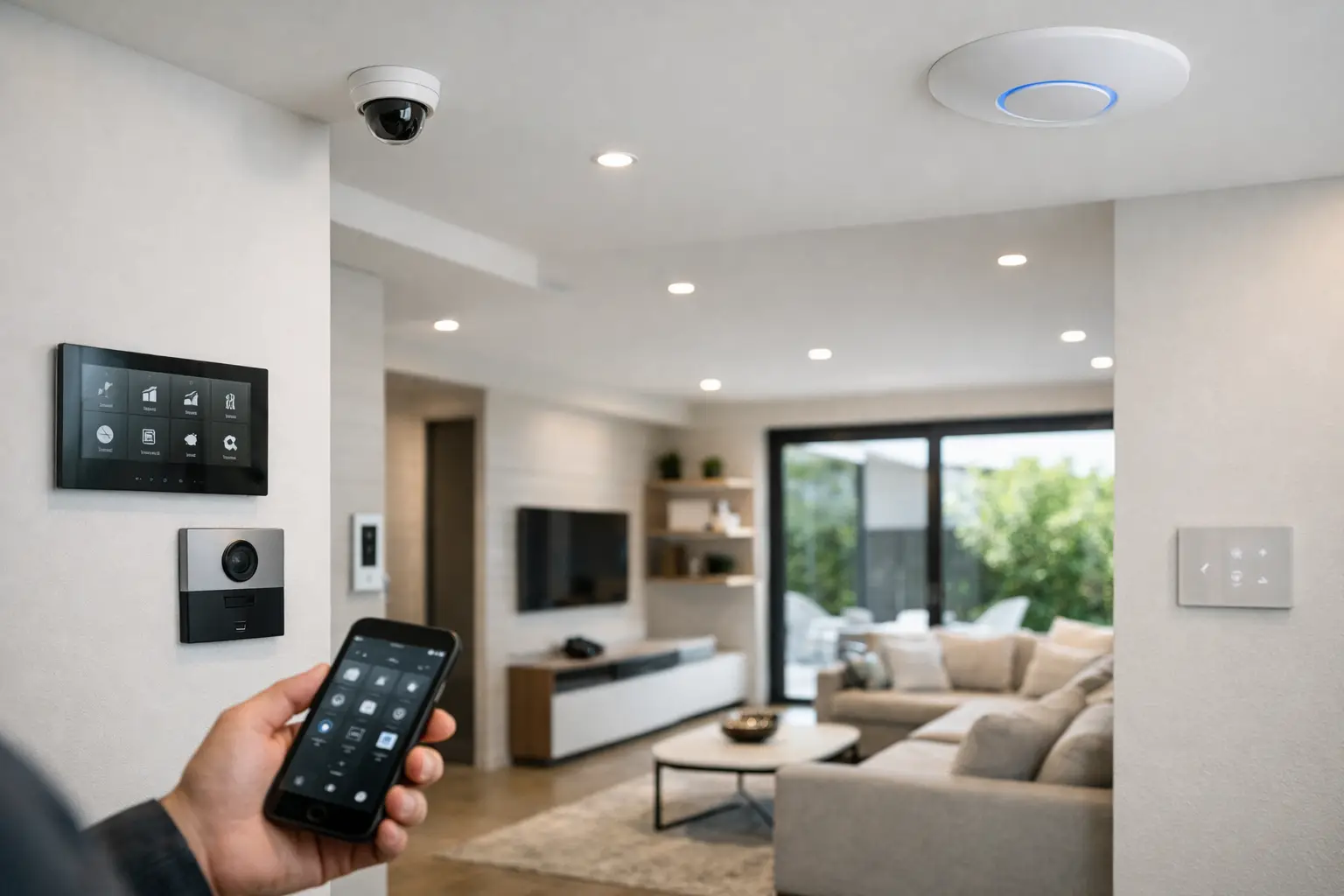
A professionally designed UniFi network, for example, gives you a stronger foundation than relying on consumer mesh gear scattered around the home. Fixed devices such as cameras, TVs, intercoms, access points, and media equipment perform better on properly planned cabling where possible. Wireless still has a place, but it should not be carrying every critical system by default.
Electrical capacity matters just as much. Some homes can support smart relays or keypads with minimal disruption. Others need circuit changes, switchboard work, or revised switching logic to make advanced lighting control practical. If you skip this stage, you often end up with visible compromises later – odd switch behavior, delayed lighting responses, or systems that work most of the time but not all of the time.
Choose the systems that actually benefit from automation
The best retrofit projects focus on systems that improve how the home is used every day. Lighting is usually near the top of the list because it changes the feel of the house immediately. A proper lighting system can give you scene control, scheduled behavior, all-off logic, and better consistency than mixing random smart bulbs with conventional switches. In higher-end projects, DALI-2 lighting with control platforms such as Zen Control can offer a far more refined result, especially where there are multiple zones, feature lighting, or a renovation happening in stages.
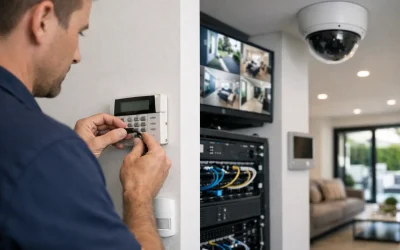
Security is another natural starting point. Cameras, alarm systems, intercoms, and access control work better when they are integrated instead of isolated. A Bosch alarm, Akuvox intercom, and professionally deployed CCTV platform can be tied into broader home logic so that arming the home adjusts lighting, sends status updates, and changes access behavior. That is a different proposition from simply installing an alarm panel and separate app-controlled cameras.
Climate, blinds, garage doors, gates, and audio visual systems can also be added, but they should follow a clear use case. If a function does not simplify daily living, improve visibility, or increase security, it may not deserve a prominent place in the automation plan.
Control platforms matter more than most homeowners expect
One of the key decisions in how to automate existing homes is choosing where the logic lives. If each device handles its own automation, the system becomes fragmented quickly. If one platform coordinates lighting, security, occupancy, presence, and schedules, the home becomes easier to use and easier to maintain.
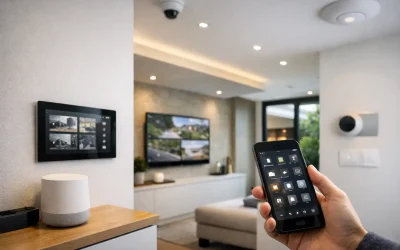
Apple HomeKit can be an excellent front-end experience for households that want simple, familiar control through iPhone, iPad, Apple Watch, and Siri. It works especially well when the underlying devices and gateways are selected carefully rather than mixed at random. Home Assistant goes further for clients who want deeper customization, broader integrations, and more advanced logic across brands and protocols.
The trade-off is straightforward. Apple Home tends to be cleaner and simpler for day-to-day use. Home Assistant offers greater flexibility, but it benefits from disciplined design and proper implementation. Neither platform should be treated as a magic fix for poor infrastructure or incompatible devices.
Retrofit automation always involves compromise – the smart move is managing it early
Existing homes rarely offer unlimited ceiling access, empty wall cavities, or spare conduits exactly where you need them. That does not mean the project is not worth doing. It means the design should be honest about constraints from the beginning.
Sometimes the right answer is a mostly wired backbone with selective wireless endpoints. Sometimes it makes more sense to keep existing decorative switch plates and use hidden control modules behind them. In other cases, the homeowner may be renovating only a kitchen, main suite, or ground floor now and wants the automation architecture ready for future stages.
This is where experience pays off. A good retrofit plan separates must-haves from nice-to-haves, preserves upgrade paths, and avoids locking the property into a dead-end collection of products. Alpha Security Corp approaches these projects as integrated systems, which is why lighting, networking, security, intercoms, and control are planned to work as one rather than added one device at a time.
What a well-designed automated existing home looks like
A strong retrofit rarely calls attention to itself. You notice it in the way the house behaves. The front gate or door can trigger useful actions. Exterior lights respond intelligently, not randomly. The alarm status changes what happens when the home shifts between occupied and away modes. Cameras record clearly because the network supports them properly. The intercom is not just installed – it is usable, dependable, and tied into access and notifications in a sensible way.
Inside, lighting scenes fit the architecture of the home instead of fighting it. Wi-Fi is consistent where people actually use devices. AV equipment, streaming, conferencing, and control panels work without the usual friction of overloaded consumer networks. And if the homeowner wants one-touch control from a keypad, phone, tablet, or voice assistant, that control sits on top of a stable foundation.
That stability is what separates a professional automation project from a collection of smart features. A home does not become intelligent because it has more apps. It becomes better when the systems are coordinated, predictable, and easy to live with.
How to plan the project in the right order
If you are considering how to automate existing homes, the right sequence is usually assessment first, infrastructure second, platform selection third, and visible devices after that. That order prevents expensive rework.
A proper assessment should look at electrical wiring, switch positions, current internet and network performance, camera and intercom cable paths, rack location, and the homeowner’s priorities. From there, the project can be staged sensibly. Some clients start with networking, CCTV, alarms, and entry systems, then add lighting control and AV. Others are renovating and use that window to install structured cabling, upgrade power, and prepare for Apple Home or Home Assistant from day one.
The common thread is that the best results come from planning the hidden layers before the visible ones. That may sound less exciting than picking devices, but it is the part that determines whether the system still feels reliable in five years.
A well-automated existing home should not feel like a tech experiment. It should feel like the house finally caught up with the way you live.