



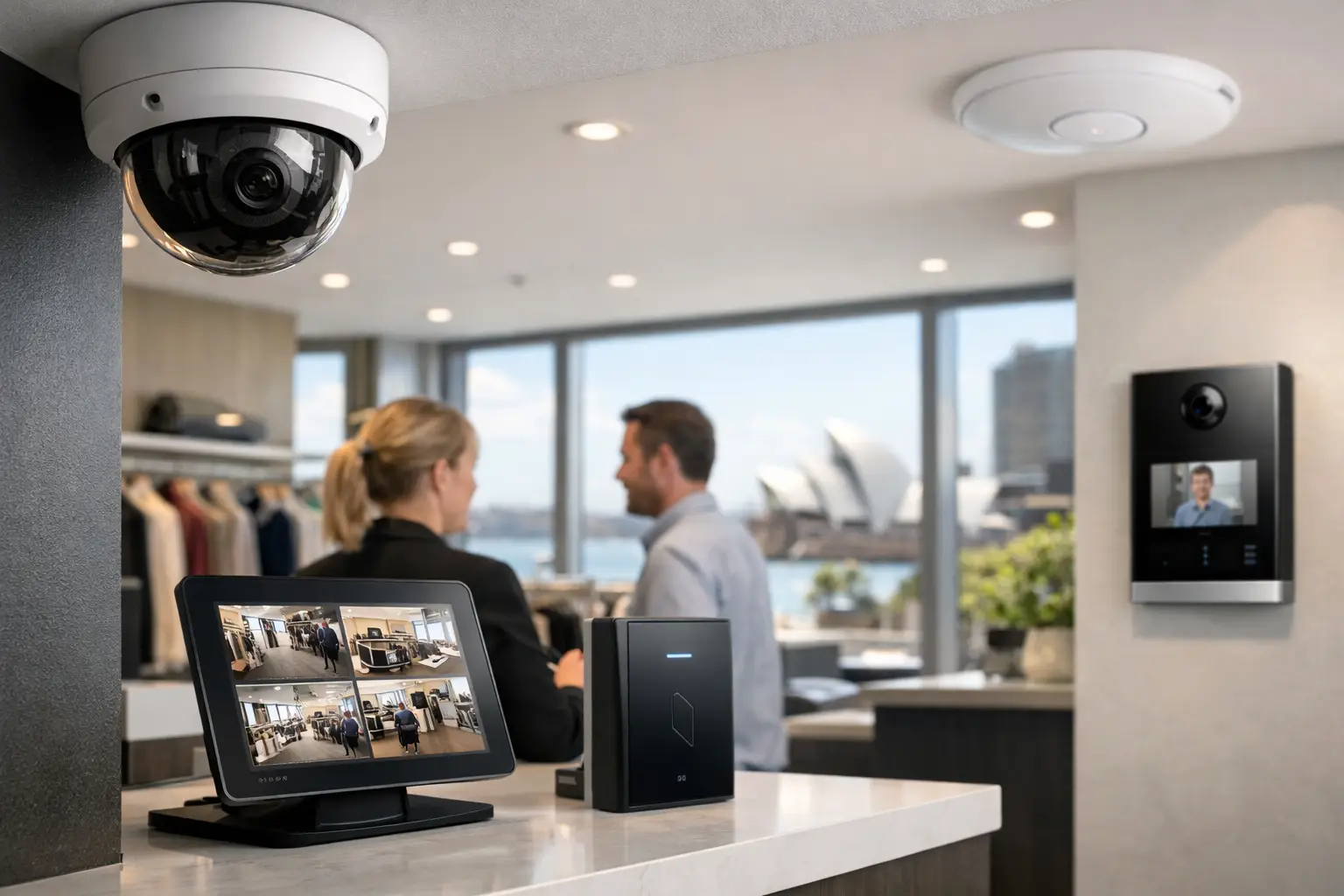
A retail security system earns its value at the moments a store is busiest, least staffed, or closed. This Sydney retail security guide is designed for owners and managers who need more than a few cameras at the ceiling. The objective is a connected environment that helps protect people, stock, cash-handling areas, and business continuity without making daily operations harder.
For a boutique, pharmacy, showroom, supermarket, or multi-site retailer, the right design depends on the layout, stock profile, operating hours, tenancy conditions, and how the premises are managed. A well-planned system brings CCTV, alarm detection, access control, intercoms, network infrastructure, and monitoring into one dependable operational framework.
Start With the Risks That Affect Your Store
Retail loss does not come from one source. External theft may be the most visible concern, but incidents can also involve after-hours entry, unauthorized access to stock rooms, disputes at service counters, delivery risks, fraudulent returns, and safety events involving staff or customers.
The first design question should be: where does the store lose visibility or control? Walk the site as a customer, a staff member, a delivery driver, and a potential intruder would. Pay close attention to entrances, high-value displays, fitting rooms or their approaches, cash wraps, receiving doors, rear lanes, storerooms, offices, and staff-only corridors.
This exercise should lead to a practical security brief, not a generic equipment list. For example, a jewelry retailer may prioritize detailed identification at entries and display zones, while a larger format store may need strong coverage of loading areas, perimeter doors, and stock movement. A retailer in a busy Sydney shopping precinct may need clear incident footage around the storefront, while a standalone site may place greater weight on perimeter detection and monitored alarm response.
Design CCTV Around Decisions, Not Camera Counts
CCTV is most useful when footage answers a specific question: who entered, what happened at the register, where did a product leave the floor, or when was a rear door opened? Placing cameras simply to achieve broad visual coverage often produces blind spots and images that are not detailed enough for incident review.
A professional design typically separates general observation from identification. Wide-angle cameras can provide context across the sales floor, while purpose-positioned cameras at entrances, points of sale, and high-value displays capture faces, transactions, and movements with usable detail. Camera height, lighting, reflections from shopfront glass, and changing daylight all affect the result.
Modern Dahua and Hikvision systems can use AI analytics to distinguish people, vehicles, or specific movement patterns from general scene activity. This can reduce nuisance alerts compared with basic motion detection, particularly around rear access points and loading docks. The trade-off is that analytics need careful commissioning. A poorly drawn detection zone or an untested rule can still create unnecessary alerts or miss the activity that matters.
Footage retention also requires planning. The appropriate storage period depends on incident investigation needs, camera resolution, frame rates, number of cameras, and available storage capacity. Higher-quality video supports better identification, but it uses more storage and network bandwidth. The answer is usually not to reduce quality everywhere, but to set priorities by area and risk.
Lighting and Network Quality Shape Video Evidence
A camera cannot compensate for poor lighting or an unstable network. Back-of-house corridors, receiving zones, and exterior doors often need lighting improvements to support consistent image quality. In a new build or major refurbishment, DALI-2 lighting control can be planned alongside CCTV so critical areas receive practical lighting scenes after hours, during deliveries, or when an alarm event occurs.
The network is equally important. A properly designed UniFi network with structured cabling, managed switching, secure device separation, and suitable power-over-Ethernet capacity provides a far stronger foundation than placing security devices onto an overloaded guest Wi-Fi network. It also makes future camera, access-control, and intercom additions more manageable.
Use Access Control to Protect Staff Areas Without Slowing Work
Mechanical keys create a familiar retail problem: they are difficult to track, easy to copy, and rarely recovered when staff or contractors leave. Access control provides a clearer record of who entered sensitive areas and when, while allowing permissions to match actual roles.
Staff may need access to the sales floor and break room, supervisors may require office and cash-office access, and delivery teams may need time-limited entry at a rear door. With a well-configured system, credentials can be issued, amended, and removed without changing locks across the site.
Access control is particularly useful for stock rooms, server or communications cabinets, medicine storage, high-value inventory areas, and after-hours entry. Depending on the site, credentials may be cards, fobs, PINs, mobile access, or a combination. The best choice depends on the workflow. Mobile credentials are convenient for management teams, while cards or fobs can remain practical in higher-turnover environments where shared-device policies and phone availability vary.
For multi-tenant retail or sites with a rear delivery entrance, an Akuvox intercom can add controlled visitor verification. Staff can see and speak with a delivery driver before releasing a door, rather than leaving rear access unsecured for convenience.
Make the Alarm System Part of the Operating Plan
An alarm should do more than sound when a door opens. It should be zoned to reflect how the store is used, with separate consideration for the sales floor, rear doors, offices, stock rooms, and any external areas. This lets managers arm parts of the premises where appropriate without creating an unworkable process for cleaners, early deliveries, or late merchandising.
Back-to-base monitoring adds a response pathway when the premises are closed or a verified event requires attention. It is especially valuable for stores with limited local management coverage, high-value inventory, or locations where a break-in could affect the next trading day. Monitoring does not replace physical hardening, good staff procedures, or camera coverage, but it gives alarm events a defined escalation process.
Avoid treating the alarm as a separate project. Alarm states can inform lighting, camera recording behavior, and notifications where the platform and design allow it. For example, an after-hours rear-door event may trigger relevant camera views, activate appropriate lighting, and send an alert to nominated contacts. The value is not novelty. It is giving the responsible person useful information quickly.
Plan for Daily Operations and Incident Review
The best security system is one store managers can actually operate. Before installation, establish who can view cameras, manage access permissions, receive alerts, arm the alarm, and retrieve footage. Set clear expectations for opening and closing procedures, contractor access, staff departures, and incident escalation.
Privacy should be considered from the outset. Cameras need a legitimate operational purpose and should be positioned thoughtfully, particularly around staff facilities and areas where people reasonably expect privacy. Access to live and recorded footage should be restricted to authorized people, with sensible account management and audit practices.
It is also worth deciding how incidents will be reviewed before one occurs. A system that makes it easy to locate footage by time, camera, event, or access record can shorten investigations considerably. Synchronizing device time and maintaining reliable recordings may sound technical, but these details matter when comparing video with point-of-sale events, access logs, or alarm activations.
Build for Expansion, Not Constant Replacement
Retail stores change. A new concession, an expanded stock room, revised fitting-room layout, or additional trading hours can alter the security requirement quickly. Planning pathways, rack space, switch capacity, cable routes, and network segmentation from the beginning reduces disruption when the system grows.
This is where an integrated provider brings practical value. Security design cannot be separated entirely from electrical supply, structured cabling, Wi-Fi coverage, lighting, and the way the property will be managed over time. Alpha Security Corp designs these connected systems so the infrastructure supports the security outcome rather than limiting it.
For an existing store, integration does not necessarily mean replacing every device at once. A staged upgrade can address the highest-risk areas first, provided the long-term architecture is clear. For a new retail fit-out, early coordination with builders, architects, electricians, and IT teams prevents awkward camera positions, missing cable routes, and access-control doors that are difficult to secure correctly.
A retail security system should give staff confidence, provide managers with clear oversight, and support a fast response when something is not right. Start with the decisions your team needs to make during a real event, then build the cameras, access, alarms, network, and monitoring around those decisions.


