



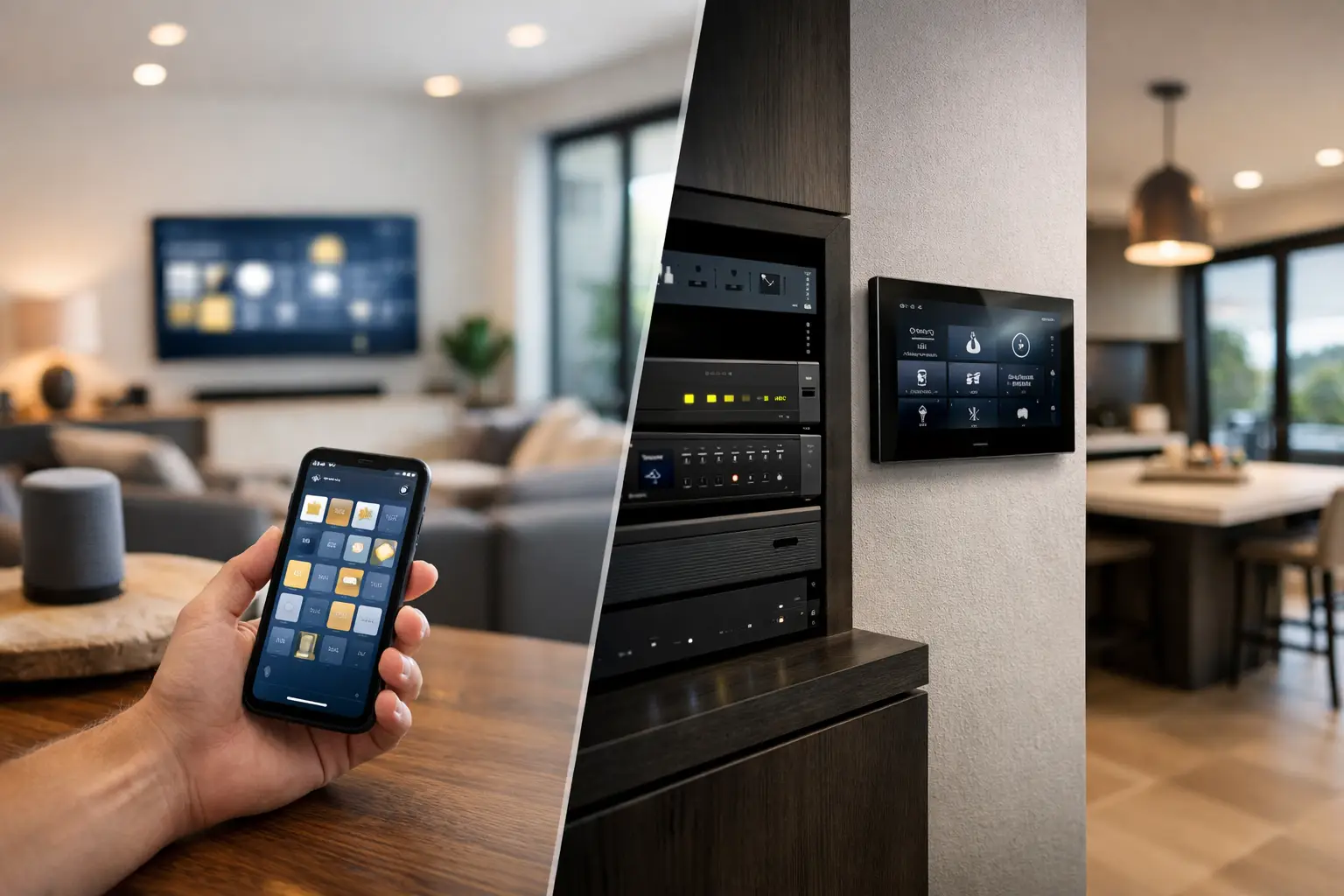
A smart home can look polished on handover day and still become frustrating six months later if the lighting, Wi-Fi, security, audio, and control interfaces were selected independently. The real question in HomeKit versus Control4 automation is not which app has the better icon. It is which platform fits the property, the people using it, and the systems that need to operate reliably every day.
For a single-family home, major renovation, or new build, both Apple HomeKit and Control4 can deliver a high-quality result. They approach integration differently, however. Apple HomeKit is built around the Apple ecosystem and a familiar mobile-first experience. Control4 is a professionally installed automation platform designed to bring a larger number of home systems under a dedicated control layer.
HomeKit versus Control4 automation at a glance
HomeKit is often the natural choice for households already invested in iPhone, iPad, Apple Watch, Apple TV, and HomePod. It provides straightforward control of compatible lights, locks, cameras, shades, climate systems, and sensors through the Apple Home app and Siri. The experience is approachable because many people already understand it before the installation begins.
Control4 is usually selected where centralized control and deeper audiovisual integration are priorities. It can combine lighting, motorized shades, multiroom audio, television sources, climate, entry intercoms, security status, and more into customized touchscreens, keypads, remotes, and mobile apps. Rather than opening separate applications for each system, a well-designed Control4 project can present practical room-based controls and scenes.
Neither platform is automatically superior. A HomeKit-based system can be highly capable when the product selection, network, and electrical infrastructure are planned correctly. A Control4 system can be unnecessarily complex for a smaller property that only needs smart lighting, an intercom, cameras, and simple routines.
The difference is in the control model
Apple HomeKit is intentionally consumer-friendly. A homeowner can ask Siri to turn off the downstairs lights, check a compatible camera, or run a Good Night scene from an iPhone. Automations can respond to time, occupancy, door contacts, and accessory status. With the appropriate home hub, control and automations can continue when the homeowner is away.
That simplicity has boundaries. HomeKit depends on certified or compatible device support, and the way each product exposes functions within Apple Home can vary. Advanced settings may remain in a manufacturer app, especially with specialist equipment. For some projects, HomeKit is best treated as the everyday interface rather than the sole automation engine.
Control4 is designed around a programmed system. The installer defines what happens when a keypad button is pressed, an alarm is armed, a front door is unlocked, or a room is set to entertainment mode. A single action can lower shades, set lighting levels, start audio, and select the correct source on the display. The benefit is consistency across the property, including for guests, children, and staff who should not need to learn multiple apps.
The trade-off is that Control4 requires professional design, programming, and ongoing support. Changes are possible, but a homeowner is not expected to manage every technical adjustment independently. That is a positive when reliability and controlled change management matter, but it should be understood before choosing the platform.
Lighting and shading: plan the wiring first
Lighting is where a smart home becomes genuinely useful or simply decorative. Both HomeKit and Control4 can support schedules, scenes, occupancy response, and voice control. The result depends heavily on the lighting design behind the platform.
In a retrofit, wireless dimmers, smart switches, and compatible lamps may be the sensible path. HomeKit can work well here, particularly when the aim is to add control without extensive wall or ceiling work. Careful device selection is still essential. A house filled with different radio protocols, bridges, and manufacturer apps is harder to support than one designed as a coherent system.
For a new build or substantial renovation, centralized lighting and wired control should be considered early. Systems such as DALI-2 can provide accurate dimming, zoning, scene control, and long-term flexibility across architectural lighting. Control4 can provide an excellent front-end for these systems through keypads, touchscreens, and programmed scenes. Apple Home can also play a valuable role when compatible integration is available and the client wants familiar Apple control.
The practical decision is not “wired versus wireless” in isolation. It is whether the electrical design, lighting fixtures, control interfaces, and automation logic have been coordinated before walls are closed.
Security, access, and cameras require sensible boundaries
Security should inform automation without becoming dependent on it. An alarm panel, access control system, CCTV recorder, and intercom need to retain their core operation even if a mobile app, cloud service, or automation controller is unavailable.
HomeKit can provide a useful daily view of compatible door locks, sensors, and cameras. For Apple households, receiving a doorbell notification and viewing a camera from the Home app can be convenient. Privacy settings and local processing options may also be attractive to owners who prefer a tightly managed ecosystem.
Control4 can connect security events to broader property behavior. For example, an authorized arrival may disarm selected areas, illuminate a pathway, and bring up the entry camera on a touchscreen. An alarm event may trigger lighting, notify designated users, or display camera feeds in relevant rooms. These actions need careful design so that convenience never weakens security procedures.
For higher-security residences, strata properties, offices, and commercial sites, dedicated platforms such as Bosch alarm systems, Akuvox intercoms, and professional CCTV systems should remain the foundation. Automation can surface useful information and create appropriate responses, while the security system continues to handle alarm reporting, recording, access permissions, and operational resilience.
AV and whole-home control favor Control4
This is often the clearest dividing line. HomeKit can control compatible televisions, speakers, and receivers, but it is not primarily a whole-home AV control platform. If the project includes multiple TVs, distributed audio, media rooms, equipment racks, source switching, and custom remotes, Control4 offers a more cohesive operating model.
A well-programmed Control4 remote can turn on a room, select streaming content or a cable source, set the correct input, adjust audio, and control lighting without forcing the user to think about the technology rack. The same system can carry consistent controls to wall keypads and touchscreens.
That does not mean every Apple household needs Control4 for entertainment. A home with a few Apple TVs and compatible speakers may be better served by Apple Home, supported by a properly engineered network. The complexity of the AV system should determine the platform, not the size of the house alone.
Networking is the part owners rarely see
Both platforms depend on reliable networking, but HomeKit is especially sensitive to Wi-Fi coverage, multicast traffic, home hubs, and the quality of the router configuration. A property can have a fast internet plan and still experience delayed controls, unavailable accessories, or camera dropouts because the internal network was not designed for connected devices.
A structured cabling plan and business-grade network, such as a correctly configured UniFi deployment, give automation systems a stronger foundation. Wired access points, thoughtful Wi-Fi placement, network segmentation, and equipment rack design all reduce avoidable support issues. Cameras, intercoms, TVs, control processors, and wireless devices should be considered as one networked environment.
Control4 also benefits from this discipline. Its controller and managed devices require stable IP connectivity, while AV systems can add substantial traffic and installation complexity. The best automation experience begins with infrastructure, not an app download.
When HomeKit is the better fit
HomeKit is a strong option when the household is firmly Apple-based, the system scope is focused, and the owner values a familiar interface. It suits projects where compatible smart lighting, locks, sensors, cameras, climate, and selected audio devices can be integrated without forcing a complex control architecture.
It can also work well as part of a broader strategy. For example, a professionally installed lighting, security, network, and intercom system can provide dependable core functions, while Apple Home offers convenient personal control for compatible daily-use devices. This approach avoids asking one platform to do every job.
When Control4 is the better fit
Control4 is typically the stronger choice for large homes, high-end renovations, and projects with substantial AV, lighting, shading, and custom-control requirements. It is particularly valuable when the owner wants one consistent experience across rooms and does not want to manage a collection of individual device apps.
It also suits properties where physical controls matter. Engraved keypads, dedicated remotes, touchscreens, and programmed scenes remain useful when phones are charging, guests are visiting, or the property is being operated by people with different levels of technical confidence.
Choose the system around the property, not the product
The best decision starts with a system design conversation: how the property is used, what must keep operating independently, where control is needed, which devices deserve physical buttons, and how the network and electrical work will support future changes. For some homes, Apple Home will be the right daily interface. For others, Control4 will provide the control depth that makes a complex property feel simple.
The most useful automation is rarely the one with the most features. It is the one that quietly makes entry, lighting, security, entertainment, and daily routines easier without asking the owner to think about what is happening behind the walls.


