



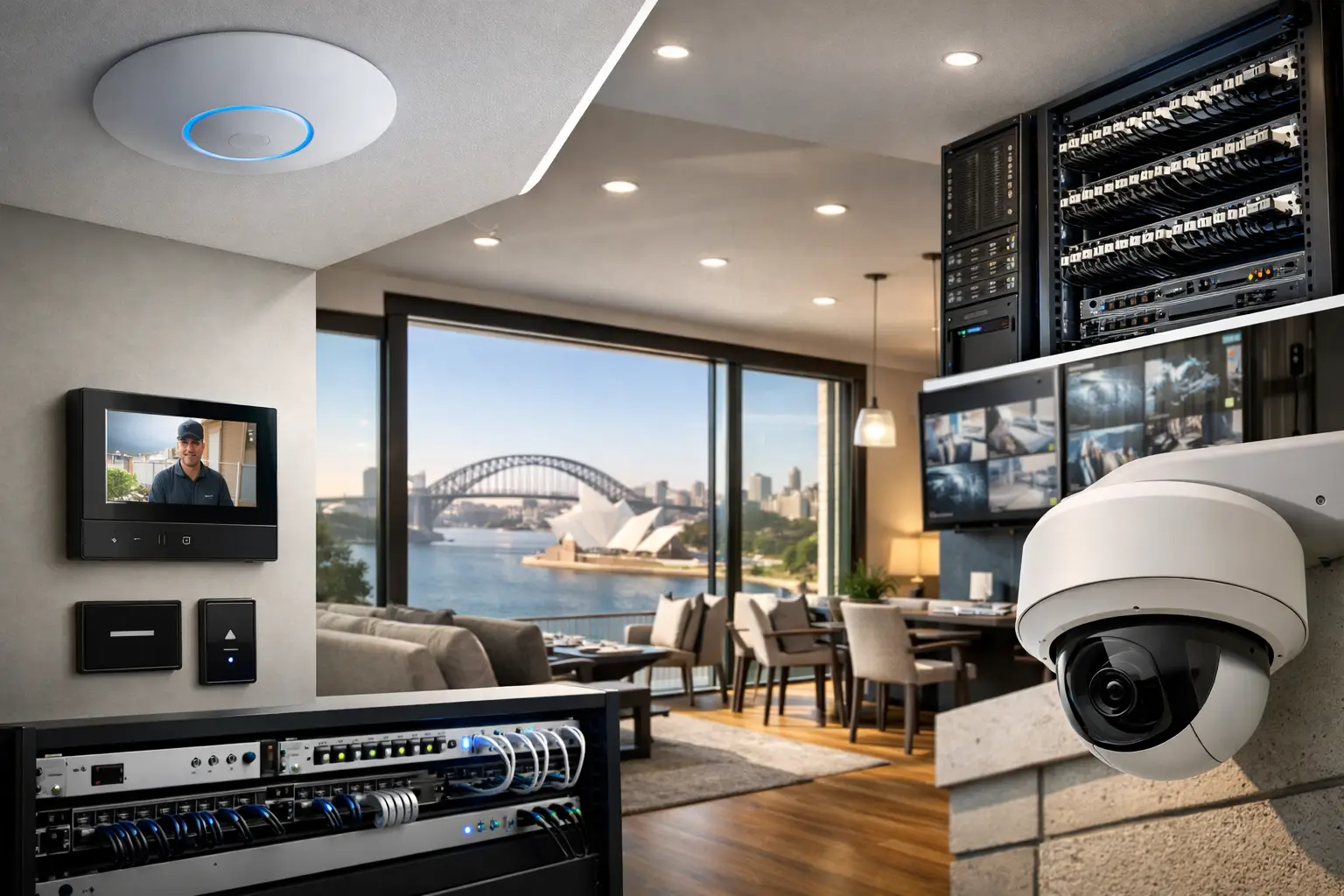
A camera that drops offline during an incident, an intercom that lags at the front gate, or Wi-Fi that looks fine on paper but fails in the back office – these are rarely isolated device problems. In most cases, they point to network design. That is why UniFi networking Sydney projects are best approached as part of the wider property infrastructure, not as an afterthought once security, AV, and automation are already on the wall.
For homeowners, builders, strata managers, and business operators, the real value of a UniFi deployment is not the access point itself. It is the way the network supports everything connected to it: CCTV, access control, alarms, smart lighting, intercoms, Apple Home, Home Assistant, VoIP, staff devices, guest access, and remote management. When the network is designed correctly, every other system performs better and is easier to support long term.
Why UniFi networking Sydney projects need proper design
UniFi has become a strong fit for residential and commercial properties because it gives you enterprise-style control without forcing you into a fragmented environment. Switching, Wi-Fi, routing, VLANs, remote visibility, and site-wide management can sit under one platform. That matters when a property includes more than general internet use.
A modern home might need separate traffic handling for family devices, smart home systems, security equipment, and guest access. A commercial site may need different policies again for staff devices, visitor Wi-Fi, point-of-sale systems, cameras, and door access. If all of that is left on one flat network, problems become harder to isolate and performance becomes less predictable.
Good design starts with usage, not hardware counts. A five-bedroom house with concrete walls, outdoor entertaining zones, gate intercoms, and multiple TVs can be more demanding than a simple office. Likewise, a warehouse with wide open space may need fewer access points than a heritage home with dense materials and awkward signal paths. It depends on structure, coverage targets, roaming expectations, cable pathways, rack space, and how many systems will share the network.
UniFi works best when networking is planned with security and automation
This is where many installations go wrong. Networking is often treated as a separate trade, while cameras, access control, alarms, intercoms, and smart systems are designed independently. The result is familiar: switches with no spare capacity, poor PoE planning, patching that makes no sense, and Wi-Fi coverage that was never matched to device placement.
A better approach is integrated planning. If you know where Dahua or Hikvision cameras will be mounted, where Akuvox intercoms will terminate, how access control doors are grouped, and whether Apple HomeKit or Home Assistant will be used for automation, the network can be sized properly from the start. That includes PoE budgets, uplink capacity, cabinet layout, VLAN structure, UPS requirements, and remote service access.
This is especially important on higher-spec homes and mixed-use properties where the network is carrying both lifestyle and operational systems. Multiroom audio, streaming, surveillance recording, remote viewing, lighting control, and mobile device roaming all place different demands on the infrastructure. UniFi gives strong flexibility here, but flexibility only helps when the design is disciplined.
The difference between Wi-Fi coverage and usable performance
Many clients have already been told they need “better Wi-Fi,” but that phrase is too vague to solve anything. Coverage is only one part of the picture. A property can show signal bars and still perform poorly because roaming is inconsistent, interference is unmanaged, channels are congested, or the uplink back to the switch is undersized.
Usable performance means devices stay connected where they are actually used. It means a video call continues as someone moves between rooms, a phone opens the gate without delay, and wireless devices are not competing with critical systems for airtime. In commercial settings, it means predictable service across offices, meeting rooms, reception, and staff areas.
That is why access point selection and placement should be based on floor plan, construction material, ceiling heights, external coverage needs, and device density. One oversized access point in the middle of a property is rarely the answer. Neither is adding random units until complaints stop.
Where UniFi fits in homes, strata, and business sites
In residential work, UniFi is often the right backbone for properties that want more than fast internet. It supports the practical side of connected living: stable wireless coverage, clean switching, secure segmentation, and a platform that can support cameras, intercoms, lighting bridges, control processors, and mobile app access without becoming messy.
For renovations and new builds, structured cabling is still the foundation. Wireless matters, but fixed cabling to TVs, desks, wireless access points, gate stations, racks, and camera locations gives the network a level of consistency that wireless-only designs cannot match. If a property is investing in security, AV, and automation, this is not the place to cut corners.
In strata and multi-tenant environments, UniFi can also be useful when common areas, management access, CCTV, intercom pathways, and service rooms need clearer control. The exact architecture varies. Some sites need strict separation between common property systems and tenant services, while others need carefully managed shared infrastructure. The design has to reflect operational responsibility, not just technical preference.
For commercial premises, UniFi is often chosen because it balances capability with manageable administration. Offices, retail spaces, medical suites, warehouses, and education environments often need reliable Wi-Fi, clean network segmentation, camera connectivity, access control support, and visibility across multiple devices and locations. What matters is not just that it works on handover day, but that it remains supportable as the site changes.
What a well-built UniFi deployment should include
A serious network design is not only about access points and a router. It should include structured cabling, correctly sized PoE switching, cabinet design, patch management, labeling, surge protection where relevant, and sensible power backup for critical systems. If CCTV recording, alarms, intercoms, and internet services are all dependent on the same rack, power resilience needs to be considered early.
The software side matters too. VLANs should be defined around function and security, not just created because the platform allows it. Guest traffic, IoT devices, security hardware, staff devices, and management access often need different treatment. The goal is to reduce unnecessary crossover, improve troubleshooting, and maintain control as more services are added.
Remote access and monitoring also need to be thought through properly. It is useful to have visibility into a site, but that access should support serviceability and security at the same time. The right setup can make support faster and reduce avoidable callouts, especially on larger homes, commercial fit-outs, and multi-site portfolios.
Trade-offs worth understanding before you install
UniFi is a strong platform, but it is not a one-size-fits-all answer. Some environments need more specialized enterprise networking features, especially in very large or highly regulated sites. At the other end of the scale, some smaller properties may not need the full range of hardware options available. The right outcome depends on the size of the site, critical systems in use, budget tolerance, growth plans, and who will support the installation after handover.
There is also a difference between buying UniFi hardware and having a reliable UniFi network. Poor RF planning, inconsistent cabling standards, incorrect switch selection, and rushed commissioning can undermine an otherwise capable platform. That is why installation quality and integration knowledge matter as much as product choice.
For properties where networking also supports CCTV, access control, intercoms, AV, lighting, and automation, one coordinated design process usually delivers a better result than splitting the job across multiple unrelated contractors. Alpha Security Corp approaches these environments as connected systems, where the network is part of the operational backbone rather than a standalone service.
Choosing UniFi networking Sydney with the long view in mind
If you are planning a new build, a major renovation, a security upgrade, or a commercial fit-out, the network should be designed around how the property will function in daily use. Not just where the modem lands, but how people move through the building, how devices are powered, what needs to stay online, and what will likely be added later.
That longer view is what makes UniFi networking Sydney worth doing properly. A good network is quiet in the best sense of the word. It does not call attention to itself. It simply gives your cameras, intercoms, Wi-Fi devices, access systems, and automation platform the stable foundation they need to perform the way they were intended to.


