



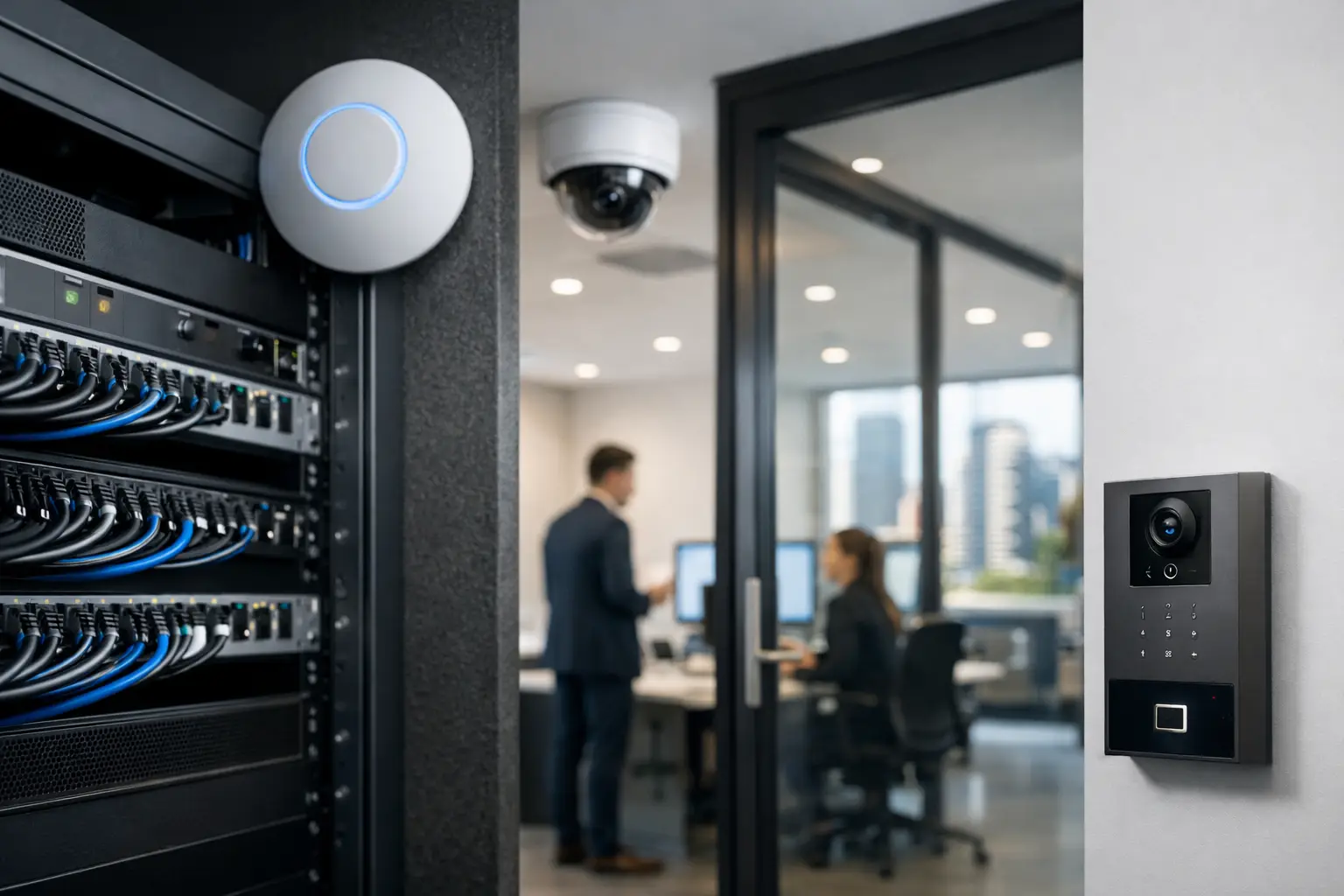
A business network can look healthy right up until the moment a staff laptop, visitor phone, CCTV recorder, and access control controller are all competing on the same flat network. When that happens, a simple device issue can become an operational security issue. Secure UniFi business networks are designed to prevent that kind of exposure by treating connectivity as part of the building’s wider security infrastructure, not as an isolated Wi-Fi service.
For offices, retail sites, warehouses, schools, healthcare facilities, and strata common areas, the network carries far more than email and internet traffic. It supports surveillance cameras, door controllers, intercoms, alarms, printers, AV systems, cloud applications, and an expanding number of connected devices. A professional design gives each of those systems an appropriate place on the network, with clear rules around what can communicate, who can administer it, and how problems are identified.
Why secure UniFi business networks start with design
UniFi provides a capable platform for centrally managing gateways, switches, wireless access points, cameras, and network visibility. Its value is not simply that devices can be managed from one console. The value comes from applying a deliberate design before those devices are installed.
A small professional office may need reliable Wi-Fi, secure remote access, guest connectivity, and a separate pathway for a few cameras. A multi-tenant commercial site may need multiple internet services, managed switches across several floors, secure links between communications cabinets, controlled contractor access, and isolated networks for building systems. The right approach depends on the risk profile, building layout, applications, and operational needs.
That is why the first questions should not be about the number of access points or the fastest advertised Wi-Fi standard. They should be about how the site operates. Which systems are business-critical? Which devices must be reachable remotely? What happens if internet service fails? Does the network need to support future cameras, access control doors, or an AV upgrade? These answers shape the cabling, cabinet layout, switching capacity, wireless coverage, and security policy.
Separate systems before a problem spreads
Network segmentation is one of the most practical protections in a commercial environment. Rather than placing every device in one shared network, a properly configured UniFi deployment uses separate virtual networks and firewall rules to limit unnecessary communication.
For example, staff computers can operate on a business network, while visitors receive internet-only access on a guest network. CCTV cameras and network video recorders can be placed in their own security segment. Access control, intercoms, smart lighting gateways, and building automation devices may require dedicated segments based on their management and integration requirements.
This structure does more than improve tidiness. If a guest device is compromised, it should not be able to browse for cameras or door controllers. If an older printer has a security weakness, it should not automatically have access to sensitive workstations. If a camera needs to communicate with a recorder, that traffic can be allowed without exposing the rest of the environment.
Segmentation is not a one-size-fits-all exercise. Some integrated systems need carefully defined access between networks, particularly when a workstation, mobile application, or centralized management platform needs to view devices across segments. The goal is not to block everything blindly. It is to permit only the communication the system actually requires, then document those decisions for future maintenance.
Guest Wi-Fi should be genuinely separate
Offering guest Wi-Fi is often expected in offices, showrooms, clinics, and hospitality areas. It should not mean handing visitors a route into the same network used for business operations.
A dedicated guest network can isolate visitor traffic, apply bandwidth controls where appropriate, and keep internal services private. For sites with frequent contractors or temporary staff, separate access credentials and expiration policies can reduce the habit of sharing one permanent password across the building.
Identity, access, and administration matter
The best firewall rules can be undermined by weak administrative access. UniFi network controllers, gateways, cameras, and connected security systems should be managed with individual accounts, strong passwords, and multi-factor authentication where available. Shared administrator credentials make accountability difficult and create unnecessary risk when staff or contractors change.
Administrative access also needs to be proportionate. A facilities manager may need visibility of system status. An IT provider may require full network administration. A security team may need access to camera functions without the ability to alter firewall policies. Clear roles protect the system while making day-to-day operation simpler.
Remote support deserves the same attention. Business owners often need a technician to diagnose a problem without waiting for an on-site visit, especially across multi-site operations. Remote access can be useful, but it should be configured through controlled, authenticated methods rather than by leaving management interfaces publicly exposed to the internet.
Firmware and software updates are part of this discipline. Updates can address security issues and improve device stability, but they should be planned around the site’s operating hours and tested carefully in more complex environments. Applying every update immediately may not be appropriate for a site with critical access control or surveillance operations. Deferring updates indefinitely is not appropriate either. A maintenance schedule provides a sensible middle ground.
Build the physical layer for reliability
Cybersecurity and physical infrastructure are closely connected. A poorly planned cabinet, overloaded switch, undocumented patch panel, or underpowered PoE budget can create outages that look like software failures.
Structured cabling should be planned around permanent device locations, future capacity, and serviceability. Wireless access points require correct placement and wired backhaul. High-resolution CCTV cameras need dependable PoE switching and uplink capacity. Door controllers, intercoms, and cabinets may need power continuity during an outage. Where required, uninterruptible power supplies can keep key network and security equipment operating long enough to maintain visibility, preserve recordings, or support an orderly shutdown.
Redundancy is also a business decision, not a default feature to add everywhere. A single small office may only need a quality gateway and power protection. A medical practice, warehouse, or site relying on cloud-based systems may benefit from secondary internet connectivity or failover. The appropriate investment depends on the cost of downtime and the systems affected.
Wi-Fi coverage is not the same as Wi-Fi capacity
A signal reading from one access point does not prove the network will perform well when a meeting room fills with laptops, phones, wireless presentation devices, and guest connections. Coverage surveys and practical testing help determine access point placement, channel planning, and whether dense areas need additional capacity.
Material construction also matters. Concrete walls, metal shelving, lift shafts, and equipment rooms can disrupt wireless signals. In warehouses and commercial fit-outs, access point location should be coordinated with lighting, racking, ceiling services, and camera coverage rather than decided after the build is complete.
Connect security systems without creating blind spots
CCTV, access control, alarm reporting, and intercoms often depend on the network, but each has different requirements. Cameras may generate sustained traffic to a local recorder. Access control needs reliable local operation even if an internet service fails. Intercoms may need secure remote calling. Alarm communication may require a separate monitored pathway.
A connected design considers these requirements together. For example, security cameras can be isolated from staff devices while retaining the necessary communication with a designated recorder and authorized viewing stations. Door access hardware can be placed on protected switching with power backup considerations. Intercoms can be commissioned so remote features are useful without exposing unnecessary management functions.
This planning also makes incident response more practical. When a camera goes offline, a managed UniFi environment can help identify whether the issue is power, cabling, switch port status, wireless connectivity, or an upstream network fault. Clear labeling and documentation reduce the time spent tracing equipment during an urgent callout.
Monitoring turns configuration into ongoing protection
Security is not complete at handover. Devices are added, staff change, passwords get shared, and software ages. Ongoing monitoring and maintenance help keep the original network design aligned with how the property is actually being used.
A useful maintenance process reviews device health, storage and recording status, internet reliability, firmware position, administrator access, and network alerts. It should also revisit firewall rules when a new service, tenant, camera system, or automation platform is introduced. The change may be small, but undocumented exceptions are how orderly networks become difficult to support.
For commercial properties, the benefit is operational clarity. The network becomes a managed foundation for security, communications, and building technology rather than a collection of devices installed at different times by different contractors.
A well-designed UniFi network should make daily work feel uneventful: staff stay connected, guests remain separated, cameras record reliably, doors operate as expected, and the right people can see the right systems. That quiet reliability is usually the clearest sign that the infrastructure has been planned properly.


