



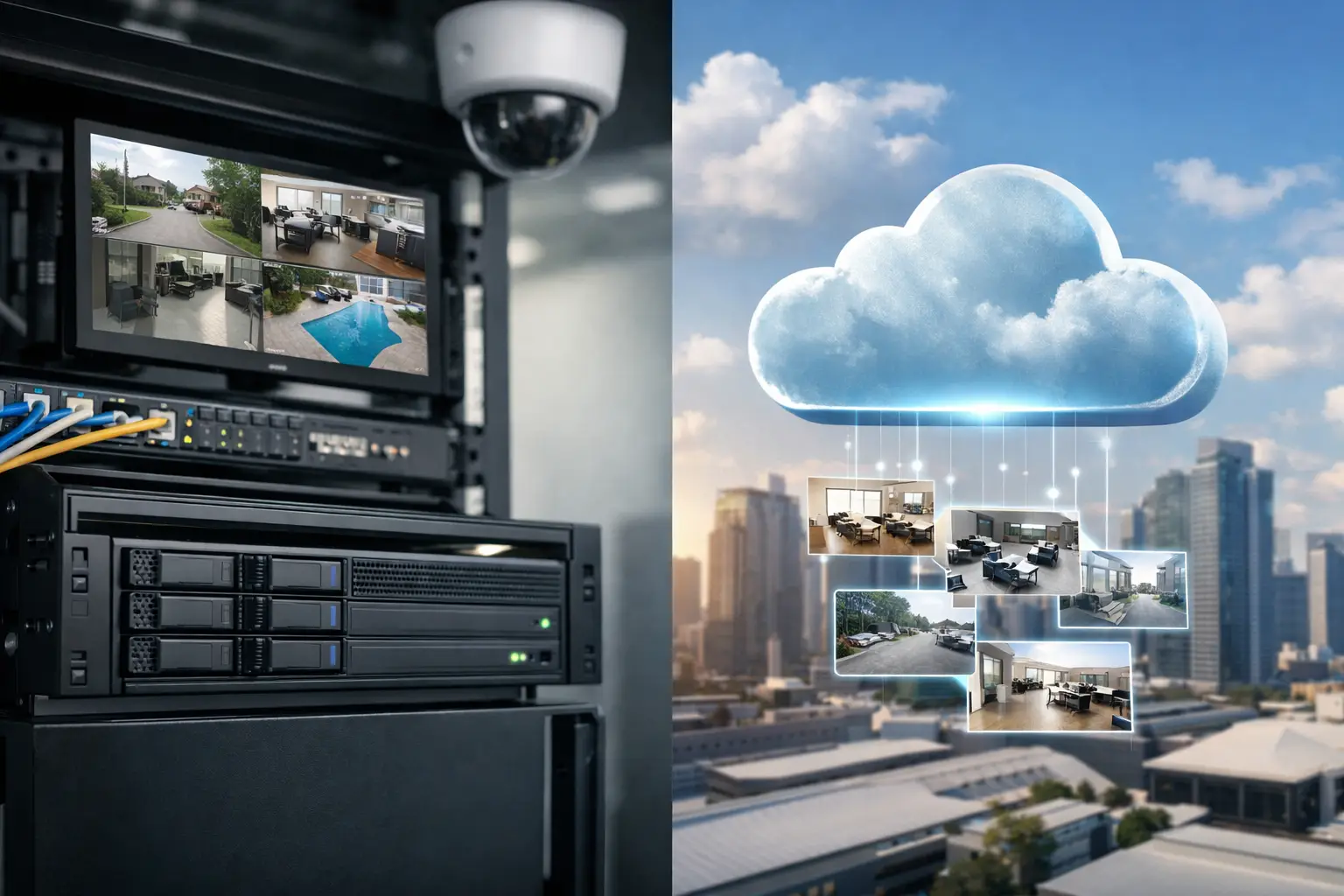
A camera system only proves its value when the footage you need is available, clear, and easy to retrieve. That is why the decision around NVR versus cloud storage should be made during system design, not after cameras are installed. Storage affects privacy, network capacity, retention time, remote access, incident response, and the ongoing cost of operating a CCTV system.
For most professionally designed homes, businesses, and strata properties, the best answer is not a blanket preference for one model. It is a storage strategy matched to the property, the cameras, the network, and the operational risk.
What an NVR does well
An NVR, or network video recorder, stores footage locally on hard drives installed at the property. IP cameras send their video streams across the local network to the recorder, where footage can be viewed live, searched, and retained according to the available storage capacity and recording settings.
This remains the preferred foundation for many serious CCTV systems. A properly specified NVR can record multiple high-resolution cameras continuously without relying on the internet connection. If the site loses internet service, local recording continues. For a warehouse, office, school, retail site, or larger residence, that independence is a meaningful advantage.
Local recording also gives the site owner more control over footage. Video stays within the property network unless authorized users access it remotely or footage is exported. For organizations with privacy obligations, sensitive areas, or internal security policies, that control can simplify decision-making.
The practical limitation is that an NVR is physical equipment. It needs a secure location, reliable power, suitable cooling, and correctly sized surveillance-grade drives. It should be protected by an uninterruptible power supply where continuity matters, and its network should be designed properly rather than treated as an afterthought. A recorder installed in an accessible cupboard or connected to an overloaded consumer network creates an avoidable weak point.
Retention depends on design, not the recorder label
A common mistake is assuming a large NVR automatically means long retention. In reality, retention is driven by camera count, resolution, frame rate, codec, scene activity, recording schedule, and hard-drive capacity.
A 4K camera recording continuously consumes considerably more storage than a lower-resolution camera recording only on a verified event. AI analytics can help reduce unnecessary recording and improve search results, but they must be configured carefully. A busy loading dock, for example, may create many valid motion events. A quiet back-of-house door may be suitable for event-based recording with a pre-event buffer.
The right question is not, “How many days does this NVR store?” It is, “How many days of usable, evidentiary footage does this site require under normal operating conditions?”
Where cloud storage earns its place
Cloud storage sends footage, clips, or events from a camera or recorder to an off-site service. Its main benefit is geographic separation. If a recorder is damaged, stolen, or affected by a major incident at the property, footage stored elsewhere may still be available.
Cloud access can also be convenient for distributed sites. A property manager overseeing multiple locations may value centralized user access, health notifications, and footage review without maintaining a recorder at every site. For a small number of cameras where event clips matter more than continuous high-bitrate video, cloud storage can be a practical fit.
However, cloud storage is not simply “storage without hardware.” It relies on the property’s internet service, especially upload bandwidth. Cameras produce data at the site, and that data must travel outward. A connection that is perfectly adequate for email, browsing, and video calls may struggle when several high-resolution cameras are continuously uploading footage.
This is especially relevant in commercial locations with shared internet use, or premium homes where UniFi networking, AV streaming, remote work, and automation already place demands on the network. Without bandwidth planning, cloud video can compete with everyday services or require reduced camera quality. Neither outcome is ideal when the footage may be needed after an incident.
Cloud costs and platform dependency
Cloud services usually involve recurring fees based on camera count, retention duration, resolution, or advanced features. That can be appropriate when off-site resilience and centralized management are priorities, but it should be understood as an ongoing operating cost rather than a one-time system purchase.
There is also platform dependency to consider. Cloud features, retention options, account controls, and supported devices are shaped by the provider. A professional system should make clear who owns administrative access, how users are managed, what happens if the service changes, and how footage can be exported when required.
For some sites, the issue is not whether cloud storage is good or bad. It is whether the cloud service supports the level of control, camera quality, retention, and cybersecurity expected from the wider security environment.
NVR versus cloud storage: the decisions that matter
Choosing between local and cloud recording starts with the failure scenarios that concern the site. If internet outages are common, an NVR provides dependable on-site continuity. If the greatest concern is theft or destruction of equipment during a break-in, off-site copies become more valuable. If both scenarios matter, a hybrid approach is usually worth considering.
Privacy is another key factor. Residential clients may want the confidence that continuous footage remains on their own equipment. Commercial and strata stakeholders may need clear rules around who can view video, how long it is retained, and how access is logged. Local recording can support those requirements, while cloud services can add controlled access across multiple authorized users. The outcome depends on the specific platform and configuration.
Network architecture matters just as much as the storage choice. CCTV cameras should be installed on properly designed switching and cabling infrastructure, often separated logically from general user devices. Power over Ethernet, managed switches, structured cabling, and correctly configured remote access all contribute to stable recording. A high-quality camera cannot compensate for poor network design.
Finally, consider how people will actually use the footage. A business manager may need fast searches by person, vehicle, time, or area. A homeowner may only need reliable alerts at perimeter entry points and clear playback after an event. A strata site may need permission-based access that keeps common-area footage separate from individual residents. The storage platform should make these daily tasks manageable.
Why hybrid storage is often the strongest answer
Many premium CCTV designs use local NVR recording as the primary evidence store, with cloud backup for selected events, critical cameras, or health monitoring. This approach combines continuous local recording with an off-site layer of protection.
For example, an NVR may retain 30 days of continuous footage from cameras covering entry points, parking, and key internal areas. At the same time, verified AI events from a front gate, reception entrance, or loading bay can be sent off-site. If the recorder is compromised, the most significant clips remain available. If the internet fails, the NVR still records locally.
Hybrid design is not automatically necessary for every property. It introduces additional configuration, bandwidth requirements, and potential subscription costs. But for sites where footage has operational, legal, or safety value, it often offers a more balanced result than relying entirely on either local hardware or the cloud.
Build storage around the wider system
CCTV should not be isolated from the rest of the property. A camera event may need to trigger a notification in Apple Home or Home Assistant, provide visual verification for an intercom call, or support an access-control investigation. These integrations work best when the underlying network and security infrastructure have been planned as one system.
That is also why remote access should be designed with cybersecurity in mind. Shared logins, unnecessarily exposed recorders, and unmanaged devices create risks that are avoidable with proper user permissions, updates, segmentation, and secure remote-access methods.
A practical way to make the choice
Before selecting a storage model, document the cameras that are truly critical, the footage retention target, the expected recording quality, and the property’s internet upload capacity. Then test the plan against realistic incidents: an internet outage, a power interruption, theft of the recorder, and the need to find a specific event quickly.
An NVR is usually the right backbone when continuous recording, local control, and predictable retention are priorities. Cloud storage is particularly useful where off-site resilience, centralized access, or event-based recording are the main needs. A hybrid system is often the best fit when the consequences of lost footage are high.
The right storage decision is not the most fashionable option. It is the one that keeps recording when conditions are imperfect, protects the footage that matters, and remains simple enough for the people responsible for the property to use with confidence.


