



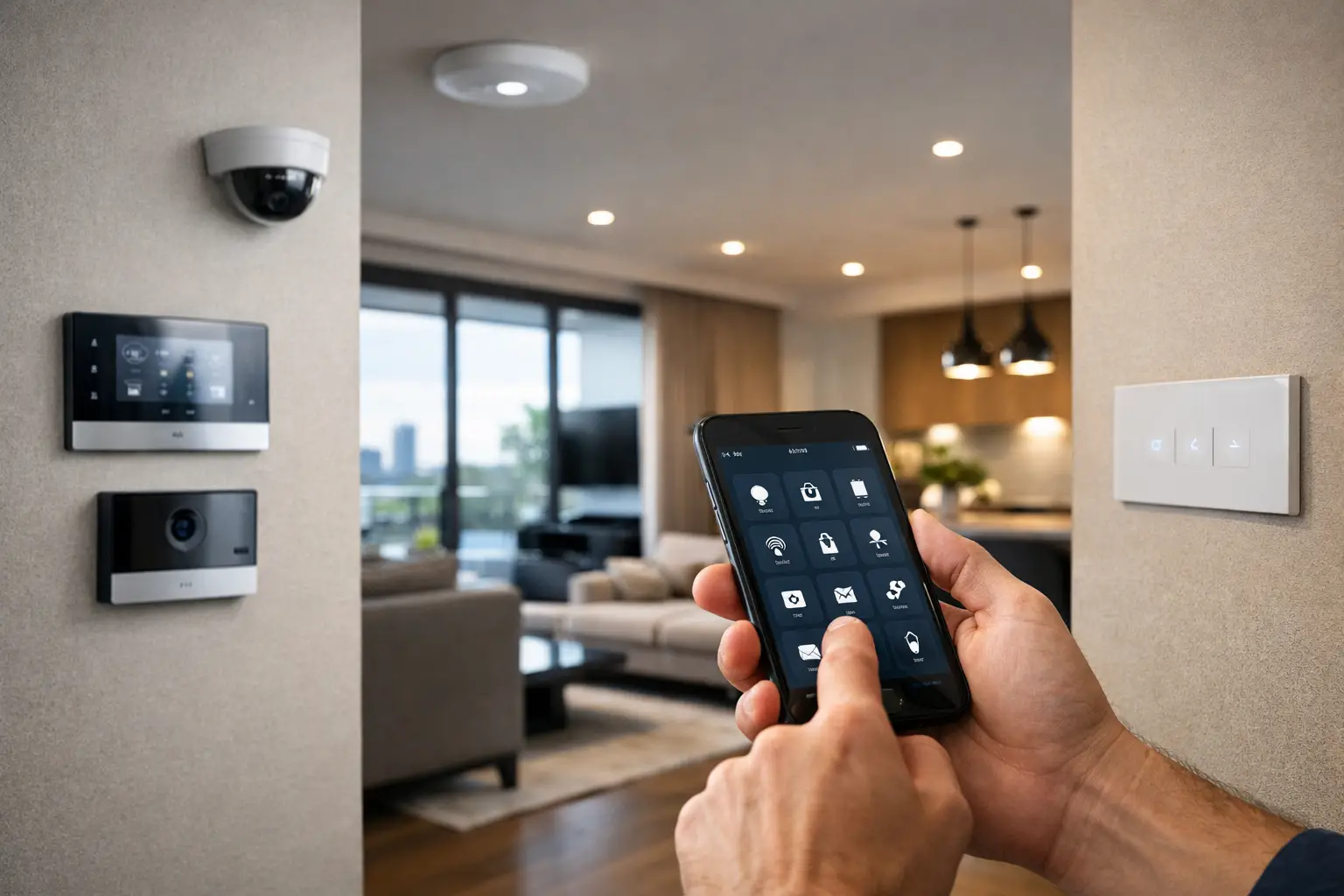
Most homeowners start asking this question after living with a house for a few years, not before. They want better lighting control, stronger security, cleaner audio visual integration, or a front door that does more than just lock. The short answer is yes – can existing homes add smart automation is absolutely the right question, and in most cases, the answer is yes. The better question is how far you should take it, and what needs to be designed properly from the start.
A lot of existing homes already have the bones for a strong smart system. They have power, internet service, wall cavities, switch positions, gate motors, alarm cabling, or network points that can be reused or upgraded. What changes from home to home is how cleanly those pieces can be integrated and whether the goal is a few isolated features or a cohesive platform where lighting, security, access, networking, AV, and control work together.
Can existing homes add smart automation without a full rebuild?
Usually, yes. A full rebuild is not the requirement. What matters more is access, infrastructure, and the standard of integration you want.
Some homes are straightforward retrofit projects. If the property has accessible roof space, decent switch wiring, and room for network upgrades, smart lighting, cameras, intercoms, alarms, and app-based control can often be added with minimal disruption. Other homes need more planning. Concrete walls, limited ceiling access, heritage finishes, or older electrical layouts do not rule out automation, but they do affect product selection, labor, and the way the system is designed.
This is where many projects either become reliable or frustrating. Adding smart technology to an existing home is not just about attaching devices to an app. The system has to account for electrical circuits, Wi-Fi coverage, structured cabling, load types, switching logic, and how the household actually uses the space every day.
Start with the infrastructure, not the app
The visible part of home automation is usually the touchscreen, phone control, voice integration, or polished wall keypad. The part that determines whether it works well is the infrastructure behind it.
Networking is often the first issue. Many older homes have internet coverage that is acceptable for streaming in one room but unstable once you add smart cameras, intercoms, access control, TVs, wireless devices, and mobile control. A proper UniFi network or equivalent managed setup changes the entire experience. It provides stable coverage, better roaming, cleaner device segmentation, and a platform that can support automation without random dropouts.
Cabling matters too. Not every device must be hardwired, but the systems that homeowners depend on most usually benefit from permanent infrastructure. CCTV, wired alarm detection, intercoms, access control, AV racks, wireless access points, and control processors all perform better when the cabling is planned rather than improvised.
Electrical layout is the next step. Smart lighting in an existing home can range from simple switching upgrades to a centralized system using DALI-2 or advanced dimming control. The right answer depends on the home, the fittings, and how much flexibility is needed. If the goal is scene control, occupancy logic, exterior automation, and elegant wall interfaces, the electrical design needs to support that properly.
What can be automated in an existing home?
More than most people expect. Lighting is usually the starting point because it changes the feel of the home immediately. Entry lighting can trigger automatically at sunset, pathways can respond to occupancy, and living spaces can shift from bright task lighting to evening scenes with one command.
Security is another strong retrofit category. Existing homes can usually add integrated alarm systems, AI-assisted CCTV, video intercoms, smart locks, and gate control without changing the whole structure of the property. When these systems are designed together, the result is more practical than a collection of stand-alone devices. For example, disarming the alarm can turn on the hallway lights, opening the gate can trigger camera recording tags, and an intercom call can appear within the same control environment used for the rest of the house.
Climate support, motorized shading, garage access, irrigation triggers, energy monitoring, and multiroom AV can also be added in many retrofit projects. The limitation is rarely whether a feature exists. The real limitation is whether the house can support that feature cleanly and whether the control platform can keep everything organized.
Can existing homes add smart automation that feels integrated?
Yes, but integration is the difference between a smart home and a house full of smart products.
A professionally designed system should let the property behave in a coordinated way. Apple Home can provide an intuitive control layer for many households, especially when the users want a familiar interface across iPhone, iPad, and voice control. Home Assistant is often better when deeper logic, broader device compatibility, and more custom automation are needed. Neither approach is automatically right for every project. It depends on the client, the level of customization, and how much ongoing flexibility matters.
For higher-end homes, lighting, security, intercoms, and networking should not be treated as separate trades that happen to share an app folder. They should be designed as one environment. That is the point where a smart retrofit becomes useful long term. The homeowner is not remembering which brand controls which room or why one feature stops working when a consumer hub updates itself.
Where retrofits get complicated
The honest answer is that existing-home automation always involves trade-offs.
Older homes may have limited neutral wiring at switch locations, mixed generations of electrical work, poor data pathways, or decorative finishes that reduce installation access. Some lighting circuits are easy to automate, while others need rewiring or a different control method. Some properties can support hardwired keypads and distributed equipment beautifully. Others are better served by a hybrid design that prioritizes the most valuable rooms and functions first.
Wi-Fi-only thinking is another common problem. Wireless devices have their place, but a premium smart home should not rely on unstable coverage or battery-powered workarounds for core systems. If security, entry, lighting control, and network performance matter every day, they need infrastructure that reflects that.
There is also the issue of platform sprawl. Homeowners often add one camera brand, another alarm app, a separate video doorbell, a different lighting system, and a patchwork of voice assistants over time. That can work at a basic level, but it rarely feels consistent. A retrofit is often the right time to simplify and consolidate.
The best approach is staged, not rushed
Not every existing home needs a whole-property automation package on day one. In many cases, the best result comes from staging the work in logical layers.
The first stage might focus on structured cabling, switchboard planning, and a proper network. The second might add security, CCTV, and intercoms. The third could bring in lighting control, garage access, AV integration, or Home Assistant logic. When that sequence is planned properly, each step supports the next one rather than creating extra rework later.
This matters for renovations as well. If a kitchen remodel, extension, or lighting upgrade is already happening, that is the right time to think about automation pathways, not after the plaster is closed. Even if the full system is not being installed immediately, preparing for it makes the future upgrade cleaner and more cost-effective.
For homeowners in Sydney and surrounding areas, retrofit planning often needs to account for mixed building styles, from older brick homes to architect-designed renovations and multi-level properties with detached garages or gates. Those details influence access, cable routes, and wireless design more than product brochures ever will.
What a good retrofit feels like in daily life
The best smart automation does not feel technical once it is finished. It feels predictable.
You come home and the gate opens reliably. Exterior lights respond the right way. The intercom is clear. Cameras load quickly. The Wi-Fi stays stable across the property. Night scenes make sense. The alarm arms the way the household actually lives, not the way the software developer imagined. If there is an Apple Home interface, it is simple. If there is a Home Assistant layer, it is doing useful work behind the scenes rather than adding complexity.
That outcome comes from design discipline, not from adding more devices. It means choosing the right mix of hardwired and networked systems, selecting platforms with staying power, and making sure the electrical, security, and control strategy are planned together. That is why companies such as Alpha Security Corp approach automation as an integrated system rather than a gadget package.
So, can existing homes add smart automation? In most cases, yes, and often to a much higher standard than people expect. The key is to treat the home as a system with infrastructure, priorities, and long-term use in mind. When the design is grounded in how the property actually operates, even an older home can become more secure, more intuitive, and much easier to live in every single day.


