



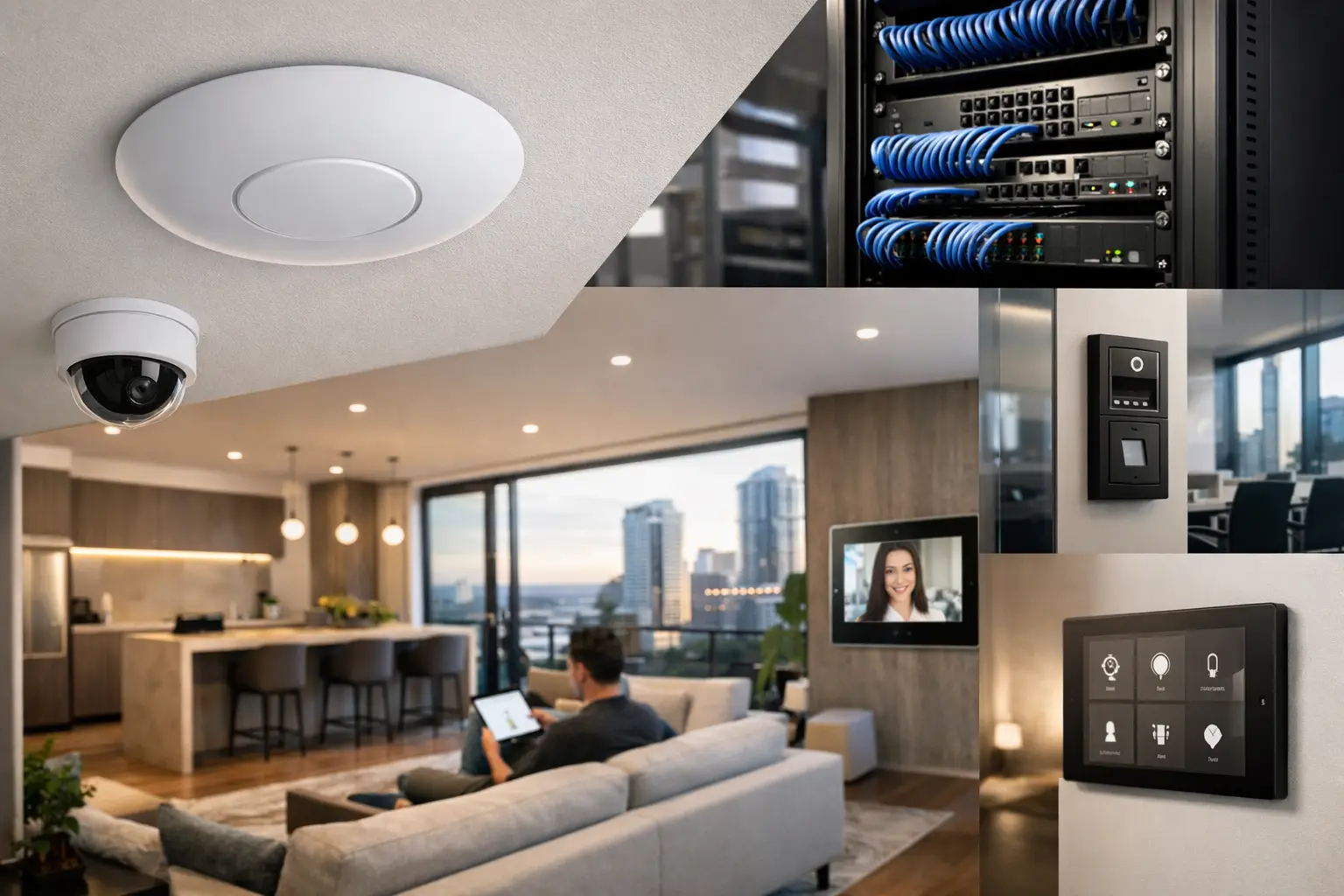
A network can look fine during a walkthrough and still fail where it matters: a video call drops in the home office, a wireless camera buffers at the gate, or point-of-sale devices lose connection during a busy period. A professional WiFi design guide starts with those real operating conditions, not with a count of access points. The goal is dependable coverage, predictable performance, and infrastructure that supports security, automation, AV, and daily work as one connected system.
Start With the Property, Not the Hardware
WiFi design begins with the building. Floor plans tell part of the story, but wall construction, ceiling materials, glazing, steel framing, cabinetry, services, and neighboring networks all affect radio performance. Concrete, brick, foil insulation, and metal can reduce signal significantly. An open-plan home may need fewer access points than a smaller property with dense masonry walls.
For commercial sites, the layout is only one variable. Warehouses have high ceilings, racking, moving stock, and large reflective surfaces. Medical and education environments may have many devices concentrated in certain areas. Offices often need reliable roaming between meeting rooms, workspaces, reception areas, and outdoor zones. A design should account for how people use the property, where they carry devices, and which systems cannot afford interruptions.
This is why a site survey or detailed design review is valuable before installation. It identifies likely weak areas and provides a plan for access point locations, cable paths, network cabinet space, power, and future expansion. Moving an access point after ceilings are closed or fit-out is complete is possible, but it is rarely the best outcome.
Coverage Is Not the Same as Capacity
A device showing a WiFi icon does not mean the network is performing well. Coverage describes whether a usable signal reaches an area. Capacity describes whether the network can support the number and type of devices active there at the same time.
A family home may have phones, tablets, laptops, TVs, streaming devices, wireless speakers, doorbells, cameras, appliances, lighting gateways, and Home Assistant or Apple Home integrations operating together. A business may add staff devices, visitor WiFi, access control, intercoms, printers, tablets, CCTV viewing stations, and cloud applications. The network needs to handle concurrent use, not just provide a signal in an empty room.
Access points should therefore be placed for the expected client density. A single centrally located unit may serve a compact apartment well. It is less likely to be sufficient for a multi-level home, a large outdoor entertaining area, or an office with several meeting rooms. Adding access points can improve performance, but only when placement, channel planning, and wired backhaul are addressed properly. More hardware is not automatically better.
Plan for high-demand areas
Give particular attention to spaces where people gather or where connected systems concentrate. In a residence, that may be a media room, home office, kitchen, outdoor area, or pool house. In a commercial property, it may be a boardroom, training room, retail floor, reception area, or warehouse dispatch zone.
Video conferencing, cloud backups, high-resolution streaming, and camera footage can create sustained demand. WiFi 6 and WiFi 7 access points can improve efficiency for modern device environments, but their benefit depends on the wired network behind them. An advanced access point connected to an undersized switch or poor cabling will still become a bottleneck.
Build the Wired Foundation First
The most reliable wireless network is built on structured cabling. Each fixed access point should ideally connect back to a managed network switch with Ethernet cabling, commonly Cat6 or higher depending on the project requirements. This gives the access point a stable data path and, through Power over Ethernet, can provide power over the same cable.
Wireless mesh can be useful where a cable run is genuinely impractical, such as a detached structure or a difficult retrofit location. However, it involves a trade-off. Mesh units use wireless spectrum to communicate with one another, which can reduce available capacity and introduce more variables. It should be a considered design choice, not the default substitute for cabling.
A properly planned rack or communications cabinet also matters. It creates a serviceable home for the router or gateway, managed switches, patch panels, UPS backup, security equipment, and automation controllers. For a connected property, this central infrastructure is not an afterthought. It is the foundation that allows UniFi networking, CCTV, access control, intercoms, and smart lighting to operate reliably together.
Separate Systems Without Making Them Difficult to Use
A professionally designed network should keep critical systems logically separate while allowing the integrations that are actually required. This is often achieved with VLANs, firewall rules, and purpose-built wireless networks.
For example, staff devices, guest devices, cameras, building automation, and access control equipment may sit on separate network segments. A guest network should provide internet access without exposing security cameras, NAS storage, or control systems. Cameras may need secure access to a recording system but no unrestricted outbound internet access. Automation platforms such as Home Assistant may need carefully defined communication with lighting, AV, or security devices.
Segmentation reduces risk and makes troubleshooting clearer. It also prevents a visitor’s phone, a poorly configured device, or an infected endpoint from having broad access to the property network. The key is practical configuration. Overly restrictive rules can break legitimate integrations, while an open flat network creates unnecessary exposure. Good design finds the appropriate balance for the site.
Security belongs in the network design
Network security is not limited to choosing a strong WiFi password. It includes managed equipment, current firmware, secure administrator access, firewall policies, protected remote access, and monitoring for unusual activity. Devices such as CCTV recorders, intercoms, and access control panels are operational systems. They should be installed with the same care as the network carrying business data or personal information.
For properties with remote management needs, secure access should be planned from the start. This avoids the common but risky practice of exposing devices directly to the internet. It also supports faster support when the network is designed, documented, and managed as a complete environment.
Design for Roaming, Not Just Signal Strength
People expect a call or video meeting to continue as they move through a property. That requires more than overlapping WiFi signals. Access points must be positioned and configured to support sensible roaming behavior, with channel selection and transmit power adjusted for the space.
Excessively high transmit power can be counterproductive. A phone may still detect a distant access point, but it may not roam promptly to a closer one. Too much overlap can also create interference. Conversely, access points spaced too far apart create dead zones and unstable handoffs. The correct settings depend on building materials, access point locations, client devices, and the level of mobility expected.
This is especially relevant in multi-level homes, long commercial corridors, large retail spaces, and sites with separate buildings. A post-install validation process should test the areas where users actually work, live, and move, rather than relying on a speed test beside the network cabinet.
Allow for Growth and Serviceability
A network should not be designed only for the devices present on installation day. Consider likely additions: more cameras, an EV charger, outdoor access points, a new office area, additional smart lighting, upgraded AV, or expanded access control. Leaving spare switch capacity, cabinet space, cable pathways, and conduit can reduce future disruption and cost.
Documentation is equally useful. Clear labeling, network diagrams, IP addressing records, and configuration backups make future service far more efficient. When a property has electrical, security, automation, AV, and networking systems, coordinated documentation helps every system remain manageable over its life.
A Better Result Comes From Integrated Planning
WiFi is often treated as a standalone utility installed after everything else. That approach can leave access points competing with lighting locations, cameras placed without reliable backhaul, and automation equipment added to a network that was never sized for it. Planning the network alongside structured cabling, electrical work, security, and smart-property systems produces a cleaner, more reliable result.
For new builds, this coordination should happen before walls and ceilings are closed. For renovations and existing properties, a careful survey can identify practical cable routes and phased upgrade options. Alpha Security Corp approaches connected properties this way: as systems designed to work together, not isolated devices added one at a time.
The most useful measure of a WiFi design is simple: the network should disappear into the background. Security systems stay connected, automation responds when expected, staff can work, residents can stream and communicate, and the infrastructure remains ready for what the property needs next.


