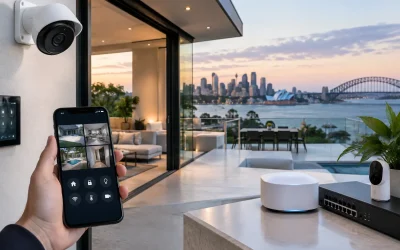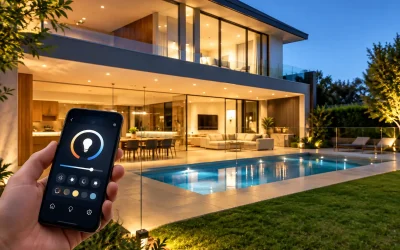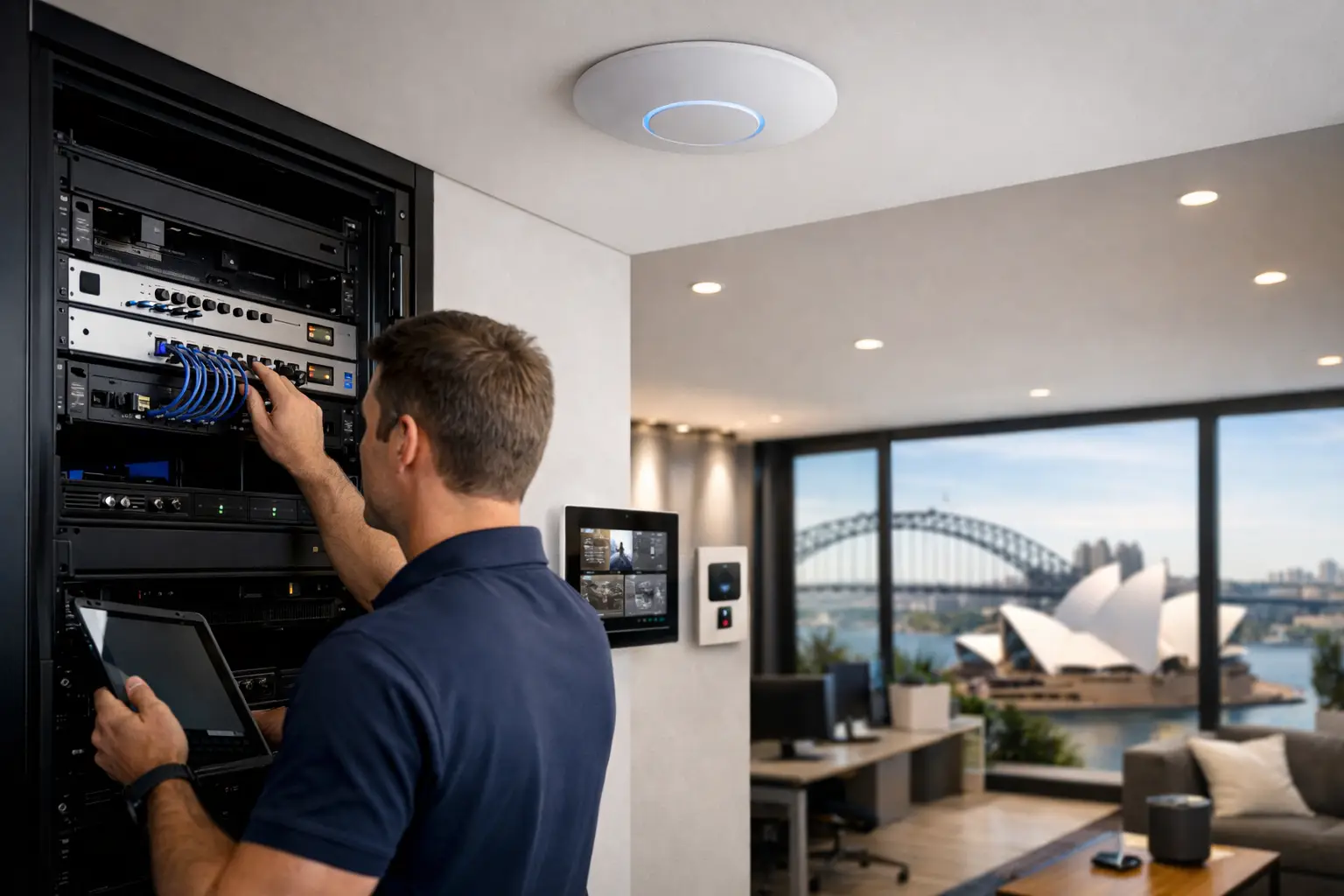
A fast internet plan does not fix dead zones in a concrete stairwell, unstable Zoom calls in a boardroom, or cameras dropping offline when everyone gets home and jumps on the network. That is where a professional wi-fi setup sydney property owners can depend on starts to matter – not as a luxury add-on, but as core infrastructure for how the building actually functions.
For most homes and commercial sites, Wi-Fi is no longer a standalone service. It carries video door stations, smart lighting, CCTV, alarms, access control, Apple Home, Home Assistant dashboards, televisions, tablets, laptops, printers, and cloud-based business systems. When the wireless layer is poorly planned, every connected system feels unreliable even when the devices themselves are perfectly capable.
Why professional Wi-Fi setup in Sydney needs proper design
The main mistake people make is treating Wi-Fi as a product purchase instead of a site design problem. A better router might improve one room, but it does not solve construction materials, floor layout, interference, client density, roaming behavior, or the placement of security and automation devices.
In a larger home, for example, the issue is rarely just signal strength. It is often the way devices move between access points, whether backhaul is wired or wireless, and whether the network has been segmented correctly for CCTV, guest access, and automation platforms. In an office, warehouse, clinic, or retail site, capacity and reliability matter as much as raw speed. The network has to support consistent performance across the entire floor plan, not just a speed test run next to the modem.
A properly designed wireless system starts with the building itself. Wall density, joinery, ceiling access, rack location, switch capacity, and cabling routes all shape the final result. That is why professional installations typically begin with a broader networking conversation rather than a single device recommendation.
What a professional Wi-Fi setup Sydney project should include
A reliable deployment usually combines structured cabling, business-grade switching, correctly positioned access points, and a router or gateway capable of handling modern traffic loads. In many premium residential and commercial environments, UniFi is a strong fit because it allows centralized management, thoughtful scaling, and clearer visibility across the network.
That said, the hardware brand is only part of the equation. The more important question is whether the system has been designed around how the property is used. A family home with streaming, gaming, HomeKit accessories, intercoms, and IP cameras has different needs from a strata common area, a medical office, or a retail tenancy with staff and guest traffic.
Coverage planning should also account for outdoor areas, detached structures, garages, pool zones, and gate intercom locations. These are often the first places where consumer-grade setups fail. The network may appear fine inside the main living area, then struggle at the driveway gate, rear office, or upstairs media room where performance actually matters.
Access point placement matters more than most people expect
One of the biggest differences between basic and professional Wi-Fi is access point placement. Too many installations cluster network gear wherever the internet service enters the building, even if that location is electrically convenient rather than strategically correct.
Wireless design works best when access points are placed where users and devices actually are. Sometimes that means ceiling-mounted units on each level. Sometimes it means additional coverage for outdoor entertaining areas, detached studios, or concrete-heavy sections of the property. In commercial sites, it may also mean separating front-of-house coverage from staff operations or stockroom areas.
There is a trade-off here. More access points are not always better if they are poorly configured, overlapping excessively, or competing on the wrong channel plan. Good coverage comes from balanced design, not simply adding hardware.
Cabling is the hidden part that makes Wi-Fi stable
Wireless systems still depend heavily on wired infrastructure. If access points are connected over proper Ethernet cabling back to a well-planned switch, performance is far more predictable than a mesh-only approach trying to relay traffic wirelessly between nodes.
This matters even more when the network also supports CCTV, intercoms, access control, VoIP, and automation controllers. A property with integrated technology should be built around structured cabling from the start, or carefully upgraded to include it during renovation. It is not glamorous, but it is one of the clearest differences between a network that feels professional and one that feels patched together.
The role of Wi-Fi in security and smart property systems
Wi-Fi problems rarely stay confined to internet browsing. In connected homes and commercial properties, they often show up as delayed camera notifications, intercom issues, smart lock lag, unreliable mobile control, or devices that randomly appear offline.
That is why networking should be planned alongside security and automation, not after it. A Bosch alarm panel, Dahua or Hikvision CCTV system, Akuvox intercom, Apple Home integration, or Home Assistant setup will always perform better when the underlying network is stable and segmented properly. The same applies to DALI-2 lighting gateways, AV systems, and wireless control devices that depend on low-latency communication.
If the network has no clear structure, troubleshooting becomes harder. A camera dropout could be a power issue, a switching issue, poor wireless reach, DHCP conflict, or congestion from unmanaged devices. With a professionally designed network, those variables are easier to isolate and manage.
Residential and commercial needs are not the same
In premium residential projects, Wi-Fi is often expected to disappear into the background. Owners want full-property coverage, clean handoff between spaces, reliable streaming, and stable performance for smart home systems without having to constantly reset devices or guess what has gone wrong.
Commercial clients usually need something more operational. They may require separate staff and guest networks, secure access for point-of-sale systems, stable connectivity for surveillance and access control, and the ability to expand as the tenancy changes. A warehouse or school site may also need broader coverage geometry and more attention to roaming and device density than a typical house.
Strata environments add another layer. There may be common-area cameras, entry systems, lifts, plant equipment, or shared communications rooms that rely on dependable network infrastructure. In those settings, a professional approach is less about convenience and more about continuity, accountability, and long-term serviceability.
When to upgrade instead of patching the old setup
There is a point where ongoing fixes cost more in frustration than a redesign. If the property has dead zones in predictable areas, mesh nodes placed as a workaround, intermittent camera faults, overloaded switches, or equipment from multiple generations with no central management, a staged upgrade is usually the better path.
That does not always mean replacing everything at once. In some projects, the right move is to start with cabling and switching, then install properly located access points, then segment security and automation systems onto a cleaner network structure. In others, especially new builds or major renovations, it makes sense to design the full stack together from day one.
The benefit of that integrated approach is straightforward. Your Wi-Fi is not competing with the rest of the technology in the building. It is supporting it.
Choosing the right provider for professional Wi-Fi setup in Sydney
A network installer should understand more than internet performance. They should be able to assess electrical constraints, rack layout, PoE requirements, structured cabling, security system traffic, remote management, and how wireless design affects the rest of the property.
That is especially relevant for projects where networking intersects with CCTV, intercoms, access control, smart lighting, and home automation. In those environments, the best result usually comes from a provider who can design the systems together rather than handing off responsibility between separate trades.
For Sydney homes, strata properties, and commercial sites, local building types also matter. Double brick construction, reinforced concrete, long floor plans, detached structures, and mixed indoor-outdoor living all affect wireless performance. A provider with real implementation experience will account for those conditions before hardware is specified.
Alpha Security Corp approaches networking as part of a broader connected property system – planned, installed, and supported as infrastructure rather than treated as an afterthought.
A good Wi-Fi network should not call attention to itself. It should simply give every security, automation, and business system in the property a stable foundation to work from, day after day.