A five-bedroom home can have premium lighting control, CCTV, Apple Home, multiroom audio, and fast internet at the street – then still fail at the one thing everyone notices first: bad Wi-Fi. That is why whole home wi-fi design Sydney projects need to start before devices are mounted and before joinery closes up walls. Once the network is treated as core infrastructure, everything connected to it works better.
For homeowners, builders, and renovators, Wi-Fi is no longer a convenience layer. It carries security cameras, intercoms, smart locks, streaming, voice control, remote access, work-from-home traffic, and the daily load of phones, tablets, TVs, and appliances. In a larger property, or one built with concrete, brick, stone, steel, or foil insulation, a single wireless router is not a design strategy. It is a bottleneck.
What whole home Wi-Fi design really involves
A proper Wi-Fi design is not just about adding more access points until dead spots disappear. Coverage matters, but so do capacity, roaming behavior, cabling pathways, rack layout, switch sizing, power requirements, and how the network is segmented for security and performance.
In practice, whole home wi-fi design Sydney homes benefit from usually starts with the floor plan and the materials used in construction. A double-brick federation home in the Inner West behaves very differently from a new concrete build in the Eastern Suburbs or a large multi-level residence on the North Shore. Signal does not move evenly through every wall and floor. Pool areas, garages, detached studios, and basements often need dedicated planning rather than being treated as an afterthought.
The best results come from designing around how the property is actually used. A media room with a large display, gaming console, and AV equipment may be better served with hardwired connections and nearby wireless coverage for handheld devices. A home office needs low-latency stability, not just a strong signal icon. Outdoor entertaining spaces may need coverage for music control, cameras, and mobile use without broadcasting too far beyond the property.
Why router-only setups fall short
Consumer all-in-one routers are built to do many jobs in one box. That is convenient for a small apartment, but larger homes and integrated smart properties ask much more from the network. One device trying to be the modem gateway, firewall, Wi-Fi access point, and switch often struggles once the device count rises.
The issue is not just range. It is contention. Cameras uploading footage, TVs streaming 4K content, video calls, cloud backups, and automation traffic all compete for airtime. Add a few smart devices with weaker radios and the network can begin to feel inconsistent even when internet speed tests look fine.
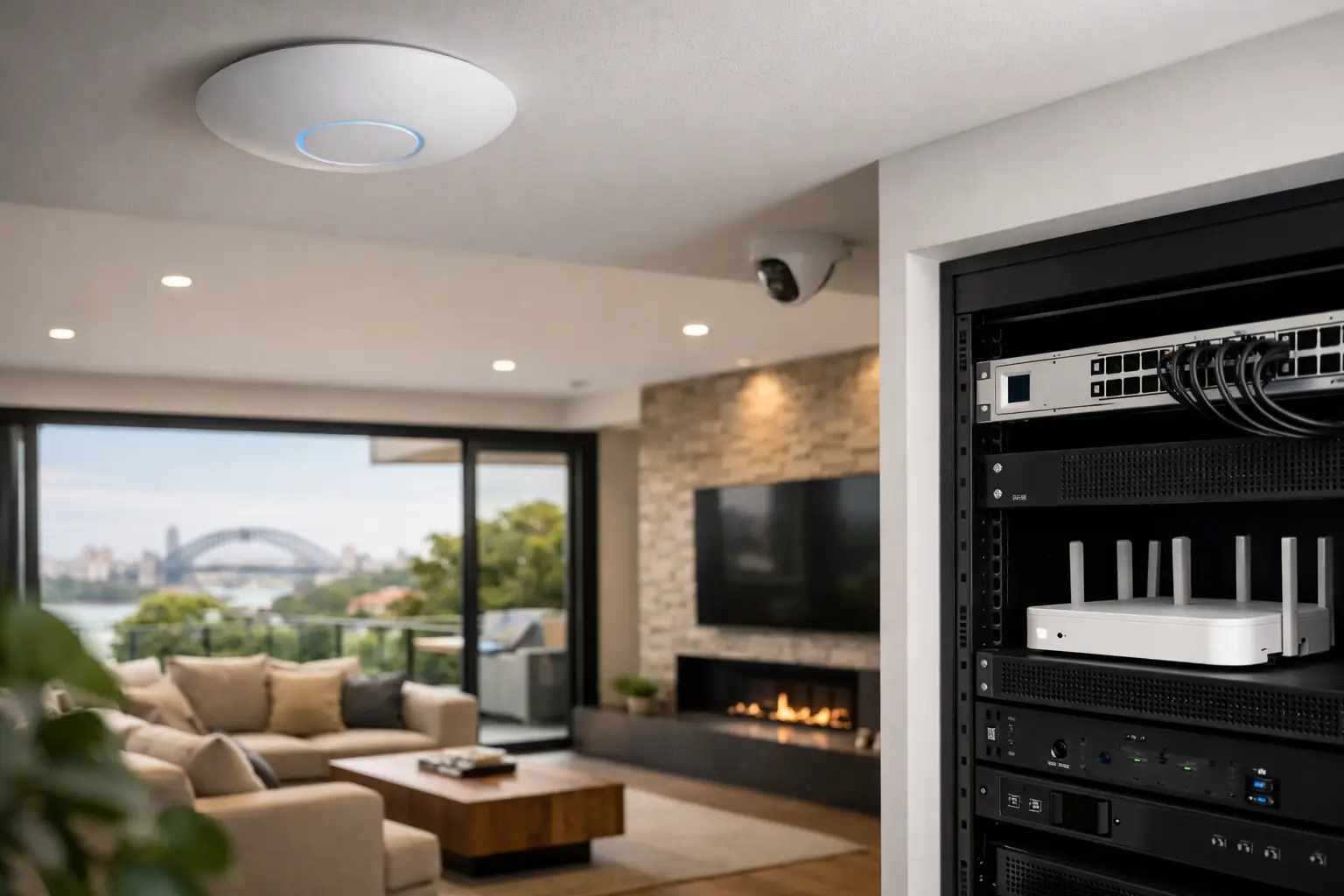
This is where professionally designed platforms such as UniFi make sense. Instead of one overworked router in a cupboard, the network is distributed across wired access points placed in the right locations, powered correctly, and managed as one system. That creates better roaming and more predictable performance. It also gives clearer visibility when troubleshooting, expanding, or securing the network later.
Access point placement matters more than most people expect
Wi-Fi design often fails because hardware selection gets more attention than placement. A premium access point mounted in the wrong spot can perform worse than a modest one in the right location.
Ceiling placement is usually preferred because it gives cleaner propagation and keeps the device out of the way, but it is not automatic. Ceiling height, room shape, building materials, and neighboring spaces all affect the result. In some homes, one centrally placed access point per zone is appropriate. In others, especially with dense construction or long floor plates, more cells with lower transmit power produce a better outcome than trying to blast signal from farther away.
That trade-off matters. Too few access points create weak areas and overloaded radios. Too many, especially if badly tuned, can create interference and poor roaming. Good design aims for overlap where needed, but not blanket saturation.
Cabling is what turns Wi-Fi into infrastructure
Wireless performance depends heavily on wired backbone. This is the part many projects underestimate.
Each access point should ideally be hardwired back to a properly planned network cabinet or rack. The same applies to cameras, intercoms, TVs, desktop workstations, wireless bridges, and many automation devices. Structured cabling reduces wireless congestion and gives fixed devices the stability they need. It also allows the wireless layer to serve mobile devices properly rather than carrying everything.
For new builds, this planning should happen early with electrical and low-voltage design. For renovations and retrofits, it takes more care, but there are still strong options if the project is assessed properly. Existing pathways, roof access, underfloor access, detached structures, and switch locations all influence what can be achieved cleanly.
A well-designed network cabinet also matters more than people think. Switch count, PoE budget, ventilation, UPS protection, patching, NVR placement, and internet termination all affect long-term reliability. If the rack is cramped, unventilated, or scattered across multiple ad hoc locations, support becomes harder and expansion becomes messy.
Whole home Wi-Fi should be designed with security and automation
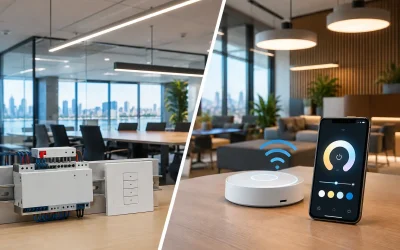
This is where integrated planning separates a professional network design from a basic internet upgrade. Wi-Fi does not live on its own. In modern homes and commercial spaces, it supports security, lighting, access control, intercoms, and automation.
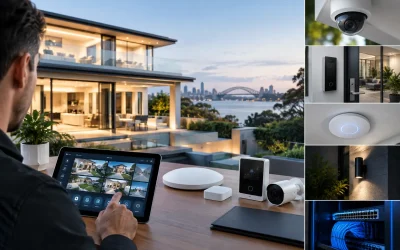
A CCTV system using Bosch, Dahua, or Hikvision devices has different traffic patterns and resilience needs than guest phones on a family network. An Akuvox intercom, Apple Home control devices, and a Home Assistant server each introduce their own network requirements. Smart lighting platforms such as DALI-2 and Zen Control may not be heavy on bandwidth, but they depend on stable network architecture and thoughtful system design to remain dependable.
Segmentation matters here. Separating trusted devices, guest access, cameras, and automation services can improve both security and troubleshooting. It also reduces the chance that one category of traffic affects another. For larger residences, strata environments, or mixed-use properties, this is not overengineering. It is simply good infrastructure practice.
Planning for Sydney homes means planning for real construction conditions
Sydney properties often present network design challenges that standard layouts do not account for. Older homes may have dense masonry, irregular additions, and limited internal pathways. New builds may include concrete slabs, lift cores, extensive glazing, metal roofing, and detached outdoor zones. Larger blocks often require attention to gates, pool houses, guest quarters, and boundary cameras.
That is why whole home wi-fi design Sydney homeowners invest in should be site-specific. A design that works in a lightweight two-story frame home may be wrong for a heritage renovation or a high-spec new build with extensive stone and steel. Even landscaping can matter when outdoor coverage is part of the brief.
For builders and architects, bringing network design into the conversation early prevents compromises later. Ceiling details, cabinetry, AV locations, risers, comms cupboards, and power availability all shape what the finished system can do. Waiting until handover usually means visible compromises, reduced coverage quality, or unnecessary rework.
The best network design leaves room to grow
A network should fit the property now, but it should also make sense three to five years from now. Device counts rarely go down. Security systems expand. Lighting control grows from a few scenes to a full-house strategy. Home offices become permanent. New wings, outdoor areas, and automation features get added.
Scalability does not mean overspending on hardware with no purpose. It means choosing a platform and layout that can expand cleanly. Spare switch capacity, well-labeled cabling, sensible rack space, and a managed network environment make future upgrades straightforward instead of disruptive.
This is especially important when the property includes more than Wi-Fi. If networking, security, electrical, AV, and automation are designed together, the end result is easier to manage and far more reliable in daily use. That integrated approach is where a company like Alpha Security Corp adds real value, because the network is built as part of the wider technology environment rather than treated as a standalone product.
A strong Wi-Fi system should disappear into the background. You should not need to think about where to stand for a video call, why the gate intercom drops out, or why the backyard camera struggles after dark. When the design is right, the network supports the way the property works – quietly, consistently, and without becoming the weak point in an otherwise well-finished project.