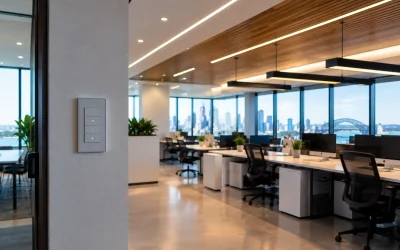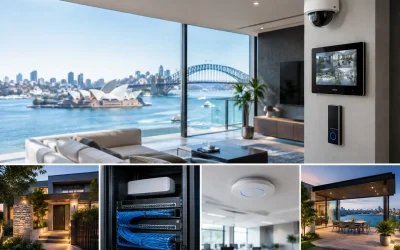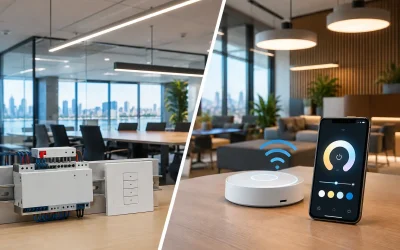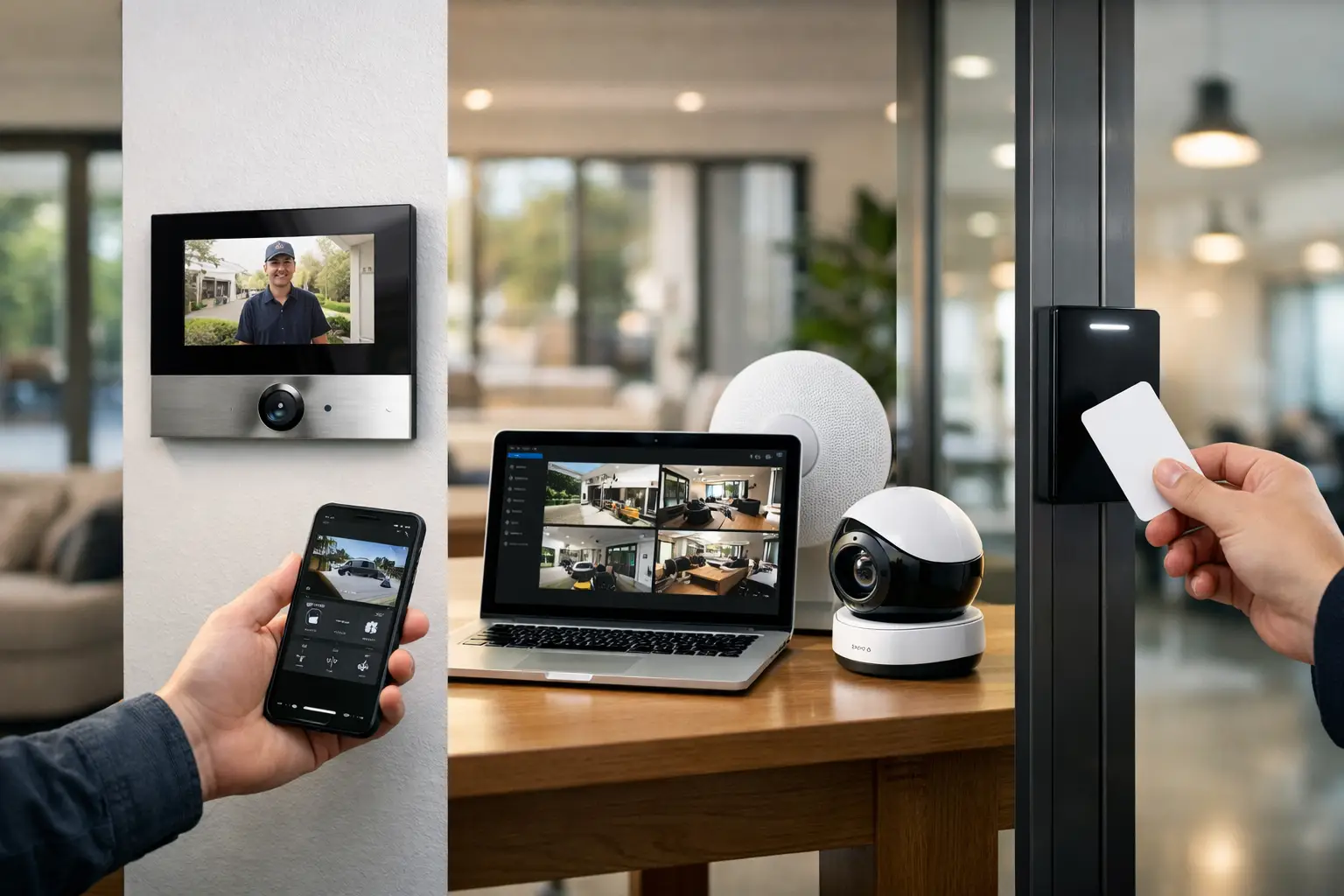
A manager receives an after-hours access alert. A homeowner checks a driveway camera while traveling. A strata committee needs to review who entered a shared plant room. In each case, remote access security systems are only useful when the video loads, the event history is accurate, and the connection itself is protected.
That standard requires more than adding an app to a camera, alarm panel, or door controller. Remote control depends on the quality of the underlying network, the way user permissions are designed, and whether every device has been planned as part of one connected property system.
What reliable remote access should deliver
A professionally designed remote security setup gives authorized users practical visibility and control without making the site easier to compromise. The objective is not to put every function on a phone. It is to provide the right person with the right information and controls at the right time.
For a residence, that may mean viewing AI-filtered camera events, checking whether the alarm is armed, answering an Akuvox intercom call, and receiving a notification if a gate is left open. For a commercial site, it may mean managing access credentials, reviewing CCTV footage, confirming alarm activity, and granting temporary access to contractors without distributing physical keys.
The difference is especially clear when an incident occurs. A useful system identifies the relevant event, preserves a clear audit trail, and lets an authorized decision-maker respond quickly. A poorly planned system sends excessive alerts, relies on unstable Wi-Fi, or exposes individual devices directly to the internet.
Remote access security systems begin with the network
Every remote security feature relies on the property network. Cameras, intercoms, access control panels, alarm communicators, network video recorders, and automation controllers all need dependable connectivity. If the network is treated as an afterthought, remote access becomes inconsistent long before the security hardware reaches its limits.
A business-grade UniFi network or equivalent managed platform provides a better foundation than a flat, unmanaged network. Devices can be separated using VLANs so that security equipment, office devices, guest Wi-Fi, and smart-home services do not all share the same environment. This limits unnecessary device-to-device access and makes faults easier to diagnose.
Structured cabling matters just as much. Wired Ethernet and Power over Ethernet are generally preferred for fixed cameras, intercoms, access points, and door controllers because they avoid the variability of wireless signal strength and battery maintenance. Wi-Fi still has a role for mobile devices and selected retrofit equipment, but it should be designed with coverage, capacity, and security in mind.
Remote access also depends on internet resilience. A single broadband connection may be adequate for a smaller home, while commercial sites, warehouses, healthcare facilities, or larger strata properties may benefit from backup connectivity. The right approach depends on the operational impact of losing remote visibility or communications.
Avoid direct exposure wherever possible
A camera or recorder should not be made remotely accessible simply by opening ports on a router and hoping that strong passwords are enough. Direct exposure increases the attack surface and can make a device a target for automated scanning attempts.
A safer design uses encrypted remote connections, secure vendor cloud services where appropriate, or a properly configured VPN. Multi-factor authentication should be enabled for administrative accounts and remote users whenever the platform supports it. Unique credentials are essential, particularly for installers, managers, and service providers who may require different levels of access.
Security also requires ongoing attention. Firmware updates, credential reviews, account removal when staff leave, and periodic checks of user permissions are practical maintenance tasks, not optional extras.
Permissions should reflect how the property operates
Not every user needs the same remote access. This is where integrated design becomes more valuable than a collection of standalone apps.
A homeowner may have full control of selected systems, while family members can receive alerts and use the intercom without accessing recorder settings. A property manager may need to view common-area cameras and manage approved access credentials, but not see footage from private tenancy areas. A facilities manager may need reports and door schedules, while a contractor receives a time-limited credential for one entrance only.
Modern access control platforms can support role-based permissions, schedules, audit logs, and credential revocation. Depending on the site, credentials may take the form of mobile access, cards, fobs, PINs, or biometric authentication. The best choice is based on the building, user volume, privacy requirements, and the consequences of a lost credential.
For example, mobile credentials reduce the need to issue and recover physical cards, but they rely on users maintaining a compatible phone and following account security practices. Cards and fobs are simple and familiar, but they must be tracked and deactivated promptly when lost. Many commercial systems use a combination to suit different users and contingencies.
Make CCTV alerts useful, not constant
Remote viewing is only part of CCTV management. The real value is receiving an alert that deserves attention and being able to verify it quickly.
AI-enabled cameras from platforms such as Dahua or Hikvision can distinguish people, vehicles, and other defined events more effectively than basic motion detection. This can reduce alerts caused by trees, shadows, rain, or passing headlights. Camera placement, lighting, field of view, and recording settings still matter. Analytics cannot correct a camera aimed too high, installed in poor lighting, or positioned where a subject cannot be identified.
For a home, a driveway, front entry, side access, and rear boundary may warrant different alert rules. For a commercial property, cameras may be configured around loading docks, staff entrances, cash handling areas, restricted rooms, and perimeter gates. The point is to align notifications with actual site risks rather than enabling every available alert.
Retention also needs planning. Higher resolution, longer recording periods, and more cameras require greater storage capacity and network bandwidth. A design should establish what footage must be retained, who can export it, and how recorded evidence is protected.
Connect security with the systems that support it
Security becomes more effective when it can coordinate with the rest of the property. This does not mean automating every action. It means designing useful responses that remain predictable under normal use and during an incident.
An intercom call can trigger a live camera view before a resident grants access. An access event at a commercial door can be paired with the relevant CCTV recording. When an alarm is armed, selected lighting scenes may turn off and doors can be checked for their expected status. When an alarm event occurs, exterior lighting can activate while appropriate notifications are sent to nominated users or a back-to-base monitoring provider.
Platforms such as Apple Home and Home Assistant can provide a clear interface for selected residential controls, while commercial security platforms retain the audit trail and permission structure needed for access control and monitored alarms. DALI-2 lighting and Zen Control can add reliable lighting integration in larger homes and commercial environments. The integration point should be deliberate: convenience controls should not weaken the controls required for security administration.
This is also why electrical and low-voltage planning should happen together. Door hardware, power supplies, emergency egress, network cabinets, camera locations, lighting circuits, and cable pathways affect one another. Solving them during a new build or major renovation is usually cleaner and more scalable than trying to conceal compromises later.
Plan for failure, service, and future changes
A remote system should continue to protect the site when an internet connection is unavailable. Local recording, local door operation, alarm communication paths, backup power, and safe egress requirements all need to be considered. Remote access is an additional capability, not the only way a security system should function.
The system should also be serviceable. Clear labeling, documented network settings, a sensible equipment location, and remote diagnostics reduce disruption when changes are needed. A site that adds staff, tenants, cameras, EV charging, smart lighting, or a new office area should not require the entire system to be rebuilt.
For complex properties, a design consultation is the right place to define remote access before equipment is selected. Alpha Security Corp approaches this as an integrated security, electrical, networking, and automation decision, because each layer affects the reliability of the next.
The most useful remote security setup is rarely the one with the most features. It is the one that gives people confidence: clear visibility when they need it, controlled access when it matters, and a system that continues to behave predictably as the property changes.