



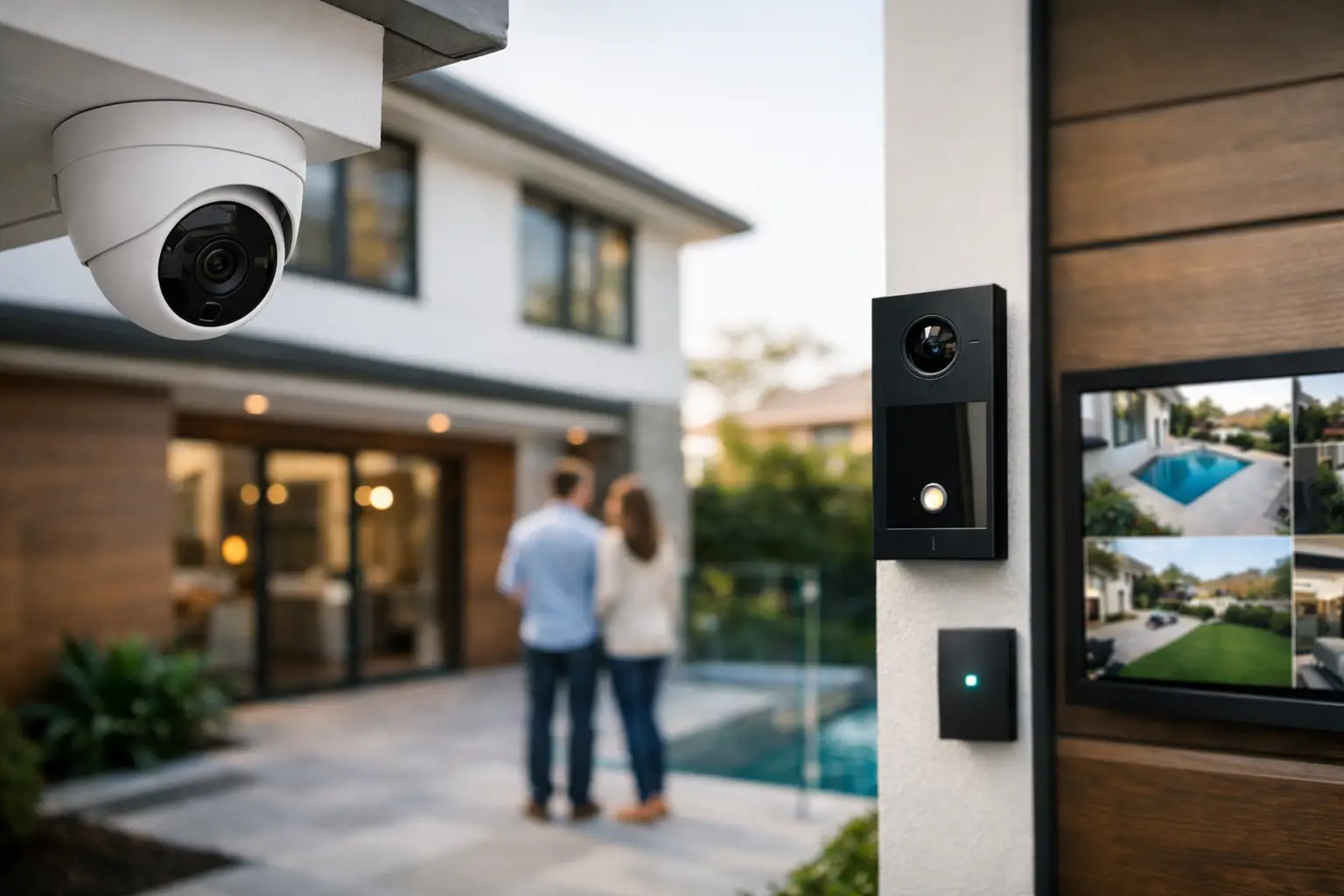
A camera mounted over the garage is easy. A residential security system with cameras that records clearly, alerts at the right time, stays online, and works with the rest of the home takes more planning.
That difference matters most in larger homes, renovated properties, and new builds where owners expect more than motion clips on a phone. They want reliable coverage, usable notifications, strong network performance, and controls that fit naturally into daily life. The best systems are not a stack of separate devices. They are designed as part of the property.
What residential security systems with cameras should actually do
A good system starts with deterrence, but deterrence is only one part of the job. Residential security systems with cameras should help you verify events quickly, protect likely entry points, preserve usable footage, and support a response when something goes wrong.
In practice, that means the camera layout needs to match the site. Front doors, driveways, side access paths, pool areas, rear boundaries, and garage entries all behave differently. A wide overview camera may help with context, while a tighter lens at a gate or front approach is often better for identification. More cameras do not automatically mean better coverage. Poorly placed cameras can leave blind spots and produce footage that looks busy but is not useful.
The system also needs to behave well day to day. If every tree movement or passing shadow triggers notifications, people stop paying attention. If the Wi-Fi struggles or recordings drop out, confidence disappears quickly. Good design is as much about reducing nuisance as it is about increasing visibility.
Why integration matters more than the camera spec
Many buyers begin with resolution – 2MP, 4MP, 8MP, night vision, analytics. Those details matter, but they are rarely the deciding factor in long-term satisfaction. Integration is.
A residential security setup works better when cameras, alarms, intercoms, lighting, and networking are considered together. If a camera sees movement at the front entry, exterior lighting may need to respond. If an alarm is armed away, camera notifications may need a different rule set. If someone rings the door station, the homeowner may want to view the camera feed and grant access from a single app or touch panel.
This is where platform choices become important. A well-designed system may combine CCTV from brands such as Dahua, Hikvision, or Bosch with intercom solutions like Akuvox, then tie usability together through Apple Home, Home Assistant, or a dedicated control interface. The point is not novelty. The point is practical control, reliable performance, and fewer disconnected apps.
The network is part of the security system
One of the most common mistakes in camera projects is treating the network as an afterthought. Cameras are now data devices. They depend on switching, cabling, power, remote access configuration, and stable internet behavior if off-site viewing is required.
For that reason, professionally installed systems often rely on hardwired infrastructure rather than consumer Wi-Fi wherever possible. Structured cabling gives cameras consistent bandwidth and power delivery, usually through PoE. A properly planned network using equipment such as UniFi can separate device traffic, improve reliability, and simplify management across the whole home.
This becomes even more relevant in larger properties. A home with cameras, door stations, smart lighting, media systems, access control, and work-from-home demands needs a network that can support all of it without conflict. If the backbone is weak, the camera system will often be blamed first, even when the real issue sits behind it.
New builds and retrofits need different approaches
The right solution depends heavily on whether the house is being built, renovated, or upgraded after completion.
In a new build, it makes sense to design security early. Camera positions can be coordinated with eaves, lighting plans, gate motors, intercom locations, rack space, and cabling routes. That produces a cleaner result and avoids visible shortcuts later. It also allows the owner to think beyond security alone. If the property is already getting structured cabling, audio visual, DALI-2 lighting control, or automation, there is value in making those systems work as one from day one.
Retrofits are different, but they are not second best. They simply require more care in equipment selection and cable pathways. Sometimes the right answer is a staged approach: fix the network first, install core camera coverage next, then add alarm integration, intercom, or automation once the backbone is ready. That approach is often better than forcing everything in at once and compromising on reliability.
Camera placement is a design exercise, not a shopping exercise
Homeowners often ask how many cameras they need. The better question is what they need to see, from where, and for what purpose.
A front entry camera should usually capture faces approaching the door, not just the top of someones head. A driveway camera may need to balance vehicle context with identification at night, which affects lens choice and mounting height. Side passages need attention because they are common approach routes, but they can be difficult to light evenly. Backyard coverage may be more about awareness and perimeter movement than detailed identification.
There are also privacy and usability considerations. Interior cameras can be valuable in selected spaces, especially near controlled entries or mudrooms, but they are not right for every household. Some clients prefer external-only coverage paired with alarm sensors inside. Others want internal verification zones that activate differently based on occupancy or schedule. It depends on how the home is used and how the owners want to interact with the system.
Storage, alerts, and evidence quality
Good footage is not only about what the camera sees live. It is also about what is retained and how easily it can be reviewed.
Professionally designed systems typically use a dedicated recorder rather than relying only on cloud clips. Local recording offers better continuity, more control over retention, and faster review of events. Cloud services can still have a role, especially for remote convenience or backup, but they should support the system rather than define its limits.
Alerting also needs restraint. Smart analytics can help distinguish people, vehicles, or line crossings from general motion, but analytics are only effective when camera angles and scenes are set correctly. A camera looking directly into headlight glare or heavy street traffic may create poor alerts no matter how advanced the software sounds on paper.
For homeowners who travel often, remote access becomes especially important. Secure configuration matters here. It is not enough to have an app. Access should be managed properly, the network should be protected, and the user experience should remain simple enough that the system is actually used.
Security works better when lighting and access are included
Cameras rarely perform at their best in isolation. Lighting, gates, doors, and user routines all affect the outcome.
A dark side path with inconsistent illumination will never give the same result as an entry that has been planned with both surveillance and visibility in mind. Exterior lighting scenes can support camera performance and also improve deterrence. Access control on gates, garages, or selected doors can reduce dependence on physical keys while adding auditability. Intercom integration adds another layer, especially in homes with detached entrances, guest access needs, or deliveries that require remote verification.
This is where integrated design stands apart from a basic install. If the property already includes Apple HomeKit or Home Assistant, security events can be used in a controlled way to drive lighting responses, occupancy logic, and notifications without turning the home into a gimmick. The system should feel predictable and useful, not busy.
Choosing the right residential security systems with cameras
The best residential security systems with cameras are rarely defined by a single brand or headline feature. They are defined by whether the system suits the property, the people using it, and the infrastructure supporting it.
A compact home may need only a focused set of exterior cameras, a dependable recorder, and basic alarm integration. A larger custom residence may justify perimeter coverage, intercom, gate control, integrated lighting response, remote access, and network segmentation across a full rack-based system. Neither approach is inherently better. The right answer depends on the site, risk profile, and expectations for daily use.
For owners building or upgrading in places like Sydney, where premium homes often combine security, automation, and complex networking in one environment, the biggest gain usually comes from planning early and using one specialist team that understands all of those layers together.
The most effective system is the one that still feels dependable a year later – when the alerts are relevant, the footage is usable, the network stays stable, and the whole property works like it was designed that way from the start.


